
Official statement
Other statements from this video 43 ▾
- □ Does the 15 MB Googlebot crawl limit really kill your indexation, and how can you fix it?
- □ Is Google Really Measuring Page Weight the Way You Think It Does?
- □ Has mobile page weight tripled in 10 years? Why should SEO professionals care about this trend?
- □ Is your structured data bloating your pages too much to be worth the SEO investment?
- □ Is your mobile site missing critical content that exists on desktop?
- □ Is your desktop content disappearing from Google rankings because it's missing on mobile?
- □ Does page speed really impact conversions according to Google?
- □ Is Google really processing 40 billion spam URLs every single day?
- □ Does network compression really improve your site's crawl budget?
- □ Is lazy loading really essential to optimize your initial page weight and boost Core Web Vitals?
- □ Has mobile page weight really tripled in just one decade?
- □ Does page weight really affect user experience and SEO performance?
- □ Does structured data really bloat your HTML and hurt page performance?
- □ Is mobile-desktop parity really costing you search rankings more than you think?
- □ Should you still worry about page weight for SEO in 2024?
- □ Is resource size really the make-or-break factor for your website's speed?
- □ Is Google really enforcing a strict 1 MB limit on images—and what does that tell you about SEO priorities?
- □ Does optimizing page size actually benefit users more than it benefits your search rankings?
- □ Does Googlebot really cap crawling at 15 MB per URL?
- □ Is exploding web page weight hurting your SEO? Here's what you need to know
- □ Is page size really still hurting your SEO in 2024?
- □ Are structured data slowing down your pages enough to harm your SEO?
- □ Does page loading speed really impact your conversion rates?
- □ Does network compression really optimize user device storage space, or is it just a temporary fix?
- □ Is content disparity between mobile and desktop killing your rankings in mobile-first indexing?
- □ Is lazy loading really a must-have SEO performance lever you should activate systematically?
- □ Does Google really block 40 billion spam URLs daily—and how does your site avoid the filter?
- □ Can image optimization really cut your page weight by 90%?
- □ Does Googlebot really stop at 15 MB per URL?
- □ Why is mobile-desktop parity sabotaging your rankings in Mobile-First Indexing?
- □ Is your page weight really slowing down your SEO performance?
- □ Does structured data really slow down your crawl budget?
- □ Does Google really block 40 billion spam URLs every single day?
- □ Should you really cap your images at 1 MB to satisfy Google?
- □ Does Googlebot really stop crawling after 15 MB per URL?
- □ Does site speed really impact your conversion rates?
- □ Is mobile-desktop mismatch really destroying your SEO rankings right now?
- □ Do structured data markups really bloat your HTML pages?
- □ Does page size really matter for SEO when internet connections keep getting faster?
- □ Is network compression really enough to optimize your site's crawlability?
- □ Can lazy loading really boost your performance without hurting crawlability?
- □ Does your website's overall size really hurt your SEO performance?
- □ Why does Google enforce a strict 1MB image size limit across its developer documentation?
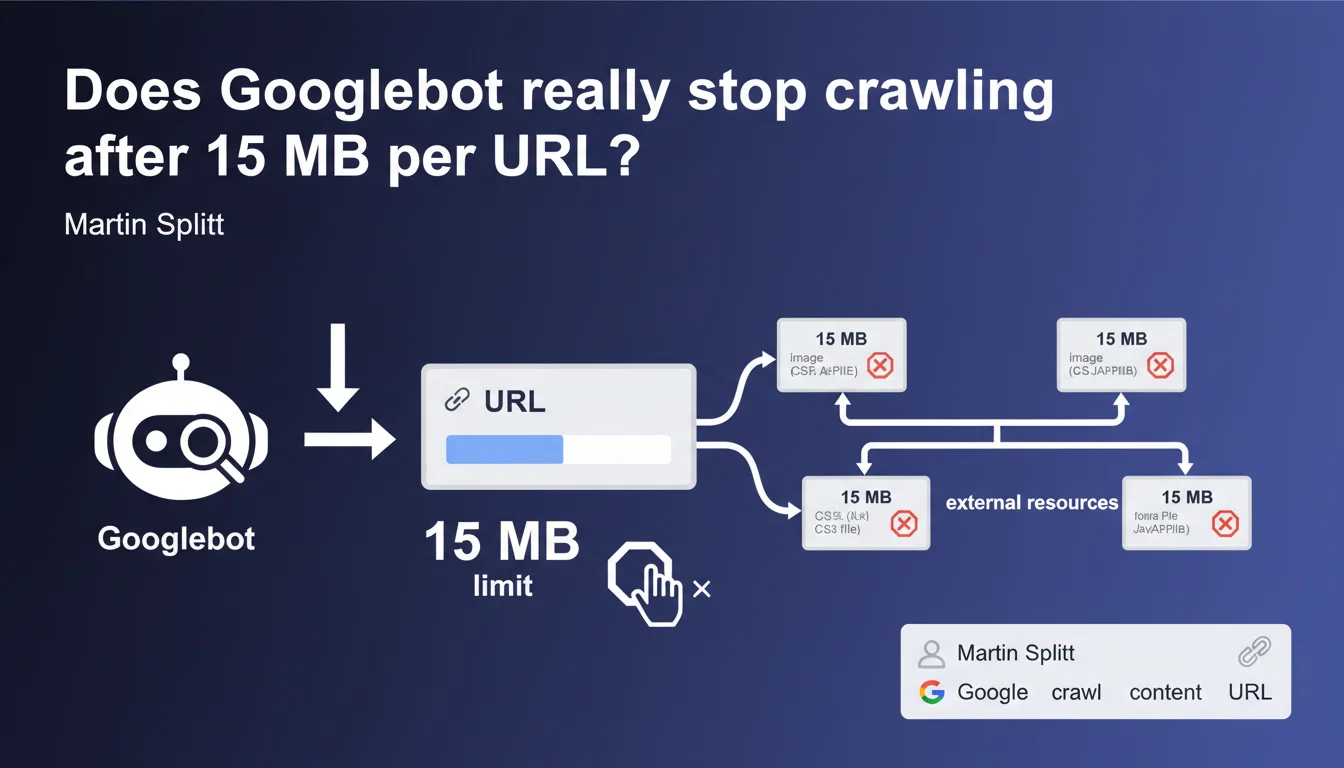
Googlebot enforces a strict 15 MB raw content limit per crawled URL. Beyond this threshold, the bot halts retrieval. This rule applies individually to each resource: HTML, CSS, JS, and images each have their own quota. Sites with large pages or heavy resources risk partial indexation.
What you need to understand
What exactly does this 15 MB limit mean?
The limit applies to raw uncompressed content fetched by Googlebot. When the bot downloads your HTML, CSS, JavaScript, or any other resource, it counts the bytes received. At 15 MB, it cuts the connection and moves on.
Critical point: each URL has its own counter. If your HTML page is 2 MB and references an 18 MB JavaScript file, the HTML will be fully crawled, but the JS will be truncated at 15 MB. The two budgets are separate.
Why does Google enforce this constraint?
Crawling is expensive in terms of resources — bandwidth, storage, and processing time. Google crawls billions of pages every day. Without strict limits, a poorly optimized site could monopolize disproportionate resources.
This rule also protects crawled sites: a bot downloading infinitely large files could overwhelm servers. The 15 MB limit remains generous for the majority of standard web pages.
Does this limit affect all types of content?
Yes, all resource types are affected: HTML, CSS, JavaScript, images, PDFs, videos. Each URL has its own 15 MB ceiling.
A frequent case: dynamically generated infinite pages. If your HTML continues loading content via infinite scroll without clear pagination, Googlebot may hit the limit before retrieving everything. Result: partial indexation.
- 15 MB per URL, not per entire page
- Applies to raw uncompressed content
- Each resource (HTML, CSS, JS, images) has its own quota
- Beyond that, Googlebot immediately stops downloading
- No carryover or cumulative counting between resources
SEO Expert opinion
Is this statement consistent with real-world observations?
Yes, and it confirms what many practitioners have suspected. Testing shows that Googlebot does indeed truncate oversized pages. HTML exceeding 15 MB sees its content cut off — often in the middle of a tag or paragraph.
The problem is that Google doesn't send explicit alerts in Search Console when this limit is reached. You discover the issue indirectly: unindexed content, missing sections in snippets, or incomplete crawl detected through logs. [To verify]: no official KPI directly reports this metric.
Which sites are truly affected by this limit?
Let's be honest: the majority of sites will never hit 15 MB per URL. A standard HTML page, even content-rich, rarely exceeds 500 KB to 2 MB. The real cases affected are edge cases.
E-commerce sites with endless listings injected as raw HTML, single-page applications (SPAs) loading all content at once, pages with thousands of lines of embedded JSON-LD, or news sites with infinite feeds. And that's where it gets tricky: these structures are often created without crawl considerations.
Could Google increase this limit?
Technically, yes. But the challenge isn't technical — it's economic and strategic. Google crawls efficiently by rationing resources. Universally increasing the limit would multiply costs without proportional benefit.
What's missing from this statement is any nuance on exceptions. Are there priority sites that benefit from higher limits? Google doesn't say. [To verify]: no public data confirms or denies the existence of variable quotas based on the site.
Practical impact and recommendations
How do you verify if your site exceeds the limit?
First step: analyze the size of your URLs. Use Chrome DevTools (Network tab) to measure uncompressed resource size. Watch out — the displayed "transferred" size is often compressed. Look at the "size" or "content length" column.
On the server side, examine your logs carefully. Search for Googlebot requests interrupted abruptly or HTTP 206 codes (partial content). If Googlebot cuts the connection before download completion, that's a red flag.
- Measure the raw uncompressed size of each URL with DevTools
- List HTML pages exceeding 5 MB — these are at-risk candidates
- Identify large third-party JS/CSS resources (> 10 MB)
- Analyze server logs to detect incomplete crawls
- Test actual indexation with targeted
site:searches on content near the end of pages
What corrective actions should you implement?
If your pages exceed or approach the limit, refactor the structure. Paginate long listings instead of loading everything at once. Externalize bulky data (massive JSON-LD, for example) into separate files if they're not critical for indexation.
For JavaScript, split your bundles. A monolithic 20 MB JS file is a problem. Code splitting, lazy loading, dynamic imports: all these techniques reduce initial weight. Googlebot will render better with lightweight, modular resources.
Should you rethink your technical architecture?
In some cases, yes. Poorly designed SPAs often generate a skeletal HTML, then inject everything via JS. If this JS exceeds 15 MB, Googlebot sees only an empty shell — or worse, randomly truncated content.
Server-Side Rendering (SSR) or Static Site Generation (SSG) become strategic allies. You deliver pre-rendered, lightweight HTML, avoiding dependency on massive JS resources. It's a technical undertaking, but the SEO impact is direct.
In practice: audit your oversized URLs, paginate or split heavy content, optimize your JS/CSS bundles, and monitor crawl logs. If your pages approach the limit, indexation is compromised.
These optimizations often involve front-end and back-end architecture changes. When technical challenges become complex — template refactoring, advanced code splitting, SSR — partnering with a specialized SEO agency can accelerate compliance while securing strategic choices. Precise technical diagnosis prevents costly mistakes.
❓ Frequently Asked Questions
La compression HTTP affecte-t-elle la limite de 15 Mo ?
Google me prévient-il si une URL dépasse la limite ?
Les images et vidéos comptent-elles dans les 15 Mo ?
Le lazy loading résout-il le problème pour les pages longues ?
Peut-on demander une exception à Google pour des sites spécifiques ?
🎥 From the same video 43
Other SEO insights extracted from this same Google Search Central video · published on 30/03/2026
🎥 Watch the full video on YouTube →
💬 Comments (0)
Be the first to comment.