
Official statement
Other statements from this video 43 ▾
- □ Does the 15 MB Googlebot crawl limit really kill your indexation, and how can you fix it?
- □ Is Google Really Measuring Page Weight the Way You Think It Does?
- □ Has mobile page weight tripled in 10 years? Why should SEO professionals care about this trend?
- □ Is your structured data bloating your pages too much to be worth the SEO investment?
- □ Is your mobile site missing critical content that exists on desktop?
- □ Is your desktop content disappearing from Google rankings because it's missing on mobile?
- □ Does page speed really impact conversions according to Google?
- □ Is Google really processing 40 billion spam URLs every single day?
- □ Does network compression really improve your site's crawl budget?
- □ Is lazy loading really essential to optimize your initial page weight and boost Core Web Vitals?
- □ Does Googlebot really stop crawling after 15 MB per URL?
- □ Has mobile page weight really tripled in just one decade?
- □ Does page weight really affect user experience and SEO performance?
- □ Is mobile-desktop parity really costing you search rankings more than you think?
- □ Should you still worry about page weight for SEO in 2024?
- □ Is resource size really the make-or-break factor for your website's speed?
- □ Is Google really enforcing a strict 1 MB limit on images—and what does that tell you about SEO priorities?
- □ Does optimizing page size actually benefit users more than it benefits your search rankings?
- □ Does Googlebot really cap crawling at 15 MB per URL?
- □ Is exploding web page weight hurting your SEO? Here's what you need to know
- □ Is page size really still hurting your SEO in 2024?
- □ Are structured data slowing down your pages enough to harm your SEO?
- □ Does page loading speed really impact your conversion rates?
- □ Does network compression really optimize user device storage space, or is it just a temporary fix?
- □ Is content disparity between mobile and desktop killing your rankings in mobile-first indexing?
- □ Is lazy loading really a must-have SEO performance lever you should activate systematically?
- □ Does Google really block 40 billion spam URLs daily—and how does your site avoid the filter?
- □ Can image optimization really cut your page weight by 90%?
- □ Does Googlebot really stop at 15 MB per URL?
- □ Why is mobile-desktop parity sabotaging your rankings in Mobile-First Indexing?
- □ Is your page weight really slowing down your SEO performance?
- □ Does structured data really slow down your crawl budget?
- □ Does Google really block 40 billion spam URLs every single day?
- □ Should you really cap your images at 1 MB to satisfy Google?
- □ Does Googlebot really stop crawling after 15 MB per URL?
- □ Does site speed really impact your conversion rates?
- □ Is mobile-desktop mismatch really destroying your SEO rankings right now?
- □ Do structured data markups really bloat your HTML pages?
- □ Does page size really matter for SEO when internet connections keep getting faster?
- □ Is network compression really enough to optimize your site's crawlability?
- □ Can lazy loading really boost your performance without hurting crawlability?
- □ Does your website's overall size really hurt your SEO performance?
- □ Why does Google enforce a strict 1MB image size limit across its developer documentation?
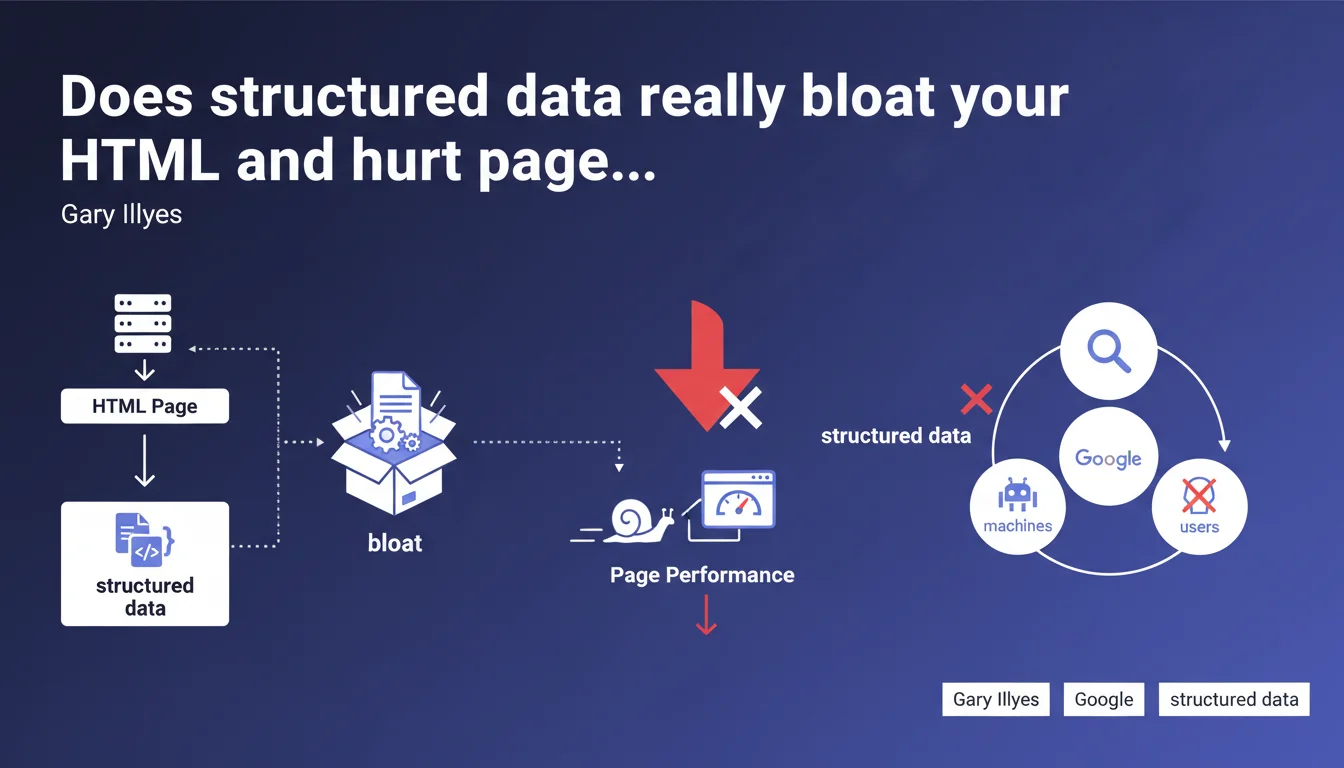
Gary Illyes confirms that adding structured data significantly increases HTML page weight, since these metadata are intended for machines rather than users. This code inflation raises the question of trade-offs between visibility in rich SERP results and technical performance.
What you need to understand
Why does structured data add so much bulk to HTML code?
Structured data (Schema.org, JSON-LD, microdata) are explicit metadata added to code so that Google and other search engines can precisely understand content. Unlike visible text that serves both the visitor and the bot, these markup tags only benefit machines.
A concrete example: an e-commerce product page with Schema Product markup can easily add 5 to 15 KB of JSON-LD — pricing, availability, ratings, images, variants. On a page initially lightweight (30-40 KB HTML), this represents an increase of 20 to 40% of raw file size.
Do all types of structured data have the same impact on file size?
No. A simple Breadcrumb weighs a few hundred bytes, while a detailed Recipe with ingredients, steps, nutrition facts, and reviews can exceed 10 KB. Nested schemas (FAQPage with 15 questions, Event with multiple offers) grow rapidly.
Google supports dozens of types — all documented in its official gallery — but their complexity varies enormously. The danger: stacking Product + Review + FAQPage + Breadcrumb + Organization without measuring cumulative impact.
Does this weight increase really affect performance?
Yes, on two fronts. First, download time: every additional kilobyte extends TTFB and slows rendering, especially on 3G/4G. Second, HTML parsing: the browser must analyze this extra code even if users never see it.
For Core Web Vitals, the effect remains indirect but real: bloated HTML delays LCP if critical resources are blocked, and can degrade FID if parsing monopolizes the main thread too long.
- Structured data adds invisible code intended only for search engines
- Impact ranges from a few hundred bytes (Breadcrumb) to over 10 KB (complex Recipe or Product)
- This weight increase affects download time and HTML parsing
- Google documents all supported types — but not all are equal in terms of file size
- Stacking multiple schemas can create significant code inflation
SEO Expert opinion
Is this statement consistent with real-world observations?
Absolutely. We regularly observe pages where HTML exceeds 100 KB — often due to poorly calibrated structured data overlays. The classic trap: implementing every available schema "just in case," without prioritizing those that deliver real business value.
The question Gary Illyes doesn't address here: at what threshold does this inflation become problematic? Google provides no specific number. [To verify]: is there a tipping point where weight increase cancels out the benefits of rich snippets? A/B tests show the impact depends heavily on visitor connection profiles.
Should you abandon structured data altogether?
Of course not. The real arbitrage lies in measuring the ROI of each schema. A Product schema with stars and price in SERPs mechanically boosts CTR — that's direct gain. A FAQPage that never appears in position zero but adds 8 KB? Questionable.
Let's be honest: many sites implement structured data by mimicry, without verifying if Google actually displays it. Search Console offers an "Enhancements" report showing detected types — but not their real impact on rich impression impressions.
What is the impact on crawl budget and indexation?
Heavier HTML consumes more server resources and Googlebot bandwidth. For a site with 10,000 pages, increasing from 40 KB to 60 KB average represents 200 MB extra to crawl — negligible for Google, but it matters for your infrastructure and crawl budget if you're on shared hosting or limited resources.
However, there's no evidence that Google directly penalizes bloated HTML due to structured data. The engine distinguishes visible code from metadata. What counts: consistency between visible content and structured data. A mismatch (displayed price ≠ schema price) can result in rich snippet removal, even manual action.
Practical impact and recommendations
What should you do concretely to limit file size increase?
First step: audit existing structured data. Use the Schema.org validator or Search Console to list all types present. Then check in Search Console and actual SERPs which schemas Google actually displays as rich snippets.
Remove anything that never appears or provides no measurable value. For example, a detailed LocalBusiness schema on every page of a national e-commerce site makes no sense — a global Organization in the footer is sufficient.
What technical mistakes should you avoid during implementation?
Never duplicate the same schema in multiple formats (JSON-LD + microdata). Prioritize JSON-LD: it's easier to maintain, debug, and can be loaded asynchronously or deferred if weight becomes critical.
Avoid unnecessary nesting. A Recipe doesn't need to include a full Organization with logo and sameAs if that info already exists in the global footer. Google consolidates data at the site level.
Watch out for plugins that auto-generate structured data: verify they don't create duplicates or obsolete schemas (Google has deprecated certain types like Speakable).
How do you measure real performance impact?
Compare HTML weight before/after implementation using Chrome DevTools (Network tab). If the increase exceeds 15-20%, test the impact on Core Web Vitals with PageSpeed Insights or WebPageTest.
For sites with high mobile 3G/4G traffic, every kilobyte counts. Use Chrome DevTools "Slow 3G" mode to simulate degraded connections and observe real slowdown.
- Audit all structured data types present on the site using Search Console
- Check actual SERPs to verify which schemas Google actually displays
- Remove redundant, duplicate, or never-exploited schemas by Google
- Prioritize JSON-LD in footer rather than inline microdata to limit visible weight
- Avoid complex nesting and duplicate Organization/Person schemas
- Measure HTML weight before/after with Chrome DevTools (Network tab)
- Test impact on LCP and FID with PageSpeed Insights in mobile mode
- Disable unnecessary auto-generated schemas from CMS plugins
❓ Frequently Asked Questions
Les données structurées en JSON-LD pèsent-elles plus lourd que les microformats ?
Google pénalise-t-il un HTML trop lourd à cause des structured data ?
Faut-il compresser ou minifier les données structurées JSON-LD ?
Peut-on charger les structured data de manière asynchrone pour limiter l'impact sur le LCP ?
Combien de Ko de structured data est acceptable sur une page produit e-commerce ?
🎥 From the same video 43
Other SEO insights extracted from this same Google Search Central video · published on 30/03/2026
🎥 Watch the full video on YouTube →
💬 Comments (0)
Be the first to comment.