
Official statement
Other statements from this video 29 ▾
- □ Does a bloated robots.txt file really hurt your SEO rankings?
- □ Does it really matter whether you submit your sitemap in robots.txt or Search Console?
- □ Do H1-H6 heading tags really still impact Google rankings?
- □ Is a strict heading tag hierarchy really necessary for SEO rankings?
- □ How long does Google actually take to fully process a domain migration?
- □ Can a site migration really boost your SEO rankings or destroy them completely?
- □ Does Googlebot really crawl from just one place when indexing your geo-targeted content?
- □ Can a noindex tag on geolocalized pages wipe your entire website from Google search results?
- □ Should you really ditch geo-redirects for a simple dynamic banner?
- □ How many location pages can you create before Google penalizes you for spam?
- □ Should you redirect mobile users to your app—and what are the hidden SEO risks?
- □ Do you really need to translate your pages word-for-word for hreflang to work effectively?
- □ Does the domain directive in your Disavow file really help you bypass Google's 2MB limit?
- □ Should you really use the Disavow tool only for purchased links?
- □ Should you noindex your internal search results pages to prevent spammers from creating backlinks?
- □ Does semantic HTML really boost your search rankings?
- □ Is AMP still a ranking factor in Google Search?
- □ Is AMP really a ranking factor for Google?
- □ Does removing AMP actually boost crawl on your regular pages?
- □ Should you test removing your Disavow file incrementally, or can you delete it all at once?
- □ Why do knowledge panels display differently across devices and search contexts?
- □ Does Google's synonym system really work without any human intervention?
- □ Do you really need to mark up ALL your content with structured data?
- □ Do you really need to display all FAQ schema questions visibly on your page?
- □ Can hidden accordion content really show up in featured snippets?
- □ Why does Google deliberately choose not to index your entire website?
- □ Should you delete pages to boost your site's indexation?
- □ Does search volume of anchor text really impact the value of your internal links?
- □ Should you really add unique content to your e-commerce product pages?
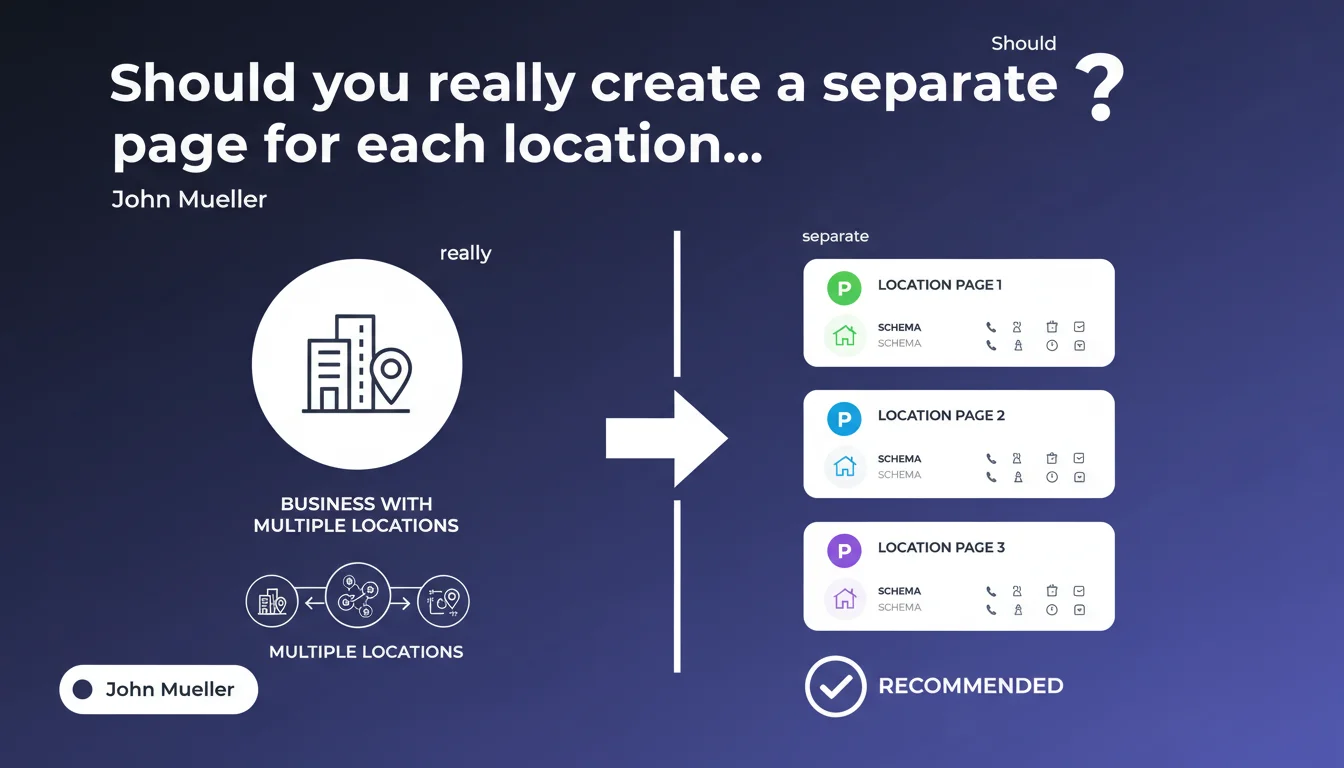
Google recommends creating a unique page for each business location, with its own individual Local Business schema including specific contact details. This approach prevents geographic signal dilution and improves local relevance for each establishment in search results.
What you need to understand
Why does Google insist on separate pages by location?
The logic is straightforward: each physical location has its own unique characteristics (opening hours, phone number, exact address). Grouping this information on a single page creates semantic confusion for search engines.
Google must be able to clearly associate a Local Business schema with a specific address. When multiple establishments share the same URL, the crawler cannot distinguish which information corresponds to which location. Result: your pages risk never appearing in relevant local search results.
What level of granularity should these separate pages have?
We're talking about one page per physical establishment, not per city or region. If you have three stores in Paris, you create three distinct pages — one per complete address.
Each page must have a unique URL, specific content (not disguised duplicate content), and its own Local Business schema. Simply adding a URL parameter or fragment is not enough: you need distinct, individually indexable HTML pages.
What elements must appear in each Local Business schema?
The bare minimum includes: name, address (in PostalAddress format), telephone, openingHours. But you can enrich it with geo (latitude/longitude), priceRange, image, description.
The key point? The schema data must exactly match the information visible on the page and in your Google Business Profile. Any inconsistency weakens Google's trust in your local signals.
- One page = one physical establishment with a unique address
- The Local Business schema must be individual and specific to each page
- Structured data must exactly match visible content and Google Business Profile
- Enriching the schema with geo, detailed hours, and images strengthens local signals
- Avoid duplicates: each page must have unique content describing the establishment
SEO Expert opinion
Is this recommendation aligned with real-world observations?
Yes, without question. Multi-location websites that opted for separate pages with individual schemas dominate local search results. Those attempting centralization lose geographic visibility.
Be aware though: creating separate pages is not enough. If the content is almost identical from one page to another (just the address changes), Google may ignore them or treat them as duplicates. You need real editorial effort on each page — location-specific descriptions, photos of the establishment, exact hours.
What common mistakes are observed despite this recommendation?
First classic error: duplicate schemas. Some sites include a global Organization schema with all addresses, then Local Business schemas per page. Result: total confusion for Google, which no longer knows which entity to prioritize.
Second pitfall: empty location pages. A URL created solely for the schema, with no substantial content, no internal backlinks, no traffic. Google eventually deindexes them or relegates them to lower results. A location page must be a real landing page with useful content.
In what cases does this rule not strictly apply?
For businesses without physical presence open to the public (customer service, support center, head office), the Local Business schema is not always relevant. Instead, prioritize Organization schema with areaServed to indicate your service areas.
Similarly, for franchises where each outlet is independently managed, it is often more appropriate to let each franchisee manage their own page and schema — rather than centralizing everything on the corporate site. [To verify] based on contractual model and architecture decisions made with Google Business Profile.
Practical impact and recommendations
What exactly should you do to comply with this recommendation?
First, audit your current architecture. List all your establishments and verify each has a dedicated URL. If you use a single page with a location selector, you need to rethink your site structure.
Next, create or optimize each location page with unique content: location-specific description, local photos, possibly customer testimonials, upcoming events. The Local Business schema complements this content, it doesn't replace it.
- Create a unique, indexable URL per physical establishment
- Implement an individual Local Business schema on each page with name, address, telephone, openingHours
- Verify consistency between schema, visible content, and Google Business Profile
- Enrich each page with unique content (description, photos, exact hours)
- Add geo (latitude/longitude) in the schema to strengthen geolocation
- Avoid generic phone numbers or identical hours everywhere
- Test with Google's Structured Data Testing Tool to detect errors
- Monitor each page's performance in Google Search Console (local queries, impressions, CTR)
What mistakes should you absolutely avoid?
Don't mix global Organization schema and Local Business schemas on the same page. If you have an Organization schema for the brand, place it on the homepage only, not on location pages.
Another frequent error: forgetting to update hours in the schema when they change. A customer arriving at a closed door because the schema showed "open" sends a negative signal to Google — and for your local reputation.
How do you verify your implementation is correct?
Use Google's Rich Results Test on each of your location pages. Verify that no errors or warnings appear. Ensure the schema is correctly detected as "Local Business" and not as a generic type.
Next, check in Google Search Console that your pages are indexed and starting to generate impressions on local queries. If a page remains invisible after several weeks, it's often a content insufficiency or duplicate problem.
❓ Frequently Asked Questions
Puis-je utiliser un seul schema Organisation avec plusieurs adresses au lieu de schemas Local Business séparés ?
Est-il obligatoire d'avoir une fiche Google Business Profile pour chaque localisation si j'utilise le schema Local Business ?
Que faire si plusieurs établissements partagent le même numéro de téléphone ou les mêmes horaires ?
Comment gérer les établissements temporaires ou saisonniers dans le schema Local Business ?
Faut-il créer une page distincte pour un point de retrait ou un distributeur automatique ?
🎥 From the same video 29
Other SEO insights extracted from this same Google Search Central video · published on 14/01/2022
🎥 Watch the full video on YouTube →
💬 Comments (0)
Be the first to comment.