
Official statement
Other statements from this video 3 ▾
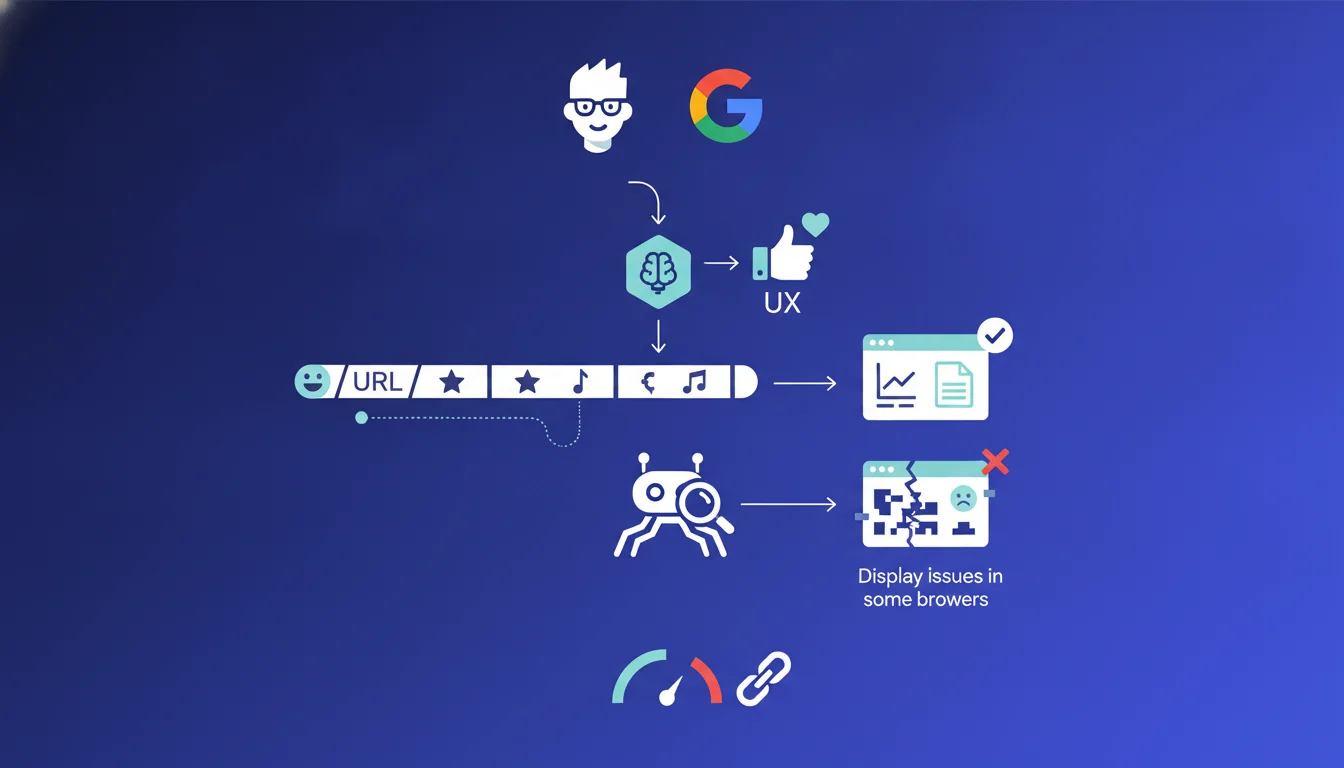
Google confirms that Googlebot can read and process URL paths with special characters encoded in UTF-8, including emojis. Therefore, there is no risk of crawl or indexing penalties from the search engine. The real issue lies elsewhere: variable readability across browsers, questionable application compatibility, and the risk of a degraded user experience when sharing or copying links.
What you need to understand
Does Googlebot really handle all UTF-8 characters in URLs?
Gary Illyes' statement confirms that Googlebot correctly reads and interprets URL paths encoded in UTF-8, whether they contain accented letters, Chinese characters, or even emojis. UTF-8 encoding transforms these characters into machine-readable sequences: an emoji becomes a string of percentages and hexadecimal numbers.
Specifically, if your CMS generates a URL like /products/👟-running-shoes, Googlebot will crawl it without any issues. On the server side, it will be encoded as %F0%9F%91%9F-running-shoes. Google does not apply any technical penalties on these URLs: they are indexable, rankable, and will pass PageRank just like any other.
Why does Gary Illyes mention a risk of unreadability?
Because the issue is not on the Googlebot side, but on the browser and third-party applications side. Some older HTTP clients, monitoring tools, or even desktop browsers display the raw encoded URL instead of the decoded character. The result: a link shared on Slack, via email, or in an Excel spreadsheet can appear as unreadable gibberish.
This degradation of the user experience indirectly impacts SEO: a link that is less clickable, less memorable, or broken when manually copied reduces potential traffic. Google will not penalize you, but your users might ignore you.
Which special characters really cause issues in practice?
Emojis are the extreme example, but the question also applies to all non-ASCII characters: French accents (é, è, à), German umlauts (ü, ö), Cyrillic, Arabic, and Japanese characters. Most modern CMS automatically handle these, but some old systems or poorly configured server settings can generate 404 errors or looping redirects.
A common case: URLs with non-encoded spaces or improperly escaped reserved characters (#, ?, &, =). Googlebot handles them as long as they comply with RFC 3986, but third-party tools (analytics, SEO crawlers) may interpret them as delimiters and truncate the URL. The result: polluted analytics data, skewed crawl reports.
- Googlebot correctly reads UTF-8 encoded URLs, including emojis and special characters
- No direct SEO penalty related to the use of these characters for indexing or ranking
- Risk of unreadable display in some browsers, analytics tools, or third-party applications
- Indirect UX impact: less shareable, clickable, memorable URLs if displayed in encoded form
- Variable compatibility depending on systems: some poorly configured CMS or servers can generate errors
SEO Expert opinion
Is this statement consistent with on-the-ground observations?
Yes, in principle. Crawl tests show that Googlebot follows and indexes URLs containing UTF-8 characters without issue. I have personally checked on multilingual websites in Russian, Arabic, and Chinese: no penalties detected, and the pages rank normally. The Google robot has been reliable on this point for years.
However, the part about the 'risk of unreadability' is underestimated. This is not just a cosmetic detail. I have seen link-building campaigns fail because URLs with emojis appeared broken in partner tracking tools, or clients abandoning accented URLs after finding that their Google Analytics reports poorly grouped encoded/decoded variants. [To be verified]: Google has never published numerical data on the actual UX impact of these URLs on organic CTR.
What nuances should be added to this statement?
Gary Illyes says 'Googlebot can read', but he does not say 'you should use'. Crucial nuance. Technically feasible does not mean strategically relevant. Emojis in URLs are a marketing gimmick that may work for a one-time viral campaign, but never for a permanent structure.
Another point: the statement only concerns the path part of the URL, not the domain. IDNs (Internationalized Domain Names) follow different rules, with Punycode encoding on the DNS side. Confusing the two can lead to server configuration errors. Finally, some CDNs or poorly configured reverse proxies may corrupt UTF-8 URLs in transit: prior testing in a production environment is essential.
In what scenarios does this rule not apply?
As soon as you deal with legacy systems or third-party APIs. Many e-commerce platforms, ERPs, or advertising tracking tools do not properly handle UTF-8 in URL parameters. The result: broken links, lost conversions, unusable analytics data. I have seen a website lose 30% of its organic traffic after migrating to accented URLs, not because of Google, but because their old redirect system messed up the encoding.
Another limitation: social sharing protocols. Facebook, Twitter, LinkedIn generally decode UTF-8 URLs well, but some mobile clients or older OS display gibberish. If your strategy relies on viral sharing, it’s better to stick with pure ASCII.
Practical impact and recommendations
Should you use special characters in URLs?
The short answer: no, except for very specific cases. Google technically tolerates them, but the risks of compatibility and UX degradation far outweigh the hypothetical SEO benefits. A standard ASCII URL slug remains the safest choice for 99% of projects.
Legitimate exceptions: multilingual sites where translated URLs truly enhance user comprehension (e.g., Cyrillic URLs for a Russian site), or one-off marketing campaigns where the emoji serves as a visual signature. Even in these cases, plan for an ASCII fallback in canonical or alternate.
How can I verify that my site properly handles UTF-8 encoding?
First, test in a development environment. Create a page with a URL containing accented or special characters, then check: display in the address bar of Chrome, Firefox, mobile Safari; crawl via Screaming Frog or Oncrawl; monitoring in Google Search Console and Analytics; sharing on Slack, email, social networks.
Also, check the HTTP headers and canonical tags. Some CMS generate canonicals with encoded URLs while the HTML displays the decoded version, creating inconsistencies. Ensure your 301 redirects handle encoded/decoded variants properly without generating chains or loops.
What mistakes should be avoided at all costs?
Never mix encodings in the same hierarchy: either all in ASCII or all in consistent UTF-8. Partial migrations create duplicates and dilute PageRank. Another trap: forgetting to test third-party tools (CRM, ad platforms, email marketing) that may break the URLs at the slightest exotic character.
Also, avoid emojis in the URLs of strategic pages (homepage, main categories, SEO landing pages). Reserve them for temporary promotional pages with a short lifespan. Finally, never rely on special characters to improve ranking: Google ignores them in the URL text relevance algorithm.
- Prioritize standard ASCII slugs for any permanent structure
- Test UTF-8 encoding across the entire technical stack before deployment
- Verify the consistency of canonicals/redirections/sitemaps with special characters
- Check display in all key browsers and sharing applications
- Provide an ASCII fallback for critical URLs if using special characters
- Document encoding policy in the site's editorial guidelines
❓ Frequently Asked Questions
Les emojis dans les URLs améliorent-ils le ranking Google ?
Puis-je utiliser des accents dans mes URLs sans risque SEO ?
Comment Google Search Console affiche-t-il les URLs avec caractères spéciaux ?
Les URLs UTF-8 posent-elles problème pour le crawl budget ?
Dois-je rediriger mes anciennes URLs ASCII vers des versions avec accents ?
🎥 From the same video 3
Other SEO insights extracted from this same Google Search Central video · duration 12 min · published on 14/10/2026
🎥 Watch the full video on YouTube →
💬 Comments (0)
Be the first to comment.