
Official statement
Other statements from this video 3 ▾
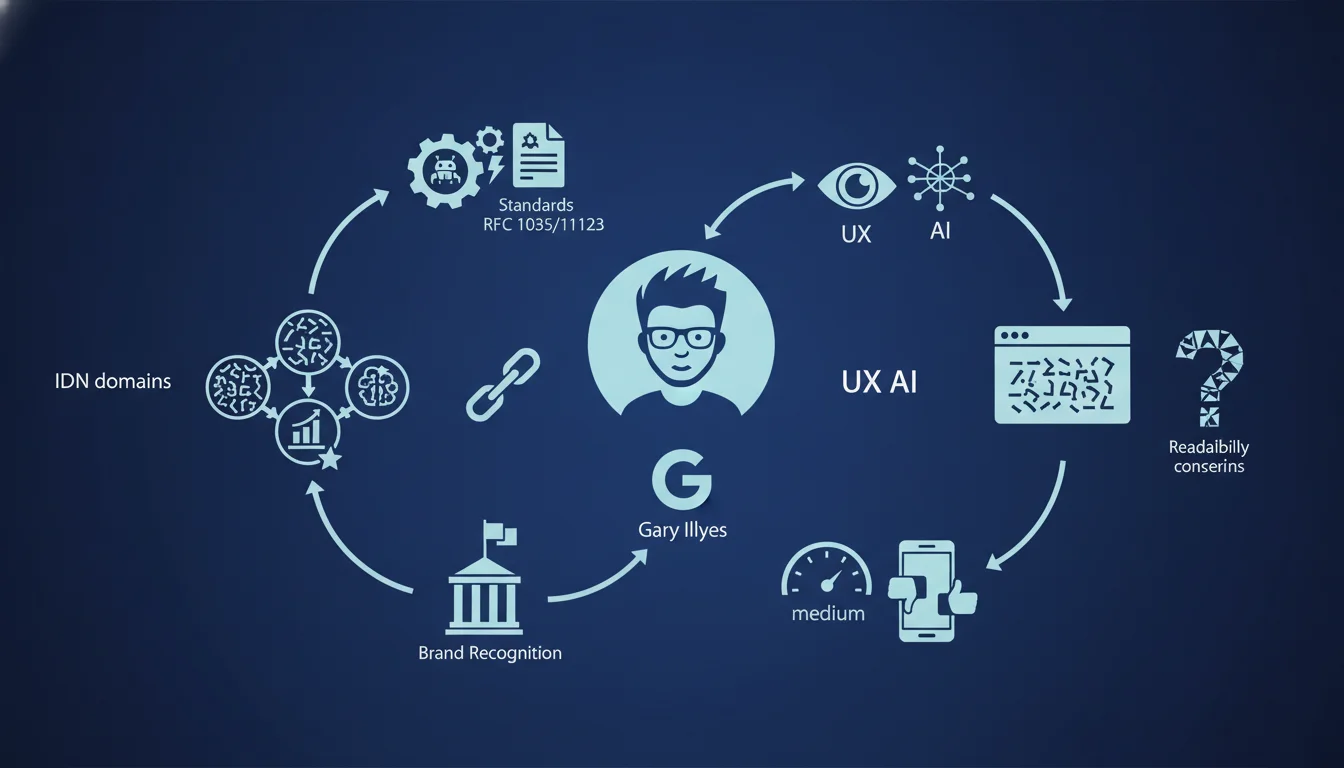
Google adheres to RFC standards 1035 and 1123, allowing internationalized domain names (IDNs) with non-English characters. These IDNs can enhance local brand recognition and make it easier for non-English-speaking audiences to remember. However, be cautious about technical readability and potential confusion risks for users struggling to grasp these URLs.
What you need to understand
What does Google really mean by internationalized domain names?
Internationalized domain names (IDN) allow the use of language-specific characters in the website's main URL. For instance, a Russian site can be called кремль.рф instead of kremlin.rf, an Arabic site can include Arabic characters, and a Chinese site can use logograms.
Google states it follows the RFC 1035 and 1123, two technical standards that govern the structure of domain names. These standards define how DNS servers should interpret and resolve these addresses. The addition of IDN support was made through the Punycode standard, which converts Unicode characters into an ASCII sequence compatible with existing DNS infrastructure.
How do search engines handle these domains?
Googlebot crawls IDNs exactly like any other domain. Punycode conversion happens in the background: xn--80aqhlgjfk.xn--p1ai is the technical version of кремль.рф. Ranking algorithms do not inherently penalize or favor an IDN over a Latin domain.
The difference comes down to user signals and memorability. A Chinese user will remember 北京.中国 more easily than beijing.cn. Direct click-through rates may increase, as well as brand mentions. However, regarding backlinks, many foreign webmasters still prefer to link to Latin URLs for ease of typing.
What technical limits should you be aware of?
All recent browsers support IDNs, but some older email clients or tools still struggle to display them correctly. Some users end up seeing an incomprehensible Punycode URL instead of the attractive name in local characters.
More concerning are the homographic phishing risks. A Cyrillic character visually resembling a Latin character can deceive users. Google Chrome and Firefox have tightened their display rules to limit this attack vector. As a result, in certain contexts, the browser will show the Punycode version instead of the IDN, nullifying the readability advantage.
- IDNs are technically supported by Google according to RFC 1035 and 1123, with no algorithmic penalty.
- The main advantage is local brand recognition and memorability for non-English-speaking audiences.
- User confusion risk: Punycode display in some browsers or clients, typing issues for third parties.
- Caution regarding backlinks: international webmasters sometimes hesitate to link to non-Latin character URLs.
- Phishing caution: browsers may force Punycode display to prevent homographic attacks.
SEO Expert opinion
Does this statement align with observed practices in the field?
Yes, compliance with RFC 1035 and 1123 is not new; Google has been applying it for years. Tests show that Googlebot indexes IDNs without issues, treats them like any other domain, and ranks them according to the usual criteria of relevance and authority.
Where it becomes problematic is the gap between technical theory and real-world usage. Chinese sites in .中国 or Russian sites in .рф exist but remain minority. Why? Because the practical drawbacks often outweigh the theoretical memorability advantage. Sharing a non-Latin character URL on Twitter, via email, or in a PDF creates friction. Many marketers prefer a classic .com to avoid these hassles.
What nuances should be added to Google's statement?
Google states it can be beneficial for local brand recognition. Translation: it's a gamble. If your audience is 100% local, monolingual, and you are only targeting the domestic market, an IDN can indeed enhance the perceived closeness.
However, once you reach an international audience, even marginally, you complicate the matter. Backlinks from English-speaking or multilingual sites will be rarer. Mentions in foreign press often display the Punycode version, which is less engaging. [To verify]: no public study quantifies precisely the differential SEO impact between an IDN and its Latin equivalent in identical markets.
When can an IDN become counterproductive?
If your site targets multiple countries or languages, an IDN in a single language becomes a barrier to expansion. Imagine a Russian e-commerce site in .рф that later wants to target Poland, Germany, and France. The URL loses all readability outside Russia.
Another scenario is in technical or B2B sectors where decision-makers juggle multiple languages. A Russian CIO who communicates daily in English often prefers a classic .com domain, easier to share with international partners. Finally, if your marketing budget relies on display campaigns, ads, or cross-border affiliate work, an IDN will complicate tracking and integration with third-party tools that are not always Unicode-friendly.
Practical impact and recommendations
Should I migrate to an IDN if my audience is 100% local?
Not necessarily. Before migrating, measure the potential ROI: how many users directly type your URL? How many remember it after a radio or TV ad? If 80% of your traffic comes from Google and 15% from clicked direct links, the impact of an IDN will be marginal.
However, if you are building a strong local brand with a lot of direct traffic and word-of-mouth, an IDN can indeed facilitate memorability. Start by testing with a subdomain or a variant, properly redirect with a 301, and compare engagement and conversion metrics over 3-6 months.
What technical errors should be avoided with an IDN?
The first error: forgetting that SSL certificates must also support the IDN. Ensure your CA (certificate authority) issues certificates for both the Unicode version and the Punycode version. The second error: neglecting redirects. If backlinks point to the Punycode version, make sure your server config appropriately redirects to the chosen canonical URL.
The third trap: analytics and CRM tools. Some older tools poorly encode non-ASCII URLs. You risk losing granularity in your reports or breaking tracked user journeys. Test your entire technical stack before moving to production. Finally, prepare a clear communication plan: explain to your users why the URL is changing, how to enter it, and where to find it.
How to check compatibility and optimize an IDN site?
Start with a DNS audit: ensure that the A, AAAA, MX records are correctly configured for the Punycode version. Use tools like MXToolbox or DNSChecker to test resolution from different countries.
Next, check the Search Console: Google should recognize your IDN without errors. Submit an XML sitemap with URLs in Unicode; Google will convert them internally. Ensure that crawling goes well, without unusual 4xx or 5xx errors. Also, test how it appears in the SERPs: does your IDN appear in local characters or in Punycode? This depends on the browser and search region.
- Test the display of the IDN in Chrome, Firefox, Safari, and Edge on desktop and mobile.
- Check the compatibility of SSL certificates with both Unicode and Punycode versions.
- Set up proper 301 redirects between Punycode and Unicode versions if needed.
- Audit analytics, CRM, and emailing tools to detect encoding issues.
- Submit an XML sitemap with Unicode URLs in the Search Console.
- Compare engagement metrics (bounce rate, session duration, conversions) before/after migration if applicable.
❓ Frequently Asked Questions
Google pénalise-t-il les IDN par rapport aux domaines classiques ?
Un IDN améliore-t-il le CTR organique dans les SERP locales ?
Les backlinks vers un IDN ont-ils la même valeur qu'un domaine latin ?
Peut-on mélanger plusieurs scripts dans un même IDN ?
Faut-il rediriger la version Punycode vers la version unicode ou l'inverse ?
🎥 From the same video 3
Other SEO insights extracted from this same Google Search Central video · duration 12 min · published on 14/10/2026
🎥 Watch the full video on YouTube →
💬 Comments (0)
Be the first to comment.