
Official statement
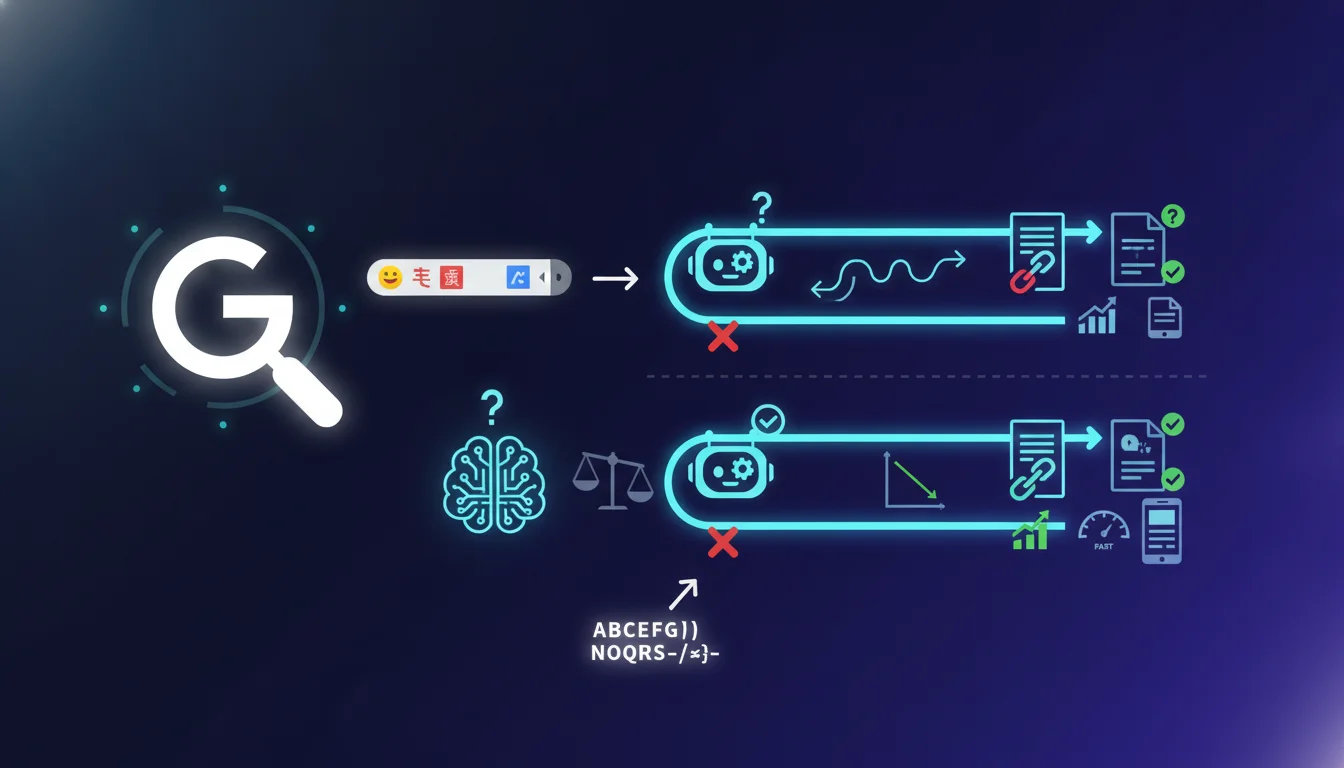
Google confirms that Googlebot can technically handle URLs containing emojis, Chinese characters, or accents, but notes that their behavior remains unpredictable. For SEO practitioners, this means consistently prioritizing standard ASCII characters to ensure stable indexability and avoid random display bugs. Technical tolerance does not equate to strategic validation.
What you need to understand
Does Googlebot really know how to handle special characters in URLs?
Yes, technically, Google's indexing robot can crawl and process URLs that fall outside the standard ASCII framework. This includes emojis (🚀), Chinese ideograms, accented letters (é, ñ, ü), and other Unicode symbols.
The issue isn't the total inability to interpret them, but the unpredictability of the behavior that results. Google does not say that it never works, but that it can fail randomly depending on the context, browser, server, or DNS configuration.
Why does Google mention unpredictable behavior?
URLs containing non-ASCII characters are supposed to be encoded in Punycode (for internationalized domain names) or percent-encoding (for paths). However, not all systems uniformly adhere to these standards.
The result: a URL with an emoji might display correctly in Chrome, crash in Safari, generate a 404 on the server side, or be misinterpreted by certain third-party tools (SEO crawlers, analytics platforms, backlinks). Google is aware of this and refuses to guarantee that display and indexing will be consistent everywhere.
What does it mean to recommend standard characters?
Google clearly states: if you want to avoid surprises, stick to alphanumeric characters, dashes, and underscores. No fancy stuff. No trendy emojis to look good in the SERPs.
This recommendation does not stem from a limitation of Googlebot, but from the fact that the web ecosystem (servers, browsers, tracking tools) remains fragile when it comes to exotic characters. SEO does not control this entire environment, so it’s wiser to limit risks.
- Googlebot technically processes URLs with emojis, accents, or Chinese characters.
- Behavior remains unpredictable based on technical context (browser, server, encoding).
- Google recommends sticking to standard ASCII characters to ensure consistent indexability and display.
- The problem lies not just with Google, but with the entire web infrastructure that poorly manages these characters.
- Risks include: 404 errors, broken display, loss of backlinks, analytics bugs.
SEO Expert opinion
Is this statement consistent with real-world observations?
Yes, absolutely. We have seen sites with accented URLs functioning without issues for months, then crash after a server migration or a CMS change. Unpredictability is no legend.
Emojis in URLs, in particular, pose compatibility problems with certain CMSs (WordPress sometimes encodes strangely), certain hosting providers (Nginx vs Apache handle UTF-8 differently), and especially SEO reporting tools that display broken characters. The result: you lose clear traceability of your pages.
When can special characters still be used?
For internationalized domain names (IDN), it’s sometimes strategically justified: a Chinese site gains local credibility with a domain in Chinese characters. But even there, you need to plan for an ASCII backup version (the Punycode domain) for tools that don’t follow.
For URL paths (the /path/to/page/), there’s no solid SEO justification. The benefits for human readability (a rocket emoji in the URL) are anecdotal compared to the real technical risks: chaotic canonicalization, backlinks lost along the way, failing redirects. [To be verified]: no studies have shown a measurable positive impact on CTR from emojis in URLs displayed in SERPs.
Could Google improve this handling in the future?
Technically, yes. But it depends as much on Google as on the evolution of web standards (HTTP/3, universal encodings). For now, Google is covering itself by saying, "we manage, but we guarantee nothing".
In practice, nothing suggests they will suddenly make emojis in URLs perfectly reliable. The web is a patchwork of aging technologies, and harmonizing all of that would take years. It’s better not to bet on it for your client projects.
Practical impact and recommendations
What should you do concretely for your existing sites?
Audit your current URLs with a crawler (Screaming Frog, Oncrawl) filtering for non-ASCII characters. If you find any, check that they index properly (Search Console) and do not generate intermittent 404 errors.
If everything works today, don’t panic immediately. But anticipate: during a migration, server change, or redesign, these URLs are likely to break unexpectedly. Plan clean redirects to ASCII equivalents well before the big day.
How to structure your new URLs to avoid any risk?
Simple: banish emojis, accents, and exotic characters from URLs from the design stage. Use slugs in lowercase, dashes, and strictly alphanumeric characters. For French content, change "éléphant" to "elephant" and "ça" to "ca".
If you’re managing a multilingual site with non-Latin languages (Chinese, Arabic, Japanese), favor URLs in transliterated English or numeric identifiers rather than native characters. Yes, it’s less cool locally, but technical stability takes precedence over aesthetics.
What tools can be used to detect encoding issues?
Screaming Frog and Sitebulb can filter URLs containing non-standard characters. On the server side, check the Apache/Nginx logs to spot 400 or 404 errors related to encoding. Google Search Console can also flag non-indexed URLs due to invalid format.
Test your exotic URLs in several browsers (Chrome, Firefox, Safari) and on mobile. If you see differences in display or faulty redirects, it’s a warning signal to clean up your structure.
- Audit your URLs with Screaming Frog filtering for non-ASCII characters.
- Check in Search Console the indexing of URLs containing emojis or accents.
- Systematically transform accents into ASCII equivalents for all new content.
- Avoid emojis in slugs, even for a trendy effect or hypothetical CTR gain.
- Plan clean 301 redirects before any migration if exotic URLs exist.
- Test your URLs in various browsers and SEO tools to detect encoding bugs.
💬 Comments (0)
Be the first to comment.