
Official statement
Other statements from this video 16 ▾
- □ Should you really do a 1:1 migration without changing anything during a domain switch?
- □ Does Google really ignore most of your structured data markup?
- □ Does adding descriptive text around your images really boost their rankings in Google Images?
- □ Do you really need to publish every day to improve your Google SEO?
- □ Does word count really matter for SEO rankings?
- □ Do keywords in URLs still have an impact on SEO?
- □ Do images really consume your crawl budget at the expense of your strategic pages?
- □ Can you really launch two nearly identical websites without risking a Google penalty?
- □ Why must your JavaScript links absolutely use A tags with valid href attributes?
- □ Does audio content on a page actually influence your Google ranking?
- □ Should you really avoid modifying meta tags with JavaScript?
- □ Are Google's algorithm updates really that different from penalties?
- □ Why does Google only communicate about a fraction of its algorithm updates?
- □ Do structured data really improve your Google rankings?
- □ Is it really a mistake to combine noindex and canonical on the same page?
- □ Are structured video data really just about getting your content indexed?
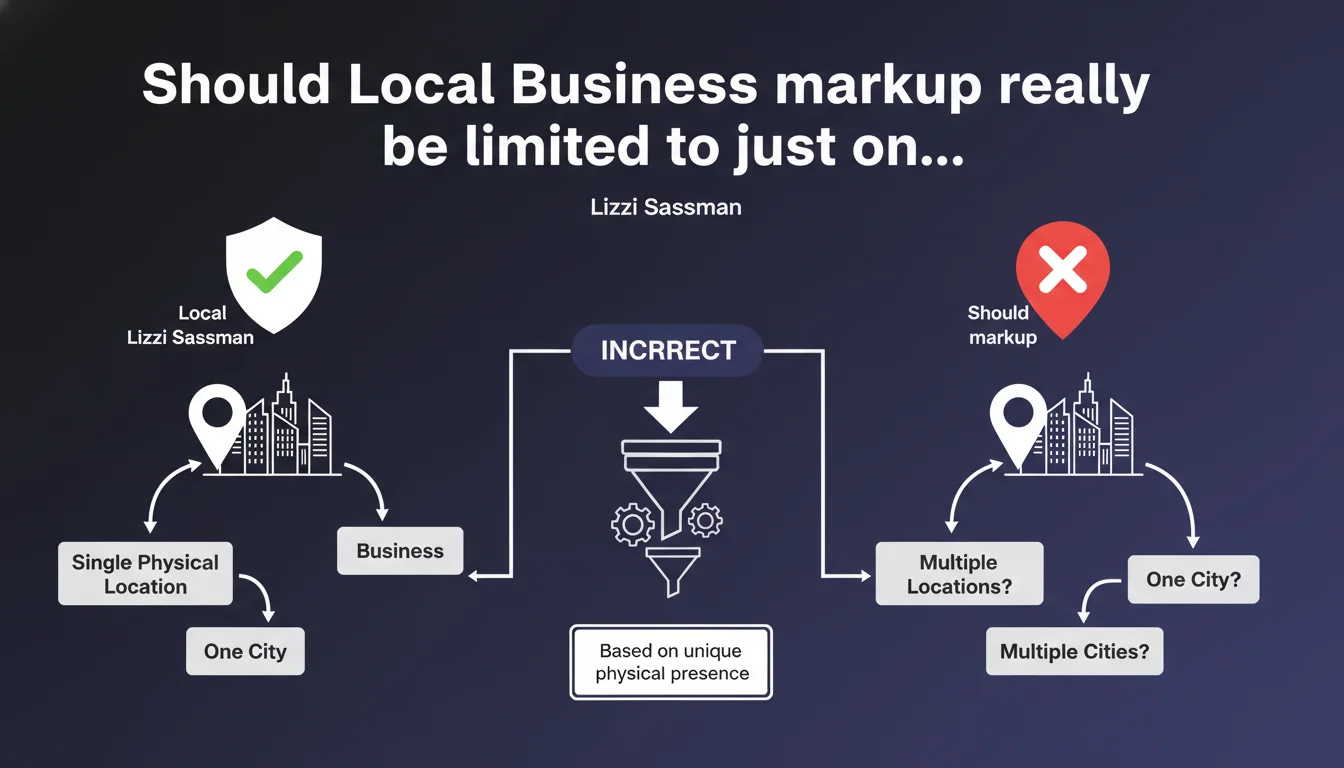
Google confirms that Local Business markup should only appear for businesses with a real physical location, and only for the city where that location exists. Translation: you're prohibited from using this schema markup for multiple virtual locations or vague service areas. The impact is direct on multi-location strategies and home-based services.
What you need to understand
Why does Google insist on this geographic limitation?
The answer comes down to one word: consistency. Google wants Local Business markup to reflect exactly what a user can physically verify. If your business has an address on Rue de Rivoli in Paris, the schema can only concern Paris — not the suburbs, not the entire Île-de-France region.
This statement targets abuse above all else. Some sites were multiplying Local Business tags to cover dozens of cities without actually having a real location in each one. Google's objective is to clean up structured data to improve the relevance of its local results and rich snippets.
What actually constitutes a "physical location" according to Google?
Google doesn't provide an ultra-precise definition here — that's exactly where it gets tricky. Does a shared office count? A simple mail drop? [To verify] The statement remains vague on these edge cases.
What we can affirm: a simple phone number or service area isn't enough. You need a place where the customer can theoretically go, even if the activity happens primarily from home or online. The determining criterion remains the possibility of physical access.
How does this rule work with Service Area Business?
This is the essential nuance. Google offers two types of markup: Local Business for storefront businesses, and Service Area Business for companies that travel to the customer (plumbers, movers, etc.).
If your activity covers multiple cities but has only one office, you must use Service Area Business with the service area — not multiply Local Business tags. The confusion between these two schemas accounts for 80% of the errors observed in practice.
- Local Business markup requires a verifiable physical location
- One city per physical location — no generalization to an entire region
- Multi-location businesses must create a dedicated page per actual location
- Home-based services fall under the Service Area Business schema, not Local Business
- The distinction between these two markup types is crucial for compliance
SEO Expert opinion
Does this statement actually reflect the practices observed in the SERPs?
Let's be honest: Google enforces this rule in an uneven way. You still regularly find Local Business markup in local search results for dozens of cities without real physical presence. Some have been flying under the radar for years.
That said, observations show that Google gradually penalizes these abuses when detected. Not necessarily through manual action, but simply by ignoring the markup. Result: you lose rich snippets, stars in the SERPs, and potentially local ranking. The risk isn't theoretical.
What gray areas does Google fail to clarify here?
First unclear point: coworking spaces. You have a physical address, real access, but it's shared with 50 other businesses. Does Google accept this setup? Practice suggests yes, as long as the address is declared on Google Business Profile. But no official confirmation.
Second murky area: businesses with multiple locations but a single website. Do you need to create subdomains? Subdirectories? A landing page per city? [To verify] — the statement doesn't settle it. On-the-ground experience leans toward dedicated pages with unique URLs and distinct markup per location.
Can you work around this limitation for multi-location strategies?
Working around it? No. Optimizing intelligently? Yes. If your business actually covers multiple cities with real offices, you're perfectly legitimate in creating one page per location with its own Local Business markup. It's even recommended.
The trap to avoid: mechanically duplicating content with just the city name changing. Google detects that immediately. Each local page must have unique content, specific customer reviews, distinct contact information — in short, real local identity. It's more work, but it's the only approach that's both compliant and effective.
Practical impact and recommendations
What do you need to audit immediately on your site?
First reflex: open Google Search Console and check for structured data errors. If Google detects inconsistencies between your Local Business markup and your actual coordinates, you'll see alerts. That's the signal to take action.
Next, inventory all your pages with Local Business markup. For each one, ask yourself the hard question: do I have a real physical location in this city? If the answer is no, remove the markup or switch to Service Area Business depending on your model.
How to restructure a multi-location site to stay compliant?
If you have multiple legitimate locations, create a clean architecture: a dedicated page per location, with a distinct URL (/city-X/, /city-Y/). Each page carries its own Local Business markup with exact coordinates.
For service businesses without a fixed office, abandon Local Business and implement Service Area Business with the areaServed property. You can list all covered cities without risking penalties. It's less visually impressive in the SERPs, but it's compliant.
What technical errors should you eliminate as a priority?
Classic mistake: putting the same Local Business markup in the footer on every page of your site. Google interprets that as an attempt at manipulation. The markup should be contextual — present only on pages that actually correspond to a location.
Another trap: listing a generic city or region in the addressLocality field. This field expects a specific city — Paris, Lyon, Marseille — not "Île-de-France" or "PACA". Even if your activity spans an entire region, the Local Business markup only concerns your exact physical address.
- Check each page with Local Business markup and confirm the existence of a real physical location
- Remove or correct tags for cities without actual physical presence
- Create dedicated pages per actual location with unique URL and differentiated content
- Switch to Service Area Business if your activity covers multiple cities without a fixed office
- Test your markup with Google's Rich Results testing tool
- Make sure addressLocality contains a specific city, not a region
- Perfectly synchronize your markup with your Google Business Profile data
❓ Frequently Asked Questions
Peut-on utiliser Local Business pour une entreprise 100% en ligne avec juste une adresse administrative ?
Un espace de coworking compte-t-il comme emplacement physique légitime ?
Faut-il créer une page par ville même si le contenu sera similaire ?
Service Area Business permet-il de couvrir plusieurs régions ?
Que risque-t-on concrètement avec un balisage Local Business non conforme ?
🎥 From the same video 16
Other SEO insights extracted from this same Google Search Central video · published on 07/09/2022
🎥 Watch the full video on YouTube →
💬 Comments (0)
Be the first to comment.