
Official statement
Other statements from this video 43 ▾
- □ Pourquoi Googlebot s'arrête-t-il à 15 Mo par URL et comment cela impacte-t-il votre crawl ?
- □ Google mesure-t-il vraiment le poids de page comme vous le pensez ?
- □ Le poids des pages mobiles a triplé en 10 ans : faut-il s'inquiéter pour le SEO ?
- □ Les données structurées alourdissent-elles trop vos pages pour être rentables en SEO ?
- □ Votre site mobile contient-il autant de contenu que votre version desktop ?
- □ Pourquoi votre contenu desktop disparaît-il des résultats Google s'il manque sur mobile ?
- □ La vitesse de page impacte-t-elle réellement les conversions selon Google ?
- □ Google traite-t-il vraiment 40 milliards d'URLs de spam par jour ?
- □ La compression réseau améliore-t-elle réellement le crawl budget de votre site ?
- □ Le lazy loading est-il vraiment indispensable pour optimiser le poids initial de vos pages ?
- □ Googlebot s'arrête-t-il vraiment après 15 Mo par URL ?
- □ Pourquoi le poids des pages mobiles a-t-il triplé en une décennie ?
- □ Le poids des pages impacte-t-il vraiment l'expérience utilisateur et le SEO ?
- □ Les données structurées alourdissent-elles vraiment vos pages HTML ?
- □ Pourquoi la parité mobile-desktop reste-t-elle un facteur de déclassement majeur ?
- □ Faut-il encore se préoccuper du poids des pages pour le SEO ?
- □ La taille des ressources est-elle le facteur déterminant de la vitesse de votre site ?
- □ Pourquoi Google impose-t-il une limite stricte de 1 Mo pour les images ?
- □ L'optimisation de la taille des pages profite-t-elle vraiment plus aux utilisateurs qu'au SEO ?
- □ Googlebot limite-t-il vraiment le crawl à 15 Mo par URL ?
- □ Le poids des pages web explose : faut-il s'inquiéter pour son SEO ?
- □ La taille des pages web nuit-elle encore vraiment à votre SEO ?
- □ Les structured data alourdissent-elles vos pages au point de nuire au SEO ?
- □ La vitesse de chargement influence-t-elle vraiment les conversions de vos pages ?
- □ La compression réseau suffit-elle à optimiser l'espace de stockage des utilisateurs ?
- □ Le lazy loading est-il vraiment un levier de performance SEO à activer systématiquement ?
- □ Google bloque 40 milliards d'URLs de spam par jour : comment votre site échappe-t-il au filtre ?
- □ L'optimisation des images peut-elle vraiment diviser par 10 le poids de vos pages ?
- □ Googlebot s'arrête-t-il vraiment à 15 Mo par URL ?
- □ Pourquoi la parité mobile-desktop impacte-t-elle autant votre classement en Mobile-First Indexing ?
- □ Le poids de vos pages freine-t-il vraiment votre référencement ?
- □ Les données structurées ralentissent-elles vraiment votre crawl ?
- □ Google intercepte vraiment 40 milliards d'URLs de spam par jour ?
- □ Faut-il limiter vos images à 1 Mo pour plaire à Google ?
- □ Googlebot s'arrête-t-il vraiment à 15 Mo par URL crawlée ?
- □ La vitesse d'un site impacte-t-elle vraiment la conversion ?
- □ Pourquoi la disparité mobile-desktop ruine-t-elle encore tant de classements SEO ?
- □ Les données structurées alourdissent-elles vraiment vos pages HTML ?
- □ Pourquoi la taille des pages reste-t-elle un facteur SEO critique malgré l'amélioration des connexions Internet ?
- □ La compression réseau suffit-elle à optimiser le crawl de votre site ?
- □ Le lazy loading peut-il vraiment booster vos performances sans impacter le crawl ?
- □ La taille d'un site web a-t-elle vraiment un impact sur son référencement ?
- □ Pourquoi Google limite-t-il la taille des images à 1Mo sur sa documentation développeur ?
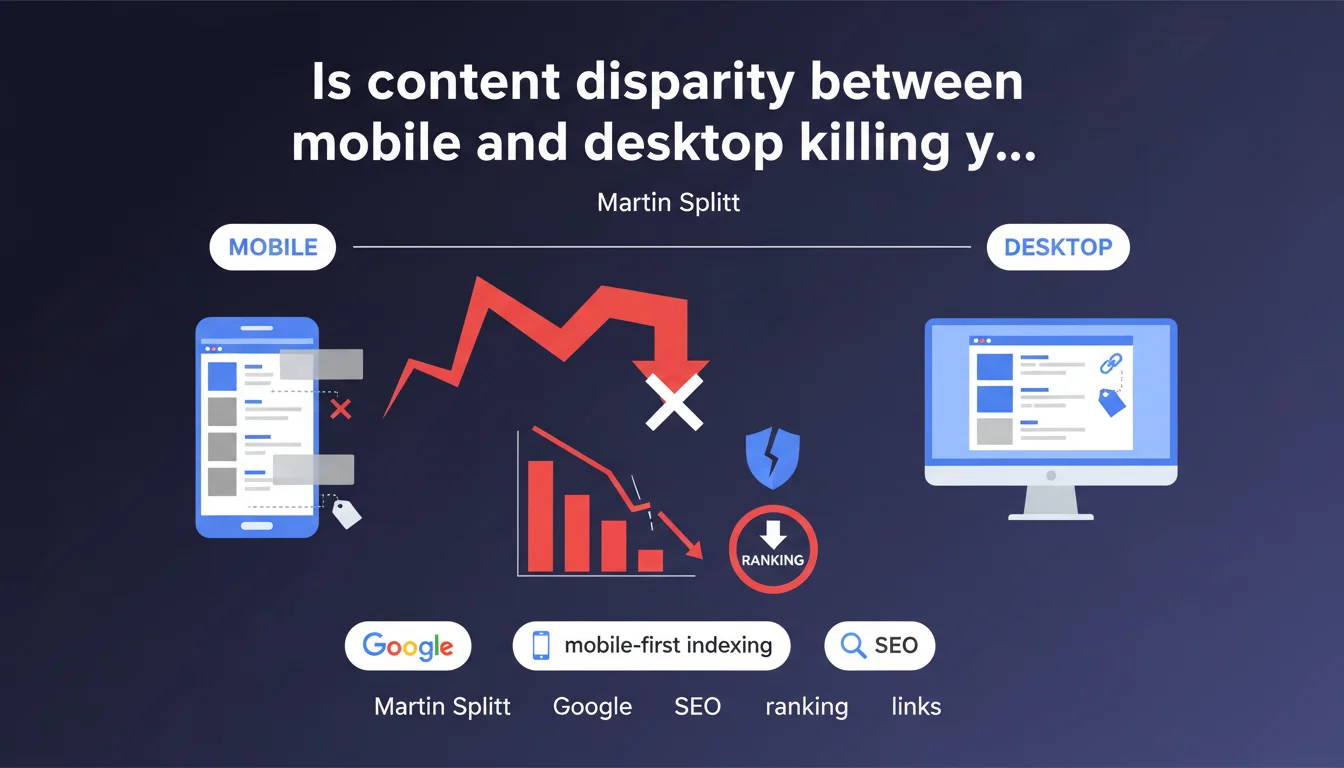
Google has observed that many websites display major differences between their mobile and desktop versions: truncated content, missing links, divergent navigation, absent metadata. This inconsistency directly penalizes SEO performance since the shift to mobile-first indexing. The mobile version must now include all strategic elements.
What you need to understand
What exactly does Google mean by "content disparity"?
Disparity is not limited to a simple layout difference. Google points the finger at four critical areas: missing text content (paragraphs, entire sections hidden or absent on mobile), removed or hidden internal and external links, different navigation elements (excessively simplified menus), and incomplete metadata (title tags, meta descriptions, structured data).
Concretely? A site that displays 2000 words on desktop but only 800 on mobile, which removes internal linking elements in responsive version, or which strips structured data on smartphone falls into this category. And Google detects it.
Why does this disparity cause problems in mobile-first indexing?
Since the complete shift to mobile-first indexing, Googlebot explores and indexes the mobile version of your pages first. If your mobile version is impoverished, it's this impoverished version that feeds the index. Your rich desktop content? Invisible to Google.
The engine no longer averages between the two versions. It takes the mobile version, period. If it's incomplete, you lose ground on queries for which you were legitimate on the desktop side.
What are the most common gaps Google observes?
- Truncated text content: sections "collapsed" in non-crawlable accordions, paragraphs removed to lighten mobile display.
- Missing links: hamburger menus that hide strategic links, lightened footer, missing breadcrumb.
- Different navigation: simplified architecture that removes depth levels, inaccessible categories.
- Absent metadata: title/meta description tags not replicated on mobile, structured data (Schema.org) removed or improperly implemented.
- Images and media: misconfigured lazy loading, critical images not loaded, missing alt attributes.
SEO Expert opinion
Is this statement consistent with practices observed in the field?
Absolutely. Technical audits regularly reveal massive gaps between mobile and desktop versions, often inherited from an era when mobile was treated as a second-class product. Poorly configured responsive frameworks, CMSs that generate two distinct templates, "mobile-light" UX choices—all of this creates friction with Google's requirements.
What's surprising is that Google reiterates this message when mobile-first indexing has been deployed for several years. This suggests either that the problem persists at large scale, or that Google is observing regression—perhaps linked to the rise of new frameworks or development practices that reintroduce these gaps.
What nuances should be applied to this statement?
Google does not specify a quantitative threshold. From what percentage of missing content does one speak of "disparity that harms SEO"? 10%? 30%? [To verify]—no figures are provided. We navigate blind, which complicates auditing and prioritizing fixes.
Another point: some gaps are intentional and legitimate. A complex data table can be replaced by an interactive graph on mobile without constituting a "content loss" if the information remains accessible. Similarly, collapsing secondary content into an accordion is not problematic if the HTML remains crawlable (no blocking JavaScript, content present in the DOM).
In what cases does this rule not apply strictly?
Desktop-exclusive sites (B2B tools, business applications, certain SaaS platforms) can theoretically bypass this constraint if their mobile audience is marginal. But even in this case, Google indexes the mobile version. You mechanically lose potential visibility if you neglect this version.
AMP sites raise an interesting question: if the AMP version differs from the desktop version, which does Google index? The answer depends on the configuration (standalone AMP vs. AMP as complement). Here again, Google remains vague about internal arbitrations. [To verify] on your own URLs via the Search Console inspection tool.
Practical impact and recommendations
What should you do concretely to eliminate these disparities?
First reflex: audit both versions in parallel. Crawl your site with a mobile user-agent and a desktop user-agent, then compare line by line. Recommended tools: Screaming Frog (by switching user-agent), OnCrawl, Botify. Identify gaps in word count, number of links, structured data, and metadata.
Next, verify rendering from Google's perspective. Use the URL inspection tool in Search Console, switch to "Inspected version" mode and examine the HTML as Googlebot sees it. If content disappears or blocks are absent, it's a red flag.
For collapsed content (accordions, tabs), ensure it's present in the initial DOM and not loaded via blocking JavaScript. Google can explore JS, but it's more costly and less reliable. Static HTML remains the reference.
What errors should you absolutely avoid?
- Never remove content sections via CSS (
display:noneon mobile) or JavaScript without strong UX justification and without an accessible equivalent. - Don't lighten internal linking on mobile: each strategic desktop link must have a mobile equivalent, even in a dropdown menu.
- Don't remove structured data (Schema.org) from the mobile version—they must be identical or equivalent.
- Don't neglect metadata: title, meta description, canonical, hreflang must be strictly identical.
- Don't confuse "mobile optimization" with "mobile impoverishment." Good mobile-first enriches experience without amputating information.
How do you verify that your site meets Google's expectations?
Use Search Console: consult the "Coverage" report and filter for errors related to mobile pages. Manually inspect a dozen representative URLs. Compare rendered HTML ("More info" tab > "View crawled page") with your desktop version.
Also test with Google's Mobile-Friendly Test and Rich Results Test to verify that your structured data passes. If warnings or errors appear, fix them as a priority.
Finally, monitor performance over time: a sudden ranking gap between desktop and mobile can signal a technical regression introduced by a theme update, CMS change, or new feature.
❓ Frequently Asked Questions
Est-ce que du contenu replié en accordéon sur mobile est considéré comme « manquant » par Google ?
Dois-je avoir exactement le même nombre de mots sur mobile et desktop ?
Les métadonnées (title, meta description) doivent-elles être strictement identiques entre mobile et desktop ?
Comment Google traite-t-il les sites en configuration mobile séparée (m.example.com) ?
Un menu hamburger qui cache des liens stratégiques pose-t-il problème ?
🎥 From the same video 43
Other SEO insights extracted from this same Google Search Central video · published on 30/03/2026
🎥 Watch the full video on YouTube →
💬 Comments (0)
Be the first to comment.