
Official statement
Other statements from this video 17 ▾
- □ Is your site missing from Google because of indexation issues or poor ranking?
- □ Why does Google really push Search Console as the gold standard for indexation diagnostics?
- □ Is Google's Search Console indexation report really enough to diagnose all your indexation problems?
- □ Should you really stress about indexing 100% of your website pages?
- □ Does Google really prioritize indexing the homepage first on brand new sites?
- □ Why isn't your new website's homepage getting indexed by Google?
- □ Why isn't your homepage showing up in Google's search results yet?
- □ Is your website really missing from Google's index, or could canonicalization be playing tricks on you?
- □ Is hreflang distorting your indexation reports in Search Console?
- □ Why will your 'site under construction' pages never get indexed by Google?
- □ Why do some pages get indexed in seconds while others never appear in Google at all?
- □ Can Google still index the entire web?
- □ Does Google really impose an indexation quota on your website?
- □ Does deleting old content really boost your new pages' indexation speed?
- □ Should you really be using Google Search Console's 'Request indexing' button?
- □ Is the site: operator truly reliable for measuring your website's indexation?
- □ What can you really do with the site: operator beyond just checking indexation?
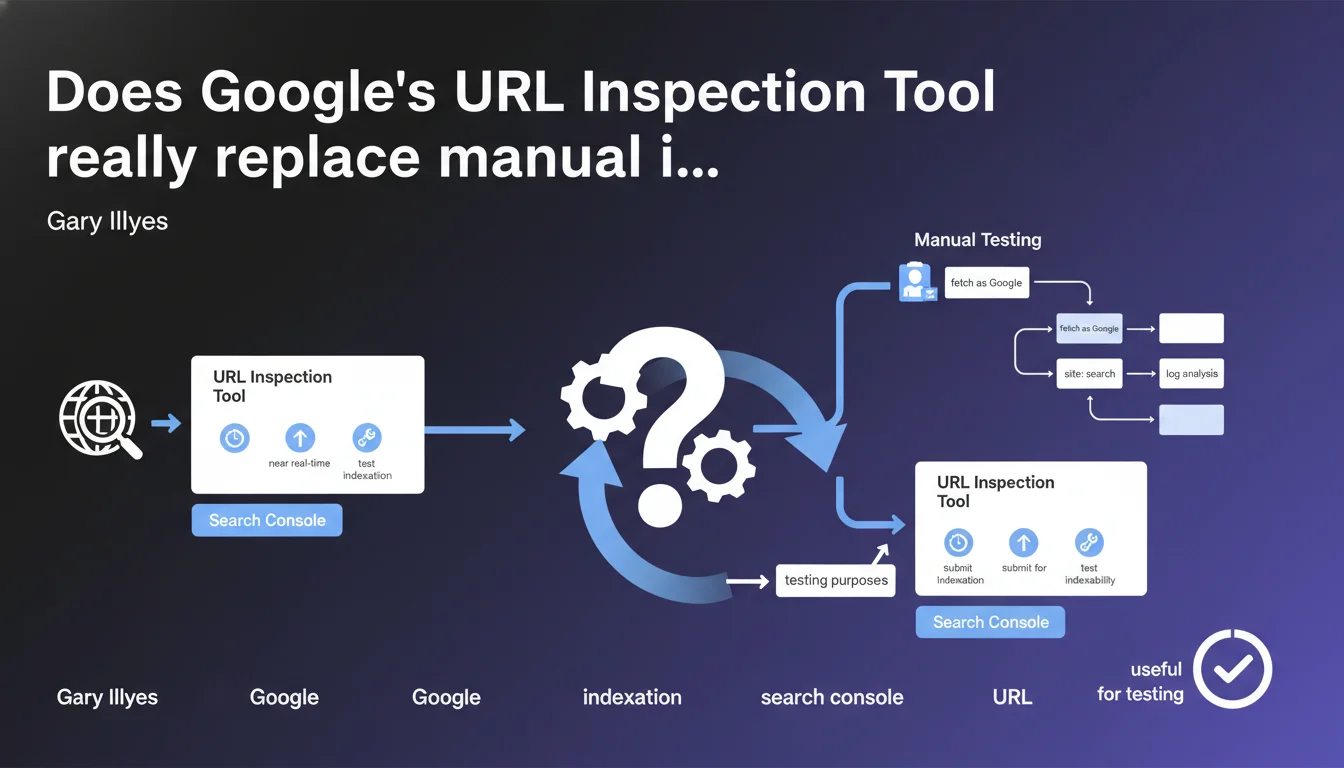
Google Search Console's URL inspection tool allows you to check a page's indexability in near real-time, force a submission to indexation, and test whether Google can crawl and properly index the page. It's the primary diagnostic tool for any indexation issue at the individual URL level.
What you need to understand
What are the actual features of this tool?
The URL Inspection Tool offers three distinct functions: checking current indexation status, requesting indexation (or reindexation), and live testing of indexability. The first function queries Google's index to determine if the URL is present and how it was crawled. The second allows you to signal to Google that a page deserves a priority pass from the crawler.
The live test is the most powerful function — it simulates a real-time crawl and reveals exactly what Googlebot sees: rendered HTML code, blocked resources, redirections, JavaScript errors. This is where the tool becomes indispensable for diagnosing complex indexation issues.
Why does Gary Illyes insist on its usefulness for testing?
Because the live test works independently from the index. You can test a page that has never been crawled, a page in staging (if publicly accessible), or verify the impact of a modification before Google even crawls it again. This allows you to validate a technical fix without waiting days or weeks.
It's particularly useful for dynamic sites where JavaScript rendering can cause problems. The tool shows the difference between raw HTML and rendered HTML, revealing whether critical content is visible to Googlebot.
What limitations should you keep in mind?
The tool tests a single URL — it's impossible to diagnose structural issues across the entire site. For that, you need to cross-reference with coverage reports, server logs, and crawl budget analysis. Additionally, the indexation request guarantees no timeframe or result.
- The tool verifies the current indexation status of a page and its recent crawl history
- It allows you to request priority indexation, but with no guarantee of immediate processing
- The live test simulates a real-time crawl and reveals what Googlebot actually sees
- It works only for individual URLs, not for diagnosing structural issues
- The quota for indexation requests is limited per property in Search Console
SEO Expert opinion
Is this statement consistent with practices observed in the field?
Yes, and the tool has proven its effectiveness since its launch. But be careful: requesting indexation through this tool doesn't bypass crawl budget rules or penalties. If a page isn't indexed despite multiple requests, the problem is elsewhere — content quality, duplication, forced canonicalization, accidental noindex.
The live test is reliable for diagnosing, but it doesn't always reflect the crawler's behavior under real conditions. Google may use different UserAgents, different IPs, and JavaScript rendering can vary based on server load. In short, a positive test is not an absolute guarantee of indexation.
In what cases is this tool not enough?
For high-volume sites (e-commerce, news, aggregators), testing URL by URL is pointless. You then need to rely on coverage reports, pattern error analysis, and server logs to identify systemic problems. The URL Inspection Tool then only serves to confirm a specific diagnosis.
Another limitation: the tool provides no visibility into allocated crawl budget or Google's priorities. A page may be technically indexable but never crawled if it's too deep in the site structure or if the site consumes its budget on unnecessary pages. [To verify]: Google claims that the indexation request "helps" but never specifies the actual weight of this request in the crawler queue.
What nuances should be added to this statement?
Gary Illyes speaks of "near real-time," which is true for the live test. On the other hand, the displayed indexation status can be several days old — it's a snapshot of the last time Google crawled the page, not the current state of the index. This confusion is common among beginners.
Finally, the tool does not replace a global indexation strategy. Manually submitting each new page is a waste of time if internal linking and XML sitemap work correctly. The URL Inspection Tool is a safety net, not a daily crutch.
Practical impact and recommendations
How do you integrate this tool into an effective SEO workflow?
Use the URL Inspection Tool to diagnose indexation anomalies flagged in coverage reports. A page marked as "Discovered, not indexed" or "Crawled, not indexed"? Test it live to understand if the problem stems from content, JavaScript rendering, or a technical directive.
For new strategic pages (product launch, in-depth article, page redesign), submit them manually after publication. This often accelerates the first crawl, especially on sites with limited crawl budget. But don't rely on it as a permanent solution — internal linking should do the job.
What mistakes should you avoid with this tool?
Don't overwhelm Google with unnecessary indexation requests. Your quota is limited, and wasting tokens on secondary pages delays processing of URLs that really matter. Prioritize: conversion pages, main editorial content, featured product pages.
Another trap: believing that the live test replaces a complete technical audit. The tool tests an isolated URL — it doesn't detect crawl budget issues, site-wide duplication, or canonicalization cannibalization. Always cross-reference with server logs and a third-party crawler (Screaming Frog, Oncrawl) for an overall view.
How do you verify the tool is working correctly for your site?
Test a page you know is indexed and compare the result with a site:yoururl.com search. If the tool says "indexed" but the page doesn't appear in search results, it's probably a canonicalization issue — Google indexes the URL but prefers to display another version.
To check JavaScript rendering, compare the raw HTML and rendered HTML in the tool. If critical content (H1 title, main paragraphs) only appears in the rendered version, you have a risk: Google may index the page before JavaScript executes. Optimize render time or switch to SSR (Server-Side Rendering).
- Use the tool to diagnose indexation anomalies flagged in coverage reports
- Manually submit strategic pages after publication (product launch, major content)
- Don't waste your request quota on secondary or duplicate pages
- Compare raw HTML and rendered HTML to detect JavaScript rendering issues
- Cross-reference results with server logs and a third-party crawler to validate at site scale
- Regularly test key pages to anticipate issues before they impact traffic
❓ Frequently Asked Questions
Combien de temps faut-il attendre après une demande d'indexation ?
Peut-on utiliser l'URL Inspection Tool pour forcer l'indexation de pages bloquées par robots.txt ?
Le test en direct consomme-t-il du crawl budget ?
Pourquoi une page est marquée indexée dans l'outil mais n'apparaît pas dans les résultats de recherche ?
L'outil fonctionne-t-il pour les pages en staging ou derrière authentification ?
🎥 From the same video 17
Other SEO insights extracted from this same Google Search Central video · published on 22/06/2023
🎥 Watch the full video on YouTube →
💬 Comments (0)
Be the first to comment.