
Official statement
Other statements from this video 17 ▾
- □ Is your site missing from Google because of indexation issues or poor ranking?
- □ Why does Google really push Search Console as the gold standard for indexation diagnostics?
- □ Does Google's URL Inspection Tool really replace manual indexation testing?
- □ Should you really stress about indexing 100% of your website pages?
- □ Does Google really prioritize indexing the homepage first on brand new sites?
- □ Why isn't your new website's homepage getting indexed by Google?
- □ Why isn't your homepage showing up in Google's search results yet?
- □ Is your website really missing from Google's index, or could canonicalization be playing tricks on you?
- □ Is hreflang distorting your indexation reports in Search Console?
- □ Why will your 'site under construction' pages never get indexed by Google?
- □ Why do some pages get indexed in seconds while others never appear in Google at all?
- □ Can Google still index the entire web?
- □ Does Google really impose an indexation quota on your website?
- □ Does deleting old content really boost your new pages' indexation speed?
- □ Should you really be using Google Search Console's 'Request indexing' button?
- □ Is the site: operator truly reliable for measuring your website's indexation?
- □ What can you really do with the site: operator beyond just checking indexation?
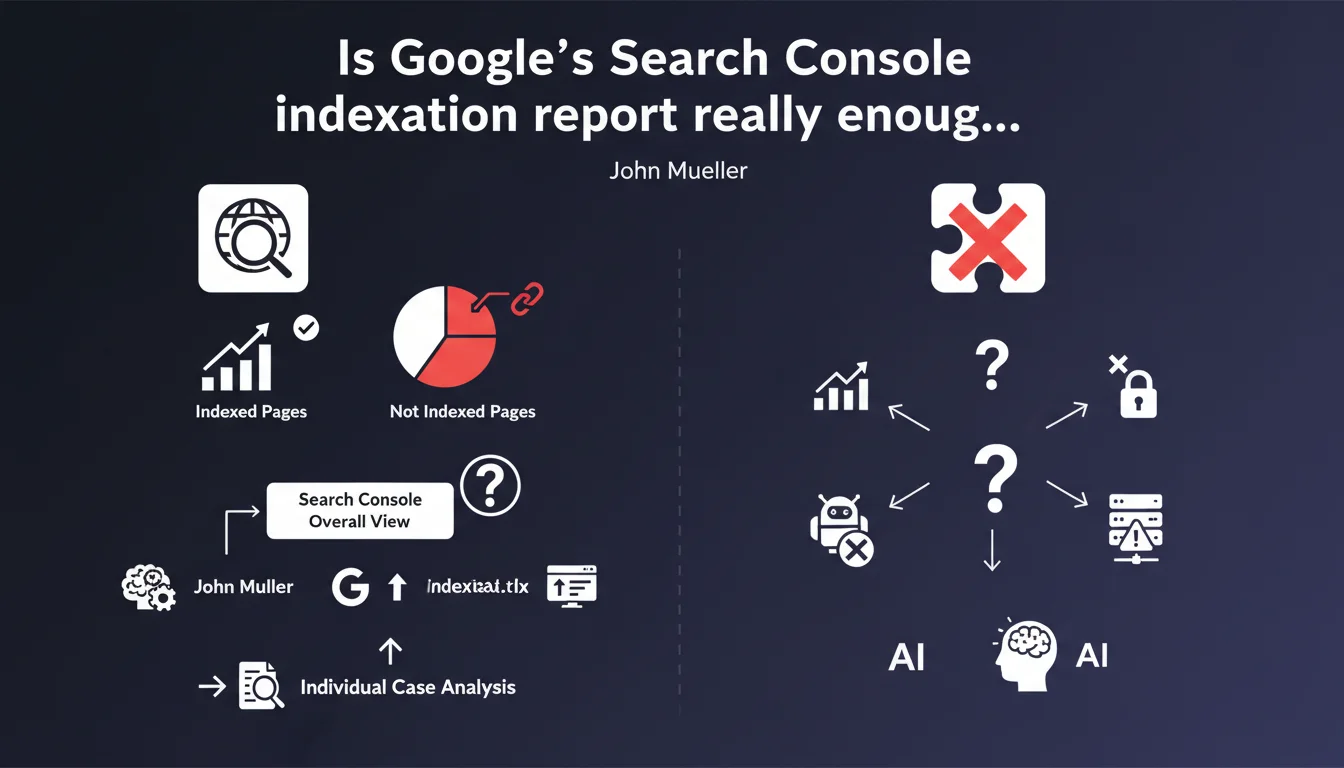
Google reminds us that the Search Console indexation report lists indexed pages and the reasons for non-indexation. John Mueller presents it as a starting point to get an overall view before analyzing individual cases — which implies that this report alone is not sufficient.
What you need to understand
Google highlights its page indexation report in Search Console as a diagnostic tool to understand a site's indexation status. This report aggregates crawl and indexation data, listing pages actually present in the index and those excluded from it, with associated reasons.
Mueller's wording is revealing: he speaks of a "starting point" and "overall view." In other words, this report is not a turnkey solution — it merely opens the door to more in-depth, case-by-case analysis.
What does this indexation report actually contain?
The report lists several status categories: indexed pages, crawled but not indexed pages, discovered but not crawled pages, pages blocked by robots.txt, 404 errors, redirects, and more. Each category groups URLs sharing the same non-indexation pattern.
The main value lies in the ability to quickly identify abnormal volumes: a spike in pages marked "Discovered, currently not indexed" may signal a crawl budget problem or content quality issue. A sudden increase in "Crawled, currently not indexed" pages may indicate duplicate content or content deemed low-quality by Google.
Why talk about a "starting point" rather than a "solution"?
Because the report aggregates raw data without deep contextualisation. It won't tell you why a specific page is marked "low-quality content" or what needs to be fixed precisely. It also doesn't detect structural markup errors, subtle canonicalisation issues, or contradictory signals between meta tags and HTTP headers.
It's a thermometer that signals a fever — you need to identify the underlying infection. Individual page analysis remains essential for medium to large-sized sites.
- The indexation report provides a macro view: volumes and status categories
- It doesn't replace a granular analysis of critical pages (categories, product sheets, strategic content)
- Non-indexation patterns are sometimes generic and require cross-referencing with other tools (server logs, Screaming Frog, third-party crawlers)
- This report is declarative: Google tells you what it observes, not necessarily what needs to be fixed first
SEO Expert opinion
Is this report really comprehensive and reliable?
Let's be honest: Search Console has accuracy limitations. Data is sampled for large sites, and pattern categories are sometimes vague. "Crawled, currently not indexed" covers multiple cases — from pages deemed duplicates to those that simply don't have enough weight to enter the index.
In practice, we regularly observe inconsistencies: pages marked "indexed" that don't appear in any search results, pages marked "not indexed" that still show up in Google's cache. The report reflects the state of Google's internal database at a specific moment in time, with sometimes significant processing delays — don't expect real-time data.
Is individual page analysis really necessary for all sites?
It depends on your volume and business model. For a blog with 50 articles, the indexation report is more than enough to identify structural issues. For an e-commerce site with 10,000 product sheets or a media outlet with thousands of articles, individual analysis becomes critical — but becomes impractical to do manually.
That's where third-party crawlers and server log analysis become essential. Cross-referencing Search Console data with what Googlebot actually does on your server helps identify friction zones: pages crawled but never sent to the index, entire categories ignored by the bot, misunderstood pagination, and more.
Does Google deliberately underestimate the complexity of diagnosis?
Probably. Google's official communication tends to simplify processes to make them accessible to non-experts. Saying the report is "a good starting point" is technically true, but it's also a way of shifting responsibility: if you don't understand why your pages aren't indexed, it's up to you to dig deeper.
The problem is that the displayed patterns are often too vague to be directly actionable. "Low-quality content" doesn't tell you whether it's a thin content problem, duplication, low user engagement, or lack of internal links. [To verify]: Could Google enrich these patterns with more granular sub-categories? Nothing indicates this is planned.
Practical impact and recommendations
What should you concretely do with this indexation report?
First step: audit abnormal volumes. If you have 3,000 pages marked "Discovered, currently not indexed," ask yourself whether these pages have value. Are they linked from important pages? Do they have unique content? Are they blocked by an unintentional noindex or faulty canonicalisation?
Second step: prioritise strategic pages. Don't waste time fixing low-value pages. Focus on categories, best-selling product sheets, high-traffic potential content. Manually verify their indexation status using the URL inspection tool and cross-reference with server logs to see if Googlebot actually visits them.
Third step: test and monitor. After fixes, request reindexation through Search Console and track progress in the report. If nothing changes after two weeks, the problem lies elsewhere — often a quality or relevance signal that Google doesn't detail.
What mistakes should you avoid when analysing this report?
Don't over-interpret generic patterns. "Crawled, currently not indexed" doesn't necessarily mean your content is poor — sometimes it's just a crawl budget issue or processing delay. Don't panic if temporary pages (filters, facets, pagination) are marked as not indexed: it's often intentional.
Another trap: wanting to index everything at any cost. Not all pages should be indexed. Thank you pages, terms and conditions, login pages — all content that pollutes the index without providing SEO value. Focus on what drives qualified traffic.
- Regularly export indexation report data to track changes
- Identify problematic page categories (by type: products, articles, categories, etc.)
- Manually verify indexation status of strategic pages using the URL inspection tool
- Cross-reference Search Console data with server logs to identify gaps between crawling and indexation
- Test corrections on a sample of pages before large-scale deployment
- Monitor impacts with a dedicated dashboard: indexed volumes, organic traffic, average positions
❓ Frequently Asked Questions
Le rapport d'indexation remplace-t-il les logs serveur pour diagnostiquer les problèmes d'exploration ?
Pourquoi certaines pages restent en 'Explorée, actuellement non indexée' malgré des corrections ?
Dois-je m'inquiéter si des pages de faible valeur ne sont pas indexées ?
Le rapport d'indexation affiche-t-il les données en temps réel ?
Comment savoir si un motif de non-indexation est prioritaire à corriger ?
🎥 From the same video 17
Other SEO insights extracted from this same Google Search Central video · published on 22/06/2023
🎥 Watch the full video on YouTube →
💬 Comments (0)
Be the first to comment.