
Official statement
Other statements from this video 19 ▾
- □ Should you panic if your hreflang disappears temporarily during a migration?
- □ Should you block GoogleOther or risk disrupting your Google services?
- □ Do local domains (ccTLD) really offer an SEO advantage for local search rankings?
- □ Does Google really treat a site after massive expansion as a brand new website?
- □ Why does Google keep displaying your old site name in search results long after a rebrand?
- □ Should you really fix every single indexation error Google reports in Search Console?
- □ How can you leverage the Google Search Status Dashboard API to supercharge your SEO tools?
- □ Why aren't your product structured data appearing in Google's rich results?
- □ Why does Google refuse to grant unlimited indexation request quotas in Search Console?
- □ Is your brand really stuck being confused with a common word? How long does Google actually need to figure it out?
- □ What's the only way to hide text from Google without using HTML tags?
- □ Is Schema Recipe really restricted to food recipes only, or can you use it creatively?
- □ Can Google actually transfer your SEO rankings during a domain migration?
- □ Do you really need to fill in every single field of structured data for Google to actually use it?
- □ Does Google really use RSS feeds to discover and index new content on your site?
- □ Why is your new favicon taking so long to appear in Google search results?
- □ Does the order of H1, H2, H3 tags really affect your Google rankings?
- □ Do links on crawl-blocked pages really lose all their SEO value?
- □ Does Google really require a specific sitemap structure, or can you organize them however you want?
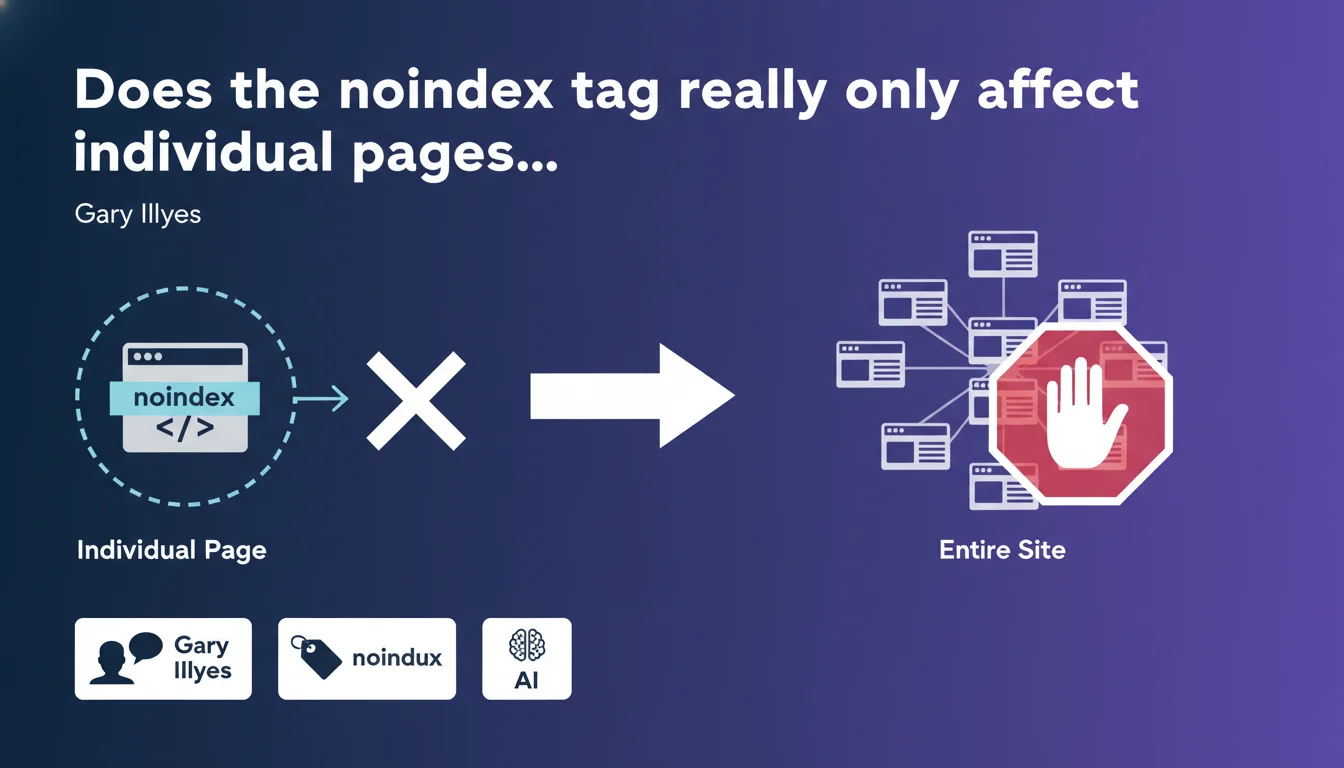
Google confirms that the noindex directive applies only to individual resources, never at the site-wide level. To prevent a page from being indexed, you must add a meta robots tag with the noindex value in the <head> section of the HTML. Each page requires its own implementation — there is no automatic cascade effect.
What you need to understand
Why does Google insist on page-by-page application?
This precision is far from trivial. Google wants to avoid any confusion: a noindex directive on one page never affects other pages on the site. It's a safety lock to prevent a configuration error from deindexing an entire domain.
Unlike robots.txt which can block entire sections, noindex remains granular. Each targeted resource must explicitly carry this instruction. If you have 50 pages to deindex, you need 50 separate implementations.
What's the difference between meta robots and the HTTP header X-Robots-Tag?
Both methods are equivalent in terms of effectiveness, but not in terms of practicality. The meta tag is placed directly in the HTML, accessible via the CMS. The X-Robots-Tag HTTP header is configured at the server level and works better for non-HTML files (PDFs, images).
Gary mentions the meta tag because it's the most common method for standard web pages. But technically, you can also send an HTTP header with the same directive — Google will treat both identically.
Does noindex apply instantly?
No. Google must first crawl the page to discover the directive. If you block crawling via robots.txt, Googlebot will never see the noindex tag and the page will remain indexed. This is a classic pitfall.
Once the directive is detected, the deindexing delay varies depending on the site's crawl frequency. For an important page recrawled daily, expect a few days. For a marginal page, it can take weeks.
- A noindex directive applies to only a single resource, never to the entire site
- Two equivalent methods: meta robots tag in HTML or HTTP X-Robots-Tag header
- The page must remain crawlable for Google to detect the noindex directive
- Deindexing delay depends on the crawl frequency of the page in question
- No cascade effect: each page requires its own implementation
SEO Expert opinion
Is this statement aligned with what we observe in practice?
Completely. No surprises here — this is the behavior documented for years and confirmed by tests. The real question is why Google feels the need to remind us now.
Either there's been a recent wave of confusion in the community, or Google is anticipating errors related to new CMS features. In any case, the message is clear: no shortcuts, no magic. Want to block 100 pages? You implement 100 tags.
What nuances should be added to this statement?
Gary doesn't mention edge cases that cause problems. Example: a page with noindex that contains links to other pages. Do these internal links still pass PageRank? [To verify] based on recent observations — some tests suggest PageRank still flows temporarily, others disagree.
Another blind spot: behavior in case of conflicting directives. If you have a noindex in the meta tag AND an index in the HTTP header, which one wins? Google said the most restrictive directive takes precedence, but empirical confirmations are lacking.
Finally, Gary speaks of "HTML pages," but what about resources generated client-side by JavaScript? If the noindex tag appears after JS execution, does Google take it into account? On pure dynamic rendering, field observations show variable reliability.
In what cases does this rule not apply as expected?
First problematic case: sites with millions of pages. Manually adding a noindex tag to each URL becomes unmanageable. Programmatic solutions via CMS templates or server rules are essential, but introduce risks of mass errors.
Second case: pages with 301 redirects. If a page A with noindex redirects to a page B without noindex, Google may still index B depending on context. The directive doesn't "follow" the redirect — it dies with the source page.
Third case: noindex pages receiving powerful backlinks. You lose the PageRank from these incoming links, but Google can still explore them and follow outgoing links. Result: you waste link juice without truly controlling crawl budget.
Practical impact and recommendations
What should you concretely do to properly implement noindex?
First, audit all pages you want to exclude from the index. Export a list from your CMS, your sitemap, or a Screaming Frog crawl. Classify them by type: pagination, filtered pages, duplicate content, test pages.
Next, choose your implementation method. For standard HTML pages managed by a CMS, the meta robots tag is simplest. For PDFs or non-HTML resources, prefer the X-Robots-Tag HTTP header configured at the server level.
Finally, verify that these pages remain crawlable. Review your robots.txt to ensure no Disallow rule blocks the URLs in question. A Disallow prevents Google from seeing the noindex directive — the page remains indexed with an empty snippet.
What errors should you absolutely avoid?
Error number one: blocking in robots.txt a page marked noindex. Google will never be able to crawl the page to discover the directive, and it will remain indexed indefinitely with the message "blocked by robots.txt."
Error number two: accidentally adding noindex to strategic pages. This happens more often than expected, especially during migrations or template redesigns. A noindex on a main category can drop traffic by 30% in just a few days.
Error number three: using noindex as an easy solution for managing duplicate content. Canonicalization is often more appropriate. Noindex removes the page from the index but doesn't transfer signals to a preferred version — you lose all SEO potential.
How do you verify that the directive is being taken into account?
Use the URL inspection tool in Search Console. It shows whether Googlebot detected the noindex tag during the last crawl. If the page still appears in the index despite the directive, request reindexing to force a new crawl.
Also run a crawl with a tool like Screaming Frog in "Spider" mode to simulate Googlebot. Verify that all targeted pages return the noindex directive, either in the HTML or in the HTTP header.
Finally, regularly monitor Search Console to detect unexpected exclusions. The "Excluded pages" section lists all URLs blocked by noindex. If a strategic page appears there, it's an immediate warning signal.
- Audit and precisely list all pages to be excluded from the index
- Implement the meta robots tag with noindex in the
<head>of each HTML page - Verify that these pages remain crawlable (not blocked by robots.txt)
- Use the X-Robots-Tag HTTP header for non-HTML resources (PDFs, images)
- Control implementation via the URL inspection tool in Search Console
- Regularly crawl the site to detect accidental noindex on strategic pages
- Monitor the "Excluded pages" section of Search Console to identify anomalies
- Prefer canonicalization to noindex for managing duplicate content when relevant
Managing granular noindex requires rigor and constant vigilance. Each page requires individual attention, and an implementation error can seriously impact site visibility. Regular audits are essential to maintain consistency between indexation strategy and technical reality.
For complex sites or teams lacking internal resources, these optimizations can quickly become time-consuming and technical. Working with a specialized SEO agency allows you to secure implementation, avoid costly errors, and benefit from proactive monitoring adapted to your architecture's specifics.
❓ Frequently Asked Questions
Peut-on utiliser noindex via le robots.txt ?
Le noindex empêche-t-il le crawl de la page ?
Combien de temps faut-il pour qu'une page noindex disparaisse de l'index ?
Une page noindex transmet-elle du PageRank ?
Que se passe-t-il si une page a noindex dans la balise meta ET index dans l'en-tête HTTP ?
🎥 From the same video 19
Other SEO insights extracted from this same Google Search Central video · published on 18/07/2024
🎥 Watch the full video on YouTube →
💬 Comments (0)
Be the first to comment.