
Official statement
Other statements from this video 19 ▾
- □ Faut-il paniquer si votre hreflang disparaît temporairement pendant une migration ?
- □ Faut-il bloquer GoogleOther ou risquer d'impacter ses services Google ?
- □ Les domaines locaux (ccTLD) offrent-ils vraiment un avantage SEO pour le référencement local ?
- □ Pourquoi Google traite-t-il un site après expansion massive comme un tout nouveau site web ?
- □ Pourquoi Google continue-t-il d'afficher l'ancien nom de votre site après un rebranding ?
- □ Faut-il vraiment corriger toutes les erreurs d'indexation signalées dans la Search Console ?
- □ Comment exploiter l'API du tableau de bord de statut Google Search pour vos outils SEO ?
- □ Pourquoi vos données structurées produits n'apparaissent-elles pas dans les résultats enrichis ?
- □ Pourquoi Google refuse-t-il les requêtes d'indexation illimitées dans Search Console ?
- □ Marque confondue avec un mot courant : faut-il vraiment attendre des mois sans rien faire ?
- □ Comment masquer du texte à Google en bloquant le JavaScript qui le contient ?
- □ Peut-on vraiment utiliser le Schema Recipe pour n'importe quel type de recette ?
- □ Google peut-il transférer vos rankings SEO lors d'une migration de domaine ?
- □ Comment la balise noindex fonctionne-t-elle réellement page par page ?
- □ Faut-il vraiment remplir tous les champs des données structurées pour que Google les prenne en compte ?
- □ Pourquoi votre nouveau favicon met-il autant de temps à apparaître dans les résultats Google ?
- □ L'ordre des balises H1, H2, H3 influence-t-il vraiment le classement Google ?
- □ Les liens sur pages bloquées au crawl perdent-ils vraiment toute leur valeur SEO ?
- □ Faut-il vraiment structurer ses sitemaps selon des règles précises ou peut-on faire n'importe quoi ?
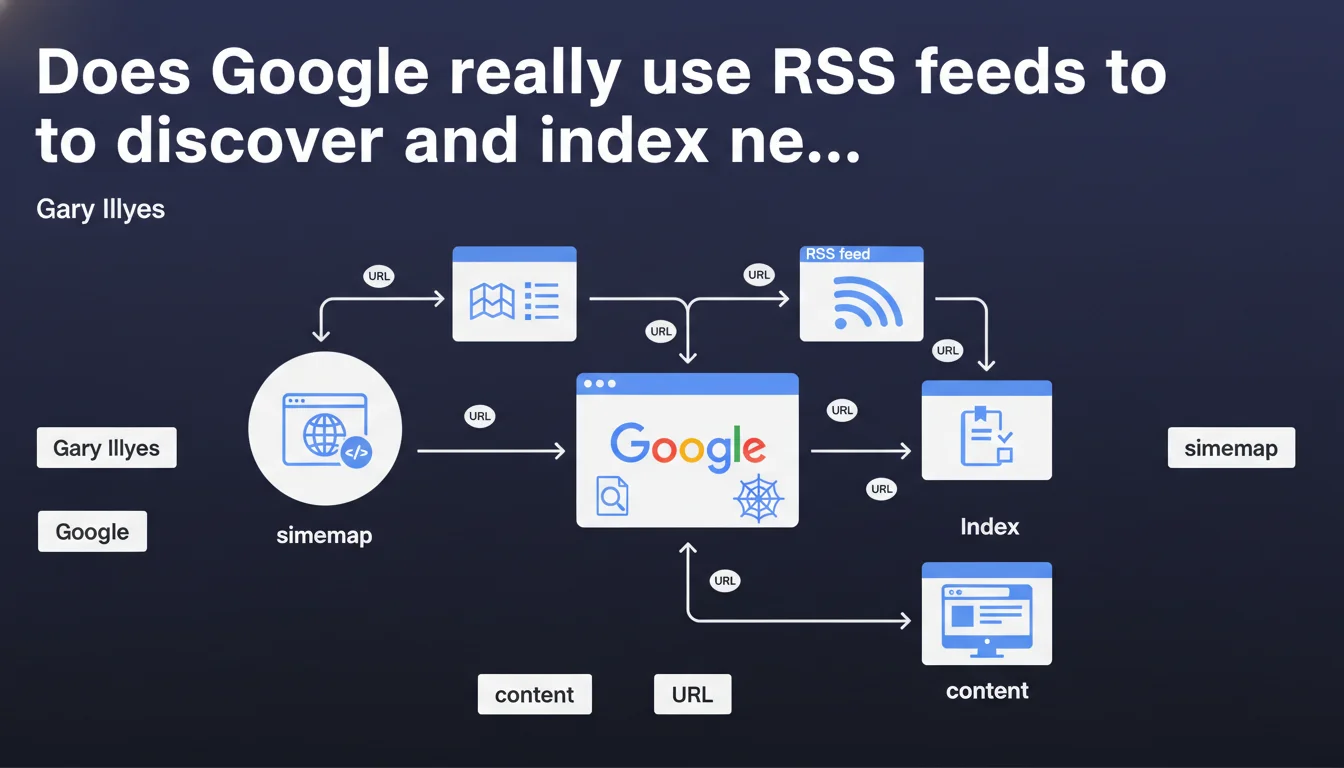
Google confirms that it uses a site's RSS feeds to discover new URLs, just like sitemaps. This statement reminds us that RSS is not only a syndication tool but also an active crawling vector for Googlebot. Gary Illyes clarifies that this functionality is documented in the official section on sitemaps.
What you need to understand
What is the real role of RSS feeds in Google's crawling process?
RSS feeds are often perceived as simple content syndication tools for human readers. Yet, Google explicitly treats them as sources for URL discovery, much like XML sitemaps. This means that Googlebot can parse these files to identify new or updated pages, whether on your own site or on third-party sites referenced in the feed.
This official confirmation validates a practice observed for years: sites that maintain clean and up-to-date RSS feeds often benefit from faster detection of their new content. The mention in the sitemaps documentation indicates that Google considers RSS as a reliable structured signal, even if its relative weight remains unclear.
What's the difference between a sitemap and an RSS feed for Google?
Fundamentally, both formats serve a similar function: listing URLs to facilitate their crawling. However, sitemaps are specifically designed for Googlebot, with rich metadata (lastmod, priority, changefreq) and an optimized structure. RSS feeds, on the other hand, are designed for feed readers and aggregators.
In practice, a sitemap will always be more complete and reliable for covering an entire site. An RSS feed, however, is often limited to the most recently published content — which makes it particularly relevant for sites with high editorial frequency (media outlets, blogs, e-commerce with frequent updates).
Why does Google mention RSS in the sitemaps documentation?
This editorial choice shows that Google considers RSS a complementary structured crawling mechanism, not an alternative to sitemaps. The official documentation places them in the same continuum: providing Googlebot with lists of URLs to crawl proactively.
This also means that, contrary to popular belief, RSS feeds are not ignored or obsolete for crawling. They remain an active signal, especially if your XML sitemap is imperfect or if you publish content at high frequency.
- RSS feeds are used by Google as a source for URL discovery, just like sitemaps.
- They are particularly suited to sites with high editorial frequency (media outlets, blogs).
- Google can discover via RSS URLs on your site or on third-party sites referenced in the feed.
- RSS feeds do not replace XML sitemaps, but complement them by providing a freshness signal.
- The official mention in the sitemaps documentation confirms their status as a reliable structured signal.
SEO Expert opinion
Is this statement consistent with real-world observations?
Yes, and it's a welcome confirmation. For years, SEO professionals have noticed that sites maintaining clean RSS feeds that are regularly updated see their new content indexed faster, especially in news and e-commerce sectors. This statement from Gary Illyes officially validates what was previously an empirical practice.
However, the relative effectiveness of an RSS feed compared to a well-configured dynamic sitemap remains unclear. Google provides no indication of the weight given to each signal, nor the crawl frequency of RSS feeds compared to sitemaps. [To be verified]: To what extent does a well-structured RSS feed actually accelerate indexation compared to a sitemap alone?
What nuances should be added to this claim?
Google can use RSS, but that doesn't mean it does so systematically or with equal intensity for all sites. A poorly structured, incomplete, or rarely crawled RSS feed will have no impact. Moreover, if your XML sitemap is already optimal and your crawl budget is well managed, the marginal benefit of an RSS feed will likely be minimal.
Another point: Gary Illyes mentions that Google can discover via RSS URLs on other sites. This suggests that external links in an RSS feed can serve as a discovery signal, which is interesting for syndication or curation strategies. But again, no data on actual impact. [To be verified]: Are external links in an RSS feed treated like regular links in terms of link juice passing?
In what cases do RSS feeds become truly essential?
For sites with frequent publication (news outlets, active blogs, marketplaces with daily updates), a well-maintained RSS feed can make the difference between indexation in a few hours versus several days. This is especially true if your XML sitemap is large or poorly segmented.
On the other hand, for an institutional site with few updates or an e-commerce site with a stable catalog, the benefit will be marginal. In these cases, an optimized XML sitemap remains more than sufficient. Don't burden yourself with an RSS feed if you don't have fresh content to signal regularly.
Practical impact and recommendations
What should you concretely do to optimize your RSS feeds?
First step: verify that your RSS feed is valid and compliant with standards (Atom or RSS 2.0). Use a validator like the W3C Feed Validation Service. Next, ensure that each feed entry contains at minimum a title, a canonical URL, a publication date, and a description or excerpt.
If your site publishes multiple content types (articles, products, videos), consider segmenting your RSS feeds by topic or type. This facilitates targeted crawling by Googlebot and improves the relevance of signals sent. Also consider referencing your RSS feeds in your robots.txt file or via a link in your page <head>, to maximize their discovery.
What errors should you avoid with RSS feeds?
Don't overload your feeds with hundreds of entries. Google generally recommends limiting an RSS feed to 50-100 URLs maximum. Beyond that, the feed becomes heavy, difficult to parse, and may be ignored by Googlebot. If you have a rich history, create separate feed archives.
Also avoid duplicating URLs between your XML sitemap and your RSS feed if they point to identical content with no freshness value. Googlebot may interpret this as noise. Finally, don't neglect the feed update frequency: an RSS feed frozen for months has no value for crawling.
How can you verify that Google is actually using your RSS feeds?
First method: check your server logs to identify Googlebot requests to your RSS file. If you observe regular crawling, that's a good sign. Second method: in Google Search Console, monitor the indexation of your new URLs. If they appear quickly after publication, your RSS feed is likely playing its role.
You can also test manually by submitting your RSS feed via a tool like PubSubHubbub (now WebSub), which notifies Google in real time of updates. If indexation speeds up after activation, you have indirect confirmation of your RSS's impact.
- Validate the technical compliance of your RSS feeds (format, required tags)
- Limit each feed to 50-100 URLs to avoid overloading
- Segment feeds by content type if relevant (articles, products, etc.)
- Reference RSS feeds in your robots.txt file or via a link in the
<head> - Regularly audit feeds to detect broken URLs or duplicate content
- Analyze server logs to verify crawling of feeds by Googlebot
- Monitor the indexation of new URLs in Google Search Console
- Consider enabling WebSub for real-time notification of updates
❓ Frequently Asked Questions
Les flux RSS peuvent-ils remplacer les sitemaps XML pour l'exploration ?
Google explore-t-il les flux RSS aussi fréquemment que les sitemaps ?
Les liens externes dans un flux RSS transmettent-ils du jus SEO ?
Faut-il créer un flux RSS même si mon site publie peu de contenu ?
Comment signaler mes flux RSS à Google de manière optimale ?
🎥 From the same video 19
Other SEO insights extracted from this same Google Search Central video · published on 18/07/2024
🎥 Watch the full video on YouTube →
💬 Comments (0)
Be the first to comment.