
Official statement
Other statements from this video 18 ▾
- □ Are images really slowing down your site's SEO performance?
- □ How can you actually boost your website's performance by selecting the right image format?
- □ Should you really automate image compression for SEO purposes?
- □ Is your website really serving the right image size to each device?
- □ Does Google really index all your responsive image variations with picture and srcset?
- □ Should you systematically use lazy-loading for all images below the fold?
- □ Should you really avoid lazy-loading for all your images?
- □ Should you really use the HTML loading attribute to optimize lazy-loading?
- □ Are images really the main bottleneck killing your site's performance?
- □ Are poorly configured images really harming your SEO through layout shifts?
- □ Does image quality really need to adapt by screen size for SEO success?
- □ Do you really need picture and srcset to optimize responsive images for SEO?
- □ Should you really enable lazy-loading on every single below-the-fold image?
- □ Is lazy-loading all your images actually hurting your SEO performance?
- □ Should you really be using the HTML loading attribute for lazy-loading in 2024?
- 1:22 Do you really need to migrate your images to WebP and AVIF to boost your SEO?
- 1:57 Should you really automate image compression for SEO success?
- 1:57 Should you really manually verify automatic image compression results for your website?
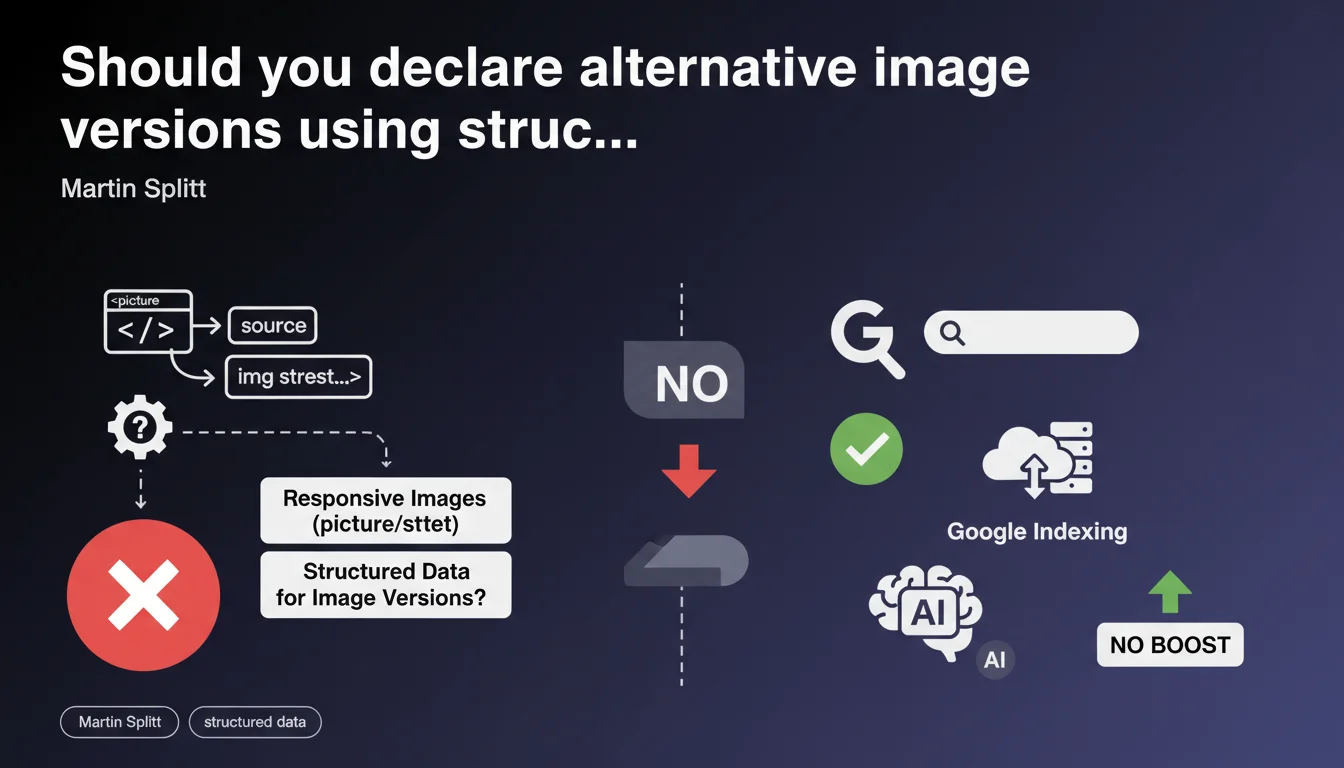
Google now accepts structured data to explicitly signal different versions of the same image when using picture or srcset. This declaration paves the way for better indexing of responsive variants, but remains unclear on concrete benefits and the exact format to use.
What you need to understand
Why is Google introducing this capability now?
The picture and srcset elements have existed for years to serve images adapted to context (screen size, resolution, format).
The problem: Google does not guarantee it discovers and indexes all these variants automatically. By allowing you to declare them via structured data, Google opens an explicit path to control what it sees.
Which image versions are affected?
All those declared in a srcset or in the source tags of a picture element. This covers variations in resolution (1x, 2x), formats (WebP, AVIF, JPEG), or different crops based on screen width.
The stakes: if you provide a high-resolution version for Retina screens and an optimized mobile version, Google can theoretically index both — provided you signal them correctly.
- Responsive sizing: picture and srcset allow serving different versions based on context
- Partial indexing: without structured data, Google does not systematically discover all variants
- Explicit control: structured data allows you to declare these versions to Google Search
- Modern formats: WebP and AVIF can coexist with JPEG or PNG fallbacks
What is the impact on image indexation?
Martin Splitt does not specify whether this declaration improves ranking in Google Images, nor if it accelerates discovery. He simply says it is possible — not mandatory, not systematically beneficial.
The declaration remains vague about the exact schema to use. It is assumed to be an extension of the ImageObject markup, but no official example is provided in this announcement.
SEO Expert opinion
Is this declaration consistent with observed practices?
Yes and no. In the field, we have long known that Google preferentially indexes the image URL declared in og:image or in standard schema.org markup.
Srcset variants only rarely appear in Google Images — unless they are explicitly linked elsewhere (XML image sitemaps, for example). This announcement formalizes a solution, but [To be verified]: no documented use cases exist yet.
What nuances should we consider?
First nuance: adding this structured data does not guarantee that Google will index all variants. Google remains master of what it crawls and retains.
Second nuance: if your images are already well-ranked without this declaration, the value is limited. This is not a priority lever — unless you notice that high-resolution versions or modern formats (WebP, AVIF) never appear in search results.
In what cases does this rule not apply?
If you are not using responsive images (picture or srcset), this declaration does not concern you. If you serve a single image URL to all users, standard ImageObject markup is more than sufficient.
Another limitation: sites where images are hosted on CDNs with dynamic transformation (Cloudinary, Imgix…). These URLs change based on parameters — difficult to declare them all statically in JSON-LD.
Practical impact and recommendations
What should you do concretely?
First step: identify pages where you use picture or srcset with multiple significant variants (different formats, multiple resolutions, distinct crops).
Next, wait for Google to publish an official schema example. Without precise documentation, any implementation remains speculative. You can test by adding an associatedMedia array to your existing ImageObject markup, but [To be verified]: nothing confirms this is the correct approach.
- Audit pages using picture or srcset with multiple variants
- Check in Google Search Console which images are currently indexed
- Monitor the release of official documentation or examples on developers.google.com
- Test the markup on a few pilot pages before general rollout
- Validate with Google's rich results test
- Track indexation evolution in Images via GSC
What mistakes should you avoid?
Do not declare dozens of microscopic variants (image-1x.jpg, image-1.1x.jpg, image-1.2x.jpg…). Google will not index them all, and you will bloat your markup for nothing.
Also avoid duplicating the main URL already present in standard ImageObject markup. If you have one main image plus 2-3 relevant variants (WebP, high resolution), that is sufficient.
How do you verify your site is compliant?
Use Google's rich results test to validate your JSON-LD syntax. Verify that the ImageObject markup is properly recognized, then progressively add variants.
In Google Search Console, track the Images Performance report to see if new image URLs appear after deployment. If nothing changes after 2-3 weeks, it means Google is not (yet) leveraging these declarations — or your syntax is incorrect.
❓ Frequently Asked Questions
Dois-je absolument déclarer mes variantes srcset avec des données structurées ?
Quel schéma Schema.org utiliser pour déclarer ces variantes ?
Cette déclaration améliore-t-elle le classement dans Google Images ?
Faut-il déclarer toutes les variantes srcset, même mineures ?
Comment vérifier si Google indexe mes variantes d'images après implémentation ?
🎥 From the same video 18
Other SEO insights extracted from this same Google Search Central video · published on 02/07/2024
🎥 Watch the full video on YouTube →
💬 Comments (0)
Be the first to comment.