
Official statement
Other statements from this video 18 ▾
- □ Are images really slowing down your site's SEO performance?
- □ How can you actually boost your website's performance by selecting the right image format?
- □ Should you really automate image compression for SEO purposes?
- □ Is your website really serving the right image size to each device?
- □ Does Google really index all your responsive image variations with picture and srcset?
- □ Should you systematically use lazy-loading for all images below the fold?
- □ Should you really avoid lazy-loading for all your images?
- □ Should you really use the HTML loading attribute to optimize lazy-loading?
- □ Are poorly configured images really harming your SEO through layout shifts?
- □ Does image quality really need to adapt by screen size for SEO success?
- □ Do you really need picture and srcset to optimize responsive images for SEO?
- □ Should you declare alternative image versions using structured data to boost Google's indexing?
- □ Should you really enable lazy-loading on every single below-the-fold image?
- □ Is lazy-loading all your images actually hurting your SEO performance?
- □ Should you really be using the HTML loading attribute for lazy-loading in 2024?
- 1:22 Do you really need to migrate your images to WebP and AVIF to boost your SEO?
- 1:57 Should you really automate image compression for SEO success?
- 1:57 Should you really manually verify automatic image compression results for your website?
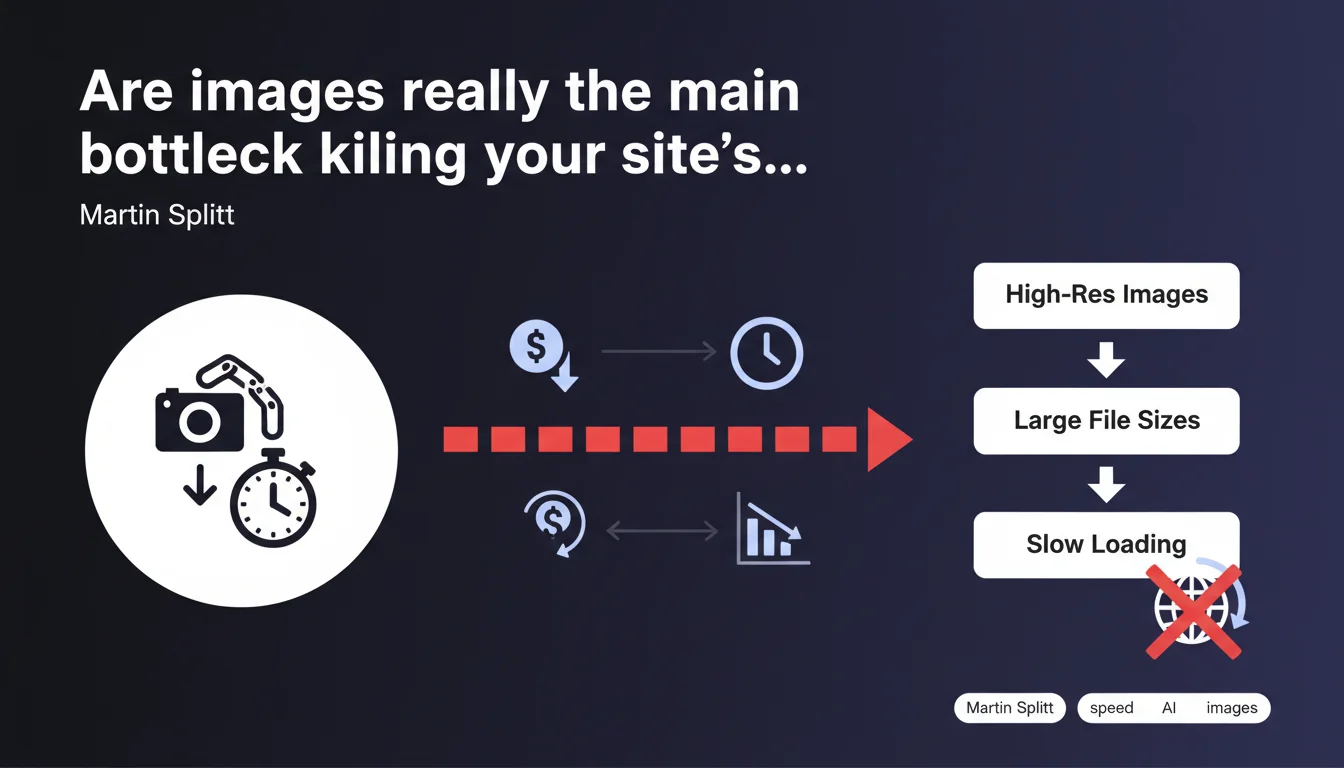
Images often account for the majority of a webpage's total weight and cause critical slowdowns. They directly impact loading speed, a major SEO factor, and generate hidden bandwidth costs. Optimizing images isn't optional: it's a technical priority for any site aiming to master Core Web Vitals.
What you need to understand
Martin Splitt highlights a field reality that many SEOs know all too well: images are heavy, often far heavier than HTML, CSS, and JavaScript combined. On most sites, they account for 50 to 70% of a page's total weight.
This statement reflects Google's continued emphasis on Core Web Vitals, particularly LCP (Largest Contentful Paint) and CLS (Cumulative Layout Shift). An unoptimized image delays the display of main content, degrades user experience, and can cause your rankings to plummet.
Why do unoptimized images slow down pages so much?
Unoptimized images create multiple problems: excessive file size (poorly compressed JPEG or PNG files), unsuitable formats (no WebP or AVIF support), dimensions too large for actual display, and synchronous loading that blocks rendering.
Every extra second of delay increases bounce rate and deteriorates the user signals Google monitors. It's a vicious cycle: slowdown → poor UX → worse rankings.
What does Google mean by the "cost in time and money"?
The time cost is users who abandon before the page even loads. The money cost is wasted bandwidth: serving 2 MB images when 200 KB would suffice multiplies hosting and CDN costs.
For a high-traffic site, savings from image optimization can amount to thousands of euros annually. Not to mention the direct impact on conversions.
Does this statement apply to all types of websites?
Obviously, a text blog will have fewer issues than an e-commerce site filled with product visuals. But even a "light" site can suffer from a poorly optimized hero image at the top of the page, delaying everything else.
Editorial sites, portfolios, and e-commerce product pages are most exposed. For them, image management isn't a technical detail — it's a strategic priority.
- Images often represent 50 to 70% of a webpage's total weight
- They directly impact LCP and CLS (Core Web Vitals)
- An unoptimized image increases bounce rate and degrades user experience
- Hidden costs: bandwidth, hosting, CDN
- All sites are affected, but e-commerce and portfolio sites are most vulnerable
SEO Expert opinion
Is this statement consistent with real-world practices?
Absolutely. Technical SEO audits consistently reveal the same problem: poorly compressed images, served in outdated formats, and without lazy loading. It's a classic issue.
In practice? WordPress sites with full-format JPEG uploads (3000x2000 px) when the actual display is 800x600. CMSs that don't auto-generate WebP versions. Developers embedding PNGs for photos when that format is meant for graphics.
What nuances should be added to this statement?
Google doesn't specify a precise threshold. What image weight becomes "problematic"? It depends on context: content type, audience (mobile vs desktop), average visitor connection quality.
[To verify]: Google doesn't explicitly state that reducing image weight directly improves rankings. What's certain is that it improves Core Web Vitals, which do influence ranking. The causality chain is indirect but real.
In what cases doesn't this rule really apply?
If your site is a pure SaaS application with minimal visual content, or a minimalist institutional site, images won't be your main bottleneck. Heavy JavaScript, multiple requests, and unoptimized fonts will take over.
But let's be honest: these cases are rare. Most modern websites are drowning in images, often due to poorly configured CMSs or contributors who don't think about performance.
Practical impact and recommendations
What concrete steps should you take to optimize images?
First step: audit your current state. PageSpeed Insights, WebPageTest, or Lighthouse show you exactly which images are problematic and how many kilobytes can be saved.
Then act on three levers: compression (reduce file size without losing too much quality), format (switch to WebP or AVIF when supported), and loading (lazy loading, dimensions adapted to viewport).
What mistakes should you absolutely avoid?
Don't skip compressing images before upload. Don't serve the same 4000 px image to mobile devices. Don't forget width and height attributes, which cause CLS when the image loads.
Another common mistake: thinking your CDN will fix everything. A CDN speeds up delivery, but if an image weighs 3 MB, it still weighs 3 MB—just delivered faster. Optimize first, distribute second.
How can you verify your site meets best practices?
Use standard tools: Google PageSpeed Insights, GTmetrix, WebPageTest. They identify unoptimized images and calculate potential savings.
Also test on mobile with simulated 3G connection (throttling in Chrome DevTools). If your images take 5 seconds to display, it's dead for UX—and Google knows it.
- Audit all pages with PageSpeed Insights or Lighthouse
- Convert JPEGs/PNGs to WebP or AVIF (with fallback)
- Compress images using tools like TinyPNG, ImageOptim, or Squoosh
- Implement native lazy loading (
loading="lazy") - Define
widthandheightattributes to prevent CLS - Use responsive images with
srcsetandsizes - Enable Brotli or Gzip compression server-side
- Configure browser cache for static images (1 year minimum)
Optimizing images is essential to meet Core Web Vitals and maintain good user experience. It's an SEO lever with direct impact on bounce rate, conversions, and rankings.
However, implementing a complete optimization strategy—modern formats, lazy loading, responsive images, automatic compression—requires technical expertise and time. If you lack internal resources or your tech stack is complex, working with a specialized SEO agency can accelerate compliance and guarantee measurable results quickly.
❓ Frequently Asked Questions
Quel est le poids maximal acceptable pour une image sur une page web ?
Le format WebP est-il obligatoire pour bien se classer sur Google ?
Le lazy loading peut-il nuire au référencement des images ?
Les CDN d'images comme Cloudflare ou Cloudinary optimisent-ils automatiquement ?
Dois-je optimiser toutes les images, même celles en bas de page ?
🎥 From the same video 18
Other SEO insights extracted from this same Google Search Central video · published on 02/07/2024
🎥 Watch the full video on YouTube →
💬 Comments (0)
Be the first to comment.