
Official statement
Other statements from this video 18 ▾
- □ Les images freinent-elles vraiment les performances SEO de votre site ?
- □ Quel format d'image choisir pour booster réellement les performances de votre site ?
- □ Faut-il vraiment automatiser la compression de vos images pour le SEO ?
- □ Faut-il vraiment adapter la taille de vos images selon l'appareil de l'utilisateur ?
- □ Picture et srcset pour le responsive : Google indexe-t-il vraiment toutes vos images ?
- □ Faut-il systématiquement utiliser le lazy-loading pour toutes les images en dessous de la ligne de flottaison ?
- □ Faut-il vraiment éviter le lazy-loading sur toutes vos images ?
- □ Faut-il vraiment utiliser l'attribut HTML loading pour optimiser le lazy-loading ?
- □ Les images sont-elles vraiment le principal frein à la performance de votre site ?
- □ Les images mal configurées nuisent-elles vraiment au référencement via les layout shifts ?
- □ Faut-il vraiment adapter la qualité d'image selon la taille d'écran pour le SEO ?
- □ Faut-il vraiment utiliser picture et srcset pour optimiser les images en responsive ?
- □ Comment exploiter les données structurées pour déclarer les versions alternatives d'images ?
- □ Faut-il vraiment arrêter de lazy-loader toutes vos images ?
- □ Faut-il vraiment utiliser l'attribut HTML loading pour le lazy-loading ?
- 1:22 Faut-il vraiment migrer ses images vers WebP et AVIF pour améliorer son SEO ?
- 1:57 Faut-il vraiment automatiser la compression d'images pour le SEO ?
- 1:57 Faut-il vraiment vérifier manuellement la compression automatique de vos images ?
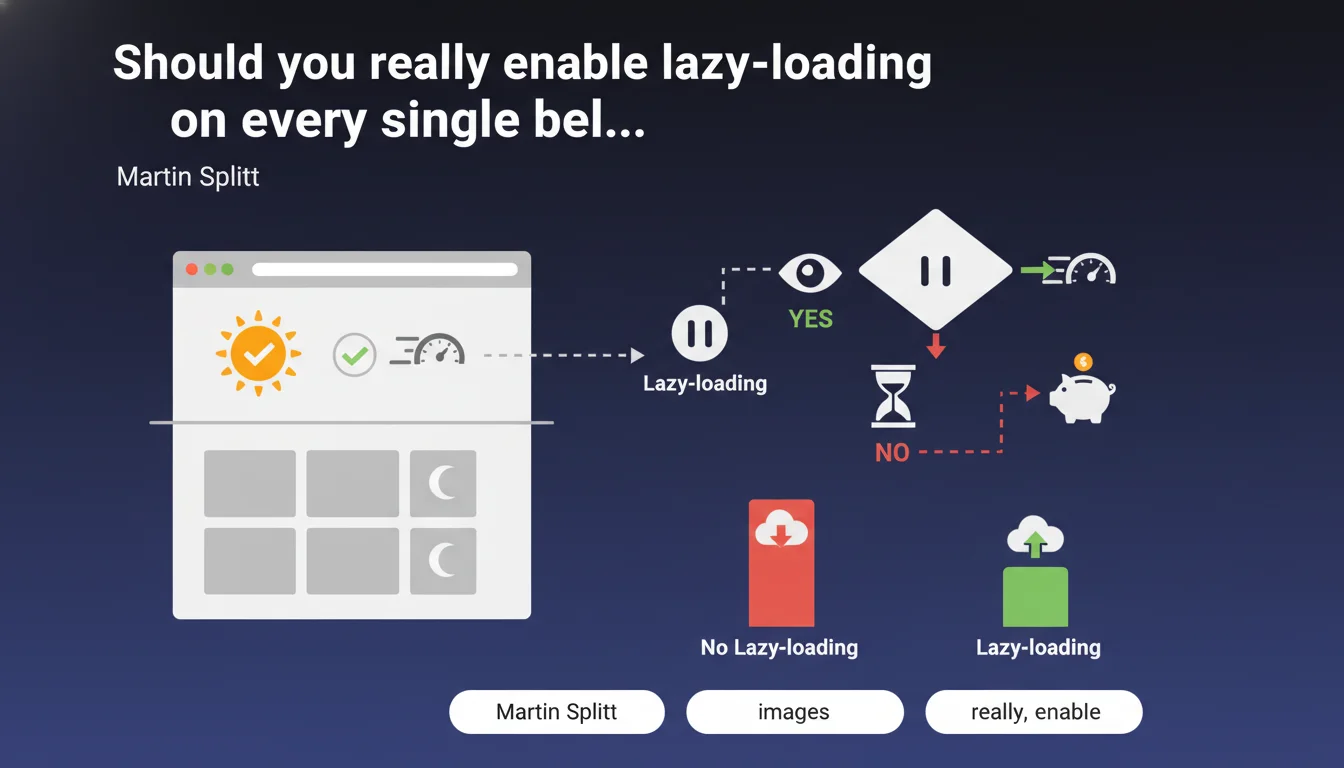
Google recommends using lazy-loading for images located below the fold to reduce unnecessary data transfers. This technique delays loading until the image is likely to become visible. The goal: optimize bandwidth and improve Core Web Vitals, particularly LCP.
What you need to understand
Why does Google insist so much on lazy-loading below-the-fold images?
The logic is straightforward: loading an image the user may never see is a waste of bandwidth. On mobile especially, where connection can be limited, every byte counts.
Google has valued sites that optimize their initial load time for years. Lazy-loading images outside the initial viewport allows you to focus resources on what's immediately visible — which directly impacts LCP (Largest Contentful Paint).
What does "below-the-fold" actually mean in practice?
It refers to all images that are not visible without scrolling on first page load. On desktop, the fold line is generally around 768px in height, but this varies by resolution.
On mobile, this area is even more restricted. An image placed 400px from the top of the page may already be considered below-the-fold on a smartphone. The phrase "likely not immediately visible" leaves room for interpretation — and that's where it gets complicated.
What are the real SEO benefits?
The impact can be measured across several dimensions. First, reducing the initial page weight improves perceived load time and Web Vitals metrics, especially LCP and FID.
Second, fewer simultaneous HTTP requests means less network congestion and better overall responsiveness. Third, on limited connections or restricted data plans, users consume less data — which improves user experience.
- LCP improvement by prioritizing above-the-fold content
- Reduced initial page weight and bandwidth consumption
- Better user experience on mobile and slow connections
- Less network congestion on initial load
- Indirect SEO impact via Core Web Vitals and UX signals
SEO Expert opinion
Is this recommendation really as straightforward as it sounds?
No. And that's precisely where the devil hides. Martin Splitt talks about images "likely not immediately visible" — but that "likely" opens a gray zone. Some sites display images at 600px that remain visible without scrolling on large screens.
Implementation with the native loading="lazy" relies on threshold triggers defined by the browser, not by you. Chrome, for example, loads lazy images roughly 1250px before they enter the viewport — which can seem aggressive or conversely insufficient depending on context.
What are the concrete risks of poor implementation?
Blindly applying lazy-loading to all below-the-fold images can degrade user experience. If you lazy-load an image at 500px and the user scrolls quickly, they'll see an empty placeholder while the image loads.
Worse: on certain templates, the LCP image itself might end up slightly below-the-fold on certain resolutions. If you lazy-load it, you artificially delay your LCP — exactly the opposite of what you're trying to achieve. [Must be verified] on every template, every device.
Do Google Discover and crawlers see all lazy-loaded images?
Theoretically yes, Google indexes lazy-loaded images without issue — this has been confirmed for years. But in practice, some sites report partial or delayed indexation for images deep in the DOM.
In concrete terms? If you have 50 lazy-loaded images in a long article, Googlebot will see them all — but their indexation priority may vary. For critical content (product images, key editorial visuals), it's better not to rely too heavily on the "likely".
Practical impact and recommendations
What should you actually do on your site?
Start by identifying the fold line on your main templates across mobile and desktop. Use Chrome DevTools to simulate different resolutions and spot which images are truly visible without scrolling.
Then add the loading="lazy" attribute only to images beyond this zone — typically starting from the 3rd or 4th image in the flow. Never touch hero images, headers, or first visible content.
Finally, test Core Web Vitals before and after implementation. If your LCP degrades, you've lazy-loaded a critical image. Roll back on that one and adjust.
What mistakes should you absolutely avoid?
First classic mistake: lazy-loading the LCP image. This is a guaranteed disaster. Second mistake: applying lazy-loading via JavaScript when the native HTML attribute is sufficient — you're adding unnecessary complexity and regression risk.
Third mistake: failing to set explicit dimensions (width/height) on lazy-loaded images. Without this, the browser can't reserve the necessary space, which causes Cumulative Layout Shift (CLS) — another critical Web Vitals metric.
- Identify the fold line on mobile and desktop for each template
- Add
loading="lazy"only to below-the-fold images - Never lazy-load the LCP image or hero images
- Set width and height on all images to prevent CLS
- Test Core Web Vitals before/after with PageSpeed Insights and Search Console
- Verify lazy-loaded image indexation in Google Images
- Simulate slow connections (3G) to validate user experience
❓ Frequently Asked Questions
L'attribut loading="lazy" fonctionne-t-il sur tous les navigateurs ?
Faut-il lazy-loader les images d'un carrousel en homepage ?
Le lazy-loading impacte-t-il l'indexation des images dans Google Images ?
Peut-on lazy-loader les images de produits sur une page catégorie e-commerce ?
Que faire si mon LCP est une image below-the-fold sur mobile ?
🎥 From the same video 18
Other SEO insights extracted from this same Google Search Central video · published on 02/07/2024
🎥 Watch the full video on YouTube →
💬 Comments (0)
Be the first to comment.