
Official statement
Other statements from this video 18 ▾
- □ How can you actually boost your website's performance by selecting the right image format?
- □ Should you really automate image compression for SEO purposes?
- □ Is your website really serving the right image size to each device?
- □ Does Google really index all your responsive image variations with picture and srcset?
- □ Should you systematically use lazy-loading for all images below the fold?
- □ Should you really avoid lazy-loading for all your images?
- □ Should you really use the HTML loading attribute to optimize lazy-loading?
- □ Are images really the main bottleneck killing your site's performance?
- □ Are poorly configured images really harming your SEO through layout shifts?
- □ Does image quality really need to adapt by screen size for SEO success?
- □ Do you really need picture and srcset to optimize responsive images for SEO?
- □ Should you declare alternative image versions using structured data to boost Google's indexing?
- □ Should you really enable lazy-loading on every single below-the-fold image?
- □ Is lazy-loading all your images actually hurting your SEO performance?
- □ Should you really be using the HTML loading attribute for lazy-loading in 2024?
- 1:22 Do you really need to migrate your images to WebP and AVIF to boost your SEO?
- 1:57 Should you really automate image compression for SEO success?
- 1:57 Should you really manually verify automatic image compression results for your website?
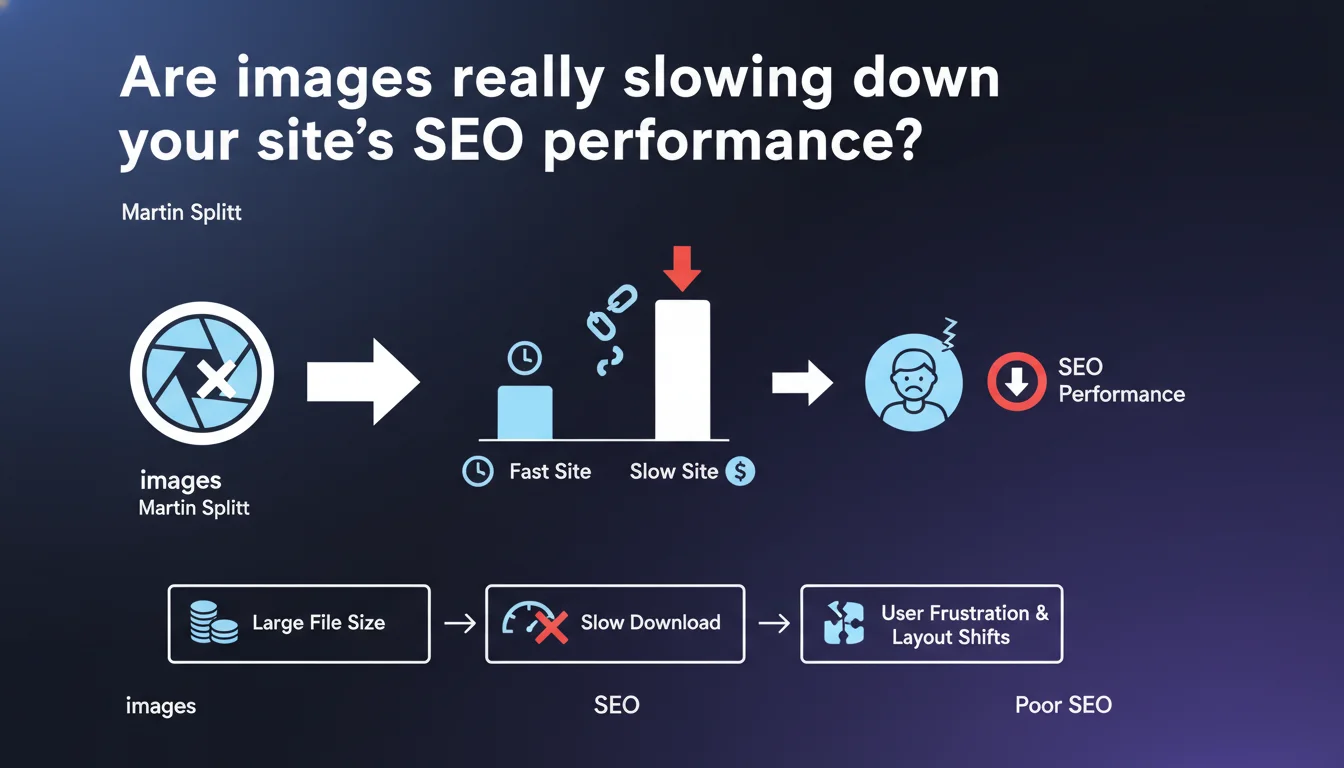
Images often represent the majority of a page's downloaded weight and frequently cause critical slowdowns. When unoptimized, they cost in loading time, bandwidth, and degrade CLS (Cumulative Layout Shift). The impact is directly measurable on Core Web Vitals and user experience.
What you need to understand
Why does Google put so much emphasis on image weight?
Images typically account for 50 to 70% of the total weight of an average web page. It's not just a matter of best practices — it's a measurable performance problem that directly affects Core Web Vitals, particularly LCP (Largest Contentful Paint) and CLS.
When an image takes too long to load or doesn't have defined dimensions, it causes layout shifts: content moves around while the user is reading. The result? Frustration, accidental clicks, and higher bounce rates.
What does "used incorrectly" actually mean in practice?
Google points to three typical errors: serving unoptimized images (heavy formats, excessive resolutions), failing to specify width and height attributes, and ignoring lazy loading. Each of these errors has a direct performance cost.
The financial aspect is not trivial. On mobile, every additional kilobyte consumes user data. In certain regions or for limited data plans, it really matters — and Google factors this into its assessment of user experience.
How does this connect to ranking signals?
Core Web Vitals are a confirmed ranking factor. An unoptimized image that hurts your LCP or causes CLS to spike directly affects your rankings, especially on mobile.
But beyond pure rankings, it's a matter of real usability. A slow site results in fewer conversions, fewer page views, more abandonment — all behavioral signals that Google interprets.
- Images represent the majority of downloaded weight on most websites
- They cause measurable slowdowns affecting LCP and CLS
- Layout shifts (CLS) directly frustrate users
- Mobile bandwidth cost is a user experience factor Google considers
- Image optimization is not optional for Core Web Vitals
SEO Expert opinion
Is this statement consistent with real-world observations?
Absolutely. Field audits consistently show that images are the primary optimization lever on the vast majority of e-commerce, editorial, and institutional sites. The gains are often dramatic: switching from unoptimized JPEGs to WebP with adaptive compression can reduce weight by 60 to 80%.
What's interesting is that Martin Splitt explicitly mentions the financial cost of downloading. This is rarely mentioned in official communications, but it's a relevant angle for convincing certain clients: saving bandwidth means saving money on hosting costs and improving experience for users with limited data plans.
Where are the main gray areas?
The statement remains vague about precise thresholds. At what percentage of total weight does an image become "problematic"? Google doesn't say. We know an LCP above 2.5 seconds is deemed "poor," but the direct link between image weight and LCP time depends on so many variables (CDN, server compression, loading priority) that it's hard to standardize.
Another point [to verify]: the actual impact of native lazy loading versus JavaScript. Google recommends lazy loading, but in certain cases (above-the-fold images), lazy loading can actually delay the LCP. The nuance is missing here.
When doesn't this rule apply completely?
On sites with very few images (technical documentation, text-based sites), image optimization remains important but isn't necessarily the priority lever. JavaScript and CSS become the main culprits instead.
And let's be honest: on some luxury or creative portfolio sites, visual impact sometimes takes priority over pure performance. That doesn't mean ignoring optimization, but accepting a conscious trade-off between perceived quality and speed.
Practical impact and recommendations
What should you do concretely to optimize your images?
First step: audit current weight. PageSpeed Insights, WebPageTest, or Lighthouse immediately show you which images are problematic. Look for those exceeding 100-200 KB without valid reason.
Next, adopt modern formats: WebP or AVIF for most browsers, with JPEG/PNG fallback. Compression should be adaptive — a background image can drop to 70-80% quality without perceptible visual loss, whereas a product photo needs 85-90%.
Always specify width and height attributes in your HTML. Even with responsive design, the browser can calculate the ratio and reserve the necessary space, thus avoiding CLS. Use aspect-ratio in CSS if needed.
What critical mistakes should you absolutely avoid?
Never serve a 4000x3000 pixel image for 400x300 display. Create multiple versions via srcset and let the browser choose. This is especially critical on mobile.
Don't apply lazy loading to images above the fold. This delays their loading when they need to display immediately. Reserve lazy loading for below-the-fold images.
And be wary of "automatic" solutions that compress all images at the same level. A product photo in e-commerce doesn't have the same requirements as a decorative icon — the approach should be segmented.
How do you verify that optimization actually works?
Measure before/after with PageSpeed Insights and WebPageTest. Monitor LCP and CLS specifically. If LCP remains above 2.5 seconds after image optimization, look elsewhere (server, blocking JavaScript, critical CSS).
Test on simulated 3G connection. That's where you'll really see the impact. A site that seems fast on 4G or fiber can collapse under real conditions for part of your users.
- Audit current image weight using PageSpeed Insights or WebPageTest
- Migrate to WebP/AVIF with JPEG fallback for compatibility
- Create multiple versions via srcset for responsive adaptation
- Specify width and height on all
<img>tags - Apply lazy loading only to below-the-fold images
- Compress adaptively according to context (70-90% depending on usage)
- Test performance under real conditions (3G, mobile)
- Monitor LCP and CLS before/after optimization
❓ Frequently Asked Questions
Quel format d'image privilégier pour le SEO en 2025 ?
Le lazy loading natif (loading='lazy') suffit-il ou faut-il une librairie JavaScript ?
Les images impactent-elles vraiment le classement ou seulement l'expérience utilisateur ?
Faut-il optimiser toutes les images ou seulement celles au-dessus de la ligne de flottaison ?
Comment gérer les images sur un site avec des milliers de produits (e-commerce) ?
🎥 From the same video 18
Other SEO insights extracted from this same Google Search Central video · published on 02/07/2024
🎥 Watch the full video on YouTube →
💬 Comments (0)
Be the first to comment.