
Official statement
Other statements from this video 18 ▾
- □ Are images really slowing down your site's SEO performance?
- □ How can you actually boost your website's performance by selecting the right image format?
- □ Should you really automate image compression for SEO purposes?
- □ Is your website really serving the right image size to each device?
- □ Does Google really index all your responsive image variations with picture and srcset?
- □ Should you systematically use lazy-loading for all images below the fold?
- □ Should you really avoid lazy-loading for all your images?
- □ Are images really the main bottleneck killing your site's performance?
- □ Are poorly configured images really harming your SEO through layout shifts?
- □ Does image quality really need to adapt by screen size for SEO success?
- □ Do you really need picture and srcset to optimize responsive images for SEO?
- □ Should you declare alternative image versions using structured data to boost Google's indexing?
- □ Should you really enable lazy-loading on every single below-the-fold image?
- □ Is lazy-loading all your images actually hurting your SEO performance?
- □ Should you really be using the HTML loading attribute for lazy-loading in 2024?
- 1:22 Do you really need to migrate your images to WebP and AVIF to boost your SEO?
- 1:57 Should you really automate image compression for SEO success?
- 1:57 Should you really manually verify automatic image compression results for your website?
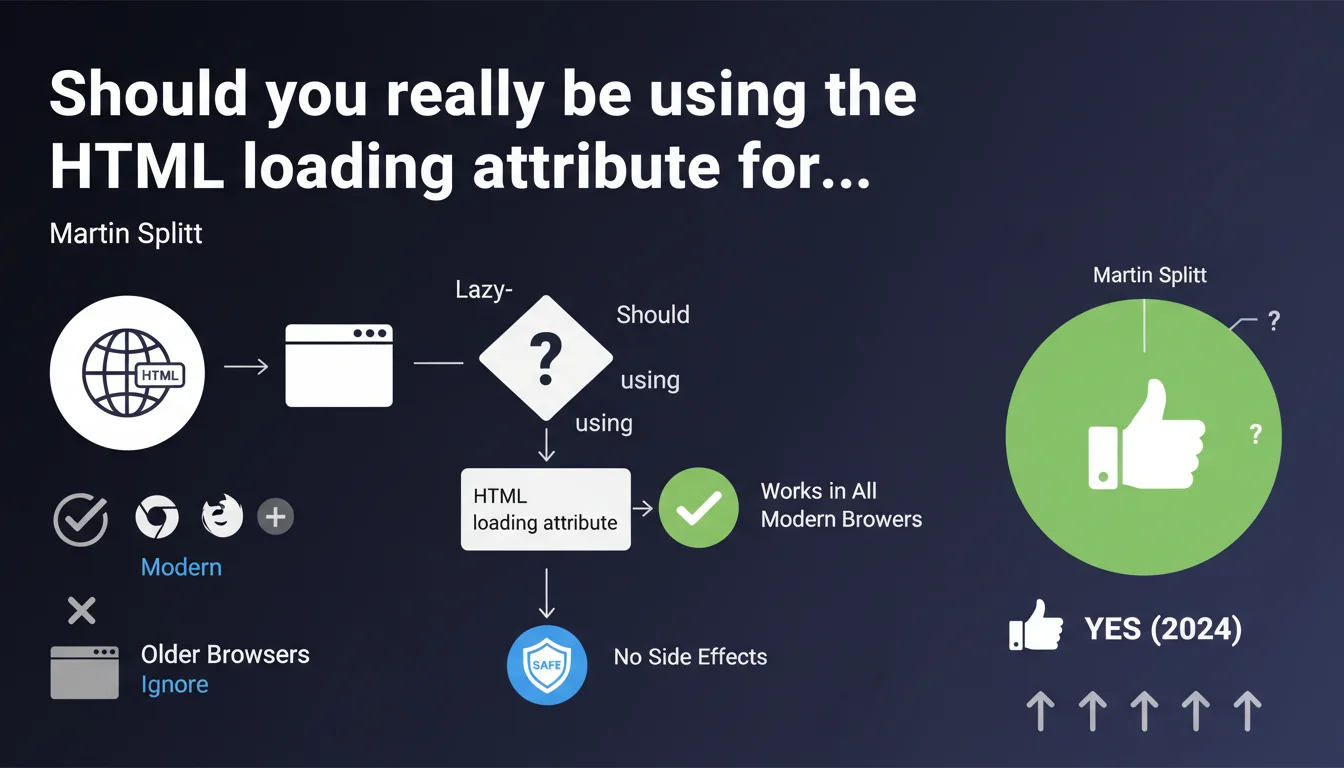
The HTML loading attribute enables native lazy-loading implementation without JavaScript. All modern browsers support it, and older ones simply ignore it — making it safe to deploy without worrying about breaking your layout. Google confirms there's no risk of technical regression.
What you need to understand
What is the HTML loading attribute and why is Google talking about it?
The loading attribute added to <img> and <iframe> tags allows you to defer resource loading until they approach the viewport. Concretely, you add loading="lazy" and the browser handles everything.
Google highlights this feature because it dramatically simplifies lazy-loading implementation — no need for heavy JS libraries or custom scripts anymore. It's a direct Core Web Vitals optimization, especially for LCP and CLS.
Why mention compatibility with older browsers?
The classic concern: deploy a modern feature and break the display on browsers that don't understand it. Here, Google clarifies that browsers that don't support the attribute simply ignore it — images load normally, as if the attribute didn't exist.
No fallback needed, no polyfill required. You can add it everywhere without checking browser compatibility. It's a clear technical green light.
What are the essential points to remember?
- The
loading="lazy"attribute works on all modern browsers (Chrome, Firefox, Edge, recent Safari) - Older browsers ignore the attribute — no risk of regression or broken images
- You eliminate dependency on third-party JS libraries for lazy-loading
- Direct impact on Core Web Vitals: improved LCP, reduced initial load
- Applicable to
<img>and<iframe>tags
SEO Expert opinion
Does this statement really change the game for SEO sites?
Let's be honest: the loading attribute has been around for a while and many sites already use it. What Martin Splitt confirms is mainly that Google doesn't penalize its usage and that browser compatibility is no longer a barrier.
For sites still using third-party JS libraries (Intersection Observer, LazyLoad.js), this is a clear signal to migrate to the native solution. Less JS means better TBT, better INP, less maintenance.
Are there cases where this attribute causes problems?
Yes. If you apply loading="lazy" to a hero image or any above-the-fold content, you intentionally slow down its display — and you degrade LCP. It's a frequent mistake.
Another point: lazy-loaded images aren't systematically indexed by Googlebot if they're never visible during initial crawl. If an image critical for your SEO (product, infographic) is deep in lazy-loading, verify it's properly discovered via the Coverage report in Search Console.
loading="lazy" to critical images above the fold. You'd sabotage your LCP for nothing.Does Google provide all necessary nuances?
The statement is factual but stays at surface level. It doesn't specify how Googlebot handles lazy-loaded images during rendering, or whether an loading="eager" attribute is preferable for certain strategic resources.
Concretely? You need to test. The attribute is safe to deploy, but its real impact on crawl and indexing depends on your HTML structure and rendering strategy. [To verify]: the exact impact on indexation rate for deep lazy-loaded images remains empirical, not officially documented.
Practical impact and recommendations
What should you concretely do on an existing site?
Audit all <img> and <iframe> tags. If you're using a JS library for lazy-loading, progressively replace it with the native attribute. Start with high-traffic pages and measure the impact on Core Web Vitals via PageSpeed Insights or CrUX.
Add loading="lazy" to images below the fold only. For critical images (hero, logo, first product visual), explicitly use loading="eager" or leave it blank — the default behavior loads immediately.
What mistakes should you absolutely avoid?
Don't generalize the attribute to all images indiscriminately. A brutal migration with a script that adds loading="lazy" everywhere can kill your LCP across dozens of pages.
Another trap: don't rely solely on the attribute to fix all your performance issues. If your images weigh 3 MB without optimization, lazy-loading won't change user perception. Compress, serve in WebP or AVIF, size correctly.
How do you verify the implementation is correct?
- Test your key pages with PageSpeed Insights before/after deployment
- Verify that hero and critical images do NOT have the
loading="lazy"attribute - Inspect the Network tab in DevTools: lazy images should load on scroll, not on initial load
- Check the Coverage report in Search Console to verify that strategic images are properly indexed
- Monitor your Core Web Vitals over 28 days via CrUX to detect any regression
loading attribute is a simple and risk-free technical optimization — but it must be applied with discernment. Poor configuration can degrade LCP instead of improving it. For complex sites with critical performance stakes, an in-depth technical audit may require intervention from a specialized SEO agency capable of cross-referencing field data, crawl analysis, and actual impact measurement on Core Web Vitals.❓ Frequently Asked Questions
L'attribut loading="lazy" ralentit-il le crawl de Googlebot ?
Peut-on utiliser loading="lazy" sur tous les types d'images ?
Faut-il conserver une bibliothèque JS pour le lazy-loading en complément ?
Que faire si mon CMS ajoute automatiquement loading="lazy" partout ?
L'attribut loading impacte-t-il le référencement des images dans Google Images ?
🎥 From the same video 18
Other SEO insights extracted from this same Google Search Central video · published on 02/07/2024
🎥 Watch the full video on YouTube →
💬 Comments (0)
Be the first to comment.