
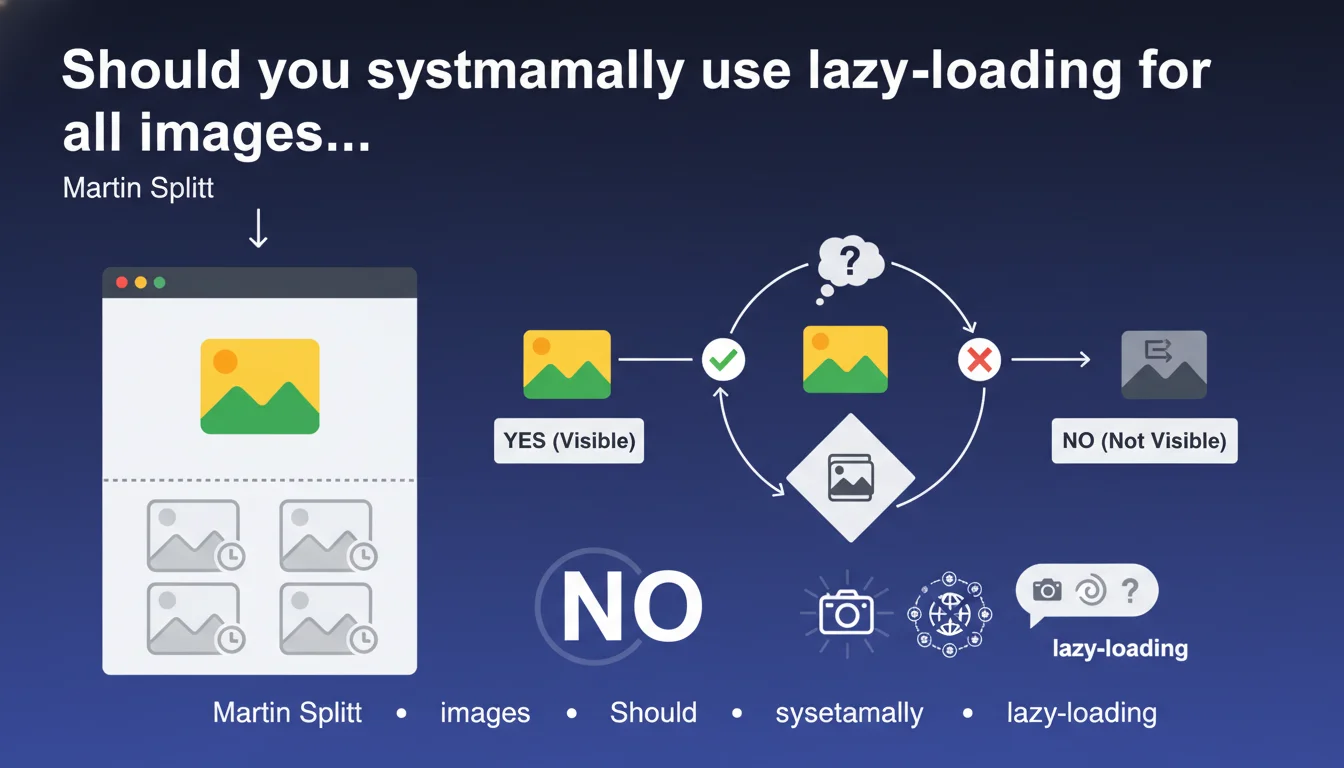
Official statement
Other statements from this video 18 ▾
- □ Are images really slowing down your site's SEO performance?
- □ How can you actually boost your website's performance by selecting the right image format?
- □ Should you really automate image compression for SEO purposes?
- □ Is your website really serving the right image size to each device?
- □ Does Google really index all your responsive image variations with picture and srcset?
- □ Should you really avoid lazy-loading for all your images?
- □ Should you really use the HTML loading attribute to optimize lazy-loading?
- □ Are images really the main bottleneck killing your site's performance?
- □ Are poorly configured images really harming your SEO through layout shifts?
- □ Does image quality really need to adapt by screen size for SEO success?
- □ Do you really need picture and srcset to optimize responsive images for SEO?
- □ Should you declare alternative image versions using structured data to boost Google's indexing?
- □ Should you really enable lazy-loading on every single below-the-fold image?
- □ Is lazy-loading all your images actually hurting your SEO performance?
- □ Should you really be using the HTML loading attribute for lazy-loading in 2024?
- 1:22 Do you really need to migrate your images to WebP and AVIF to boost your SEO?
- 1:57 Should you really automate image compression for SEO success?
- 1:57 Should you really manually verify automatic image compression results for your website?
Google officially recommends lazy-loading for images located below the fold in order to reduce unnecessary data transfers. This technique improves initial load performance by deferring the download of images that users may never see. The main challenge: optimizing Core Web Vitals without degrading user experience.
What you need to understand
What is lazy-loading and why is Google talking about it now?
Lazy-loading consists of deferring the loading of non-critical resources until the moment they become necessary — typically when the user scrolls toward them. This technique has existed for years, but Google now explicitly recommends it for images located below the fold.
The HTML attribute loading="lazy" has been natively supported by modern browsers since 2019. Google encourages its adoption because it directly improves performance metrics, particularly LCP (Largest Contentful Paint) and reduces bandwidth consumption.
Why is this recommendation important for SEO?
Core Web Vitals are a confirmed ranking factor. By reducing the initial page weight and accelerating the loading of visible content, lazy-loading directly contributes to improving your performance scores.
Concretely? A page with 20 heavy images but only 3 visible on initial load can gain several seconds on its perceived load time. Google values this optimization because it improves user experience, particularly on mobile with limited connections.
What is the essential nuance to understand in this statement?
Martin Splitt clarifies well: "images unlikely to be immediately visible". This is not a directive to lazy-load every image without thinking. Critical images for the first screen (above the fold) should NEVER be lazy-loaded.
The other key point: "that the user might never see". Google implicitly acknowledges that optimizing for what is actually consumed is smarter than blindly loading all resources.
- Native lazy-loading (
loading="lazy") is supported by all modern browsers - It reduces data transfers and improves Core Web Vitals, particularly LCP
- The recommendation specifically targets images below the fold
- Critical images on the first screen must load normally
- This optimization particularly benefits mobile users with limited connections
SEO Expert opinion
Is this recommendation really new or just a reminder?
Let's be honest: lazy-loading is nothing revolutionary. Developers have been using it for years via JavaScript. What's changing is that Google now recommends it officially and recognizes its positive impact on SEO through Core Web Vitals.
The fact that Martin Splitt is talking about it explicitly signals that Google still sees too many sites loading all their image resources on initial page load — an expensive and unnecessary practice. This statement is therefore more of a strong reminder than a technical innovation.
What are the limitations and pitfalls of lazy-loading?
First pitfall: lazy-loading a critical image on the first screen. This degrades the LCP instead of improving it. I've seen sites lose several ranking positions after applying blind lazy-loading to all their images, hero image included.
Second nuance — and Google doesn't say this: lazy-loading can pose problems for image crawling. If Googlebot doesn't scroll like a real user, some lazy-loaded images risk never being discovered. [To verify] in your field tests, particularly for e-commerce sites where every product image counts for Google Images.
Third point: the native loading="lazy" attribute offers no control over the trigger threshold (how many pixels before appearance). JavaScript solutions like Intersection Observer provide more precision but add complexity.
In what cases does this rule not apply?
On ultra-short landing pages where all content fits on the first screen, lazy-loading has no value. Same for pages with only 2-3 light images: the overhead of lazy-loading can even be counterproductive.
For news sites or blogs with infinite scroll, the situation becomes more complex. You need to find a balance between initial performance and navigation fluidity. Lazy-loading too aggressively creates visually unpleasant "white holes" during fast scrolling.
Practical impact and recommendations
What should you concretely do to implement lazy-loading correctly?
Start by identifying your above the fold images — those visible without scrolling on initial load. Use Chrome DevTools in both mobile AND desktop mode because the fold line varies. These images must load normally, without lazy-loading.
For all other images (those below the fold), simply add the loading="lazy" attribute to your HTML. It's native, no external JavaScript needed. Most modern CMS platforms (WordPress, Shopify, etc.) now offer this by default or via plugin.
Then test the real impact on your Core Web Vitals via PageSpeed Insights and Search Console. Monitor particularly the LCP — it should improve, not degrade. If your LCP worsens after implementation, you've probably lazy-loaded a critical image.
What errors should you absolutely avoid?
Error #1: Applying lazy-loading to your hero image, your logo, or any immediately visible image. This delays their display and destroys your LCP. Check twice rather than once.
Error #2: Not providing explicit dimensions (width/height) to lazy-loaded images. Without dimensions, the browser cannot reserve space and you create Cumulative Layout Shift (CLS) — another Core Web Vital you're degrading while trying to optimize.
Error #3: Forgetting fallbacks for older browsers. While native support is broad, plan for a backup or accept that these users will load all images — which remains the default behavior.
How can you verify that your implementation is working correctly?
Open Chrome DevTools, Network tab, filter on "Images". Reload your page and observe: images below the fold should only load when you scroll toward them.
Use PageSpeed Insights before and after implementation. Compare LCP, TBT, and Speed Index scores. The improvement should be measurable, especially on mobile. If you gain nothing, either your images are too light for it to matter, or your implementation has an issue.
Also check in Search Console (Performance > Page Experience) that your URLs pass the Core Web Vitals thresholds. The impact may take a few weeks to reflect in Google reports.
- Precisely identify which images are above the fold (vary by device)
- Add
loading="lazy"only to images below the fold - NEVER touch your LCP image or critical images on the first screen
- Always specify width and height to avoid CLS
- Test on both mobile AND desktop — breakpoints matter
- Measure real impact on PageSpeed Insights and Search Console
- Monitor behavior in Chrome DevTools > Network
- Provide a fallback or accept default behavior for older browsers
Lazy-loading images below the fold is a direct and effective technical optimization to improve your Core Web Vitals. Native implementation via HTML attribute is simple, but requires precise analysis to avoid degrading performance instead of improving it.
If your site has hundreds of pages with varied structures, or if you notice side effects after implementation, support from a specialized SEO agency can prove valuable. These technical optimizations often require custom adjustments based on your technology stack and business priorities — an expert eye helps avoid common pitfalls and achieve measurable gains quickly.
❓ Frequently Asked Questions
Le lazy-loading des images peut-il nuire à l'indexation de mes images dans Google Images ?
Dois-je lazy-loader les images de mon carrousel ou slider en page d'accueil ?
L'attribut loading="lazy" suffit-il ou faut-il une solution JavaScript plus avancée ?
Le lazy-loading fonctionne-t-il avec les images de fond CSS (background-image) ?
Combien de temps faut-il pour voir l'impact du lazy-loading sur mes classements ?
🎥 From the same video 18
Other SEO insights extracted from this same Google Search Central video · published on 02/07/2024
🎥 Watch the full video on YouTube →
💬 Comments (0)
Be the first to comment.