
Official statement
Other statements from this video 20 ▾
- □ Comment Google indexe-t-il réellement le contenu des iframes ?
- □ Faut-il vraiment privilégier une structure hiérarchique pour les grands sites ?
- □ Bloquer le crawl via robots.txt : solution miracle contre les liens toxiques ?
- □ Faut-il traduire ses URLs pour améliorer son référencement international ?
- □ Pourquoi Googlebot ignore-t-il la balise meta prerender-status-code 404 dans les applications JavaScript ?
- □ Pourquoi les migrations de sites échouent-elles si souvent malgré une préparation SEO ?
- □ Les doubles slashes dans les URLs sont-ils un problème pour le SEO ?
- □ Pourquoi Google pénalise-t-il les vidéos hors du viewport et comment y remédier ?
- □ Comment transférer efficacement le classement de vos images vers de nouvelles URLs ?
- □ Faut-il vraiment s'inquiéter des erreurs 404 sur son site ?
- □ HTTP 200 sur une page 404 : soft 404 ou cloaking ?
- □ Faut-il forcer l'indexation de son fichier sitemap dans Google ?
- □ L'accessibilité web est-elle vraiment un facteur de classement Google ou un écran de fumée ?
- □ L'achat de liens reste-t-il vraiment sanctionné par Google ?
- □ Faut-il encore signaler les mauvais backlinks à Google ?
- □ Pourquoi bloquer le crawl via robots.txt empêche-t-il Google de voir votre directive noindex ?
- □ Pourquoi Google refuse-t-il l'idée d'une formule magique pour ranker ?
- □ Pourquoi Google affiche-t-il mal vos caractères spéciaux dans ses résultats ?
- □ Google Analytics et Search Console : pourquoi ces différences de données posent-elles problème ?
- □ Faut-il vraiment viser le SEO parfait ?
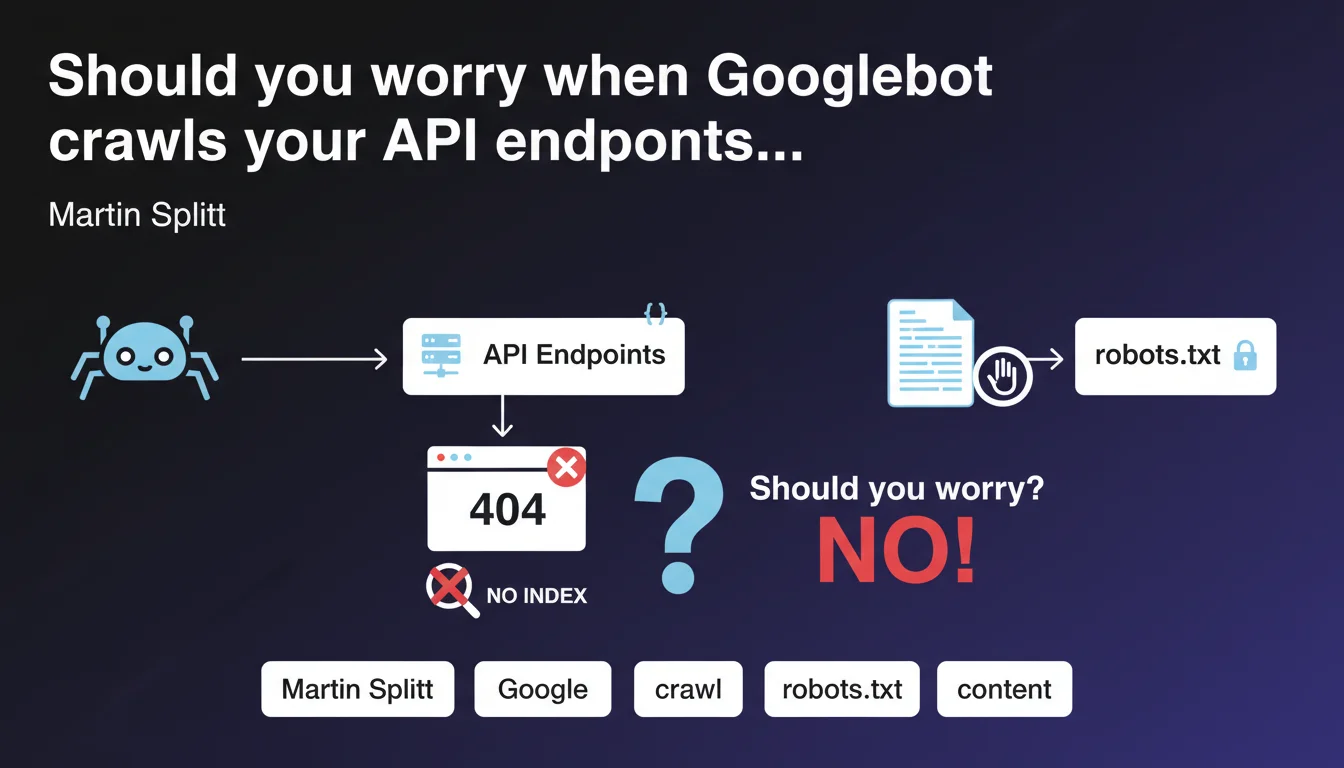
Googlebot can crawl URLs of API discovered in raw JSON and generate 404 errors. This behavior is normal and harmless for indexation. If these errors clutter your logs, block these paths via robots.txt.
What you need to understand
Why does Googlebot crawl API endpoints found in JSON?
Googlebot analyzes page content, including exposed JSON structures. When it detects character strings resembling URLs, it may attempt to crawl them, even if they are internal API paths not intended to be indexed.
This behavior is explained by the bot's exploratory nature: it follows links and references it finds, without automatically distinguishing a webpage URL from a REST endpoint. If your JSON exposes paths like /api/v2/products/{id}, Googlebot may consider them as potential resources.
Do the 404 errors generated impact SEO performance?
No. Martin Splitt is clear: getting a 404 simply means that the content will not be indexed. There is no penalty related to these errors, and they do not significantly affect your crawl budget if they remain proportional to the site's overall volume.
The real problem lies elsewhere: these 404s can pollute your Search Console reports and your server logs, making it difficult to identify legitimate errors on important pages. It's a matter of analytical clarity, not algorithmic sanction.
How can you prevent Googlebot from crawling these API paths?
The solution recommended by Google is to use the robots.txt file. By adding a Disallow directive for the API paths in question, you prevent Googlebot from attempting to crawl them.
Typical example:
- User-agent: *
- Disallow: /api/
- Disallow: /v1/
- Disallow: /v2/
This preventive approach avoids the accumulation of parasitic errors without requiring modifications on the application side.
SEO Expert opinion
Does this statement match field observations?
Yes, this behavior has been documented for years in server logs. Google's crawlers are particularly eager at extracting URL patterns, especially on sites that heavily use REST APIs exposed in the DOM or in JSON-LD blocks.
What still surprises some practitioners is that Googlebot is not limited to <a href> tags. It also parses data- attributes, JavaScript scripts, and any visible JSON structure. If you expose an OpenAPI or Swagger schema in plain text, expect to see these paths in your logs.
Are there cases where these 404s can become problematic?
Rarely, but it happens. If your architecture generates thousands of dynamic API endpoints and Googlebot discovers them all, you risk an artificial inflation of crawl budget. On sites of modest size, the impact is negligible. On platforms with millions of pages, it can dilute the bot's attention.
Another edge case: if your API endpoints return HTML by mistake instead of a clean 404, Googlebot may attempt to index them. Verify that your API routes return proper HTTP status codes and not generic error pages in 200.
Should API paths systematically be blocked via robots.txt?
Not necessarily. If your API endpoints are already protected by authentication or return 401/403, Googlebot won't be able to access them anyway. Blocking via robots.txt becomes relevant when these paths are publicly accessible but not indexable.
Let's be honest: many sites expose their APIs too permissively. It's often an infrastructure configuration matter — dev teams don't always think about crawl implications. [To verify] on your own architecture: audit your logs to identify crawl patterns on /api/ or /v1/ before deciding.
Practical impact and recommendations
What should you check first on your site?
Start by analyzing your server logs and Search Console. Look for 404 errors on paths containing /api/, /v1/, /v2/, /graphql/, or any REST endpoint pattern. If you find significant volumes, it means Googlebot is crawling these resources.
Next, inspect your front-end code and exposed JSON files. Search for places where API URLs are hardcoded in HTML, scripts or structured data. These are so many entry points for the bot.
What corrective actions should you implement?
If the volume of 404 errors on APIs is low (a few dozen per month), do nothing. It's acceptable noise. However, if you observe hundreds or thousands of parasitic requests, add Disallow directives in robots.txt for the paths concerned.
Example of minimal configuration:
- Disallow: /api/
- Disallow: /rest/
- Disallow: /graphql/
- Disallow: /v1/
- Disallow: /v2/
Caution: do not accidentally block paths that serve indexable content. Some sites use /api/ for real pages. Verify each pattern before forbidding it.
How can you avoid this problem upstream?
If you're designing a new architecture, isolate your APIs on a dedicated subdomain (ex: api.yoursite.com). This simplifies crawl management: a global robots.txt on the subdomain is enough, without risk of conflict with public pages.
Another best practice: never expose complete API URLs in HTML or JSON-LD. Use internal relative paths on the application side, and reserve REST endpoints for authenticated JavaScript calls.
In summary: 404s on API paths are benign but can clutter your logs. Block them via robots.txt if the volume becomes bothersome. Verify that your API routes return appropriate HTTP codes. And ideally, isolate your APIs on a subdomain to simplify management.
These technical optimizations may require coordination between dev, infrastructure and SEO teams. If your architecture is complex or if you lack internal resources to audit logs finely and adjust configuration, support from a specialized SEO agency can accelerate compliance and prevent errors when manipulating robots.txt.
❓ Frequently Asked Questions
Les erreurs 404 sur les chemins API nuisent-elles au référencement ?
Dois-je bloquer tous les chemins /api/ par défaut ?
Googlebot crawle-t-il aussi les API protégées par authentification ?
Un sous-domaine dédié aux API est-il vraiment nécessaire ?
Comment savoir si Googlebot crawle mes endpoints API ?
🎥 From the same video 20
Other SEO insights extracted from this same Google Search Central video · published on 18/12/2023
🎥 Watch the full video on YouTube →
💬 Comments (0)
Be the first to comment.