
Official statement
Other statements from this video 20 ▾
- □ Does Google really index iframe content as part of the parent page — or treats it as completely separate?
- □ Should you really prioritize a hierarchical structure for large websites?
- □ Is blocking crawl via robots.txt really the miracle solution against toxic links?
- □ Should you translate your URLs to boost international SEO rankings?
- □ Does Googlebot really ignore the meta prerender-status-code 404 tag in JavaScript applications?
- □ Why do site migrations fail so often even with careful SEO preparation?
- □ Are double slashes in URLs really hurting your SEO performance?
- □ Is your video being penalized by Google for appearing below the fold, and how can you fix it?
- □ How can you successfully transfer your image rankings to new URLs without losing search visibility?
- □ Should you really worry about 404 errors on your website?
- □ Is returning HTTP 200 on a 404 page really cloaking or just a soft 404?
- □ Should you force your sitemap file indexation in Google?
- □ Is web accessibility really a Google ranking factor or just a smoke screen?
- □ Does Google really penalize paid link purchases, or is it just a myth?
- □ Should you still report bad backlinks to Google in 2024?
- □ Why does blocking crawl via robots.txt prevent Google from seeing your noindex directive?
- □ Is Google really rejecting the idea of a magic formula to rank higher?
- □ Why is Google displaying your special characters as gibberish in search results?
- □ Why are the data discrepancies between Google Analytics and Search Console causing so much confusion for SEO professionals?
- □ Should you really be chasing perfect SEO?
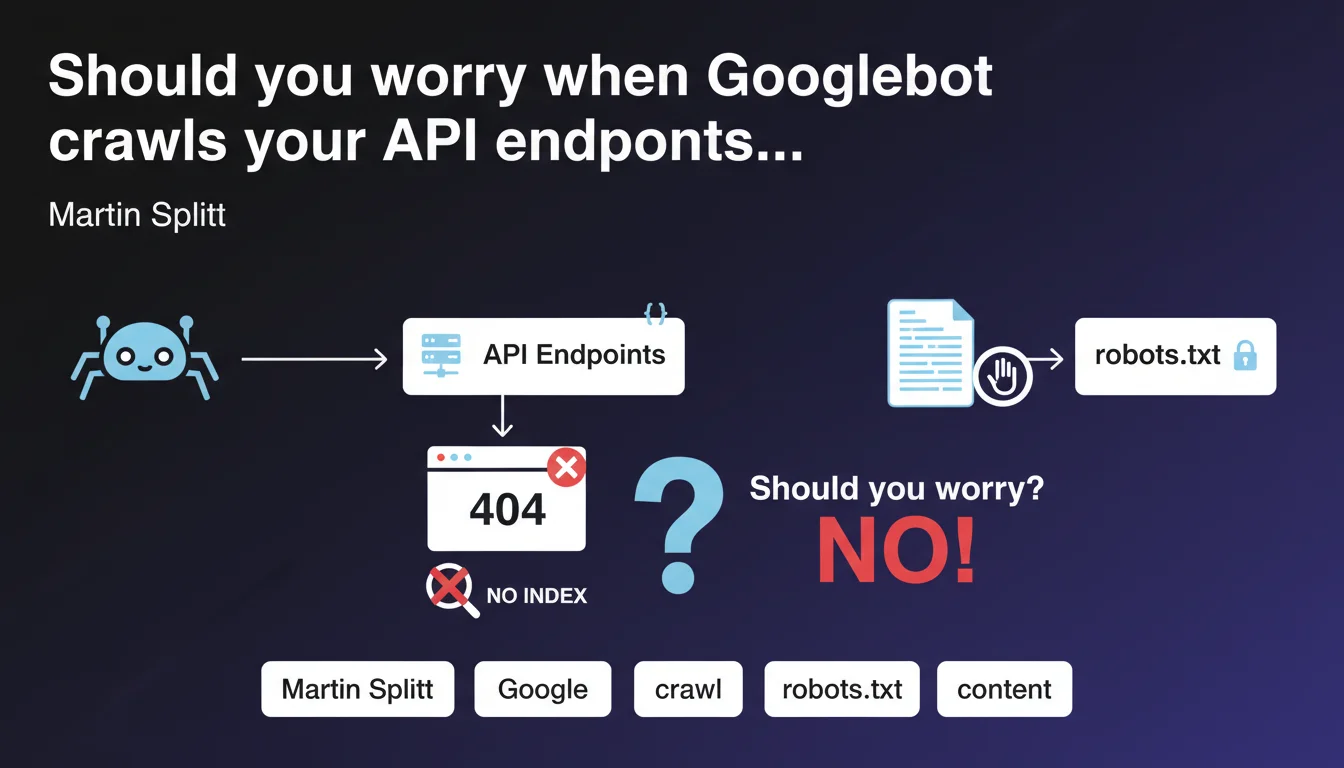
Googlebot can crawl URLs of API discovered in raw JSON and generate 404 errors. This behavior is normal and harmless for indexation. If these errors clutter your logs, block these paths via robots.txt.
What you need to understand
Why does Googlebot crawl API endpoints found in JSON?
Googlebot analyzes page content, including exposed JSON structures. When it detects character strings resembling URLs, it may attempt to crawl them, even if they are internal API paths not intended to be indexed.
This behavior is explained by the bot's exploratory nature: it follows links and references it finds, without automatically distinguishing a webpage URL from a REST endpoint. If your JSON exposes paths like /api/v2/products/{id}, Googlebot may consider them as potential resources.
Do the 404 errors generated impact SEO performance?
No. Martin Splitt is clear: getting a 404 simply means that the content will not be indexed. There is no penalty related to these errors, and they do not significantly affect your crawl budget if they remain proportional to the site's overall volume.
The real problem lies elsewhere: these 404s can pollute your Search Console reports and your server logs, making it difficult to identify legitimate errors on important pages. It's a matter of analytical clarity, not algorithmic sanction.
How can you prevent Googlebot from crawling these API paths?
The solution recommended by Google is to use the robots.txt file. By adding a Disallow directive for the API paths in question, you prevent Googlebot from attempting to crawl them.
Typical example:
- User-agent: *
- Disallow: /api/
- Disallow: /v1/
- Disallow: /v2/
This preventive approach avoids the accumulation of parasitic errors without requiring modifications on the application side.
SEO Expert opinion
Does this statement match field observations?
Yes, this behavior has been documented for years in server logs. Google's crawlers are particularly eager at extracting URL patterns, especially on sites that heavily use REST APIs exposed in the DOM or in JSON-LD blocks.
What still surprises some practitioners is that Googlebot is not limited to <a href> tags. It also parses data- attributes, JavaScript scripts, and any visible JSON structure. If you expose an OpenAPI or Swagger schema in plain text, expect to see these paths in your logs.
Are there cases where these 404s can become problematic?
Rarely, but it happens. If your architecture generates thousands of dynamic API endpoints and Googlebot discovers them all, you risk an artificial inflation of crawl budget. On sites of modest size, the impact is negligible. On platforms with millions of pages, it can dilute the bot's attention.
Another edge case: if your API endpoints return HTML by mistake instead of a clean 404, Googlebot may attempt to index them. Verify that your API routes return proper HTTP status codes and not generic error pages in 200.
Should API paths systematically be blocked via robots.txt?
Not necessarily. If your API endpoints are already protected by authentication or return 401/403, Googlebot won't be able to access them anyway. Blocking via robots.txt becomes relevant when these paths are publicly accessible but not indexable.
Let's be honest: many sites expose their APIs too permissively. It's often an infrastructure configuration matter — dev teams don't always think about crawl implications. [To verify] on your own architecture: audit your logs to identify crawl patterns on /api/ or /v1/ before deciding.
Practical impact and recommendations
What should you check first on your site?
Start by analyzing your server logs and Search Console. Look for 404 errors on paths containing /api/, /v1/, /v2/, /graphql/, or any REST endpoint pattern. If you find significant volumes, it means Googlebot is crawling these resources.
Next, inspect your front-end code and exposed JSON files. Search for places where API URLs are hardcoded in HTML, scripts or structured data. These are so many entry points for the bot.
What corrective actions should you implement?
If the volume of 404 errors on APIs is low (a few dozen per month), do nothing. It's acceptable noise. However, if you observe hundreds or thousands of parasitic requests, add Disallow directives in robots.txt for the paths concerned.
Example of minimal configuration:
- Disallow: /api/
- Disallow: /rest/
- Disallow: /graphql/
- Disallow: /v1/
- Disallow: /v2/
Caution: do not accidentally block paths that serve indexable content. Some sites use /api/ for real pages. Verify each pattern before forbidding it.
How can you avoid this problem upstream?
If you're designing a new architecture, isolate your APIs on a dedicated subdomain (ex: api.yoursite.com). This simplifies crawl management: a global robots.txt on the subdomain is enough, without risk of conflict with public pages.
Another best practice: never expose complete API URLs in HTML or JSON-LD. Use internal relative paths on the application side, and reserve REST endpoints for authenticated JavaScript calls.
In summary: 404s on API paths are benign but can clutter your logs. Block them via robots.txt if the volume becomes bothersome. Verify that your API routes return appropriate HTTP codes. And ideally, isolate your APIs on a subdomain to simplify management.
These technical optimizations may require coordination between dev, infrastructure and SEO teams. If your architecture is complex or if you lack internal resources to audit logs finely and adjust configuration, support from a specialized SEO agency can accelerate compliance and prevent errors when manipulating robots.txt.
❓ Frequently Asked Questions
Les erreurs 404 sur les chemins API nuisent-elles au référencement ?
Dois-je bloquer tous les chemins /api/ par défaut ?
Googlebot crawle-t-il aussi les API protégées par authentification ?
Un sous-domaine dédié aux API est-il vraiment nécessaire ?
Comment savoir si Googlebot crawle mes endpoints API ?
🎥 From the same video 20
Other SEO insights extracted from this same Google Search Central video · published on 18/12/2023
🎥 Watch the full video on YouTube →
💬 Comments (0)
Be the first to comment.