
Official statement
Other statements from this video 20 ▾
- □ Does Google really index iframe content as part of the parent page — or treats it as completely separate?
- □ Should you really prioritize a hierarchical structure for large websites?
- □ Is blocking crawl via robots.txt really the miracle solution against toxic links?
- □ Should you translate your URLs to boost international SEO rankings?
- □ Does Googlebot really ignore the meta prerender-status-code 404 tag in JavaScript applications?
- □ Why do site migrations fail so often even with careful SEO preparation?
- □ Are double slashes in URLs really hurting your SEO performance?
- □ Is your video being penalized by Google for appearing below the fold, and how can you fix it?
- □ How can you successfully transfer your image rankings to new URLs without losing search visibility?
- □ Is returning HTTP 200 on a 404 page really cloaking or just a soft 404?
- □ Should you force your sitemap file indexation in Google?
- □ Should you worry when Googlebot crawls your API endpoints and generates 404 errors?
- □ Is web accessibility really a Google ranking factor or just a smoke screen?
- □ Does Google really penalize paid link purchases, or is it just a myth?
- □ Should you still report bad backlinks to Google in 2024?
- □ Why does blocking crawl via robots.txt prevent Google from seeing your noindex directive?
- □ Is Google really rejecting the idea of a magic formula to rank higher?
- □ Why is Google displaying your special characters as gibberish in search results?
- □ Why are the data discrepancies between Google Analytics and Search Console causing so much confusion for SEO professionals?
- □ Should you really be chasing perfect SEO?
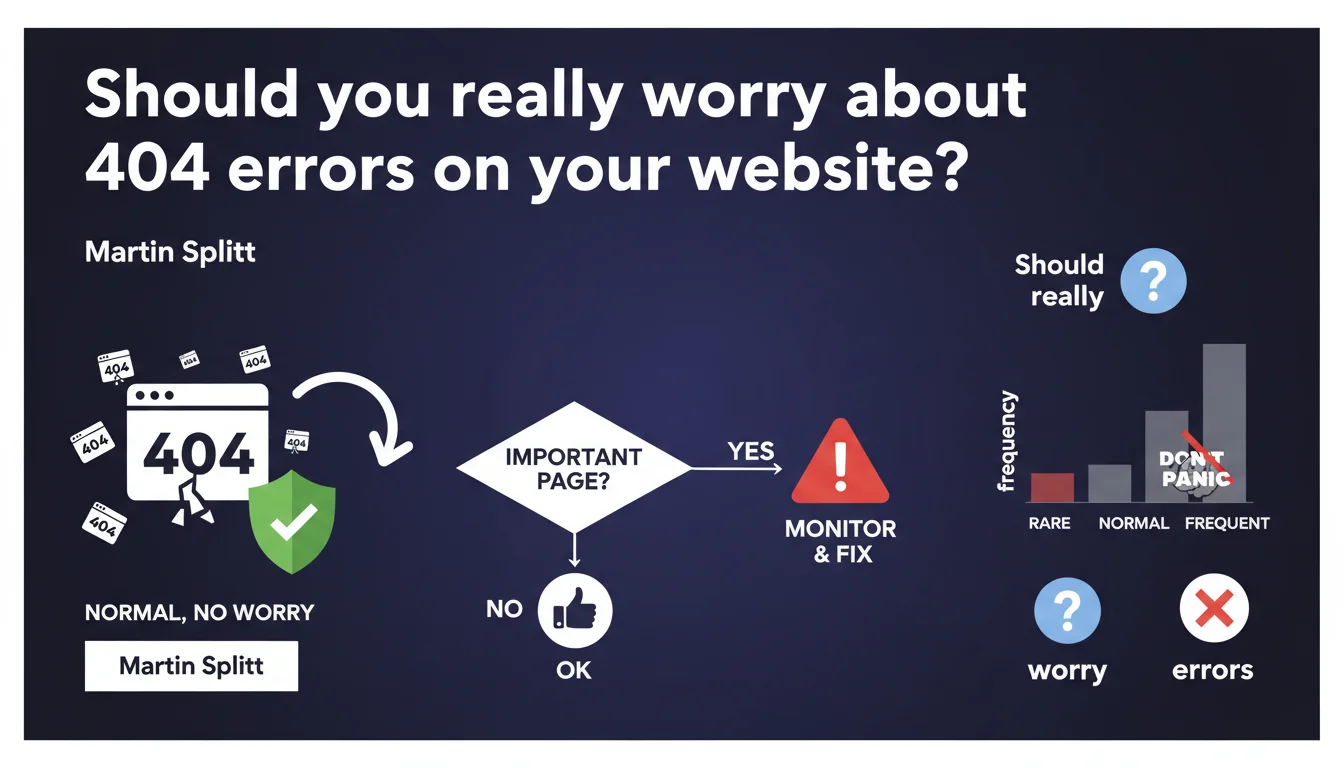
Google confirms that 404 errors are perfectly normal and have no negative impact on SEO rankings. The only vigilance required concerns strategic pages that suddenly return a 404 — in that case, you need to act quickly. For everything else, these errors are part of the web and deserve no panic.
What you need to understand
Why does Google insist on the normality of 404 errors?
Google wants to debunk an irrational fear that still haunts some SEO professionals: the belief that too many 404 errors would penalize your site. This is false. The web is constantly evolving, pages disappear, URLs change, products are removed.
A living website naturally generates 404 errors. Google knows this, accepts it, and doesn't degrade your rankings as a result. The algorithm clearly distinguishes between a legitimate error and a poorly maintained website.
What's the only situation where a 404 becomes a real problem?
When a page considered important suddenly returns a 404. Important means here: a URL with organic traffic, quality backlinks, or a strategic role in your funnel.
In this specific case, Google expects you to respond. Either you restore the page, or you set up a 301 redirect to a relevant alternative. Ignoring this situation would be a complete loss of visibility and authority.
How do you distinguish between a minor 404 and a critical one?
The answer lies in a few simple indicators to monitor. A critical 404 creates a visible drop in organic traffic in your analytics, loses active backlinks, or causes a key conversion to disappear.
A minor 404? That's an old test URL, a deleted image file, a forgotten temporary page. No measurable impact, no urgency. Time spent correcting all of them would be pure waste.
- 404 errors don't penalize your site in Google's algorithm
- Only strategic pages that become 404 require immediate action
- A high volume of 404 errors on URLs with no importance poses no problem
- The distinction relies on traffic, backlinks, and business role of the URL in question
- Google crawls and handles 404 errors in a completely normal way in its indexation process
SEO Expert opinion
Does this statement match what we observe in the field?
Absolutely. Websites with several thousand 404 errors can rank perfectly on the first page. Conversely, websites with almost no 404 errors can stagnate in obscurity. The correlation is zero.
What matters is the quality of indexed content, the relevance of active pages, and the strength of your internal linking. 404 errors simply don't enter the ranking equation, except when they break an established value chain.
What nuances should be added to this official position?
Google remains deliberately vague about what it means by "important page". Concretely, [To be verified] whether there's a precise threshold of traffic or backlinks above which a 404 triggers an internal alert at Google.
Furthermore, be careful about crawl budget — even if Google doesn't directly penalize it, a website with thousands of regularly crawled 404 errors wastes bot time. For a small website, the impact is negligible. For an e-commerce site with 100,000 URLs, it's another story.
In what cases doesn't this rule fully apply?
On sites with very high page volume — think marketplaces, directories, aggregators — where thousands of 404 errors can indeed signal a maintenance problem. No algorithmic penalty, but a degraded qualitative signal to Google.
Similarly, if your 404 errors result from migration mistakes or accidental mass deletion, you create a gaping hole in your SEO architecture. Again, no direct sanction, but a gradual erosion of your authority.
Practical impact and recommendations
What should you concretely do with existing 404 errors?
Audit your website to identify 404 errors with active backlinks or residual organic traffic. These URLs deserve a 301 redirect to the most relevant available page — never to the homepage by default.
For 404 errors with no value (test URLs, old files, pages never crawled), leave them alone. They do no harm and correcting each one would mobilize resources for zero return on investment.
How do you avoid critical 404 errors in the future?
Set up active monitoring via Google Search Console. Configure alerts on URLs suddenly generating 404 errors when they were previously indexed and active.
Before deleting any strategic page, systematically plan a 301 redirect. If you remove an e-commerce category, redirect to the parent category or a coherent alternative — never to an unrelated page.
What mistakes should you absolutely avoid?
Don't massively redirect all your 404 errors to the homepage. Google detects these soft 404s and treats them as disguised errors. Result: no SEO benefit, and potentially degraded user experience.
Also avoid panicking when a Search Console report shows hundreds of 404 errors. Sort by real impact: lost traffic, broken backlinks, disappeared conversion pages. The rest, you ignore.
- Regularly audit 404 errors via Google Search Console to identify strategic URLs affected
- Set up 301 redirects only for pages with backlinks or organic traffic
- Configure automatic alerts to monitor new critical 404 errors
- Never massively redirect to the homepage — favor relevant alternatives
- Consciously ignore 404 errors on URLs with no SEO or business value
- Document important page deletions and plan redirects upstream
❓ Frequently Asked Questions
Un nombre élevé de 404 peut-il pénaliser mon site dans Google ?
Dois-je corriger toutes les erreurs 404 détectées dans Search Console ?
Quelle est la différence entre une 404 et une soft 404 ?
Faut-il rediriger les 404 vers la homepage par défaut ?
Les 404 consomment-elles du crawl budget inutilement ?
🎥 From the same video 20
Other SEO insights extracted from this same Google Search Central video · published on 18/12/2023
🎥 Watch the full video on YouTube →
💬 Comments (0)
Be the first to comment.