
Official statement
Other statements from this video 17 ▾
- 1:24 Pourquoi Google republie-t-il des guides sur robots.txt et meta robots maintenant ?
- 7:02 GoogleBot crawle-t-il des URLs que votre site n'a jamais générées ?
- 7:27 Pourquoi Search Console et Google Analytics affichent-ils des chiffres différents ?
- 8:07 Pourquoi Search Console et Google Analytics affichent-ils des données différentes ?
- 8:51 Combien de temps Google met-il vraiment à reconnaître une correction de balise noindex ?
- 9:49 Pourquoi Google met-il autant de temps à reconnaître la suppression d'une balise noindex ?
- 11:11 L'encodage des caractères spéciaux dans le code source nuit-il vraiment au référencement ?
- 11:11 L'encodage des caractères spéciaux dans le code source pose-t-il un problème pour le SEO ?
- 11:47 Comment bloquer efficacement les PDF du crawl Google sans risquer l'indexation ?
- 11:51 Faut-il vraiment bloquer les PDF avec robots.txt ou utiliser noindex ?
- 14:14 Combien de temps Google met-il vraiment à afficher votre nouveau nom de site ?
- 14:14 Comment forcer Google à afficher le bon nom de votre site dans les SERP ?
- 14:59 Pourquoi Google pénalise-t-il les noms de marque trop similaires dans les SERP ?
- 15:14 Faut-il éviter les noms de marque similaires pour ne pas nuire à son référencement naturel ?
- 19:01 Pourquoi Google refuse-t-il de détailler ses critères de classification adulte ?
- 20:13 Un site 100% HTTPS sans version HTTP est-il pénalisé par Google ?
- 20:30 Un site HTTPS-only pose-t-il un problème SEO ?
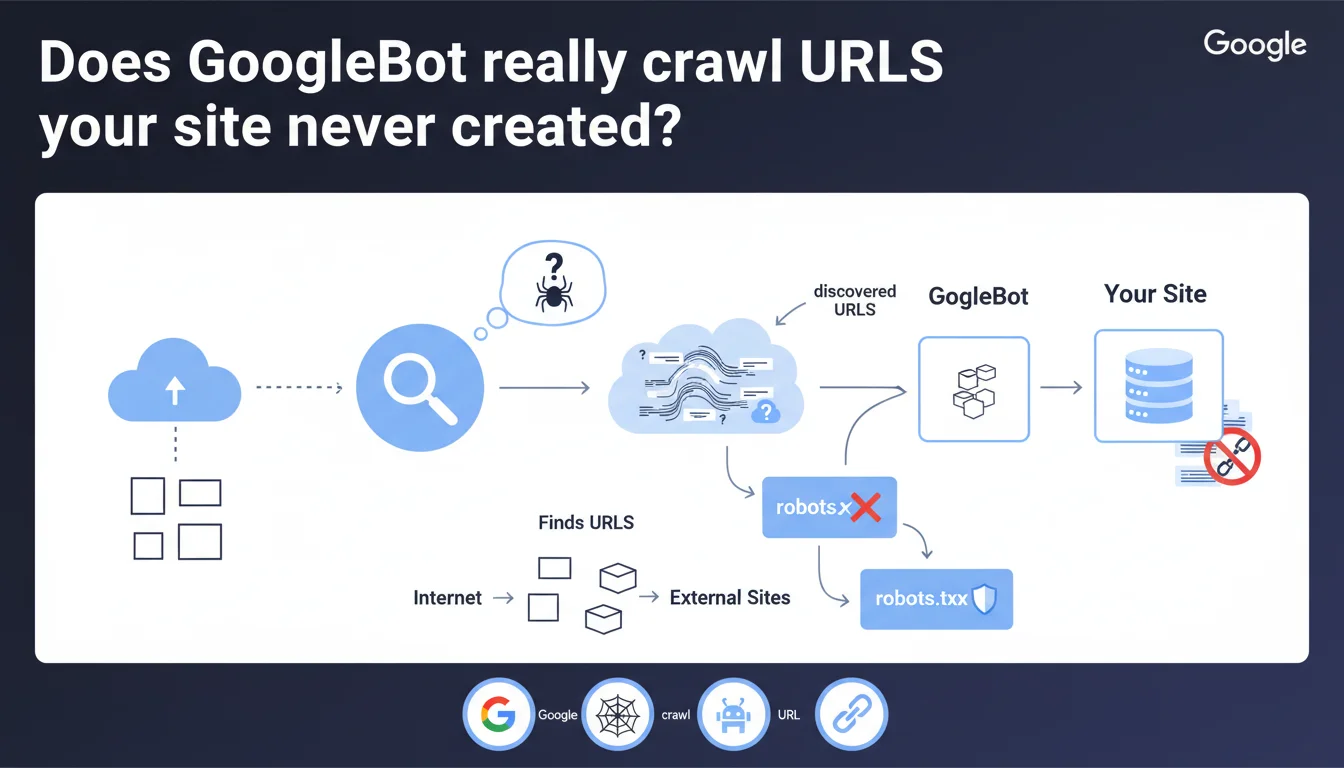
GoogleBot crawls all URLs it discovers on the web, whether they come from your site or not. Google doesn't fabricate URLs out of thin air, but follows those it finds via external links, redirects, or third-party references. To block the crawling of unwanted URLs, robots.txt remains your only real lever.
What you need to understand
Does GoogleBot invent URLs to crawl your site?
No. This statement debunks a persistent myth: Google doesn't generate arbitrary URLs to test your site. The bot exclusively follows URLs it encounters while exploring the web.
In practice? If a URL appears in an external link, a third-party sitemap, a misconfigured redirect, or even a reference in an accessible log file, GoogleBot will crawl it. Even if that URL doesn't exist in your original architecture.
Where do these URLs you never created come from?
Several common sources: backlinks pointing to incorrect URLs, UTM parameters added by partners, developer tests exposed publicly, or URL variants generated by your CMS (infinite pagination, combined filters, sessions).
Scrapers and third-party tools can also create links to non-existent pages. A typo in an external blog article? GoogleBot will attempt to crawl that URL if it's linked.
Is robots.txt really the only safeguard?
Yes, for blocking crawl. But be careful: robots.txt doesn't prevent indexation. A URL can appear in search results even if it's never been crawled, as long as it's mentioned elsewhere on the web.
- GoogleBot follows discovered URLs, regardless of their origin
- Google doesn't manufacture URLs — it explores those found via links, redirects, external sitemaps
- Robots.txt blocks crawl, not indexation
- Unwanted URLs often come from incorrect backlinks, UTM parameters, dev tests, or misconfigured CMS
- A URL never generated by you can still be crawled if it's referenced elsewhere
SEO Expert opinion
Does this statement match real-world observations?
Overall, yes. Log audits consistently show that GoogleBot crawls URLs never generated by the site: migrated old paths, parameter variants, forgotten test pages. These URLs always appear through an identifiable external source.
However — and Google remains vague on this point — some edge cases raise questions. Extreme pagination URLs (page=9999) or filter combinations never linked sometimes appear in crawl logs. Are they really discovered by chance, or does GoogleBot test certain patterns? [Needs verification]
What nuances does this statement overlook?
Google says it doesn't "fabricate" URLs, but it normalizes, combines, and follows redirects aggressively. A URL with a session ID can lead to 10 crawled variants. Is that fabrication? No. Is it crawl resulting from a single discovery? Technically yes, but the effect is the same.
Another point: external XML sitemaps. If an aggregator references your site with modified URLs, GoogleBot will crawl them. You didn't generate these URLs, but they exist in the web ecosystem — a blurry line.
In what cases does this logic cause problems?
Sites with dynamic URL generation (filters, sorting, search) are vulnerable. A single external link to a parameter combination can trigger massive crawl of variants. GoogleBot doesn't invent them, but it systematically explores links found in crawled pages.
Poorly managed migrations also create absurd situations: old backlinks point to obsolete URLs, GoogleBot crawls them indefinitely despite 404 responses. Technically compliant with this statement, but costly in crawl budget.
Practical impact and recommendations
What should you do to control crawl of external URLs?
First step: audit your server logs to identify URLs crawled that you never generated. Classify them by source (backlinks, parameters, redirects). Then decide URL by URL: block, redirect, or allow.
For parasitic URLs, two main levers available. Robots.txt if you want to permanently prevent crawl. 301 redirects to the canonical version if these URLs have SEO juice worth recovering.
What mistakes must you absolutely avoid?
Never block via robots.txt a URL you want to de-index. That's the classic trap: by blocking crawl, you prevent GoogleBot from seeing the noindex tag. Result? The URL stays indexed indefinitely with "No information available".
Another common mistake: ignoring toxic backlinks that generate mass-crawled URLs. A poorly coded directory can create thousands of variants. Disavow these domains if crawl becomes unmanageable.
How do you verify your strategy is working?
Monitor the evolution of crawl budget in Google Search Console, "Crawl statistics" section. If the number of pages crawled per day increases without reason, it's often a sign of external URLs polluting your crawl.
Cross-reference with a log analysis tool (Screaming Frog Log Analyzer, Botify, OnCrawl). Filter URLs crawled but absent from your sitemap. These necessarily come from external sources.
- Audit your server logs monthly to spot URLs crawled not generated by your site
- Identify the source of each parasitic URL: backlink, UTM parameter, redirect, external reference
- Use robots.txt only to block crawl of URLs with no SEO value
- Redirect 301 URLs with quality backlinks to their canonical equivalent
- To de-index a mistakenly crawled URL, use noindex THEN block via robots.txt (never the reverse)
- Monitor Google Search Console to detect abnormal crawl spikes
- Disavow domains generating massive parasitic URLs via backlinks
- Normalize your URLs on the CMS side to avoid variant proliferation
❓ Frequently Asked Questions
GoogleBot peut-il crawler une URL qui n'existe pas sur mon site ?
Bloquer une URL via robots.txt empêche-t-il son indexation ?
D'où viennent les URLs crawlées que je n'ai jamais créées ?
Comment savoir si mon crawl budget est gaspillé par des URLs externes ?
Faut-il rediriger ou bloquer les URLs découvertes par des backlinks ?
🎥 From the same video 17
Other SEO insights extracted from this same Google Search Central video · published on 27/03/2025
🎥 Watch the full video on YouTube →
💬 Comments (0)
Be the first to comment.