
Official statement
Other statements from this video 17 ▾
- 7:02 GoogleBot crawle-t-il des URLs que votre site n'a jamais générées ?
- 7:27 Pourquoi Search Console et Google Analytics affichent-ils des chiffres différents ?
- 7:27 GoogleBot crawle-t-il vraiment des URLs que votre site n'a jamais générées ?
- 8:07 Pourquoi Search Console et Google Analytics affichent-ils des données différentes ?
- 8:51 Combien de temps Google met-il vraiment à reconnaître une correction de balise noindex ?
- 9:49 Pourquoi Google met-il autant de temps à reconnaître la suppression d'une balise noindex ?
- 11:11 L'encodage des caractères spéciaux dans le code source nuit-il vraiment au référencement ?
- 11:11 L'encodage des caractères spéciaux dans le code source pose-t-il un problème pour le SEO ?
- 11:47 Comment bloquer efficacement les PDF du crawl Google sans risquer l'indexation ?
- 11:51 Faut-il vraiment bloquer les PDF avec robots.txt ou utiliser noindex ?
- 14:14 Combien de temps Google met-il vraiment à afficher votre nouveau nom de site ?
- 14:14 Comment forcer Google à afficher le bon nom de votre site dans les SERP ?
- 14:59 Pourquoi Google pénalise-t-il les noms de marque trop similaires dans les SERP ?
- 15:14 Faut-il éviter les noms de marque similaires pour ne pas nuire à son référencement naturel ?
- 19:01 Pourquoi Google refuse-t-il de détailler ses critères de classification adulte ?
- 20:13 Un site 100% HTTPS sans version HTTP est-il pénalisé par Google ?
- 20:30 Un site HTTPS-only pose-t-il un problème SEO ?
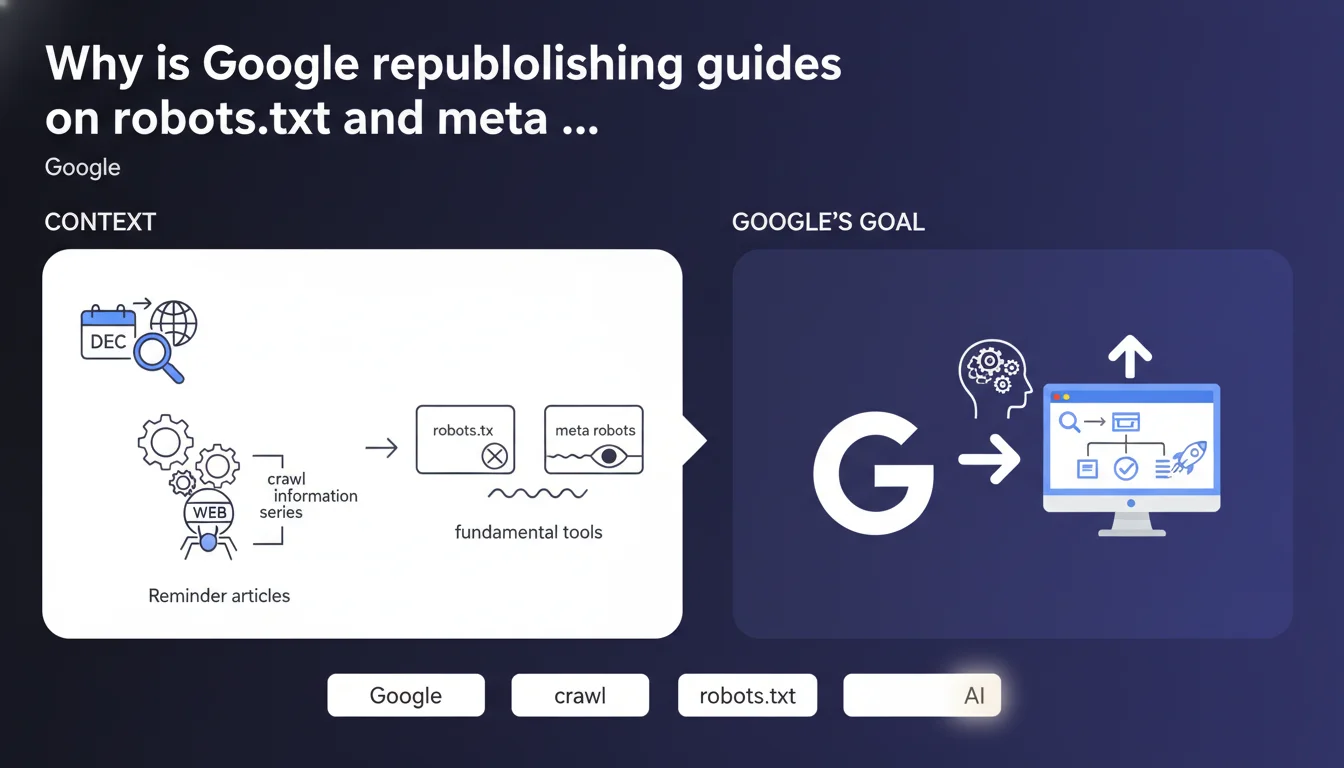
Google has published a series of reminder articles on robots.txt and meta robots tags, following their crawl data series. The stated goal: help webmasters better master these fundamental control tools. Nothing revolutionary, but a signal that these basic mechanisms remain poorly understood or misused by part of the practitioner community.
What you need to understand
What's driving this new reminder series?
Google doesn't publish this kind of content by accident. If the company takes the time to remind people about the basics of robots.txt and meta robots tags, it's probably because these mechanisms are still being misused at scale. We're talking about tools that have existed for decades, yet configuration errors remain frequent: strategic pages blocked by mistake, contradictory directives between robots.txt and meta robots, confusion between noindex and disallow.
This series fits into a pedagogical approach already started with the crawl information articles in December. Google seems to want to systematize the dissemination of best practices — either to reduce support tickets, or because the use of these directives impacts the overall quality of their index.
What exactly do robots.txt and meta robots cover?
The robots.txt file controls crawler access to URLs on a site. It says "come here" or "don't come here," but doesn't guarantee that a URL will never be indexed — if it receives external links, it can appear in search results without Google ever crawling its content.
Meta robots tags (or HTTP X-Robots-Tag headers) come into play once the page is crawled. They tell Google whether it can index the content, follow links, display a snippet, etc. Unlike robots.txt, they allow fine-grained control of indexation and search engine behavior on each page.
- Robots.txt: controls crawl, not indexation.
- Meta robots: controls indexation, display, and crawler behavior once on the page.
- Both mechanisms can coexist but don't substitute for each other.
- A URL blocked by robots.txt but receiving backlinks can be indexed without content.
- A noindex tag requires Googlebot to access the page to read and apply it.
Why does this confusion still persist?
Because the SEO ecosystem hasn't always demonstrated pedagogical rigor on these points. Too many approximative articles, CMS configured by default in broken ways, developers touching robots.txt without understanding the implications. Result: sites that block their own crawl while hoping to be indexed, or that put noindex on strategic pages by mistake.
Google reminds us of these fundamentals because the average knowledge level remains low. It's a signal that you need to regularly audit these aspects on every project, even the most mature ones.
SEO Expert opinion
Is this Google approach consistent with their observed practices?
Yes, broadly. Google has always been fairly transparent about how robots.txt and meta robots tags work — these are open standards, documented for a long time. The problem isn't lack of information, but their dispersion and the multiplication of incorrect interpretations relayed by low-rigor SEO blogs.
However, [To verify]: Google doesn't always clarify edge cases or real application timelines. For example, how long does it take for a noindex tag to be recognized after unblocking in robots.txt? What tolerance does the engine have for contradictory directives (noindex in the meta AND allow in robots.txt)? These gray areas persist.
What nuances should we apply to these reminders?
The main nuance is that robots.txt doesn't prevent indexation. Google reminds us regularly, but in practice, many practitioners still confuse "blocking crawl" with "preventing indexation." If you really want to prevent a page from being indexed, you need to use noindex — and for Google to read this directive, the page must be crawlable. This is counterintuitive for some.
Another point: crawl directives (crawl-delay, for example) in robots.txt are not respected by Googlebot. Google uses its own algorithms to manage crawl rate. If you want to slow down Googlebot, you need to go through Search Console, not robots.txt.
In what cases are these tools insufficient?
When you need granular control of indexation at scale, particularly on e-commerce sites or user-generated content platforms. Robots.txt and meta robots are binary: you index or you don't. But they don't allow you to prioritize, adjust crawl frequency by section, or manage progressive deindexation of obsolete content.
In these contexts, you often need to combine multiple levers: controlled pagination, strategic canonicalization, URL parameter management, or even more advanced techniques like server-side lazy-loading for certain sections. Meta robots tags remain essential, but they're just one brick in a broader strategy.
Practical impact and recommendations
What should you do concretely after this announcement?
Take advantage of this reminder to audit your robots.txt file and your meta robots tags. Too many sites accumulate directives inherited from past configurations, never cleaned up. Check that you're not inadvertently blocking strategic sections, that your noindex directives align with your content strategy, and that you don't have conflicts between robots.txt and meta robots.
Test your robots.txt in Search Console to identify blocked URLs. Cross-reference this list with your most important pages: if a critical page is blocked, you have a problem. Also verify that noindex pages receive crawl — otherwise, the directive will never be read.
- Audit robots.txt: identify obsolete or overly restrictive rules
- Verify that strategic pages aren't blocked by robots.txt
- Check consistency between robots.txt and meta robots tags
- Test blocked URLs in Search Console
- Ensure noindex pages remain crawlable
- Document each directive in robots.txt to prevent future errors
- Implement quarterly review of these configurations
What errors should you absolutely avoid?
First classic error: blocking a page in robots.txt hoping it will disappear from the index. If it's already been indexed or receives backlinks, it will remain visible. You need to first put it in noindex, let Google crawl it, wait for deindexation, then possibly block it in robots.txt.
Second error: putting noindex on pages that receive important internal links. This creates dead ends in your internal linking and weakens PageRank distribution. If a page shouldn't be indexed, ask yourself why it receives so many links — and whether it shouldn't instead be merged or redirected.
How do you verify your site is compliant?
Use Search Console to see URLs blocked by robots.txt and those marked noindex. Cross-reference this data with your strategic crawl plan: do the blocked or deindexed pages match your objectives? If not, adjust.
For a more thorough audit, scrape your site with a tool like Screaming Frog in "Googlebot" mode and compare results with your XML sitemap. Any divergence between what you submit and what Google can actually crawl is a warning signal. Implement automatic monitoring if your site exceeds 10,000 pages.
❓ Frequently Asked Questions
Peut-on bloquer une page dans robots.txt et la désindexer en même temps ?
Robots.txt empêche-t-il vraiment l'indexation ?
Combien de temps faut-il pour qu'une directive noindex soit appliquée ?
Peut-on utiliser robots.txt pour ralentir Googlebot ?
Faut-il bloquer les pages en noindex dans robots.txt après désindexation ?
🎥 From the same video 17
Other SEO insights extracted from this same Google Search Central video · published on 27/03/2025
🎥 Watch the full video on YouTube →
💬 Comments (0)
Be the first to comment.