
Official statement
Other statements from this video 17 ▾
- 1:24 Pourquoi Google republie-t-il des guides sur robots.txt et meta robots maintenant ?
- 7:02 GoogleBot crawle-t-il des URLs que votre site n'a jamais générées ?
- 7:27 Pourquoi Search Console et Google Analytics affichent-ils des chiffres différents ?
- 7:27 GoogleBot crawle-t-il vraiment des URLs que votre site n'a jamais générées ?
- 8:07 Pourquoi Search Console et Google Analytics affichent-ils des données différentes ?
- 8:51 Combien de temps Google met-il vraiment à reconnaître une correction de balise noindex ?
- 9:49 Pourquoi Google met-il autant de temps à reconnaître la suppression d'une balise noindex ?
- 11:11 L'encodage des caractères spéciaux dans le code source nuit-il vraiment au référencement ?
- 11:47 Comment bloquer efficacement les PDF du crawl Google sans risquer l'indexation ?
- 11:51 Faut-il vraiment bloquer les PDF avec robots.txt ou utiliser noindex ?
- 14:14 Combien de temps Google met-il vraiment à afficher votre nouveau nom de site ?
- 14:14 Comment forcer Google à afficher le bon nom de votre site dans les SERP ?
- 14:59 Pourquoi Google pénalise-t-il les noms de marque trop similaires dans les SERP ?
- 15:14 Faut-il éviter les noms de marque similaires pour ne pas nuire à son référencement naturel ?
- 19:01 Pourquoi Google refuse-t-il de détailler ses critères de classification adulte ?
- 20:13 Un site 100% HTTPS sans version HTTP est-il pénalisé par Google ?
- 20:30 Un site HTTPS-only pose-t-il un problème SEO ?
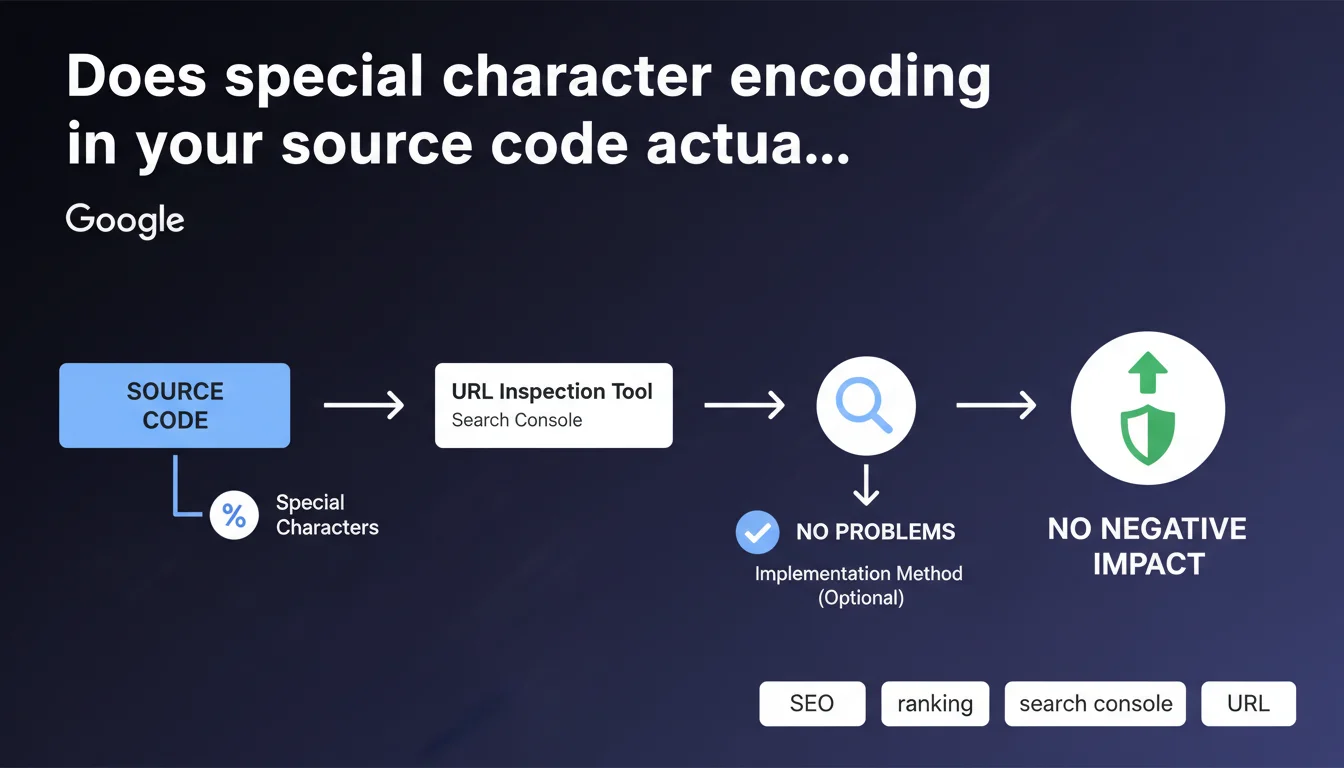
Google states that encoding special characters in source code (as visible in the URL Inspection tool in Search Console) has no negative impact on SEO. Depending on the implementation method used, this encoding may appear naturally without consequences for crawling or indexing.
What you need to understand
What exactly does Google mean by "special character encoding"?
This refers to non-ASCII characters encoded as HTML entities (HTML entities) or escape sequences. For example: accents, currency symbols, typographic quotation marks, or special characters transformed into codes like é for "é" or ’ for the curved apostrophe.
This transformation frequently occurs when using CMS platforms, JavaScript frameworks, or templating systems that automatically escape certain characters to prevent interpretation conflicts. The source code retrieved by Googlebot via the URL Inspection tool may display these encodings even if the visual rendering is perfectly normal.
Why does Google specify that this "generally" poses no problems?
The word "generally" leaves room for interpretation. Google confirms that standard encoding of special characters is handled without difficulty by its crawling and indexing systems. Modern search engines know how to decode HTML entities and correctly interpret content.
However, edge cases do exist — broken encodings, multiple layers of escaping, or incorrect charset declaration in HTTP headers. In these situations, rendering may fail, but it's not the encoding itself that's the problem, it's the faulty implementation.
What are the key points to remember?
- Encoding special characters as HTML entities is transparent to Googlebot
- Visual rendering takes precedence — if content displays correctly for users, Google interprets it correctly
- The URL Inspection tool shows the raw source code as crawled, not necessarily the final rendering
- A correct UTF-8 charset declaration in HTTP headers and meta tags remains essential
- Encoding problems occur due to configuration errors, not from encoding itself
SEO Expert opinion
Is this statement consistent with real-world observations?
Yes, fundamentally. Testing shows that Google handles standard HTML entities without issue. Pages with encoded content index normally, title tags and meta descriptions with encoded accents display correctly in SERPs.
But beware — the phrasing "generally no problems" is typically evasive. Google doesn't detail edge cases, doesn't specify which types of encoding might cause issues, or under what circumstances. [To verify]: Are there encoding complexity thresholds that trigger parsing errors?
In what cases might this rule not apply?
Several scenarios deserve careful attention. First, nested encodings — when a character undergoes multiple successive transformations, creating sequences that are unreadable even to a modern crawler.
Next, charset declaration problems — if the server sends a charset in HTTP headers different from the one declared in the HTML, the browser and Googlebot may interpret the content differently. Result: garbled text in SERPs, even if the "raw" source code appears correct.
Should you completely ignore the encoding question then?
No. Even if Google claims to handle it well, clean encoding facilitates debugging, improves cross-browser compatibility, and avoids hard-to-trace bugs. Technical teams appreciate readable source code, not a soup of HTML entities.
Moreover, certain third-party scraping or SEO analysis tools may misinterpret complex encodings. You then lose monitoring capability, even if Google itself has no issues.
Practical impact and recommendations
What should you do concretely to avoid encoding problems?
First priority: verify that your server declares charset UTF-8 in HTTP headers. Use a tool like curl or browser DevTools to confirm the presence of Content-Type: text/html; charset=utf-8.
Systematically add the meta charset tag in your page's <head>: <meta charset="UTF-8">. This declaration must occur within the first 1024 bytes of HTML to be recognized by browsers and crawlers.
Control the rendering in Search Console's URL Inspection tool. Compare the crawled source code with the visual rendering. If characters appear garbled in the preview, encoding is causing problems, regardless of the official statement.
What errors should you avoid at all costs?
Never mix multiple charsets on the same page — for example, ISO-8859-1 charset in HTTP headers and UTF-8 in HTML. This is a guaranteed recipe for unreadable text.
Avoid double-encoding — when a CMS already encodes characters and an application layer re-encodes them. You then get sequences like é instead of é, which display literally in the rendering.
Don't rely solely on browser rendering for validation. Some browsers are forgiving and fix encoding errors on the fly that Googlebot won't correct. Always test with the URL Inspection tool.
How can you verify your implementation is solid?
- Inspect HTTP headers of your main pages with curl or a browser plugin
- Verify the presence of
<meta charset="UTF-8">within the first 1024 bytes of HTML - Test rendering in the URL Inspection tool for 10-20 representative pages
- Check title and meta description display in SERPs to detect garbled characters
- Use an HTML validator (W3C) to identify encoding inconsistencies
- Monitor server logs for potential bot-side parsing errors
❓ Frequently Asked Questions
Les entités HTML dans les balises title et meta description nuisent-elles au CTR ?
Faut-il préférer UTF-8 natif ou l'encodage en HTML entities ?
L'outil d'inspection d'URL montre des caractères encodés mais le rendu est correct, y a-t-il un risque ?
Les caractères Unicode spéciaux (émojis, symboles rares) sont-ils bien gérés ?
Un mauvais encodage peut-il provoquer des pénalités ou une désindexation ?
🎥 From the same video 17
Other SEO insights extracted from this same Google Search Central video · published on 27/03/2025
🎥 Watch the full video on YouTube →
💬 Comments (0)
Be the first to comment.