
Official statement
Other statements from this video 17 ▾
- 1:24 Pourquoi Google republie-t-il des guides sur robots.txt et meta robots maintenant ?
- 7:02 GoogleBot crawle-t-il des URLs que votre site n'a jamais générées ?
- 7:27 Pourquoi Search Console et Google Analytics affichent-ils des chiffres différents ?
- 7:27 GoogleBot crawle-t-il vraiment des URLs que votre site n'a jamais générées ?
- 8:07 Pourquoi Search Console et Google Analytics affichent-ils des données différentes ?
- 8:51 Combien de temps Google met-il vraiment à reconnaître une correction de balise noindex ?
- 9:49 Pourquoi Google met-il autant de temps à reconnaître la suppression d'une balise noindex ?
- 11:11 L'encodage des caractères spéciaux dans le code source nuit-il vraiment au référencement ?
- 11:11 L'encodage des caractères spéciaux dans le code source pose-t-il un problème pour le SEO ?
- 11:47 Comment bloquer efficacement les PDF du crawl Google sans risquer l'indexation ?
- 11:51 Faut-il vraiment bloquer les PDF avec robots.txt ou utiliser noindex ?
- 14:14 Combien de temps Google met-il vraiment à afficher votre nouveau nom de site ?
- 14:14 Comment forcer Google à afficher le bon nom de votre site dans les SERP ?
- 14:59 Pourquoi Google pénalise-t-il les noms de marque trop similaires dans les SERP ?
- 15:14 Faut-il éviter les noms de marque similaires pour ne pas nuire à son référencement naturel ?
- 19:01 Pourquoi Google refuse-t-il de détailler ses critères de classification adulte ?
- 20:30 Un site HTTPS-only pose-t-il un problème SEO ?
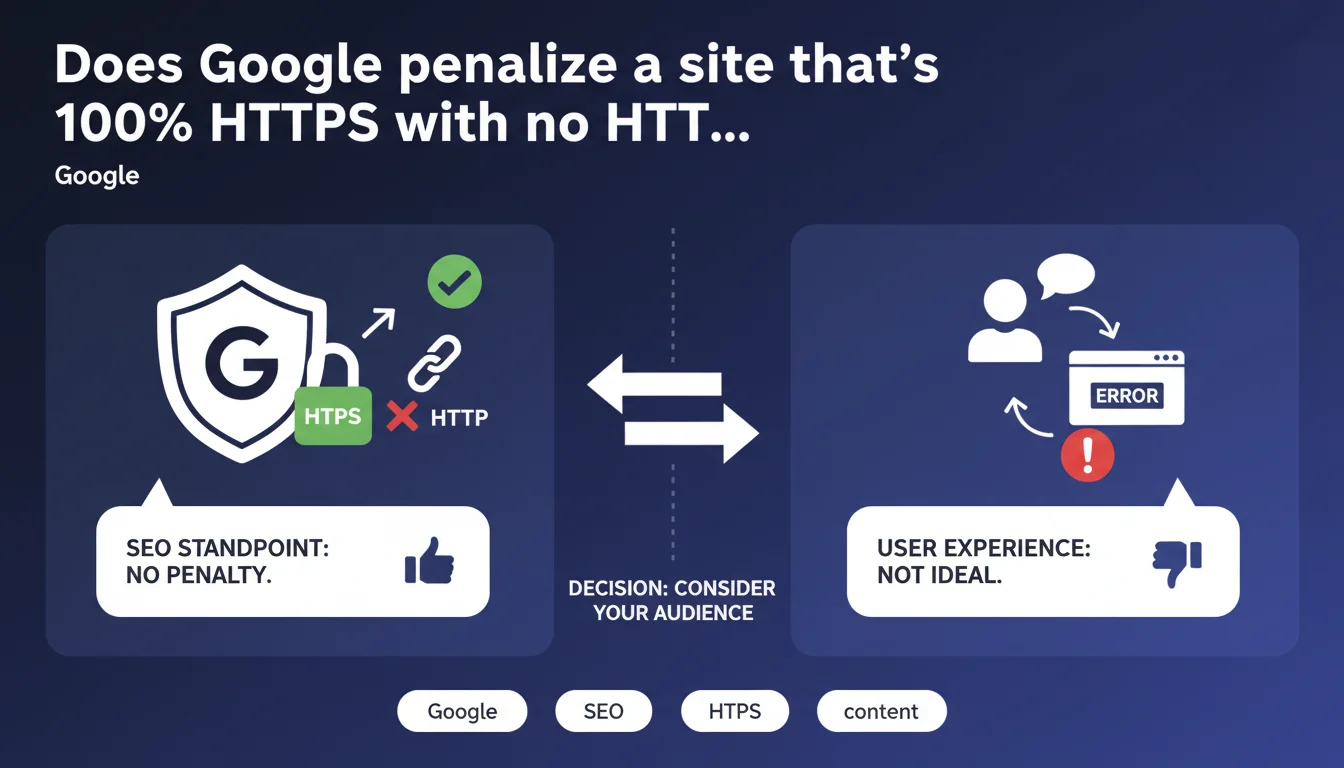
Google confirms that a website accessible only via HTTPS (with an error on HTTP) poses no SEO problem whatsoever. However, from a user experience perspective, this configuration may degrade the experience depending on your target audience. The decision should be made based on your audience and their level of technical maturity.
What you need to understand
What exactly does Google's statement mean?
Google confirms that a site which actively refuses HTTP connections and displays an error (rather than a 301 redirect to HTTPS) will not suffer any penalty in search results. Technically, this means that Googlebot can crawl and index normally a site even if the HTTP version returns an error code.
This position is consistent with Google's promotion of HTTPS over several years. The search engine now considers the complete absence of HTTP as an acceptable — even desirable — practice from a security standpoint.
Why does Google express a reservation about user experience?
The nuance concerns users who might try to access the site via HTTP manually or through outdated links. These visitors would encounter a connection error rather than a seamless redirect to HTTPS.
For non-technical users, this error can be interpreted as a breakdown or malfunction. Google therefore suggests considering your audience profile before opting for this radical configuration.
What's the difference from a standard 301 redirect?
The standard configuration is to listen on port 80 (HTTP) and automatically redirect to port 443 (HTTPS) with a 301 code. This approach guarantees a seamless transition for the user, regardless of which protocol they enter.
Completely blocking HTTP means the server no longer responds at all on port 80 — which generates a pure network error, not an HTTP response. It's a more radical configuration but technically simpler to maintain.
- No negative SEO impact if the site refuses HTTP connections
- Googlebot crawls and indexes normally via HTTPS only
- The HTTP → HTTPS 301 redirect remains preferable for UX
- The decision depends on your audience's technical profile
- HTTPS canonical links remain a priority in all cases
SEO Expert opinion
Is this position consistent with real-world observations?
Yes, and it's even a welcome confirmation. Since Google generalized HTTPS as a ranking signal, many websites have progressively abandoned port 80 without experiencing traffic drops. Field data shows that Googlebot systematically prioritizes HTTPS when it detects both versions.
However, the UX nuance deserves closer examination. For a technical B2B site or developer documentation, blocking HTTP is perfectly acceptable. For a consumer or e-commerce site, it's more debatable — though, let's be honest, the number of users manually typing "http://" in 2025 is anecdotal.
What precautions should you take before switching?
Before cutting HTTP, ensure that all your internal canonical links point to HTTPS. Also check your sitemaps, hreflang tags, and structured data — everything must reference HTTPS URLs.
The main risk concerns historical backlinks pointing to HTTP. If your server refuses the connection instead of redirecting, you lose the SEO juice from these links. [To verify] : Google doesn't explicitly clarify how it handles PageRank in this scenario — the official documentation remains vague about authority transfer when HTTP returns a network error rather than a 301.
In what cases does this configuration cause problems?
If you still have offline campaigns (print, advertising) mentioning HTTP URLs, that's a disaster waiting to happen. Same goes for partnerships with third-party sites that fail or forget to update their links.
Practical impact and recommendations
Should you migrate to HTTPS-only without HTTP?
It depends on your context. For a new site or technical B2B site, blocking HTTP from the start simplifies server architecture and strengthens your security posture. No redirect configuration to maintain, no risk of redirect chain errors.
For an established site with a history of HTTP backlinks, migration requires more preparation. The cautious approach is to maintain an HTTP → HTTPS 301 redirect for at least 12 months, then reassess by analyzing server logs to measure residual HTTP traffic.
What mistakes should you avoid during the transition?
Never cut HTTP abruptly without checking your server logs first. Even minimal HTTP traffic can reveal unexpected sources — old newsletters, PDFs in circulation, legacy mobile applications.
Another pitfall: forgetting to update Search Console. If you only declare the HTTPS property, you lose visibility into any HTTP exploration errors still being attempted by Google. Keep both properties active during the transition.
How do you verify the configuration is optimal?
- Audit all your internal links: 100% must point to HTTPS
- Check your XML sitemaps — no HTTP URLs should appear there
- Monitor canonical and hreflang tags (HTTPS only)
- Analyze your server logs: what volume of HTTP requests is your site still receiving?
- Test HTTP access with a browser in private browsing — clean error or redirect?
- Monitor Search Console for 4 weeks after the change
- Document the configuration for your technical team (no accidental rollback)
Migration to HTTPS-only without HTTP redirection is technically viable according to Google, but requires a detailed analysis of your digital ecosystem. Between auditing backlinks, updating server configurations, and post-migration monitoring, this optimization can prove more complex than it first appears.
If your current technical infrastructure mixes multiple environments (CDN, load balancers, wildcard certificates), or if you manage a high-traffic site with critical business stakes, guidance from a specialized SEO agency may prove worthwhile — if only to map out the existing setup and define a risk-free migration plan.
❓ Frequently Asked Questions
Google crawle-t-il encore HTTP si je bloque ce protocole ?
Les backlinks HTTP perdent-ils leur valeur si je coupe HTTP sans redirection ?
Dois-je maintenir une redirection 301 HTTP → HTTPS indéfiniment ?
Cette configuration impacte-t-elle les Core Web Vitals ?
Un certificat SSL/TLS invalide ou expiré est-il pire qu'un site HTTP-only ?
🎥 From the same video 17
Other SEO insights extracted from this same Google Search Central video · published on 27/03/2025
🎥 Watch the full video on YouTube →
💬 Comments (0)
Be the first to comment.