
Official statement
Other statements from this video 17 ▾
- 1:24 Pourquoi Google republie-t-il des guides sur robots.txt et meta robots maintenant ?
- 7:02 GoogleBot crawle-t-il des URLs que votre site n'a jamais générées ?
- 7:27 Pourquoi Search Console et Google Analytics affichent-ils des chiffres différents ?
- 7:27 GoogleBot crawle-t-il vraiment des URLs que votre site n'a jamais générées ?
- 8:07 Pourquoi Search Console et Google Analytics affichent-ils des données différentes ?
- 8:51 Combien de temps Google met-il vraiment à reconnaître une correction de balise noindex ?
- 9:49 Pourquoi Google met-il autant de temps à reconnaître la suppression d'une balise noindex ?
- 11:11 L'encodage des caractères spéciaux dans le code source pose-t-il un problème pour le SEO ?
- 11:47 Comment bloquer efficacement les PDF du crawl Google sans risquer l'indexation ?
- 11:51 Faut-il vraiment bloquer les PDF avec robots.txt ou utiliser noindex ?
- 14:14 Combien de temps Google met-il vraiment à afficher votre nouveau nom de site ?
- 14:14 Comment forcer Google à afficher le bon nom de votre site dans les SERP ?
- 14:59 Pourquoi Google pénalise-t-il les noms de marque trop similaires dans les SERP ?
- 15:14 Faut-il éviter les noms de marque similaires pour ne pas nuire à son référencement naturel ?
- 19:01 Pourquoi Google refuse-t-il de détailler ses critères de classification adulte ?
- 20:13 Un site 100% HTTPS sans version HTTP est-il pénalisé par Google ?
- 20:30 Un site HTTPS-only pose-t-il un problème SEO ?
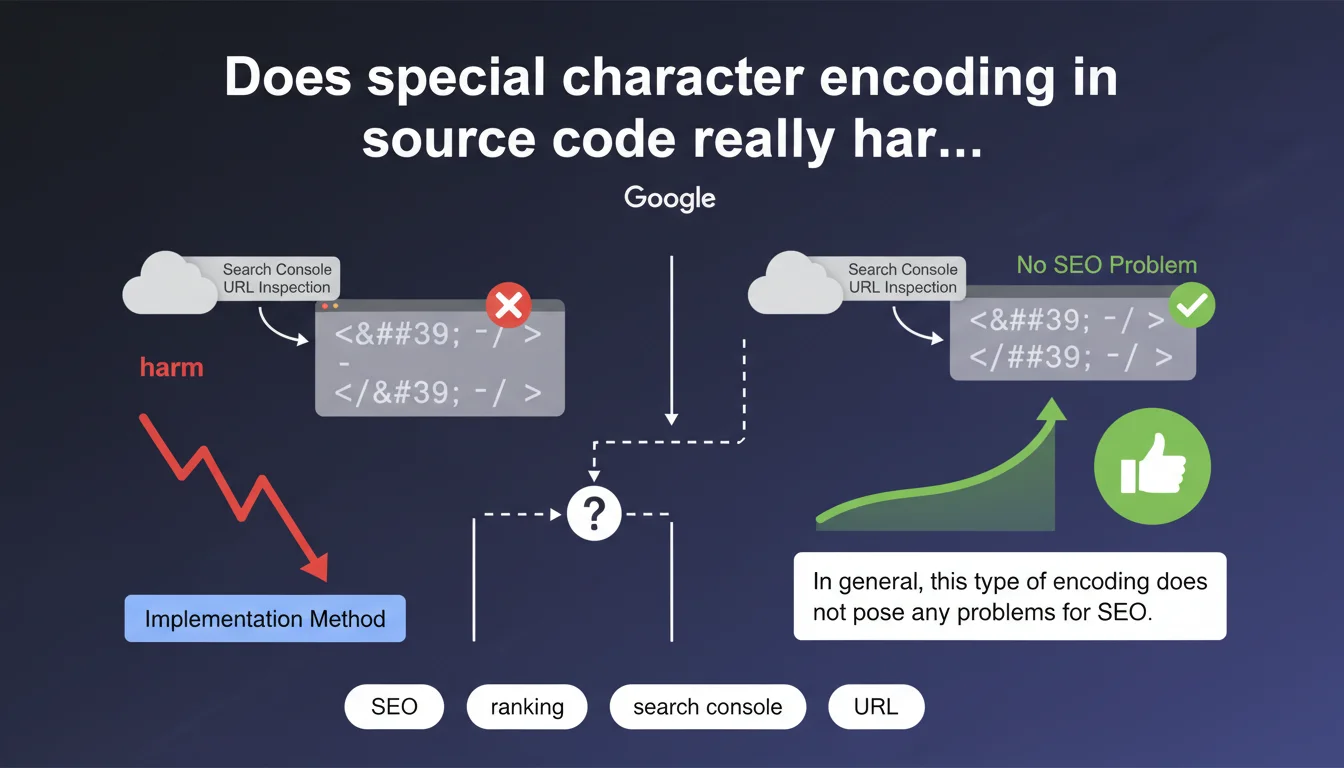
Google confirms that special character encoding visible in the Search Console URL inspection tool generally does not impact SEO. This phenomenon depends on the technical implementation method used and remains, according to Google, without consequence for search engine rankings. A reassuring statement that nevertheless deserves some practical nuances.
What you need to understand
When you check the HTML rendering of a page via the URL inspection tool in Search Console, you sometimes encounter encoded characters (such as é for é, or ' for apostrophe). First instinct: panic. Second instinct: wonder if Googlebot really understands the content.
Google puts the debate to rest: this encoding is not problematic. The search engine decodes these HTML entities without difficulty. Whether the character is displayed as native or encoded in the retrieved source code, the result is identical for crawling and indexation.
Where does this encoding in the source code come from?
Special character encoding depends directly on the technical implementation method of the site. Some CMS platforms, JavaScript frameworks, or templating systems automatically convert accented characters or symbols into HTML entities.
This conversion can occur server-side, client-side (via JavaScript), or in the content processing chain before sending to the browser. The final result — what Googlebot sees — can therefore vary depending on the technical architecture.
Why this statement now?
The confusion comes from the fact that the URL inspection tool displays the raw HTML code retrieved by Googlebot, not the final rendering. Seeing code scattered with é or é can legitimately worry you, especially when comparing it with the source code visible in the browser.
Google therefore clarifies a point that generates recurring questions: what you see in URL inspection is not necessarily what Google "understands." The search engine normalizes and decodes these entities during processing.
- Encoding visible in Search Console depends on the technical implementation of your site
- Googlebot correctly decodes HTML entities with no SEO impact
- No need to panic if the retrieved source code contains encoded characters
- The final rendering for Google remains identical whether characters are native or encoded
SEO Expert opinion
Is this statement consistent with real-world observations?
Yes, broadly speaking. Sites using HTML entities extensively do not appear to be penalized in search results. We regularly observe well-ranked pages whose source code inspected via Search Console displays systematic encoding.
That said — and this is where it gets tricky — Google remains deliberately vague about what it means by "in general, this type of encoding does not pose any problems." "In general" is not "never." What are the cases where it could pose a problem? Radio silence. [To verify]
What nuances should we add despite this reassurance?
First point: excessive encoding can slow down the DOM processing time on the browser side, especially if JavaScript needs to decode thousands of entities before display. Indirect SEO impact via Core Web Vitals? Potentially, on very heavy pages.
Second point: some malformed or non-standard encodings can create interpretation problems. If your CMS generates incorrect numeric entities or mixes multiple character encoding types (UTF-8 + ISO-8859-1), the result can be chaotic. Google guarantees nothing in these cases.
Should we completely ignore this encoding?
No. Even if Google accommodates it, clean and readable source code facilitates debugging, teamwork, and technical audits. If you have a choice between native encoding (well-configured UTF-8 charset) and systematic HTML entity encoding, the first option remains preferable for maintenance.
Moreover, some third-party SEO or accessibility analysis tools may struggle with massive encoding. You are not doing SEO for Google alone — considering UX, performance, and technical debt remains relevant.
Practical impact and recommendations
What should you do concretely when facing this encoding?
First, do not panic if the URL inspection in Search Console displays HTML entities. Check that the final rendering ("Rendered page" tab in the tool) displays the content correctly. If it does, you are fine.
Next, make sure that your charset is properly declared in UTF-8 in the HTTP headers and in the <meta charset="utf-8"> tag. This is the foundation for avoiding encoding problems upstream.
What errors should you avoid to prevent real problems?
Avoid mixing multiple character encodings on the same page — for example UTF-8 in the header and ISO-8859-1 in the content. This type of conflict generates broken characters that Google will not be able to interpret.
Do not let a plugin or caching system generate double encoding (HTML entities encoded again into entities). This happens with certain WordPress + Cloudflare configurations or poorly configured CDNs. The result: é instead of é. That is catastrophic.
How can you verify that your site is compliant?
- Inspect several key URLs via Search Console and check the "Rendered page" tab
- Compare the browser source code and the code retrieved by Googlebot
- Test the display of accented characters, apostrophes, quotation marks in titles and content
- Verify the charset declaration in HTTP headers (via dev tools or a tool like GTmetrix)
- Ensure that no caching system or CDN re-encodes HTML entities
- Check that meta tags, titles, and descriptions display correctly in SERPs
❓ Frequently Asked Questions
L'encodage en entités HTML ralentit-il le crawl de Googlebot ?
Dois-je corriger l'encodage si Search Console l'affiche mais que le rendu est correct ?
Un encodage mixte (UTF-8 + entités HTML) peut-il poser problème ?
Les caractères encodés dans les balises title et meta description impactent-ils l'affichage dans les SERPs ?
Faut-il privilégier UTF-8 natif plutôt que l'encodage en entités HTML ?
🎥 From the same video 17
Other SEO insights extracted from this same Google Search Central video · published on 27/03/2025
🎥 Watch the full video on YouTube →
💬 Comments (0)
Be the first to comment.