
Official statement
Other statements from this video 13 ▾
- □ Are stock images really hurting your search rankings?
- □ Should you really prioritize strategy over technical implementation when optimizing images?
- □ Does adding context to alt attributes really boost your image SEO rankings?
- □ Should you really stop writing 'image of' in alt attributes?
- □ Should you really write complete sentences in alt attributes?
- □ Should you really choose between accessibility and SEO in your alt tags?
- □ Do you really need to rename all your image files for SEO?
- □ Why does Google crawl your images far less often than your HTML pages?
- □ Is it really worth risking a major image URL overhaul if Google will penalize you with months of reduced visibility?
- □ Does the text surrounding your images really carry more weight than the alt attribute?
- □ Do you really need rel="canonical" for multiple image versions?
- □ Should you optimize ALL your images or just the ones on high-traffic pages?
- □ Are your logos and clickable buttons sabotaging your accessibility and SEO performance?
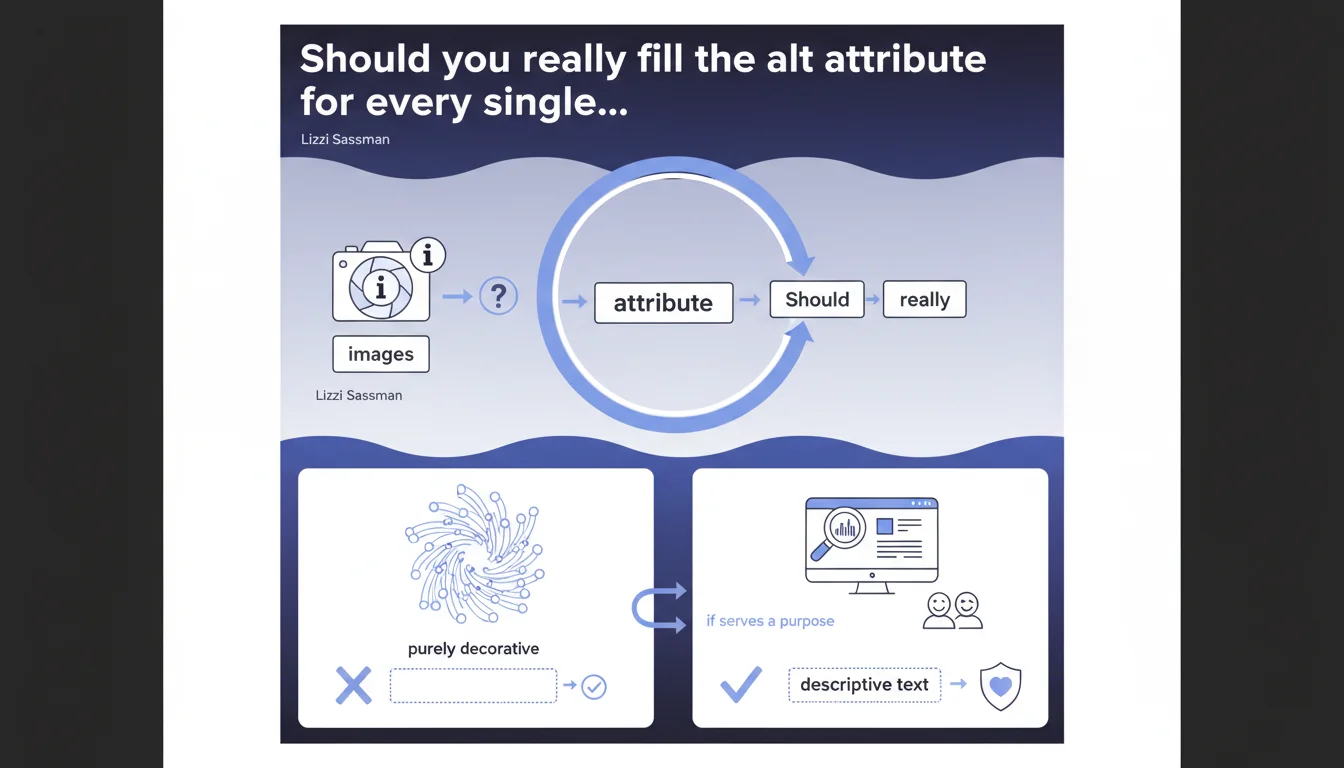
Google confirms that an empty alt attribute is acceptable for purely decorative images. However, the boundary between decorative and useful remains blurry, and Google suggests that alt text "may be preferable" even for aesthetic visuals. Caution dictates evaluating the real role of each image before leaving the attribute empty.
What you need to understand
What's the difference between a decorative image and a functional image?
A purely decorative image conveys no useful information to the content. It serves solely to beautify the page — ornamental icons, visual separators, borders. If removing it changes nothing about text comprehension, it's probably decorative.
Conversely, a functional image illustrates, completes, or clarifies the message. Even if it appears aesthetic, if it reinforces the message or draws attention to a key element, it deserves alt text. Google itself admits the boundary is fuzzy: "if the image serves a purpose (even a decorative one)," the alternative text can improve user experience.
Why does Google allow empty alt when accessibility is promoted everywhere?
Because a screen reader announcing every decorative element pollutes the user experience. If the image adds nothing, it's better for the text-to-speech tool to skip it. An alt="" (empty but present) explicitly signals the screen reader to ignore it.
But be careful: missing alt and empty alt are not equivalent. A missing attribute can be interpreted as an oversight and trigger an accessibility warning. An alt="" is intentional and respects WCAG 2.1 standards.
What are the risks of overusing empty alt?
Designating too many images as "decorative" dilutes the signal sent to Google. Search engines rely on alt texts to understand the visual context of a page. If you systematically leave the attribute empty, you deprive Google of semantic clues.
Moreover, some CMS or SEO plugins generate alerts if too many images lack alternative text. An automated audit may misinterpret empty alt as negligence, even when justified.
- An empty alt is valid for purely ornamental images.
- The distinction between decorative and functional remains subjective.
- An alt="" (empty) is preferable to the complete absence of an alt attribute.
- Google suggests that descriptive text can improve experience even for decorative content.
SEO Expert opinion
Is this statement consistent with real-world observations?
Yes, insofar as Google has always tolerated empty alts for decorative elements. Accessibility guidelines (WCAG) themselves allow it. But the "may be preferable" is telling: Google doesn't take a firm stance.
In practice, sites that systematically fill their alt texts — even for visuals of low informational value — often achieve better accessibility and on-page SEO scores. Audit tools (Lighthouse, Wave) rarely penalize a present alt, even if redundant, but consistently flag missing alts.
In what cases doesn't this rule apply?
As soon as an image has a narrative or illustrative function, however slight, empty alt becomes counterproductive. Example: an ambiance photo in an article about remote work. It's aesthetic, sure, but it reinforces the message. An alt like "bright home workspace" enriches context for Google Images and screen readers.
Similarly, if the image serves as a visual anchor for a section (chapter illustration, category thumbnail), calling it "decorative" is debatable. [To verify]: Google doesn't specify how its algorithms weight empty alts in calculating a page's thematic relevance.
What nuance should we add to this statement?
The "may be preferable" shows Google itself hesitates. Without a clear directive, caution suggests filling the alt whenever in doubt.
An empty alt doesn't hurt, but it doesn't contribute either. If you're uncertain, add brief, descriptive text. The risk of over-optimization is low as long as the text stays natural and contextual.
Practical impact and recommendations
What should you concretely do on your existing pages?
Audit your images and sort them into three categories: functional (alt mandatory), purely decorative (empty alt acceptable), gray area (case-by-case decision). For purely decorative images, ensure the alt attribute is present but empty (alt=""), not absent.
For gray-area images — those that beautify but reinforce the message — favor a short, descriptive alt. You risk nothing by filling it, and you potentially gain semantic consistency.
What mistakes should you avoid when managing alt texts?
Never leave the alt attribute completely absent. Even for a decorative image, insert alt="" rather than removing the attribute entirely. HTML validators and accessibility audits will flag this as an error.
Also avoid stuffing alts with keywords pretending to optimize. Google detects keyword-stuffed alts and may ignore them. Natural text of 5-10 words is more than sufficient for a standard image.
- Verify every image has an alt attribute, even if empty.
- Document your choice: why is this image decorative?
- Test with a screen reader (NVDA, VoiceOver) to validate the experience.
- Rerun a Lighthouse audit after modifications to measure impact.
- Monitor Google Search Console reports for image errors.
How do you scale this optimization on a large site?
On a site with thousands of pages, manual audit is impractical. Use an SEO crawler (Screaming Frog, Oncrawl) to list all images and identify those without alt or with empty alt. Export the list and prioritize strategic pages.
Then define clear editorial rules for your content creators and integrators: which image types can have empty alt, which formats always need text. Automate what you can (alt based on context, EXIF metadata), but keep human review on sensitive content.
❓ Frequently Asked Questions
Quelle est la différence entre alt="" et l'absence d'attribut alt ?
Un alt vide nuit-il au SEO de mes images dans Google Images ?
Comment savoir si une image est vraiment décorative ?
Puis-je automatiser la génération des alt texts avec une IA ?
Les icônes SVG inline ont-elles besoin d'un attribut alt ?
🎥 From the same video 13
Other SEO insights extracted from this same Google Search Central video · published on 06/10/2022
🎥 Watch the full video on YouTube →
💬 Comments (0)
Be the first to comment.