
Official statement
Other statements from this video 22 ▾
- □ Pourquoi la position moyenne de Search Console ne reflète-t-elle pas un classement théorique mais des affichages réels ?
- □ Peut-on encore se permettre d'attendre qu'un classement instable se stabilise tout seul ?
- □ Faut-il vraiment produire plus de contenu pour améliorer son SEO ?
- □ Où placer son sitemap XML pour optimiser son crawl ?
- □ Faut-il vraiment utiliser l'outil d'inspection d'URL pour indexer un nouveau site ?
- □ Combien de temps faut-il attendre pour voir les backlinks dans Search Console ?
- □ Pourquoi les données Search Console et Analytics ne concordent-elles jamais vraiment ?
- □ Search Console collecte-t-elle vraiment toutes les données sur les gros sites e-commerce ?
- □ Faut-il vraiment préférer noindex à disallow pour contrôler l'indexation ?
- □ Les produits en rupture de stock peuvent-ils vraiment être traités comme des soft 404 par Google ?
- □ Google utilise-t-il des algorithmes différents selon votre secteur d'activité ?
- □ Pourquoi Google ignore-t-il les sites agrégateurs de faible effort ?
- □ Google compte-t-il vraiment les clics sur les rich results comme des clics organiques ?
- □ L'ordre des liens dans le HTML influence-t-il vraiment la priorité de crawl de Google ?
- □ Faut-il vraiment éviter les URLs avec paramètres pour le SEO ?
- □ Pourquoi robots.txt bloque le crawl mais n'empêche pas l'indexation de vos pages ?
- □ Les produits en rupture de stock nuisent-ils au classement global de votre site e-commerce ?
- □ Le contenu dupliqué partiel pénalise-t-il vraiment vos pages ?
- □ Pourquoi Google refuse-t-il d'indexer plusieurs versions d'une même page malgré une canonicalisation correcte ?
- □ Comment Google choisit-il réellement quelle URL canoniser parmi vos contenus dupliqués ?
- □ Les mentions de marque sans lien ont-elles une valeur SEO ?
- □ Pourquoi un lien sans URL indexée ne sert strictement à rien ?
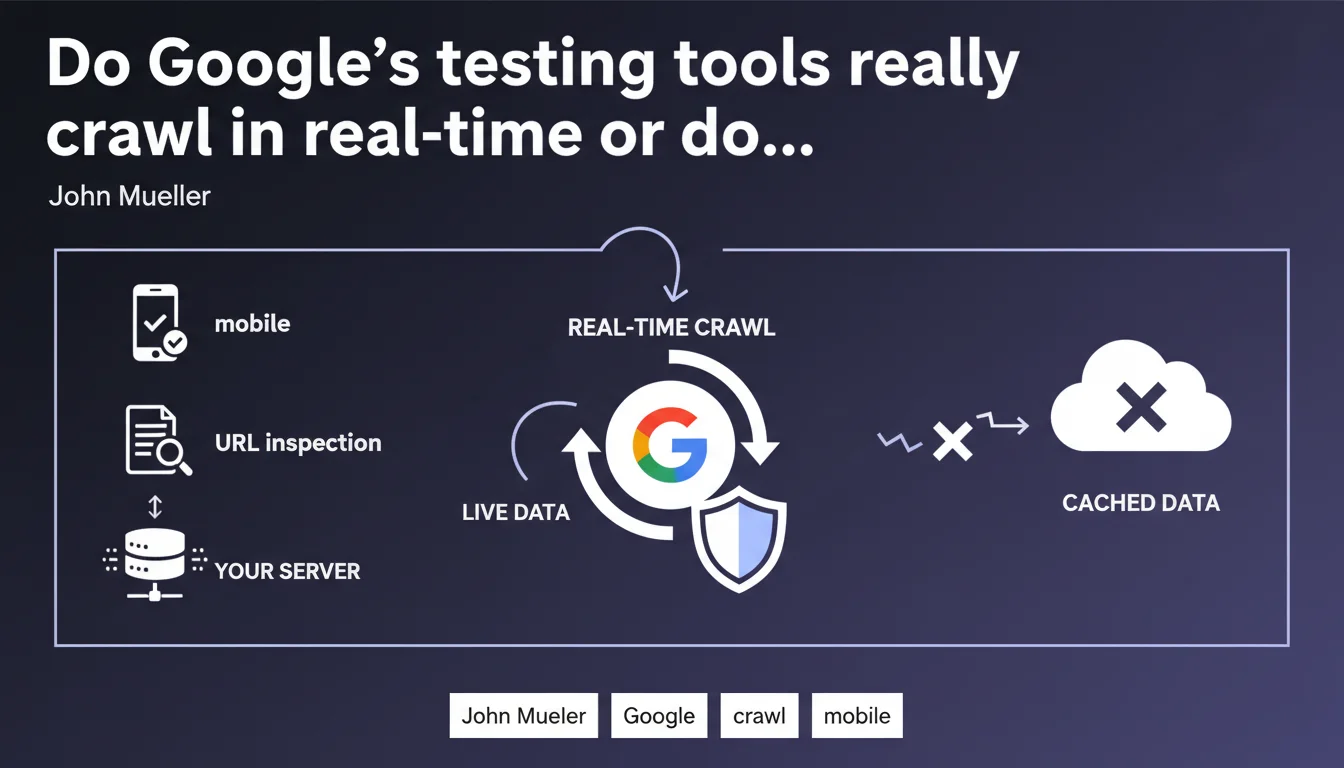
Mueller confirms that the URL inspection tool and mobile-friendly test fetch data directly from your server with no intermediate cache. In other words: what these tools display reflects the exact state of your page at the moment of testing. An important clarification for diagnosing indexation issues without false positives related to outdated data.
What you need to understand
Why this precision about the absence of cache?
Many SEO professionals suspected that testing tools — notably the URL inspection tool in Search Console and the mobile-friendly test — used cached data to gain speed. The logic seemed sound: Google already crawls your site, so why make a complete request every time you run a test?
Mueller clears things up. These tools retrieve information live, which means they send a fresh HTTP request to your server each time you launch a test. No stored data, no previous version. What you see corresponds to the current state of the page.
Which tools are we talking about exactly?
The statement mainly targets two tools: the mobile-friendly test (publicly available) and the URL inspection tool in Google Search Console. These two interfaces are frequently used to verify whether Google can access and correctly interpret a page.
Other Google tools — like PageSpeed Insights or Lighthouse — work differently and are not covered by this statement. Stay alert to the exact scope: we're talking about compatibility testing and crawl tools, not performance tools.
What's the difference with Googlebot's standard crawl?
Googlebot's standard crawl follows crawl budget rules, prioritization, and can rely on cached data for certain elements (like static resources). Testing tools, on the other hand, ignore these constraints: they simulate a complete crawl to give you an instant snapshot.
This explains why a page can be indexed with incomplete rendering (Googlebot used a cached version of a JS resource), while the inspection tool displays correct rendering (it retrieved everything live). Both behaviors are not contradictory — they respond to different logics.
- Testing tools fetch all data in real-time, without cache
- Standard crawl can use cached resources to optimize budget
- A successful test in the inspection tool does not guarantee identical rendering during indexation
- This distinction explains certain gaps between the preview and the actual index
SEO Expert opinion
Is this statement consistent with real-world observations?
Yes — and it confirms behaviors that many of us had already documented. When you fix a robots.txt or meta robots tag issue, the inspection tool immediately reflects the change. No need to wait for a new Googlebot crawl. That's exactly what we'd expect from a tool that hits your server directly.
However — and here's where it gets tricky — this absence of cache can also hide real issues. If your page takes 8 seconds to respond because of an overloaded database, the inspection tool will wait patiently. Googlebot, on the other hand, risks abandoning before completion. The test will tell you "everything is fine," while indexation fails in production.
What nuances should we add?
First point: the inspection tool retrieves data live, but it doesn't necessarily use the same user-agent or the same resource priorities as Googlebot in production. The result is reliable for checking accessibility, less so for exactly reproducing indexation behavior.
Second point: Mueller talks about "retrieving information live," but says nothing about the validity duration of this test. If you run the tool twice in 10 seconds, does Google send two distinct requests or does it keep a temporary result? [To verify] — the statement remains vague on this operational detail.
In what cases might this rule not apply completely?
If your server applies rate limiting or geographic blocking rules, the inspection tool can obtain a different result than a regular user — or even Googlebot in production. The Google IPs for testing are not necessarily the same as those for standard crawling.
Another edge case: pages with server-side dynamic content (A/B testing, session-based personalization). The tool retrieves "live," sure, but which variant? If your server logic changes based on context (time, geolocation, cookies), the test can display a version that is never served to Googlebot.
Practical impact and recommendations
What should you concretely do with this information?
Use the URL inspection tool as a real-time diagnosis, not as an indexation guarantee. It's perfect for verifying that a technical fix (robots.txt, canonical tag, redirect) is properly applied. It's insufficient for predicting how Googlebot will behave at scale.
Systematically complement an inspection test with a server log analysis. You want to know if Googlebot actually accesses your critical resources (CSS, JS) and in what order. Logs show you the reality of crawling, not an idealized simulation.
What errors should you avoid?
Don't blindly trust a positive test if you observe persistent indexation issues. The fact that the tool displays correct rendering doesn't mean Googlebot gets the same result under real conditions — especially if your server is slow or unstable.
Also avoid spamming the tool with repeated tests every 30 seconds. Even though Google retrieves data live, repeatedly hitting your server in a loop can trigger protection mechanisms (rate limiting, WAF) that will skew results. Leave a few minutes between two tests on the same URL.
How can you verify that your server responds correctly to testing tools?
Configure your server to specifically log Google user-agents linked to testing tools (Google-InspectionTool, Googlebot-Mobile for the mobile-friendly test). Compare response times and HTTP status codes returned to these bots versus standard Googlebot.
If you notice discrepancies — for example, timeouts for Googlebot but not for the inspection tool — this is a sign that your infrastructure doesn't handle load uniformly. Look into server cache, PHP/Node workers, or simultaneous connection limits.
- Use the inspection tool to validate immediate technical fixes
- Complement with analysis of actual server logs from Googlebot
- Don't run tests in rapid succession — space them several minutes apart
- Monitor response times for test user-agents vs. production Googlebot
- Verify that your infrastructure doesn't block or slow down Google IPs in a differentiated way
- In case of gaps between test and indexation, look at external resources (CDN, APIs)
❓ Frequently Asked Questions
L'outil d'inspection d'URL envoie-t-il une requête serveur à chaque test ?
Un test réussi dans l'outil d'inspection garantit-il une indexation correcte ?
Le test mobile-friendly utilise-t-il aussi des données en temps réel ?
Pourquoi mes pages passent le test d'inspection mais ne s'indexent pas correctement ?
Puis-je utiliser ces outils pour forcer un recrawl immédiat ?
🎥 From the same video 22
Other SEO insights extracted from this same Google Search Central video · published on 28/03/2022
🎥 Watch the full video on YouTube →
💬 Comments (0)
Be the first to comment.