
Official statement
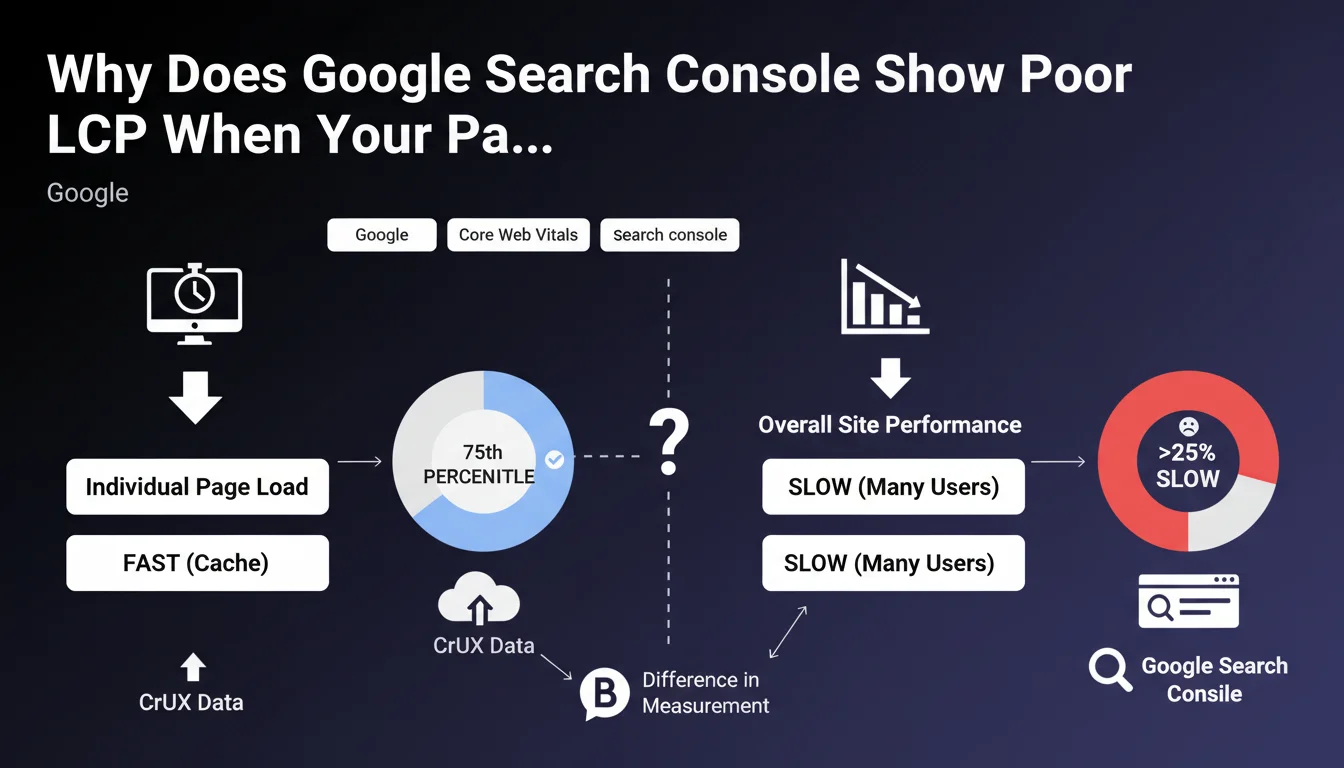
CrUX calculates performance at the 75th percentile of page loads, which means that if more than 25% of page views are slower, the overall score drops. Popular pages, often presented as examples in GSC, benefit from sufficient data and are generally faster because they leverage caches (database, Varnish, CDN). Long-tail pages (less frequently visited), which can represent more than 25% of total traffic, are often not cached and therefore slower, even though they are technically identical. Additionally, rarely requested pages trigger "cache misses" and must be generated from scratch, increasing LCP.
Here is Philip Walton's advice to improve the situation: Measure performance without cache: test with a random parameter in the URL (e.g., ?test=1234) to force an uncached load in Lighthouse.
Compare with a test on the cached version and reduce the gap; aim for less than 2.5s even without cache.
Optimize uncached load time so that cache is a bonus, not the only optimization.
Configure the CDN to ignore irrelevant URL parameters (e.g., UTM, gclid) and thus preserve cache usage.
Anticipate the future No Vary Search standard, which will allow defining which parameters to ignore for caching.
What you need to understand
Many SEO practitioners experience a frustrating paradox: Google Search Console reports LCP (Largest Contentful Paint) issues on their site, while tests on main pages show excellent performance. This situation is not a GSC error, but reveals a gap between popular pages and the long tail.
The key lies in the methodology for measuring Core Web Vitals by CrUX. The overall score is calculated at the 75th percentile of all loads, which means that if more than 25% of page views are slow, the overall score turns red. The pages you usually test are the most visited, therefore the best optimized by cache systems (CDN, Varnish, database cache).
The problem comes from long-tail pages, less frequently visited but collectively representing a significant portion of traffic. These pages trigger "cache misses" and must be generated from scratch each time, drastically increasing LCP. Technically identical to popular pages, they simply suffer from the absence of caching.
- CrUX measures at the 75th percentile: more than 25% slow pages bring down the overall score
- Popular pages benefit from cache and are naturally faster
- The uncached long tail degrades overall performance
- "Cache misses" generate significant delays on rarely visited pages
- GSC's LCP reflects the real user experience, not just that of star pages
SEO Expert opinion
This explanation from Google is perfectly consistent with field observations. In audits, I regularly find that e-commerce sites with thousands of product pages or editorial sites with deep archives suffer precisely from this phenomenon. Owners test their homepage and a few flagship categories, find everything perfect, but GSC stays red.
The important nuance to add concerns sites with heavy personalization or dynamic content. For them, cache is inherently less effective since each user receives a different version. In these cases, "cold start" optimization becomes even more critical. SaaS sites and web applications are particularly affected.
The announcement of the future No Vary Search standard is excellent news for managing URL parameters. Currently, each URL variation with UTM or tracking parameters generates a distinct cache entry, unnecessarily multiplying "cache misses." This standardization will considerably simplify cache management for sites with heavy marketing tracking.
Practical impact and recommendations
- Systematically test without cache: use a random parameter (?test=12345) in Lighthouse to simulate a "cache miss" and measure real performance
- Aim for less than 2.5 seconds LCP even without cache: this is your optimization benchmark, cache will then improve this baseline score
- Identify your problematic long-tail pages: analyze in GSC which specific URLs are pulling the score down, not just aggregates
- Optimize server-side generation: reduce database queries, optimize templates, use lazy loading for non-LCP elements
- Configure your CDN intelligently: set it up to ignore irrelevant parameters (UTM, gclid, fbclid) to maximize cache hit ratio
- Implement a multi-layer cache strategy: combine CDN cache, application cache (Varnish, Redis), and database cache for different content levels
- Monitor cache hit rate: a rate below 80% likely indicates poor configuration or too many URL variations
- Preload cache for strategic pages: warm-up script after deployment so first visits already benefit from cache
- Prepare for the No Vary Search standard: document now which URL parameters can be ignored for caching
These optimizations touch on server infrastructure, CDN configuration, and application code. They require a thorough understanding of technical architecture and Core Web Vitals. For complex sites or teams without dedicated DevOps expertise, surrounding yourself with specialists who master both technical SEO and performance optimization allows you to quickly identify bottlenecks and implement the most effective solutions, tailored to your specific infrastructure.
💬 Comments (0)
Be the first to comment.