
Official statement
Other statements from this video 14 ▾
- □ Does Google really ignore links coming from penalized sites?
- □ Should you really abandon directories and social bookmarking for your SEO strategy once and for all?
- □ Does Google really ignore spam links automatically without any action needed?
- □ Should you really use Google's link disavow tool, or is it just wasting your time?
- □ Do keywords in URLs really matter for SEO rankings?
- □ Does image URL depth really prevent Googlebot from crawling your images?
- □ Are your Search Console metrics really showing what's actually happening to your site in Google search results?
- □ Should you abandon dynamic rendering for SEO?
- □ Do you really need to optimize image file names for SEO?
- □ Does Google really render EVERY successfully crawled page with JavaScript?
- □ Does invalid schema markup really hurt your search rankings?
- □ Should you really worry about the difference between 301 and 302 redirects anymore?
- □ Does extended boilerplate content really hurt your SEO rankings?
- □ Can a domain migration really happen without losing your SEO rankings?
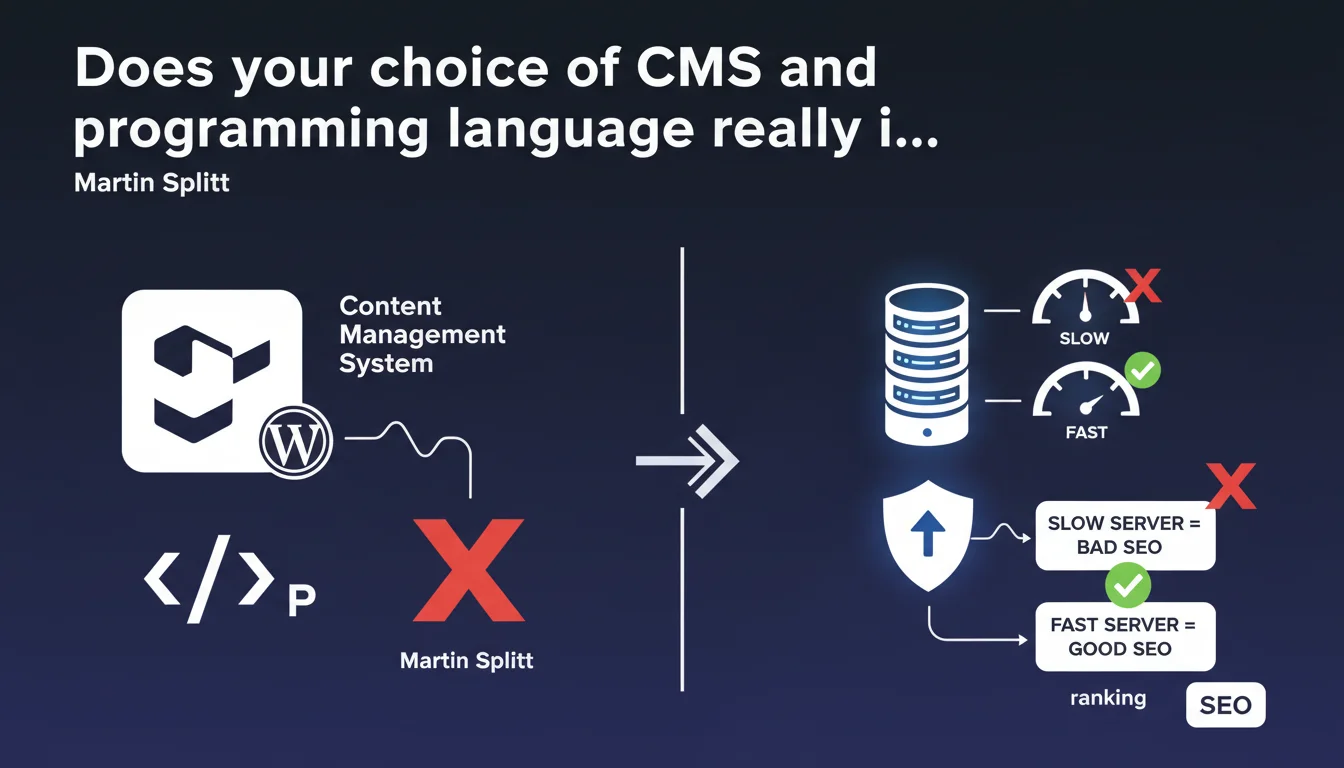
Google states that the CMS (WordPress, Drupal, custom...) and backend language (PHP, Python, Node.js...) do not directly impact ranking. Only actual server performance and technical behavior matter — a slow site will be penalized, regardless of the stack. In other words: the tool doesn't matter, what it produces does.
What you need to understand
Does Google really distinguish between the tool and the result?
This statement from Martin Splitt settles a recurring debate: no, WordPress is not favored over a custom CMS, and Python is not better than PHP in Google's eyes. The search engine only cares about the final rendering and the server response speed.
Concretely? Your technical stack can be Joomla running on a vintage LAMP server or a headless CMS with GraphQL API — as long as pages load quickly, the HTML is clean, and the server responds correctly, Google doesn't care what happens behind the scenes.
Why this clarification now?
Because too many decision makers and even some SEOs still imagine that a "WordPress site" will be ranked better by default, or that a modern framework like Next.js brings an intrinsic SEO advantage. That's wrong.
Google is probably reacting to thousands of forums where you read "which CMS for SEO?" when the real question should be: "which technical configuration to optimize performance and crawlability?". The distinction is crucial.
What actually matters then?
The observable behavior by Googlebot: HTTP response time, quality of delivered HTML, loading speed, cache management, server stability. If your custom CMS generates pages in 50ms and your WordPress takes 2 seconds to respond, the custom wins — not because it's custom, but because it's better configured.
- The CMS and backend language are invisible to Google — only their output matters
- Server performance (TTFB, stability, cache) impacts crawl and potentially ranking
- A well-optimized WordPress will always beat a poorly configured modern framework
- The real SEO question is not "which tool?" but "how is the tool deployed and maintained?"
SEO Expert opinion
Does this statement match what we observe in the field?
Yes, and it's even reassuring to hear it officially. We regularly see WordPress sites dominating SERPs against much more modern architectures, and conversely custom sites failing because the server is undersized or misconfigured.
The real trap? Confusing correlation with causation. If many WordPress sites rank well, it's not because of the CMS itself, but often because the SEO plugin ecosystem (Yoast, RankMath, etc.) makes applying best practices easier. A competent developer will get the same results with any stack.
Are there cases where backend indirectly influences SEO?
Absolutely — and that's where Google's wording remains slightly imprecise. A poorly coded CMS can generate duplicate content, broken URLs, invalid HTML, or catastrophic generation times. It's not the language that's the problem, it's the implementation.
Concrete example: some CMSs create unnecessary URL parameters that Google must then manage. Others don't properly handle canonicals or hreflang. The CMS doesn't affect ranking directly, but it can complicate things and generate technical errors that do impact your SEO.
Should you completely ignore technical stack in your SEO strategy?
No. You just need to understand that the tool won't save you if you don't know how to use it — and conversely, it won't sink you if you master the fundamentals. CMS choice remains strategic for reasons of productivity, cost, scalability, but not for pleasing Google.
Let's be honest: some modern frameworks (Next.js, Nuxt) make SSR rendering and Core Web Vitals easier, which indirectly helps SEO. But a WordPress with a good theme and properly configured cache will do the same. It's a matter of execution, not technology.
Practical impact and recommendations
What should you verify on your current infrastructure?
Stop asking yourself if your CMS is "SEO-friendly" by nature. Focus on what Googlebot actually observes: TTFB (Time To First Byte), server stability, 5xx errors, timeouts.
Test your server with tools like WebPageTest, GTmetrix, or directly via Google Search Console ("Crawl" report). If your TTFB regularly exceeds 600ms, you have a problem — regardless of whether it's WordPress or a JS framework.
What mistakes to avoid when choosing a CMS?
Don't choose a CMS "for SEO." Choose it for its maintainability, scalability, and your team's expertise. A brilliant custom CMS that nobody knows how to maintain quickly becomes a burden.
Also avoid believing that a popular CMS will spare you from optimizing the server. WordPress on a $3/month shared server is a guarantee of catastrophic TTFB and wasted crawl budget.
How to ensure your technical configuration doesn't slow down Google?
- Monitor TTFB: aim for less than 500ms, ideally under 300ms
- Enable server caching (Varnish, Redis, CDN) to reduce backend load
- Check stability: zero 5xx errors in Search Console over 30 days
- Optimize page generation: avoid heavy database queries on each hit
- Size the server properly based on expected traffic and crawl
- Test final HTML rendering: this is what Google sees, regardless of how it's generated
❓ Frequently Asked Questions
WordPress est-il vraiment aussi bon qu'un CMS sur-mesure pour le SEO ?
Un site en PHP sera-t-il moins bien classé qu'un site en Python ou Node.js ?
Faut-il migrer vers un CMS headless pour améliorer mon SEO ?
Qu'est-ce qui peut réellement impacter le classement au niveau serveur ?
Mon hébergement mutualisé peut-il freiner mon SEO ?
🎥 From the same video 14
Other SEO insights extracted from this same Google Search Central video · published on 04/05/2023
🎥 Watch the full video on YouTube →
💬 Comments (0)
Be the first to comment.