
Official statement
Other statements from this video 17 ▾
- □ Do you really need to choose between www and non-www for SEO?
- □ Why does Googlebot ignore your buttons and how can you work around this limitation?
- □ Are guest posts really banned by Google for building backlinks?
- □ Do you really need text on category pages to rank well in Google?
- □ Should you really worry about 404 errors generated by JSON and JavaScript in Google Search Console?
- □ Does Google really prioritize meta descriptions when page content is thin?
- □ Does Google really expect you to block indexation of menus and common site sections?
- □ Can infinite scroll really work for SEO when each section has its own unique URL?
- □ Does mobile-first indexing really force you to prioritize the mobile version above all else?
- □ Can PDFs hosted on Google Drive actually be indexed by Google search?
- □ Why is Google indexing your URLs even when robots.txt blocks them?
- □ Is your low-quality content actually hurting your SEO rankings?
- □ Does your CMS really impact how Google ranks your website?
- □ Can a noindex on your homepage really cause other pages to rank first instead?
- □ Should you really optimize INP if it's not (yet) a ranking factor?
- □ Should you really clean up every hacked page or let Google handle the sorting?
- □ Should you stop forcing indexing when Google deindexes your pages?
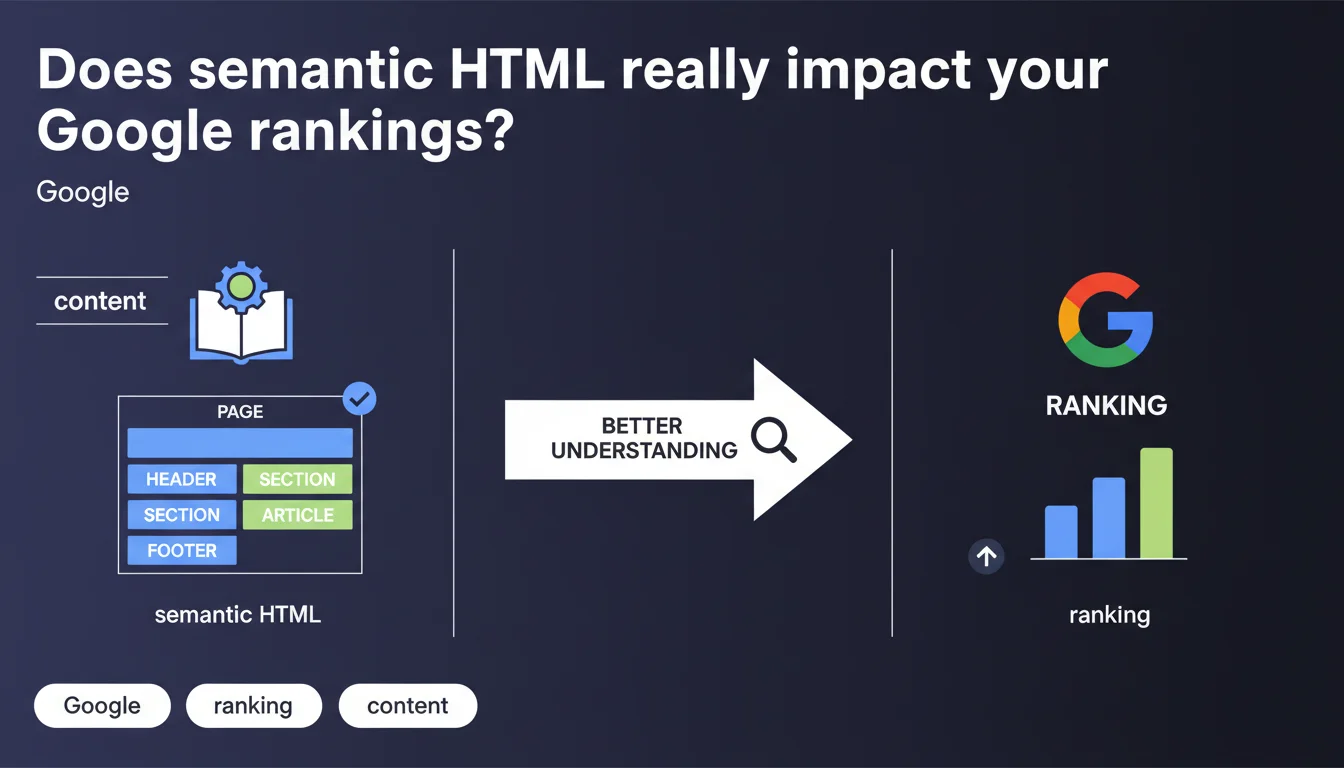
Google confirms that semantic HTML helps its algorithms better understand content and its context. Properly marking headings serves as a consistency signal between content and structure. This statement remains vague about direct ranking impact, but validates the importance of structuring for algorithmic comprehension.
What you need to understand
What does Google mean by "semantic HTML"?
Semantic HTML refers to using HTML tags according to their actual function: <h1> for the main title, <article> for an article, <nav> for navigation, <aside> for secondary content. This approach opposes purely cosmetic tag usage, where you'd use a styled <div> instead of an <h2> for a subtitle.
Google emphasizes heading markup as a key example here. An <h2> that announces "How to optimize your title tags" should introduce content that actually discusses title tags, not Core Web Vitals. This is what Google calls coherence between structure and content.
Why does Google need this structuring?
Search engines don't "read" like humans do. They rely on structural signals to identify key page elements: main title, sections, lists, quotes. Semantic HTML provides them with a clear reading map.
Without this structure, Google can understand raw text through NLP, but it loses contextual efficiency. A properly marked heading says "what follows is important and relates to this topic." It's a trust signal that facilitates granular indexing and passage toward featured snippets.
Which HTML elements are involved?
- Heading tags (<h1> to <h6>): content hierarchy, main theme signal and sub-themes
- Structural tags (<article>, <section>, <nav>, <aside>): delimiting content zones according to their role
- Lists (<ul>, <ol>): explicit marking of enumerations, often used to generate rich snippets
- Quote tags (<blockquote>, <cite>): identification of external content or sources
- Links (<a>): anchor context and relationship between pages
- Media (<img>, <video>) with alt and title attributes for visual context
SEO Expert opinion
Is this statement consistent with real-world observed practices?
Yes, but with a significant caveat. Tests show that semantic HTML doesn't directly boost rankings in most cases. However, its absence or misuse can degrade Google's comprehension, especially on complex queries where context matters.
Concrete example: a site using styled <div class="title"> instead of <h2> may lose clarity for algorithms, particularly for featured snippets that rely on heading hierarchy. Google needs this structure to slice content into separately indexable sections. [To verify]: measurable impact remains difficult to isolate from other factors (content quality, backlinks, UX).
Why does Google remain so vague about the real impact?
Google doesn't say "semantic HTML improves your rankings," it says "it helps us understand." The difference is crucial. Understanding better doesn't automatically mean ranking higher. It means Google indexes more efficiently, better identifies themes, and can potentially extract passages for Position Zero.
This imprecision is typical of Google when discussing signals that aren't direct ranking factors, but rather interpretation facilitators. Semantic HTML isn't an SEO lever on its own—it's a condition for the real levers (content, authority, relevance) to work properly.
When does this rule not really apply?
On branded or highly specific queries, where your site already has established authority, semantic HTML changes little in rankings. Google knows you, it knows what you do. Structure helps, but it's not decisive.
Conversely, in ultra-competitive markets or long-tail informational queries, flawless HTML structure can make the difference to capture a featured snippet or appear in "People Also Ask." That's where semantics becomes a tactical advantage.
Practical impact and recommendations
What should you prioritize auditing on your site?
Start with heading tags. Verify that each page has a unique <h1> that reflects the main topic, and that <h2> through <h6> follow logical hierarchy without jumps (no <h4> directly after <h2>).
Next, inspect structural tags. Do editorial pages use <article>? Are navigation zones in <nav>? Are sidebars in <aside>? If your HTML is an ocean of <div>, that's a red flag.
- Verify that each page has a single <h1> and its content matches the title
- Inspect heading hierarchy (no level jumps, thematic coherence)
- Replace generic <div> with semantic tags (<article>, <section>, <aside>)
- Use <ul> or <ol> for all enumerations, not <p> with bullet points
- Add descriptive alt attributes to all important images
- Mark quotes with <blockquote> and sources with <cite>
- Test snippet extraction with Google's Rich Results Test tool
What errors must you absolutely avoid?
Don't multiply <h1> tags on the same page—one is enough. Also avoid meaningless headings ("Introduction," "Section 1") that provide no context. Google wants to understand what you're talking about, not just that you have a section.
Another classic pitfall: using semantic tags just for CSS styling. If you use an <h2> because it looks nice in bold, but it doesn't introduce a section, you're creating semantic confusion. Google expects related content after a heading—if that's not the case, you're degrading comprehension.
How do you integrate this optimization into your broader strategy?
Semantic HTML shouldn't be an isolated project. Integrate it into your content creation workflow: every new page should follow a structuring framework with properly marked headings, lists, and media from the writing stage onward.
For existing sites, prioritize high-potential pages (strategic landing pages, pillar content) and fix their structure first. Measure impact on featured snippet capture rates and positions on long-tail queries.
❓ Frequently Asked Questions
Le HTML sémantique est-il un facteur de classement direct ?
Peut-on ranker sans HTML sémantique ?
Faut-il refondre tout son HTML existant ?
Les balises HTML5 comme <article> ou <section> sont-elles indispensables ?
Comment vérifier si mon HTML sémantique est bien compris par Google ?
🎥 From the same video 17
Other SEO insights extracted from this same Google Search Central video · published on 06/09/2023
🎥 Watch the full video on YouTube →
💬 Comments (0)
Be the first to comment.