
Official statement
Other statements from this video 17 ▾
- □ Do you really need to choose between www and non-www for SEO?
- □ Why does Googlebot ignore your buttons and how can you work around this limitation?
- □ Are guest posts really banned by Google for building backlinks?
- □ Do you really need text on category pages to rank well in Google?
- □ Does semantic HTML really impact your Google rankings?
- □ Should you really worry about 404 errors generated by JSON and JavaScript in Google Search Console?
- □ Does Google really prioritize meta descriptions when page content is thin?
- □ Does Google really expect you to block indexation of menus and common site sections?
- □ Can infinite scroll really work for SEO when each section has its own unique URL?
- □ Does mobile-first indexing really force you to prioritize the mobile version above all else?
- □ Can PDFs hosted on Google Drive actually be indexed by Google search?
- □ Why is Google indexing your URLs even when robots.txt blocks them?
- □ Is your low-quality content actually hurting your SEO rankings?
- □ Can a noindex on your homepage really cause other pages to rank first instead?
- □ Should you really optimize INP if it's not (yet) a ranking factor?
- □ Should you really clean up every hacked page or let Google handle the sorting?
- □ Should you stop forcing indexing when Google deindexes your pages?
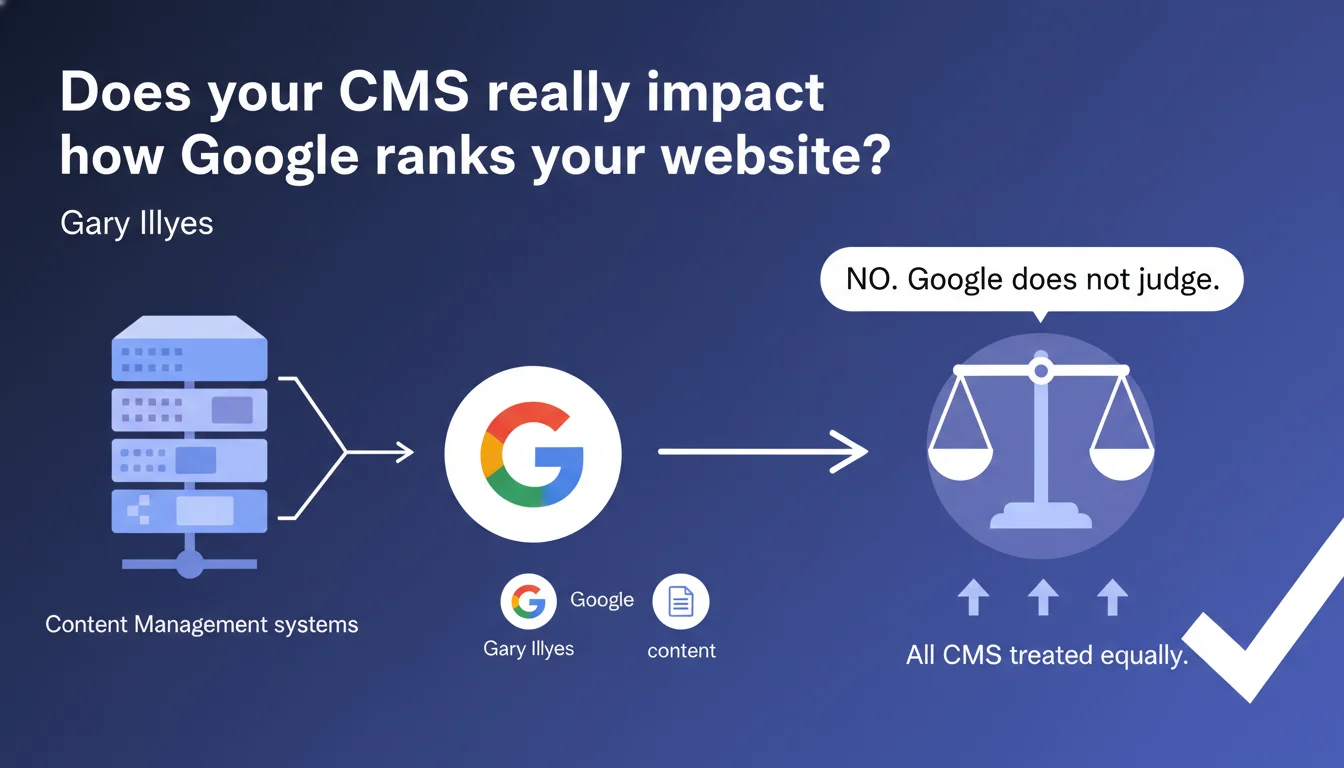
Google states that it treats all CMSs the same way and does not apply filters or bonuses based on the technology used. The search engine evaluates only the final rendering, user experience, and content quality — not the platform that generates the pages. What matters is what Googlebot sees and how users interact with your site.
What you need to understand
Does Google differentiate between WordPress, Shopify, or a custom CMS?
No. Gary Illyes's statement is clear: Google does not discriminate based on CMS. Whether your site runs on WordPress, Drupal, Shopify, Wix, or a custom-built solution, the algorithm doesn't know or favor any particular technology.
What matters is the final result: the HTML delivered to the crawler, loading speed, content structure, meta tags, internal linking. The CMS is just a tool — its implementation determines SEO performance.
Why is this clarification necessary?
Because many myths circulate. Some claim Google favors WordPress sites, others say proprietary CMSs are penalized. These beliefs are unfounded.
This confusion often stems from the fact that some CMSs generate cleaner code by default, better-structured URLs, or superior Core Web Vitals. But this is a consequence of technical implementation, not preferential treatment from Google.
What does Google actually evaluate?
Google judges what Googlebot can see: HTML quality, tag semantics, server response speed, mobile experience, Core Web Vitals signals, structured data implementation.
If two sites display the same level of technical and editorial quality, it doesn't matter if one runs on Magento and the other on a custom JavaScript stack — Google will treat them equivalently.
- The CMS does not influence ranking — only the quality of the final rendering matters
- Popular CMSs receive no algorithmic advantage
- SEO performance depends on implementation, not the platform chosen
- Google evaluates the output, not the engine that generates it
SEO Expert opinion
Is this claim consistent with real-world observations?
Yes and no. In principle, Google isn't lying: there is no CMS bonus in the algorithm. No crawler actively detects WordPress to award it a ranking boost.
But in practice, some CMSs make it much easier to follow SEO best practices — while others make it nearly impossible without custom development. WordPress with Yoast or Rank Math, for example, automatically generates clean XML sitemaps, structured breadcrumbs, and coherent canonical tags. Conversely, some proprietary CMSs impose parameter-filled URLs, bloated HTML code, and catastrophic load times.
What nuances should be added?
Google's neutrality doesn't mean all CMSs are equal for SEO. What changes is the CMS's ability to let you optimize. Some give you full control over tags, rendering, and speed. Others lock you into rigid templates with bloated code.
A Wix or Squarespace site can rank perfectly well — but it often requires more effort to work around the platform's technical limitations. [To verify]: Google says nothing about differences in crawl budget or indexing speed based on the server architectures used by CMSs.
In which cases does this rule become problematic?
When the CMS generates heavy JavaScript rendering without Server-Side Rendering (SSR) or pre-rendering. Google does crawl JavaScript, certainly — but with delays, limited crawl budget, and sometimes rendering errors. If your headless CMS doesn't handle SSR properly, you'll face indexation issues.
Practical impact and recommendations
What should you remember when choosing or optimizing your CMS?
Don't focus on the CMS brand — concentrate on what it allows you to do technically. A good CMS for SEO should offer complete control over title/meta tags, URLs, internal linking, redirects, and server response times.
If you're already on a platform, there's no need to migrate just because you think Google prefers something else. However, if your current CMS prevents you from fixing critical issues (poor URLs, massive duplication, catastrophic speed), then migration may be justified.
What mistakes should you avoid when choosing or using a CMS?
Don't choose a CMS solely for its supposed SEO benefits. First evaluate your business needs, technical capacity, and budget. A hyper-flexible but complex CMS will be counterproductive if your team can't master it.
Avoid CMSs that generate duplicate content by default (poorly managed pagination, filters that create infinite indexable URLs, missing canonical tags). Also check Core Web Vitals handling: some CMSs bundle third-party scripts that tank LCP and CLS.
How do you audit your current CMS's SEO compatibility?
- Test Googlebot rendering via Google Search Console (URL inspection) to verify all content is visible
- Analyze Core Web Vitals in PageSpeed Insights — identify if the CMS generates render-blocking code or heavy resources
- Check URL flexibility: can you customize structure, manage 301 redirects, set canonicals?
- Monitor automatic generation of XML sitemaps, hreflang tags (if multilingual), structured data
- Evaluate server speed: TTFB (Time To First Byte) — some CMSs are notoriously slow backend-wise
- Test duplicate content handling: pagination, filters, tags, multiple categories
The CMS is not a ranking factor, but a tool that facilitates or hinders your SEO. Choose based on your technical needs and ability to optimize the final rendering.
If your current CMS presents structural limitations that are hard to work around — or if you're uncertain about which platform to adopt for a new project — guidance from an SEO-specialized agency can help you avoid costly mistakes and accelerate your performance.
❓ Frequently Asked Questions
Google peut-il détecter quel CMS j'utilise ?
Un CMS headless (Contentful, Strapi) est-il mieux ou moins bon pour le SEO ?
Faut-il migrer de Wix vers WordPress pour améliorer mon SEO ?
Les CMS SaaS comme Shopify sont-ils désavantagés par rapport aux solutions sur mesure ?
Google pénalise-t-il les sites avec plusieurs CMS sur différentes sections ?
🎥 From the same video 17
Other SEO insights extracted from this same Google Search Central video · published on 06/09/2023
🎥 Watch the full video on YouTube →
💬 Comments (0)
Be the first to comment.