
Official statement
Other statements from this video 17 ▾
- □ Faut-il vraiment choisir entre www et non-www pour le SEO ?
- □ Pourquoi Googlebot ignore-t-il vos boutons et comment contourner cette limite ?
- □ Les guest posts pour des backlinks sont-ils vraiment bannis par Google ?
- □ Faut-il vraiment du texte sur les pages catégories pour bien ranker ?
- □ Le HTML sémantique a-t-il vraiment un impact sur le classement Google ?
- □ Faut-il vraiment s'inquiéter des erreurs 404 générées par JSON et JavaScript dans GSC ?
- □ Google privilégie-t-il vraiment la meta description quand le contenu est pauvre ?
- □ Faut-il vraiment bloquer l'indexation des menus et zones communes d'un site ?
- □ L'infinite scroll est-il compatible avec le SEO si chaque section possède une URL unique ?
- □ L'indexation mobile-first impose-t-elle vraiment la version mobile comme unique référence ?
- □ Les PDF hébergés sur Google Drive sont-ils vraiment indexables par Google ?
- □ Pourquoi Google indexe-t-il vos URLs même quand robots.txt les bloque ?
- □ Faut-il supprimer ou améliorer le contenu de faible qualité sur votre site ?
- □ Le CMS influence-t-il vraiment le jugement de Google sur votre site ?
- □ Faut-il vraiment optimiser l'INP si ce n'est pas (encore) un facteur de classement ?
- □ Faut-il vraiment nettoyer toutes les pages hackées ou laisser Google faire le tri ?
- □ Faut-il arrêter de forcer l'indexation quand Google désindexe vos pages ?
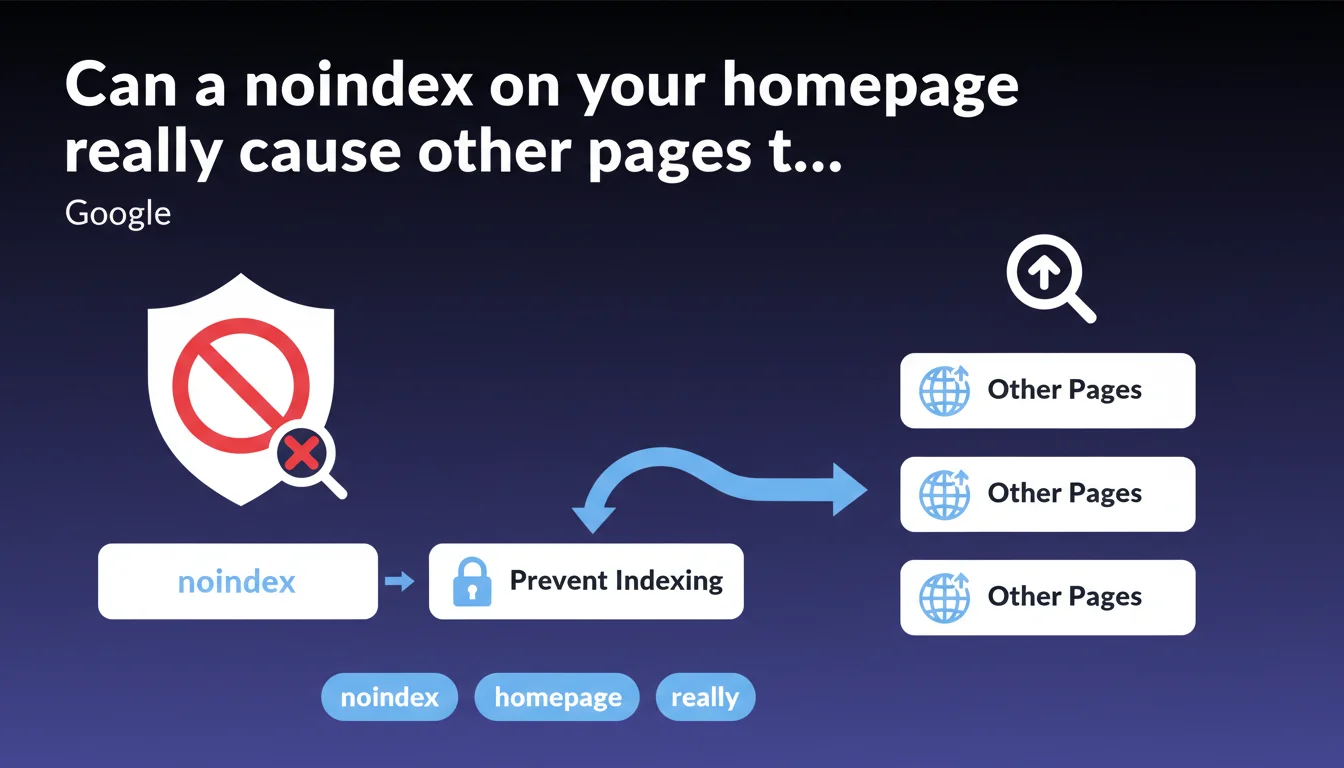
Google confirms that a noindex meta tag on the homepage blocks its indexing and can push other pages from your site to the top of search results. This situation, often accidental, redistributes organic visibility in unpredictable ways. A quick audit of robots directives is essential for any site experiencing traffic loss.
What you need to understand
Why does this statement deserve our attention?
The noindex directive on a homepage isn't a theoretical scenario. CMS migrations, misconfigured staging environments, or copy-paste errors with templates regularly create this block. Google makes no exception for the root page — it disappears from the index like any other URL.
The search engine then redistributes organic visibility to the pages it deems most relevant for brand or generic queries. Often, it's a product page, category, or blog article that inherits the traffic. Not always the one you would have chosen.
How does Google select the replacement page?
No official documentation details the selection algorithm. Field experience shows that standard relevance signals come into play: internal authority, link popularity, age, and match with search intent.
A well-linked category page with regular updates will often beat an orphaned "About Us" page. Crawl budget doesn't directly factor in here — this is an indexability eligibility issue, not a discovery problem.
What are the concrete symptoms of this problem?
- Sudden traffic drop on branded search queries
- Homepage disappearance from SERPs in favor of a secondary page
- Google Search Console alerts showing a page excluded by the noindex tag
- Mismatch between ranking pages and user intent
- Loss of control over brand messaging in the top position
SEO Expert opinion
Is this statement consistent with what we observe in the field?
Absolutely. I've seen e-commerce sites lose 40% of their organic traffic in 72 hours after a developer replicated a noindex tag from a dev environment. Google doesn't negotiate with robots directives.
The replacement is never neutral. A product page positioned in place of the homepage generates qualified but fragmented traffic. Generic brand queries return to an overly specific context, which degrades overall conversion rates. Let's be honest: losing control of your front door is a real problem.
In what cases does this logic become counterproductive?
Sites with flat architecture and little hierarchical depth suffer more. If your homepage concentrates 80% of your internal and external link equity, its disappearance from the index creates an authority gap that other pages struggle to fill.
Conversely, a media site with hundreds of well-optimized articles absorbs the hit better. Traffic redistributes naturally to evergreen content. [To verify]: Google claims to treat all pages equally, but observed behavior suggests that a homepage benefits from an implicit boost in brand queries — its disappearance is never fully compensated.
What nuances should we add to this claim?
Google doesn't specify the propagation delay. In practice, allow 48 to 96 hours for deindexation to take effect and another page to take over. It's not instantaneous.
Practical impact and recommendations
What should you do concretely if your homepage is blocked?
First reflex: check the HTML source code of the page, not your CMS backend. WordPress plugins, Shopify configurations, or PrestaShop themes can inject robots tags without the admin interface clearly flagging them.
Look for <meta name="robots" content="noindex"> in the <head>. Also check the HTTP header X-Robots-Tag via Chrome DevTools or a tool like Screaming Frog. Some Nginx or Apache servers add this directive at the configuration level.
How do you prevent this type of accident in production environments?
Set up automated monitoring. Tools like OnCrawl, Botify, or even a Python script with BeautifulSoup can crawl your key pages daily and alert you if an unexpected noindex tag appears.
Integrate a pre-deployment checklist that includes a diff of meta tags between staging and production. A single line in a migration file can sabotage months of SEO work.
What mistakes should you avoid when fixing this?
- Don't remove the tag without checking that no other directive (canonical, redirect) creates a conflict
- Forget to request reindexing via Google Search Console after the fix — letting Google discover the change naturally unnecessarily extends the delay
- Ignore server logs to identify the source of the error (plugin, theme, server configuration)
- Skip auditing other critical pages: if the homepage carries an accidental noindex, other URLs are likely affected
- Passively wait for traffic to return — analyze what content took over to understand structural gaps in your site
❓ Frequently Asked Questions
Combien de temps faut-il pour que Google désindexe une homepage avec noindex ?
Si je retire le noindex, ma homepage retrouve-t-elle immédiatement sa position ?
Le noindex sur la homepage affecte-t-il le crawl budget du reste du site ?
Peut-on utiliser le noindex stratégiquement pour forcer une autre page en tête ?
Google Search Console signale-t-il toujours un noindex sur la homepage ?
🎥 From the same video 17
Other SEO insights extracted from this same Google Search Central video · published on 06/09/2023
🎥 Watch the full video on YouTube →
💬 Comments (0)
Be the first to comment.