
Official statement
Other statements from this video 17 ▾
- □ Faut-il vraiment choisir entre www et non-www pour le SEO ?
- □ Pourquoi Googlebot ignore-t-il vos boutons et comment contourner cette limite ?
- □ Les guest posts pour des backlinks sont-ils vraiment bannis par Google ?
- □ Faut-il vraiment du texte sur les pages catégories pour bien ranker ?
- □ Le HTML sémantique a-t-il vraiment un impact sur le classement Google ?
- □ Faut-il vraiment s'inquiéter des erreurs 404 générées par JSON et JavaScript dans GSC ?
- □ Google privilégie-t-il vraiment la meta description quand le contenu est pauvre ?
- □ Faut-il vraiment bloquer l'indexation des menus et zones communes d'un site ?
- □ L'infinite scroll est-il compatible avec le SEO si chaque section possède une URL unique ?
- □ Les PDF hébergés sur Google Drive sont-ils vraiment indexables par Google ?
- □ Pourquoi Google indexe-t-il vos URLs même quand robots.txt les bloque ?
- □ Faut-il supprimer ou améliorer le contenu de faible qualité sur votre site ?
- □ Le CMS influence-t-il vraiment le jugement de Google sur votre site ?
- □ Un noindex sur la homepage peut-il vraiment faire apparaître d'autres pages en premier ?
- □ Faut-il vraiment optimiser l'INP si ce n'est pas (encore) un facteur de classement ?
- □ Faut-il vraiment nettoyer toutes les pages hackées ou laisser Google faire le tri ?
- □ Faut-il arrêter de forcer l'indexation quand Google désindexe vos pages ?
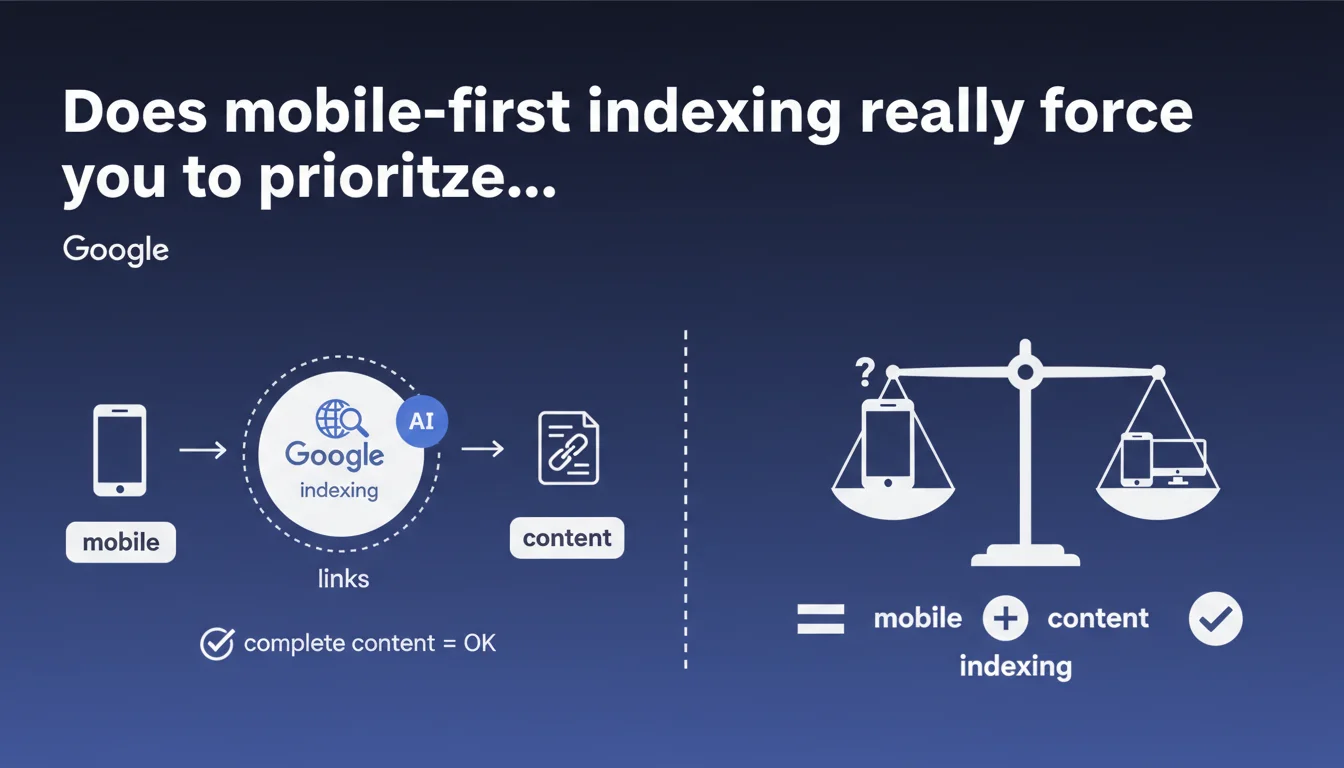
Google now uses the mobile version of a page as the primary basis for indexing and link discovery. If your mobile version contains all the content, you're compliant — there's no need to duplicate every desktop element. The key is that the mobile version is complete and exploitable by Googlebot.
What you need to understand
What does mobile-first indexing actually mean?
Mobile-first indexing means that Googlebot crawls and indexes the mobile version of your pages as a priority. Even if a user searches from a desktop computer, it's your mobile version that determines your ranking.
This shift became widespread after years of gradual transition. Google migrated the majority of sites to this indexing mode, making the desktop version secondary in the evaluation process.
Why does Google emphasize "complete content"?
For a long time, mobile versions were stripped down: less text, fewer internal links, compressed or absent images. This practice created problems with mobile-first indexing.
If your mobile version hides content blocks, removes links, or drastically reduces text, Google will only index what it sees on mobile. The result: loss of visibility on search queries that the desktop version could have captured.
Is the desktop version still crawled by Google?
Yes, but in a residual manner. Google may still crawl the desktop version to check for consistency or in certain specific cases, but it no longer serves as the reference for indexing.
Some sites that haven't migrated to mobile-first continue to be indexed via their desktop version, but this has become marginal. The vast majority of sites now follow the mobile-first paradigm.
- The mobile version is the primary source for indexing and ranking
- Content must be complete on mobile, not just a summary
- Internal links must be present and crawlable on mobile
- Structuring elements (tags, structured data) must be identical
- The desktop version is still occasionally consulted but is no longer prioritized
SEO Expert opinion
Is this statement consistent with real-world observations?
Broadly speaking, yes. SEO audits show that sites with stripped-down mobile versions actually lose rankings — especially on long-tail queries where text content makes the difference.
But be careful: Google remains vague about what it means by "complete content". [To verify] If you hide text in accordions or tabs on mobile, Google claims to index it anyway. However, some tests suggest that this content carries less weight than text that's immediately visible.
What are the gray areas of this statement?
Google doesn't clarify how it handles user experience differences between mobile and desktop. For example, is a complex table displayed as a horizontally scrollable table on mobile treated the same way as a standard table on desktop?
Similarly, the question of Core Web Vitals on mobile versus desktop remains murky. If your mobile is slow but complete, and your desktop is fast but not indexed, what trade-off does Google make? [To verify] Real-world feedback shows inconsistencies depending on the industry.
In which cases does this rule not fully apply?
Sites with ultra-specialized content (e.g., professional tools, B2B platforms) may still benefit from desktop indexing if their audience is predominantly on computers. But this is rare.
Let's be honest: even in these niches, Google pushes toward mobile-first. If your site hasn't migrated, it eventually will, sometimes without notice. Counting on desktop indexing is living on borrowed time.
Practical impact and recommendations
What should you do concretely to be compliant?
First step: audit your mobile version as if it were your only version. Compare element by element with desktop. Text, images, internal links, title/meta tags, structured data — everything must be present.
Next, test mobile rendering with Search Console (the "URL Inspection" tool). Verify that Googlebot Mobile sees the entire content, including blocks loaded in JavaScript.
What mistakes should you absolutely avoid?
Don't hide entire content sections on mobile under the guise of simplifying the display. If you use accordions or tabs, ensure the HTML is properly rendered server-side or that JavaScript is correctly interpreted by Googlebot.
Also avoid intrusive interstitials on mobile. Google penalizes popups that obscure the main content, and this directly impacts your ability to be properly indexed.
Another trap: internal links. If your mobile menu is in a hamburger menu and certain deep links only appear in the desktop version, Googlebot won't discover them. Result: orphaned pages that struggle to rank.
How do you verify that your site is properly optimized for mobile-first?
- Compare page by page the mobile vs desktop content (text, images, links)
- Check mobile rendering via the Search Console "URL Inspection" tool
- Test mobile loading speed with PageSpeed Insights or Lighthouse
- Ensure structured data (Schema.org) is identical on mobile and desktop
- Verify that canonical tags point to the mobile version if it's a responsive site
- Analyze server logs to see which version Googlebot crawls as a priority
- Check the accessibility of internal links from the mobile menu
❓ Frequently Asked Questions
Si mon site est responsive, suis-je automatiquement en mobile-first ?
Google indexe-t-il encore la version desktop de mon site ?
Dois-je avoir un site mobile séparé (m.monsite.com) ou un site responsive ?
Les accordéons et onglets sur mobile sont-ils un problème pour l'indexation ?
Comment savoir si mon site est passé en indexation mobile-first ?
🎥 From the same video 17
Other SEO insights extracted from this same Google Search Central video · published on 06/09/2023
🎥 Watch the full video on YouTube →
💬 Comments (0)
Be the first to comment.