
Official statement
Other statements from this video 13 ▾
- □ Pourquoi vos fiches produits n'apparaissent-elles pas dans les carrousels Shopping de Google ?
- □ Comment alimenter efficacement l'infrastructure shopping de Google pour maximiser la visibilité produit ?
- □ Faut-il contrôler la fréquence de rafraîchissement de vos flux produits dans Merchant Center ?
- □ Google rafraîchit-il vos données produits Merchant Center plusieurs fois par jour ?
- □ Le rapport Merchant Listing dans Search Console va-t-il remplacer Merchant Center ?
- □ Faut-il vraiment utiliser schema.org ET Merchant Center pour ranker en shopping ?
- □ Pourquoi le prix et la disponibilité déterminent-ils la visibilité de vos fiches produits dans Google Shopping ?
- □ Schema.org vs feed specification : faut-il choisir entre les deux formats de données pour le shopping ?
- □ Comment Schema.org peut-il mieux gérer les variantes produits que les feeds ?
- □ Pourquoi Google refuse-t-il d'afficher vos produits si les prix ne correspondent pas entre le flux et le site ?
- □ Google applique-t-il vraiment les mêmes filtres de politique à Shopping qu'en recherche classique ?
- □ Le crawl budget limite-t-il vraiment les mises à jour de prix dans Google Shopping ?
- □ Pourquoi Google lance-t-il un rapport dédié aux impressions et clics produits dans Merchant Center ?
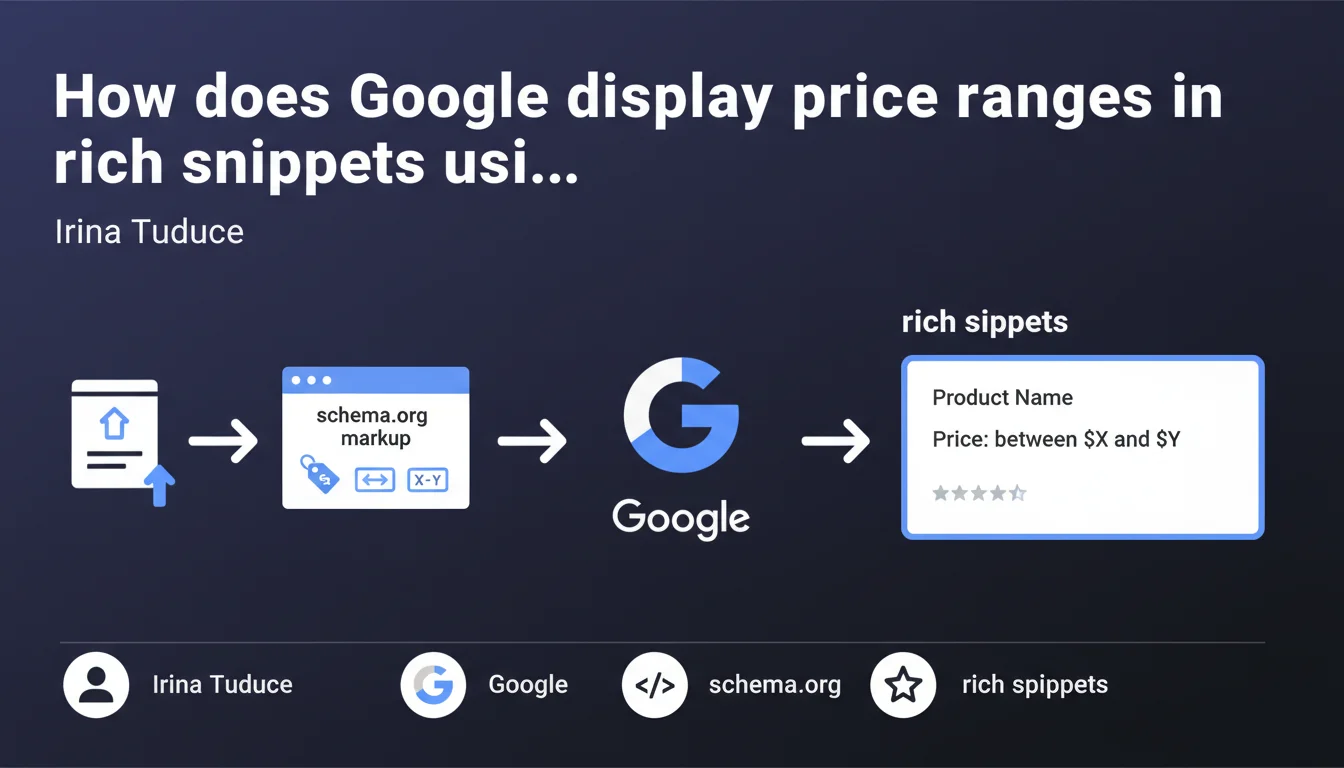
Google can now display price ranges (between X and Y) in rich snippets of standard search results when product pages integrate schema.org markup. The search engine automatically aggregates the price data found to generate these tariff ranges without manual intervention.
What you need to understand
What does this functionality concretely change for product pages?
Google leverages Schema.org structured data to automatically create price ranges in search results. Unlike standard snippets that display a single price, this functionality aggregates multiple tariff information found on the page or website.
The engine detects price variations — sizes, colors, versions — and synthesizes them as a range. Result: the user immediately sees the price amplitude without clicking.
Why does Google favor this display format?
The objective is to reduce friction in the purchasing journey. Users compare more quickly and click with full knowledge. For Google, it's a way to improve SERP relevance without multiplying Shopping ads.
E-commerce merchants benefit from qualified visibility: one informed click is worth more than ten clicks disappointed by a price outside budget.
What technical conditions must be met?
The schema.org/Product or schema.org/Offer markup must be correctly implemented with the properties price, priceCurrency, and ideally availability. Google scans these markers to detect price variations.
If multiple offers exist on the same page — different product configurations, for example — the engine aggregates them. No need to manually mark the range: Google calculates it itself.
- The Schema.org markup must be valid and tested via Search Console
- Displayed prices must match structured data (strict consistency)
- Google favors sites that regularly update their prices
- Price ranges appear in organic results, not only in Google Shopping
SEO Expert opinion
Is this statement consistent with field observations?
Yes, but with nuances. Price ranges do indeed appear in standard SERPs, but their triggering remains unpredictable. Some correctly marked sites never see this functionality activated, while others benefit from it systematically.
Google doesn't specify exact eligibility criteria. We observe that established e-commerce sites with a clean history and high crawl frequency have better chances of displaying these ranges. [To verify]: the impact of site trust level in Google's merchant algorithm remains unclear.
What risks are there in poorly implementing this markup?
Incorrect structured price can temporarily deindex your rich snippets. Google applies zero tolerance on inconsistencies: if the price in the markup doesn't match the visible price on the page, you lose the enriched snippet.
Another trap: overly broad ranges. Displaying "10 € - 500 €" can harm click-through rate. The user perceives a lack of transparency. Let's be honest, a relevant range generally falls within a 1:3 maximum ratio.
In which cases does this functionality not apply?
Single-product sites or pages with a single fixed price logically don't display a range. Google settles for the single price in the snippet.
Sectors subject to strict price regulations — pharmacy, certain financial services — rarely see these rich snippets activated. And that's where it gets stuck: Google doesn't explicitly communicate about sectoral exclusions.
Practical impact and recommendations
What should you concretely do to activate these ranges?
Implement schema.org/Product markup with the offers property containing multiple Offer objects. Each product variant — size, color, model — must have its own node with a distinct price.
Test your markup via Google's Rich Results Test. Immediately correct errors: a single missing attribute can invalidate the entire enriched snippet.
What errors must you absolutely avoid?
Don't duplicate markup on similar pages with identical prices. Google detects manipulation and may ignore your structured data globally.
Avoid artificial ranges: if you only have one price, don't create fictitious variants to generate a range. Consistency always takes priority over appearance.
How do you measure the impact of this optimization?
Track the organic click-through rate in Search Console before/after implementation. Rich snippets with ranges typically generate a CTR 15 to 30% higher on transactional queries.
Also monitor your bounce rate: if visitors immediately leave the page after clicking, your displayed range may not match expectations created in the SERP.
- Audit all product pages to identify exploitable price variants
- Implement schema.org/Product with multiple validated Offer objects
- Verify strict consistency between marked prices and displayed prices
- Test via Rich Results Test and correct all detected errors
- Monitor CTR and bounce rate post-implementation
- Set up a process for automatic price updates in the markup
❓ Frequently Asked Questions
Les fourchettes de prix s'affichent-elles systématiquement dès que le balisage Schema.org est en place ?
Peut-on forcer Google à afficher une fourchette de prix spécifique ?
Que se passe-t-il si mes prix changent fréquemment ?
Les fourchettes de prix impactent-elles le classement organique ?
Doit-on baliser les prix barrés ou les promotions dans la fourchette ?
🎥 From the same video 13
Other SEO insights extracted from this same Google Search Central video · published on 05/09/2024
🎥 Watch the full video on YouTube →
💬 Comments (0)
Be the first to comment.