
Official statement
Other statements from this video 13 ▾
- □ Pourquoi vos fiches produits n'apparaissent-elles pas dans les carrousels Shopping de Google ?
- □ Comment Google affiche-t-il les fourchettes de prix dans les rich snippets grâce au balisage Schema.org ?
- □ Comment alimenter efficacement l'infrastructure shopping de Google pour maximiser la visibilité produit ?
- □ Faut-il contrôler la fréquence de rafraîchissement de vos flux produits dans Merchant Center ?
- □ Google rafraîchit-il vos données produits Merchant Center plusieurs fois par jour ?
- □ Le rapport Merchant Listing dans Search Console va-t-il remplacer Merchant Center ?
- □ Faut-il vraiment utiliser schema.org ET Merchant Center pour ranker en shopping ?
- □ Pourquoi le prix et la disponibilité déterminent-ils la visibilité de vos fiches produits dans Google Shopping ?
- □ Schema.org vs feed specification : faut-il choisir entre les deux formats de données pour le shopping ?
- □ Comment Schema.org peut-il mieux gérer les variantes produits que les feeds ?
- □ Pourquoi Google refuse-t-il d'afficher vos produits si les prix ne correspondent pas entre le flux et le site ?
- □ Google applique-t-il vraiment les mêmes filtres de politique à Shopping qu'en recherche classique ?
- □ Le crawl budget limite-t-il vraiment les mises à jour de prix dans Google Shopping ?
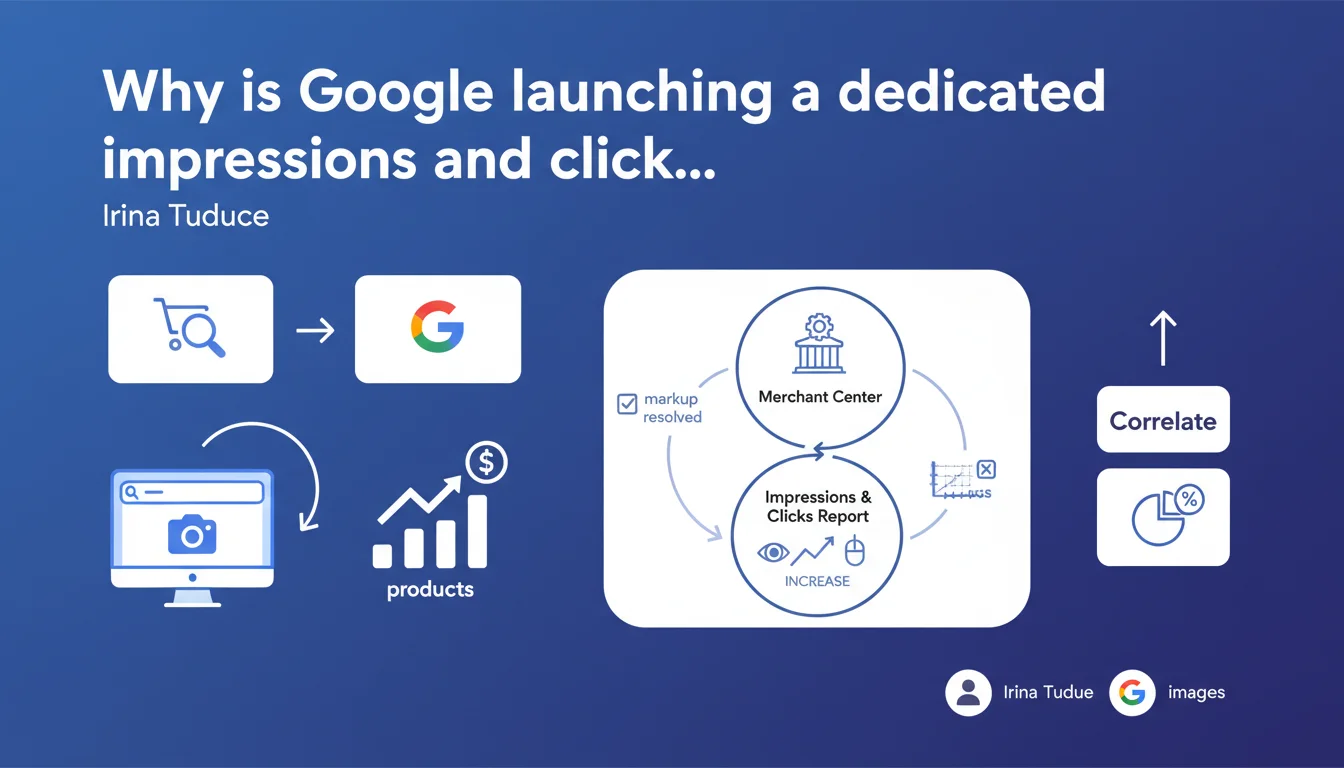
Google is rolling out a new reporting system in Merchant Center that displays impressions and clicks generated by your products on google.com and Google Images. The overlay allows you to directly correlate markup error corrections with increases in impressions — a clear signal that Google wants to push e-commerce retailers to clean up their data feeds.
What you need to understand
Google is enriching Merchant Center with an overlay report that links performance (impressions, clicks) and technical quality (markup errors). The idea? Show merchants the direct impact of a clean feed on visibility.
This isn't just a cosmetic addition. Google is finally offering a feedback loop: you fix an error, you see the effect on your impressions. Until now, you had to manually cross-reference Search Console, Analytics, and Merchant Center.
What is this overlay report actually used for?
The overlay displays impressions and clicks by product directly in the Merchant Center interface. You can filter by product, category, or error status. The goal: identify which products are suffering from blocking errors and measure the impact of resolving them.
Google wants to make diagnosis simpler. If a product has no impressions despite available stock, the report shows you whether it's linked to a markup error, a missing price, or a non-compliant image.
Why is Google pushing so hard on markup errors?
Because millions of products appear in Shopping with incomplete or contradictory data. Duplicate prices, invalid GTINs, incorrect Google categories — all of this dilutes the quality of search results.
By correlating errors and impressions, Google hopes to encourage merchants to clean up their feeds without needing manual support. A product with a critical error doesn't generate impressions: the report shows this in black and white.
- Centralized visibility: impressions and clicks by product in Merchant Center, without leaving the interface
- Error-to-performance correlation: direct measurement of the impact that resolving an error has on impressions
- Granular filters: by product, category, error type, time period
- Clear signal: Google is putting pressure on feed quality to improve Shopping
- Time savings: no more need to manually cross-reference Search Console and Merchant Center for diagnosis
SEO Expert opinion
Does this feature really change the game for e-commerce retailers?
Yes and no. For small accounts with a few hundred products, it's a real time-saver. Diagnosis becomes more intuitive, and the feedback loop is immediate. You fix a price error, you see if it unlocks impressions within 48 hours.
For large catalogs (10k+ products), it's more ambiguous. The report is useful, but it doesn't replace an automated monitoring system via the Merchant Center API. If you have dynamic feeds with daily updates, you're not going to spend your time clicking through the interface.
Is Google transparent about what actually generates impressions?
No, and that's where it gets tricky. The report shows the error-to-impression correlation, but it says nothing about ranking criteria between products. Two products with no errors can have radically different performance — and Google won't tell you why.
[To verify]: Google doesn't specify whether this report includes impressions from Performance Max or only organic products (free Shopping). This changes everything in terms of interpretation. If your impressions come mainly from paid campaigns, fixing a markup error won't have the same impact.
Another gray area: the report displays clicks, but not CTR or conversion rate. You can have plenty of impressions and zero clicks because your image is poor or your price isn't competitive — the report won't tell you that.
Should you bet everything on this report to optimize your feeds?
No. It's a good diagnostic tool, but it doesn't replace a structural feed analysis. The errors visible in Merchant Center are only the tip of the iceberg. A valid GTIN that points to the wrong product, an approximate Google category, duplicate titles — all of this flies under the report's radar.
The real gains happen upstream: clean feed structure, semantic enrichment of titles, supplementary attributes (color, material, size) filled in. If you just fix the flagged errors, you stay reactive. The best accounts anticipate.
Practical impact and recommendations
What should you do right now?
Start by auditing your Merchant Center feed to identify products with critical errors. Prioritize those with high search volume (use Search Console or a tool like SEMrush to cross-reference). Fix errors in batches rather than manually.
Once errors are resolved, monitor impression growth over 7 days. If you see no change, it's either a competitiveness issue (price, image) or a sign that the product isn't aligned with user searches. Adjust titles and categories accordingly.
What errors should you absolutely avoid?
Don't focus solely on errors flagged by Google. Some products with no formal errors generate no impressions because their markup is too generic. Enrich optional attributes: material, color, age range, gender. This improves matching.
Another trap: fixing an error then reinject the same product with a minor variation that recreates the error. If you manage your feed via a CMS or PIM, ensure that mapping rules are stable and don't generate inconsistencies with each export.
How do you verify that your feed is truly benefiting from this report?
Compare your impressions before and after correction on a sample of 20-30 representative products. If the gap is less than 10%, dig deeper: maybe the error wasn't blocking, or your product simply isn't competitive.
Use the report to detect phantom products: those that are approved but generate no impressions. Often this signals that the Google category is poorly mapped or the title is too vague. Rewrite them incorporating long-tail terms.
- Audit the Merchant Center feed and prioritize errors on high-potential products
- Fix errors in batches via the API or import file to save time
- Enrich optional attributes (color, material, size) to improve matching
- Monitor impression growth over 7 days after fixing errors
- Cross-reference report data with Search Console to identify discrepancies
- Rewrite titles and descriptions for products generating no impressions despite a clean feed
- Verify that Google categories are well-aligned with search intent
- Automate monitoring if your catalog exceeds 1,000 products
❓ Frequently Asked Questions
Ce rapport affiche-t-il aussi les données des campagnes Performance Max ?
Combien de temps faut-il attendre après correction d'une erreur pour voir l'impact sur les impressions ?
Le rapport montre-t-il les impressions sur YouTube Shopping et Discovery Ads ?
Peut-on exporter les données du rapport pour croiser avec d'autres sources ?
Les produits sans erreur mais sans impressions sont-ils visibles dans le rapport ?
🎥 From the same video 13
Other SEO insights extracted from this same Google Search Central video · published on 05/09/2024
🎥 Watch the full video on YouTube →
💬 Comments (0)
Be the first to comment.