
Official statement
Other statements from this video 13 ▾
- □ Pourquoi vos fiches produits n'apparaissent-elles pas dans les carrousels Shopping de Google ?
- □ Comment Google affiche-t-il les fourchettes de prix dans les rich snippets grâce au balisage Schema.org ?
- □ Comment alimenter efficacement l'infrastructure shopping de Google pour maximiser la visibilité produit ?
- □ Faut-il contrôler la fréquence de rafraîchissement de vos flux produits dans Merchant Center ?
- □ Google rafraîchit-il vos données produits Merchant Center plusieurs fois par jour ?
- □ Le rapport Merchant Listing dans Search Console va-t-il remplacer Merchant Center ?
- □ Faut-il vraiment utiliser schema.org ET Merchant Center pour ranker en shopping ?
- □ Pourquoi le prix et la disponibilité déterminent-ils la visibilité de vos fiches produits dans Google Shopping ?
- □ Schema.org vs feed specification : faut-il choisir entre les deux formats de données pour le shopping ?
- □ Comment Schema.org peut-il mieux gérer les variantes produits que les feeds ?
- □ Google applique-t-il vraiment les mêmes filtres de politique à Shopping qu'en recherche classique ?
- □ Le crawl budget limite-t-il vraiment les mises à jour de prix dans Google Shopping ?
- □ Pourquoi Google lance-t-il un rapport dédié aux impressions et clics produits dans Merchant Center ?
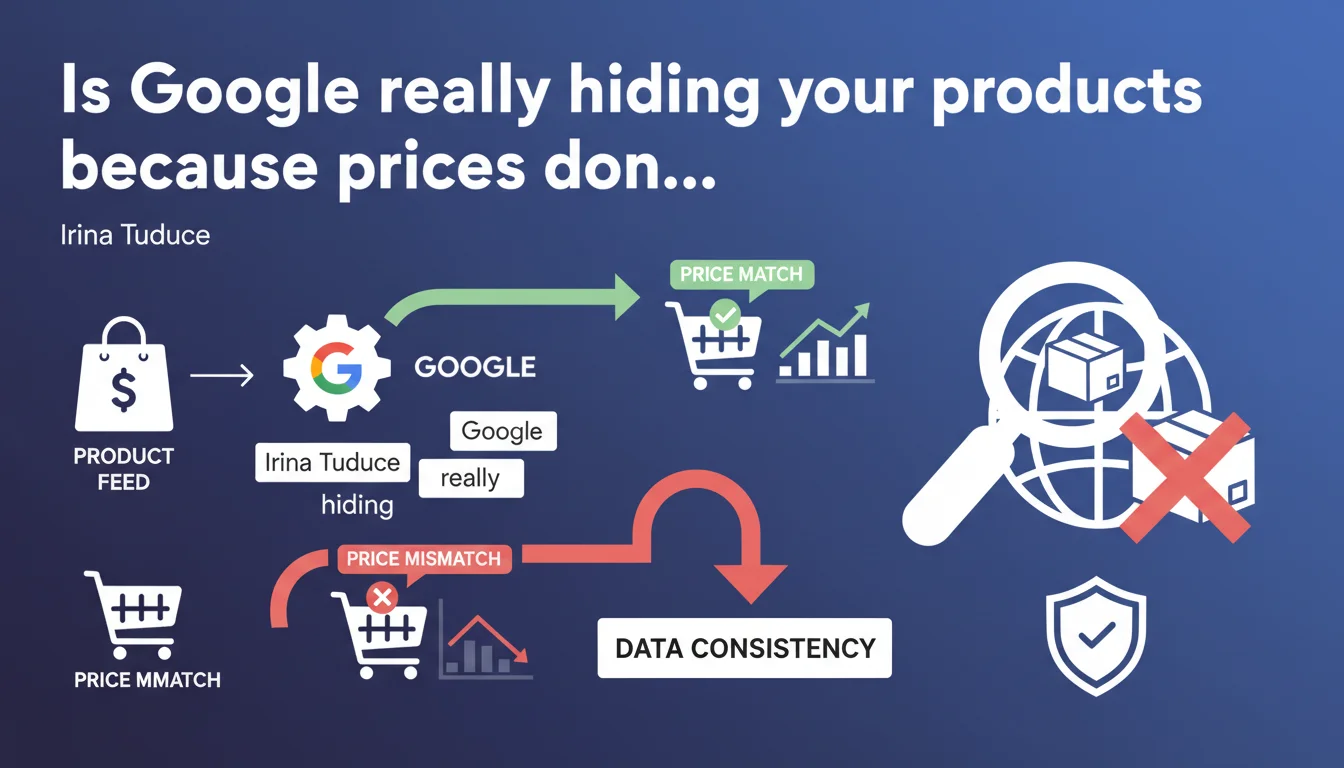
Google can completely prevent your products from appearing in Shopping results if the price declared in your feed doesn't match the one visible on your website. Data consistency across all your sources isn't optional — it's a prerequisite for staying visible.
What you need to understand
What exactly does Google mean by "price consistency"?
Google requires that the price declared in your product data feed (Merchant Center) matches the price displayed on the landing page of your website. Not approximately. Exactly.
This verification is performed automatically. If Google detects even a minor discrepancy between the feed and the web page, it may decide to not display the product in Shopping results. No second chances, no manual review.
Why does Google enforce this rule so strictly?
The official reason: protecting user experience. A user who clicks on a product listed at 49€ and lands on a page showing 59€ will feel deceived. Google wants to avoid this friction.
Practically speaking, it's also a matter of trust in the advertising ecosystem. Google Shopping is a paid service (through Google Ads). If data is inconsistent, the platform loses credibility — and Google loses advertising revenue.
What types of discrepancies trigger this block?
All of them. A difference of just a few cents can be enough. A temporary promotion not updated in the feed, a geolocation-based price different from the global feed price, a tax included/excluded depending on the source — all of this counts.
Google doesn't do nuance: either prices match or they don't.
- Mandatory synchronization between Merchant Center feed and product pages on your site
- Zero tolerance: even a minor discrepancy can result in listing suspension
- Automated verification: Google crawls pages and compares data in near real-time
- Direct impact on visibility: non-compliant products disappear from Shopping results
- No manual warning: blocking can occur without advance notice in Merchant Center
SEO Expert opinion
Is this statement consistent with observations from the field?
Yes — and it actually understates the reality. Google doesn't "may decide" to block your products, it does so systematically. Real-world cases show that price inconsistencies trigger Merchant Center account suspensions within 24 to 48 hours.
The problem is that Google doesn't always communicate clearly about the nature of the inconsistency. You receive a generic notification "incorrect product data" with no specific details. [To verify]: official documentation suggests that Google reports specific errors, but in practice, many merchants must manually audit their feeds to identify discrepancies.
What nuances should be applied to this rule?
Google tolerates certain variations — but they are strictly regulated. For example, if you offer different prices depending on geolocation, you must use the appropriate attributes in your feed (target region, currency, etc.). The same applies to promotions: they must be declared using the sale_price attribute with start and end dates.
Let's be honest: many e-commerce merchants overlook this subtlety. Result? A promotional price active on the site but not in the feed — and Google blocks it. The reverse is also true: a promotion expired in the feed but still showing on the site triggers the same block.
In what cases does this rule not apply?
It always applies for Google Shopping. There are no exceptions for small accounts, new merchants, or "temporary errors". Google shows no sentiment.
However — and this is where it gets tricky — Google doesn't systematically block products for other types of inconsistencies (descriptions, stock availability). Price is the most critical criterion. It's a business priority for them, not just a data quality issue.
Practical impact and recommendations
What do you need to do concretely to avoid this block?
Automate synchronization between your product database and your Merchant Center feed. Manual updates are a guaranteed source of error. Use an API or native connector from your CMS (Shopify, WooCommerce, PrestaShop).
Verify that taxes and shipping fees are handled consistently. If your price on the site includes VAT, the feed must do the same. If you display net prices, do the same in the feed. No mixing.
Test your product pages with Google Merchant Center's inspection tool. It simulates Google's crawl and flags inconsistencies detected before they trigger a suspension.
What mistakes to absolutely avoid?
Don't fail to update the feed during a promotional campaign. Many merchants launch sales or flash deals without touching Merchant Center — and discover 24 hours later that their products have disappeared from Shopping.
Ignore geolocation-based price variations. If you display different prices depending on the user's country or region, you must segment your feeds by geographic zone. A single global feed with one price won't be enough.
Don't monitor account suspensions. Google sends email notifications, but they often end up in spam. Set up automatic alerts in Merchant Center to be notified immediately of any issues.
- Automate synchronization between product database and Merchant Center feed
- Verify that taxes and fees are managed identically on site and in feed
- Use the sale_price attribute with start and end dates for any temporary promotion
- Regularly test product pages with Google Merchant Center's inspection tool
- Segment feeds by geographic zone if prices vary by location
- Set up automatic alerts to be notified immediately of any suspension
- Audit the feed at least once per week to detect inconsistencies before Google does
❓ Frequently Asked Questions
Un écart de quelques centimes peut-il vraiment bloquer l'affichage de mes produits ?
Combien de temps faut-il pour que Google réactive mes produits après correction du flux ?
Dois-je créer un flux différent pour chaque promotion ou campagne de soldes ?
Google vérifie-t-il les prix en temps réel ou de manière périodique ?
Si j'affiche des prix TTC pour les particuliers et HT pour les professionnels, comment gérer le flux ?
🎥 From the same video 13
Other SEO insights extracted from this same Google Search Central video · published on 05/09/2024
🎥 Watch the full video on YouTube →
💬 Comments (0)
Be the first to comment.