
Official statement
Other statements from this video 11 ▾
- □ Votre outil de test SEO est-il vraiment un crawler aux yeux de Google ?
- □ Googlebot suit-il vraiment les liens ou fonctionne-t-il autrement ?
- □ Le parser robots.txt open source de Google est-il vraiment utilisé en production ?
- □ Pourquoi Google abandonne-t-il les directives d'indexation dans robots.txt ?
- □ Publier un site web équivaut-il juridiquement à autoriser Google à le crawler ?
- □ Comment Googlebot ajuste-t-il sa fréquence de crawl pour ne pas faire planter vos serveurs ?
- □ Peut-on indexer une page sans la crawler ?
- □ Pourquoi Google refuse-t-il des directives robots.txt trop granulaires ?
- □ Le robots.txt est-il vraiment suffisant pour contrôler le crawl de votre site ?
- □ Qui a vraiment créé le parser robots.txt de Google ?
- □ Pourquoi Google refuse-t-il catégoriquement de moderniser le format robots.txt ?
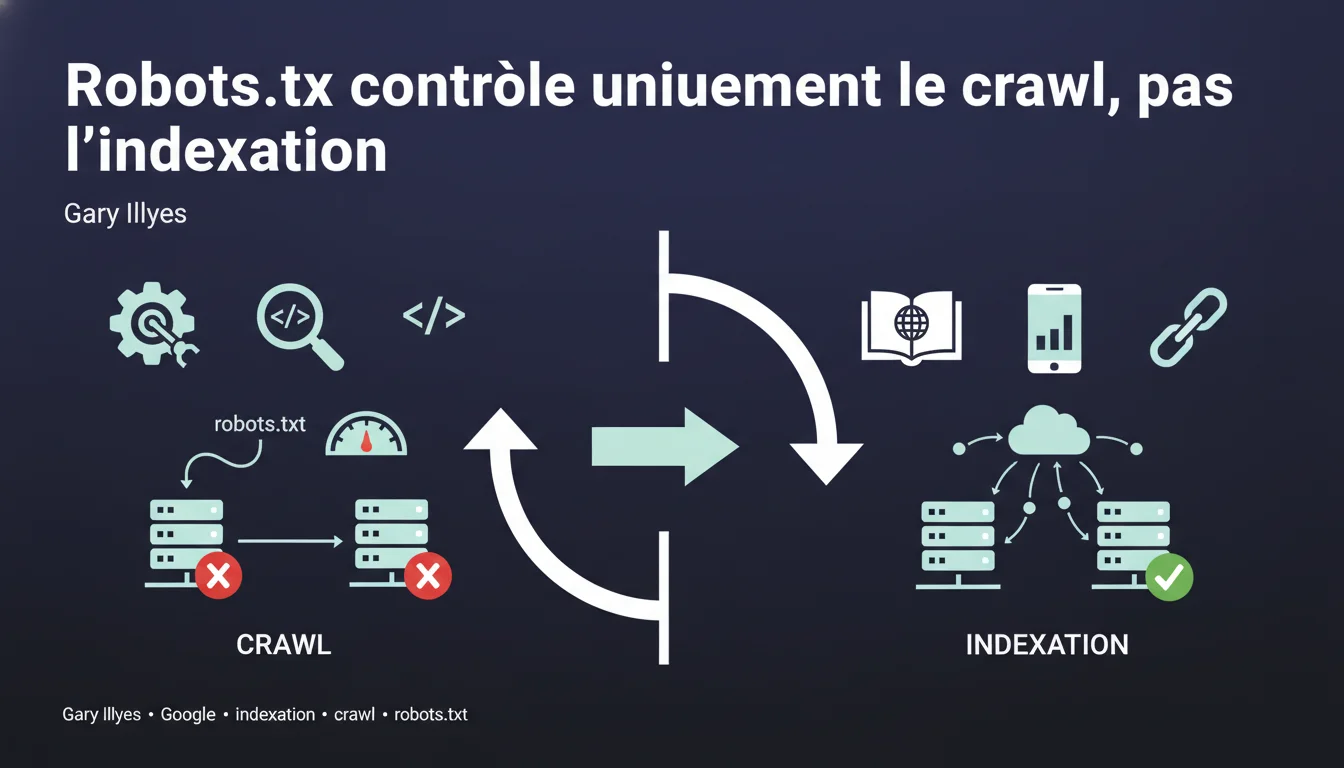
Google can index URLs blocked by robots.txt without crawling their content, relying solely on external links pointing to those pages. The robots.txt file controls crawling, not indexing — a fundamental distinction that many SEO professionals still confuse.
What you need to understand
What is the difference between crawling and indexing? <\/h3>
Crawling <\/strong> involves Googlebot downloading a page's content to analyze it. Indexing <\/strong> is the decision to store that URL in Google's index and make it eligible for display in search results.<\/p> These two processes are distinct. Google can decide to index a URL without ever having crawled its content — it then relies on external signals <\/strong> such as the link anchors pointing to that page.<\/p> When a URL is blocked by robots.txt, Googlebot respects this directive and does not access the content. But if there are backlinks <\/strong> pointing to that URL, Google knows of its existence.<\/p> It can then index it based solely on the available information: the URL itself <\/strong>, the link anchors <\/strong> from referring pages, and the context <\/strong> in which those links appear. The result: an indexed URL with a generic description like "No information available".<\/p> Historically, blocking a page in robots.txt was often enough to prevent its indexing — but that was a side effect <\/strong>, not a guarantee. Google's documentation has long been vague on this point.<\/p> Today, the official stance is clear: robots.txt = crawling control. To prevent indexing, one must use a noindex tag <\/strong> or an HTTP 401/410 response <\/strong>.<\/p>How does Google index a page without crawling it? <\/h3>
Why does this confusion persist among SEOs? <\/h3>
SEO Expert opinion
Is this statement consistent with field observations? <\/h3>
Yes, entirely. Blocked URLs in robots.txt are regularly observed showing up in Google's index with the remark "A description of this result is not available due to this site's robots.txt file".<\/p>
This is particularly common on sensitive sections <\/strong> (admin, staging, back office) that some webmasters mistakenly believe are protected by robots.txt. They often discover with astonishment that these URLs are indexable.<\/p> Gary Illyes' statement is factual but incomplete <\/strong> on one point: it does not specify the necessary threshold of popularity. Not all URLs blocked in robots.txt are automatically indexed — a minimal volume of backlinks <\/strong> is required.<\/p> [To be verified] <\/strong> Google never communicates a specific threshold. Based on observations, a URL with 3-5 backlinks from indexed sites already has a significant probability of being indexed. But this is an empirical estimate, not an official rule.<\/p> Another nuance: the delay <\/strong>. Indexing a URL blocked in robots.txt can take several weeks, or even months, depending on how frequently Googlebot discovers the backlinks.<\/p> If a URL has no backlinks <\/strong> and does not appear anywhere else on the web, it will likely never be indexed even if it is blocked in robots.txt. Google simply does not know about it.<\/p>What nuances should be added to this rule? <\/h3>
In what cases does this rule not apply? <\/h3>
Practical impact and recommendations
What concrete steps should be taken to prevent indexing? <\/h3>
If you want to block indexing <\/strong> of a page, three methods actually work: the meta noindex tag <\/strong>, an HTTP 401 (authentication required) <\/strong> response, or 410 (gone) <\/strong>.<\/p> The noindex tag requires that Google can crawl the page — so it must be accessible <\/strong> in robots.txt. It's the paradox: to tell Google not to index, you must first allow it to read your directive.<\/p> For sensitive content (admin, staging), prefer HTTP authentication <\/strong> or an IP block <\/strong> at the server level. No robots.txt, no noindex — just impossible access.<\/p> Mistake #1: blocking in robots.txt pages you want to deindex <\/strong>. Result: Google can no longer crawl the noindex tag, so the page remains in the index indefinitely.<\/p> Mistake #2: believing that robots.txt protects confidential content. Anyone can read your robots.txt file — it’s a roadmap <\/strong> for competitors and scrapers.<\/p> Mistake #3: blocking critical CSS/JS resources. Google has explicitly stated it can ignore these robots.txt directives to assess the rendering of the page <\/strong>.<\/p> Do a site:votredomaine.com <\/strong> search in Google and look for URLs with the mention "robots.txt". These are pages blocked from crawling but indexed — likely not the desired effect.<\/p> In Search Console, check excluded pages <\/strong>. URLs marked "Blocked by robots.txt" should not appear in the index — but this happens. Cross-check with your robots.txt file.<\/p>What mistakes should be absolutely avoided? <\/h3>
How to audit your current setup? <\/h3>
❓ Frequently Asked Questions
Peut-on utiliser robots.txt ET noindex sur la même page ?
Combien de temps faut-il pour désindexer une page bloquée en robots.txt ?
Google indexe-t-il les URLs bloquées en robots.txt même sans backlinks ?
Les autres moteurs de recherche respectent-ils robots.txt de la même manière ?
Bloquer le crawl de Googlebot réduit-il le crawl budget gaspillé ?
🎥 From the same video 11
Other SEO insights extracted from this same Google Search Central video · published on 21/12/2021
🎥 Watch the full video on YouTube →Related statements
Get real-time analysis of the latest Google SEO declarations
Be the first to know every time a new official Google statement drops — with full expert analysis.
💬 Comments (0)
Be the first to comment.