
Official statement
Other statements from this video 11 ▾
- □ Le fichier robots.txt empêche-t-il réellement l'indexation de vos pages ?
- □ Votre outil de test SEO est-il vraiment un crawler aux yeux de Google ?
- □ Googlebot suit-il vraiment les liens ou fonctionne-t-il autrement ?
- □ Le parser robots.txt open source de Google est-il vraiment utilisé en production ?
- □ Pourquoi Google abandonne-t-il les directives d'indexation dans robots.txt ?
- □ Publier un site web équivaut-il juridiquement à autoriser Google à le crawler ?
- □ Comment Googlebot ajuste-t-il sa fréquence de crawl pour ne pas faire planter vos serveurs ?
- □ Peut-on indexer une page sans la crawler ?
- □ Pourquoi Google refuse-t-il des directives robots.txt trop granulaires ?
- □ Qui a vraiment créé le parser robots.txt de Google ?
- □ Pourquoi Google refuse-t-il catégoriquement de moderniser le format robots.txt ?
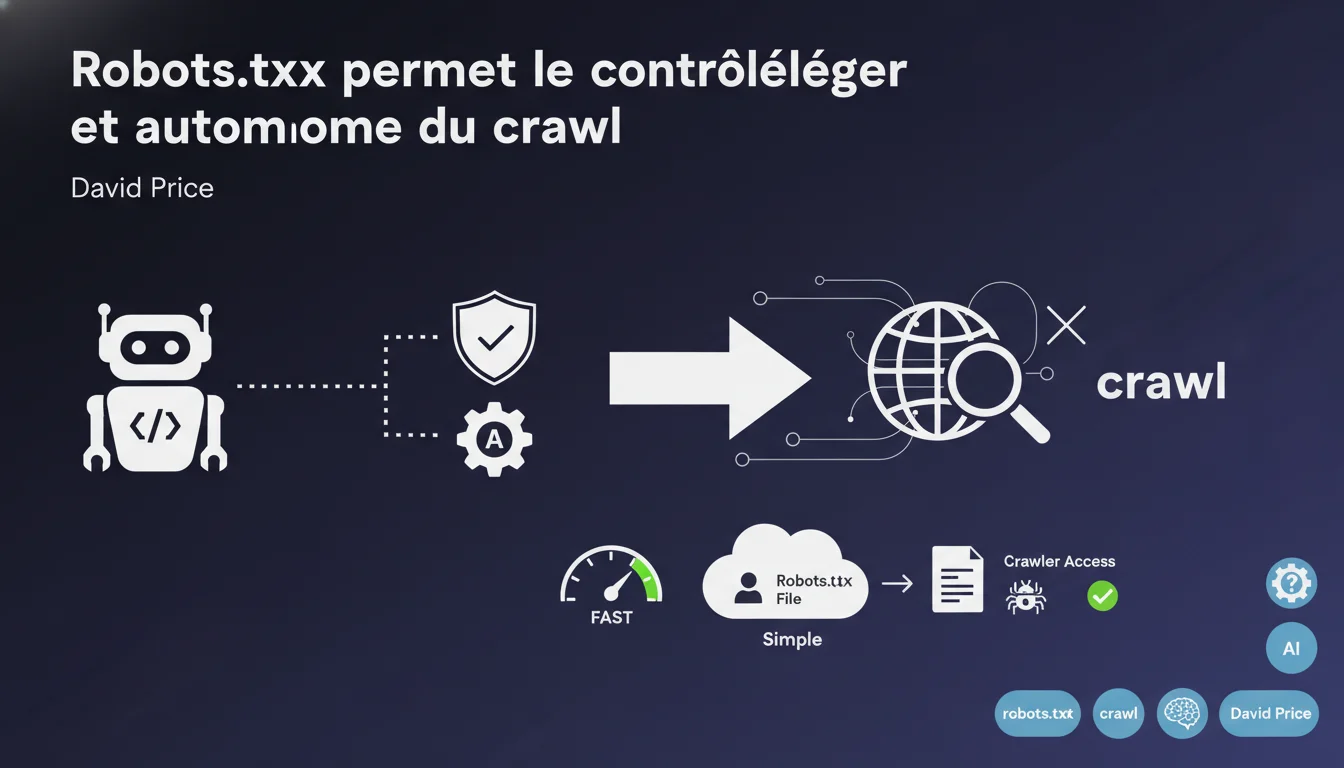
Google presents robots.txt as a "lightweight yet effective" control mechanism that allows webmasters to manage crawler access without complex processes. This statement highlights autonomy and simplicity but overlooks the well-known limitations of this file in terms of security and granularity.
What you need to understand
What level of control does robots.txt really offer?
Robots.txt is a basic text file placed at the root of a domain that tells web crawlers — Googlebot, Bingbot, etc. — which sections of the site they can or cannot crawl. It is a protocol for exclusion based on the voluntary cooperation of crawlers: nothing technically prevents them from ignoring these directives.
Google emphasizes two aspects here: autonomy (no administrative process or external validation required) and simplicity (no advanced technical skills needed to edit a text file).
- Robots.txt does not block indexing — it only prohibits crawling of the affected URLs
- It is a public mechanism, accessible by anyone via domain.com/robots.txt
- Malicious crawlers can completely ignore your directives
- A blocked URL may still appear in search results if it receives external links
Why does Google refer to "light control"?
This phrasing implicitly acknowledges that robots.txt offers no absolute guarantee. It is an indication, not a technical barrier. Respectful crawlers follow these directives — Googlebot does — but this respect is a matter of convention, not a technical obligation.
The term "light" likely also serves to manage expectations: for more robust control (authentication, IP restriction, actual blocking), you need to deploy other means — server configuration, .htaccess, meta robots, X-Robots-Tag. Robots.txt remains an entry point accessible to all.
Which crawlers are subject to this control?
In theory, all crawlers that respect the protocol — search engines, archiving tools, respectful scrapers. In practice, only legitimate and cooperative actors take these instructions into account.
Google also allows you to target specific user-agents (Googlebot, Googlebot-Image, Google-Extended for generative AI, etc.), offering a relative granularity — but still within this logic of voluntary cooperation.
SEO Expert opinion
Is this statement consistent with observed practices on the ground?
Overall, yes. Google does respect robots.txt — this is documented, observable, and rarely challenged. However, the phrase "lightweight but effective control" overlooks a critical nuance: robots.txt only controls access to content, not the indexing itself.
A classic example: you block /admin/ in robots.txt. If an external site links to domain.com/admin/dashboard, this URL can appear in Google with the message "No information available for this page" — because Googlebot was never able to crawl the page to confirm it deserved to be removed. [To be verified] in each case, but it’s a documented scenario.
What limits is Google omitting here?
First limitation: robots.txt is public. You explicitly indicate which parts of your site you want to hide from search engines — which can attract the attention of malicious scrapers or curious competitors. Paradoxical, isn’t it?
Second limitation: no emergency mechanism. If you inadvertently publish a too-permissive robots.txt, Google will immediately crawl the affected sections. Correcting the file does not instantly remove the already indexed URLs — you need to go through the Search Console or wait for a re-crawl.
Is robots.txt sufficient to protect sensitive content?
No, categorically. Google states in its official documentation: robots.txt never replaces server authentication or a real security mechanism. If a URL is accessible without authentication, it can be discovered — through a link, a leak, or enumeration.
For truly confidential content, server-side protection (login, IP restriction, HTTP headers) is necessary. Robots.txt is merely a courtesy indication for respectful crawlers — not a lock.
Practical impact and recommendations
What should you do concretely with robots.txt?
First, audit your current file. Too many sites use outdated, contradictory, or unnecessarily restrictive directives — sometimes inherited from past migrations. Make sure you are not accidentally blocking critical resources (CSS, JS) that would prevent Googlebot from rendering your pages properly.
Next, use robots.txt to manage crawl budget on large sites: block URLs for infinite filters, sessions, internal searches, redundant facets. Not for security reasons but to focus the crawl on what really matters.
- Test robots.txt via Search Console before any major modifications
- Never block resources necessary for rendering (CSS, JS, critical images)
- Use specific user-agents if you want to target Googlebot, Bingbot, or Google-Extended separately
- Keep a versioned record of the file (Git, backup) to quickly revert changes
- Prefer noindex meta or X-Robots-Tag for truly de-indexing a page — not just a simple crawl block
What mistakes should you absolutely avoid?
First mistake: blocking after indexing. If a URL is already indexed and you block it in robots.txt without having placed a noindex beforehand, it will remain in the index indefinitely. Googlebot will no longer be able to crawl the page to see your de-indexing instruction.
Second mistake: thinking that robots.txt protects against scraping or attacks. It only protects against respectful crawlers — which is a minuscule minority of malicious traffic. For that, you need rate limiting, CAPTCHA, WAF, authentication.
How can you verify that your robots.txt is working as intended?
Use the robots.txt testing tool in Google Search Console. Paste your file, test specific URLs, and check that the targeted user-agents are indeed respecting your directives. It’s a reliable simulator — if Google indicates that the URL is blocked, it will be during the crawl.
Also monitor server logs: you will see if Googlebot is respecting your exclusions. A crawler that ignores your robots.txt will clearly appear in the logs by accessing the forbidden URLs.
❓ Frequently Asked Questions
Le robots.txt empêche-t-il vraiment une page d'apparaître dans Google ?
Peut-on bloquer uniquement certains crawlers de Google avec le robots.txt ?
Faut-il bloquer les ressources CSS et JavaScript dans le robots.txt ?
Le robots.txt protège-t-il du contenu sensible ou confidentiel ?
Que faire si j'ai bloqué une URL déjà indexée ?
🎥 From the same video 11
Other SEO insights extracted from this same Google Search Central video · published on 21/12/2021
🎥 Watch the full video on YouTube →
💬 Comments (0)
Be the first to comment.