
Official statement
Other statements from this video 11 ▾
- □ Does the robots.txt file really prevent the indexing of your pages?
- □ Is your SEO testing tool really considered a crawler by Google?
- □ Does Googlebot really follow links or does it work differently?
- □ Is it true that Google's open source robots.txt parser is really used in production?
- □ Why is Google dropping indexing directives in robots.txt?
- □ Does publishing a website legally mean you allow Google to crawl it?
- □ Can you index a page without crawling it?
- □ Is it true that Google rejects overly granular robots.txt directives?
- □ Is robots.txt really enough to control your site's crawl?
- □ Who really created Google's robots.txt parser?
- □ Is it true that Google completely refuses to modernize the robots.txt format?
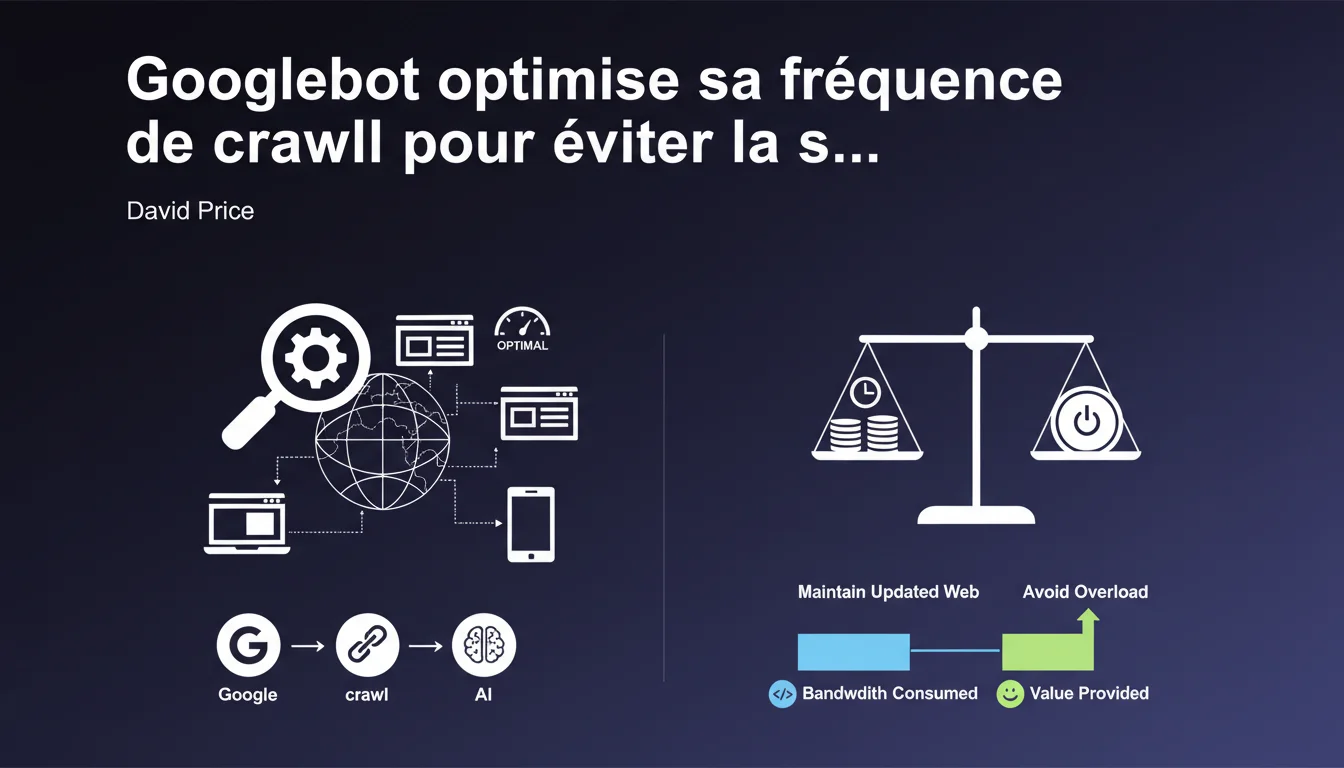
Google automatically adjusts its crawl frequency to keep its index up to date without overloading your servers. The algorithm seeks the best balance between data freshness and bandwidth consumption. This automatic regulation directly impacts the speed of indexing your new pages.
What you need to understand
Why does Google intentionally limit its crawl speed?
Googlebot could technically crawl the entire web in a few hours if it wanted to. But that would crash the servers of millions of sites that lack the infrastructure of Amazon or Wikipedia. This self-limitation is not pure altruism — it's pragmatism. A site that collapses under the load of Googlebot becomes uncrawlable, and thus not indexable. Google loses out just as much as you do. The algorithm observes two main parameters: server response speed and content update frequency. A site that responds quickly and publishes often naturally gets crawled more. Conversely, if your server struggles or repeatedly returns 5xx errors, Googlebot automatically slows down its pace. It's a system of continuous adaptation — not a fixed quota decided in advance. Google wants fresh and relevant content for each crawled query. If 80% of the pages visited haven't changed in 6 months, it's a waste of bandwidth on both sides. The engine optimizes to crawl mainly the areas that are actually moving. Hence the importance of properly signaling your updates through sitemaps with lastmod and appropriate HTTP headers.How does Google determine the optimal crawl frequency for each site?
What does this "good value" Google talks about mean?
SEO Expert opinion
Is this statement consistent with real-world observations?
Overall yes — but with a significant nuance: Google doesn't say that all sites are treated equally. An authority site with millions of backlinks naturally gets a higher crawl budget, even with the same infrastructure. I've seen major media sites being crawled several times per hour, while average e-commerce sites waited 3-4 days for a product listing update. The "good value" is not the same everywhere. [To be verified]: Google has never published numerical data on this disparity. Google talks about balance, but in practice, it sets the rules of the game. You have no direct control over your crawl budget — just indirect levers through technical optimization. And let's be honest: this limitation also benefits Google financially. Less crawling = less infrastructure to maintain. The ecological argument is appealing, but it also hides an economic reality. Typically on large e-commerce sites with tens of thousands of items changing prices daily. Even optimized, your server might respond in 200ms — if Google decides to crawl 2 pages/second instead of 20, you have an indexing problem. Another tricky case: sites that are migrating or undergoing massive redesigns. You want Google to quickly discover your new URLs, but the bot sometimes maintains its usual pace for weeks.What nuances should be added to this balance logic?
When does this automatic regulation pose a problem?
Practical impact and recommendations
What should you prioritize optimizing to maximize your crawl?
The server speed above all. A TTFB (Time To First Byte) below 200ms puts you in the right category. Beyond 600ms, you seriously handicap your crawl budget. Next: ruthlessly clean out unnecessary pages. Every URL crawled for no reason (empty pages, duplicates, unnecessary facets) eats up budget that should go to your strategic pages. Correctly configure your robots.txt file with Crawl-delay if necessary — even if Google doesn't always officially respect it. Monitor your server logs for abnormal spikes. If you notice slowdowns correlated with Googlebot's visits, use the Search Console to report the issue and request a temporary adjustment. Yes, this exists — few know it. Never block Googlebot out of fear of server load. That's shooting yourself in the foot for your SEO. If your infrastructure can't handle a standard Google crawl, the problem is the infrastructure, not the bot. Also avoid gigantic, poorly structured sitemaps. A sitemap of 50,000 URLs without hierarchy or prioritization ensures that Google crawls anything anytime.How to prevent Googlebot from still overwhelming your server?
What mistakes should you absolutely avoid?
❓ Frequently Asked Questions
Peut-on augmenter manuellement son crawl budget dans la Search Console ?
Un site lent est-il systématiquement moins crawlé qu'un site rapide ?
Les erreurs serveur 5xx impactent-elles durablement le crawl budget ?
Faut-il bloquer certaines sections du site dans le robots.txt pour optimiser le crawl ?
Le crawl budget est-il le même pour tous les types de sites ?
🎥 From the same video 11
Other SEO insights extracted from this same Google Search Central video · published on 21/12/2021
🎥 Watch the full video on YouTube →
💬 Comments (0)
Be the first to comment.