
Official statement
Other statements from this video 13 ▾
- □ Are stock images really hurting your search rankings?
- □ Should you really prioritize strategy over technical implementation when optimizing images?
- □ Does adding context to alt attributes really boost your image SEO rankings?
- □ Should you really stop writing 'image of' in alt attributes?
- □ Should you really write complete sentences in alt attributes?
- □ Should you really choose between accessibility and SEO in your alt tags?
- □ Should you really fill the alt attribute for every single image on your site?
- □ Do you really need to rename all your image files for SEO?
- □ Why does Google crawl your images far less often than your HTML pages?
- □ Is it really worth risking a major image URL overhaul if Google will penalize you with months of reduced visibility?
- □ Does the text surrounding your images really carry more weight than the alt attribute?
- □ Should you optimize ALL your images or just the ones on high-traffic pages?
- □ Are your logos and clickable buttons sabotaging your accessibility and SEO performance?
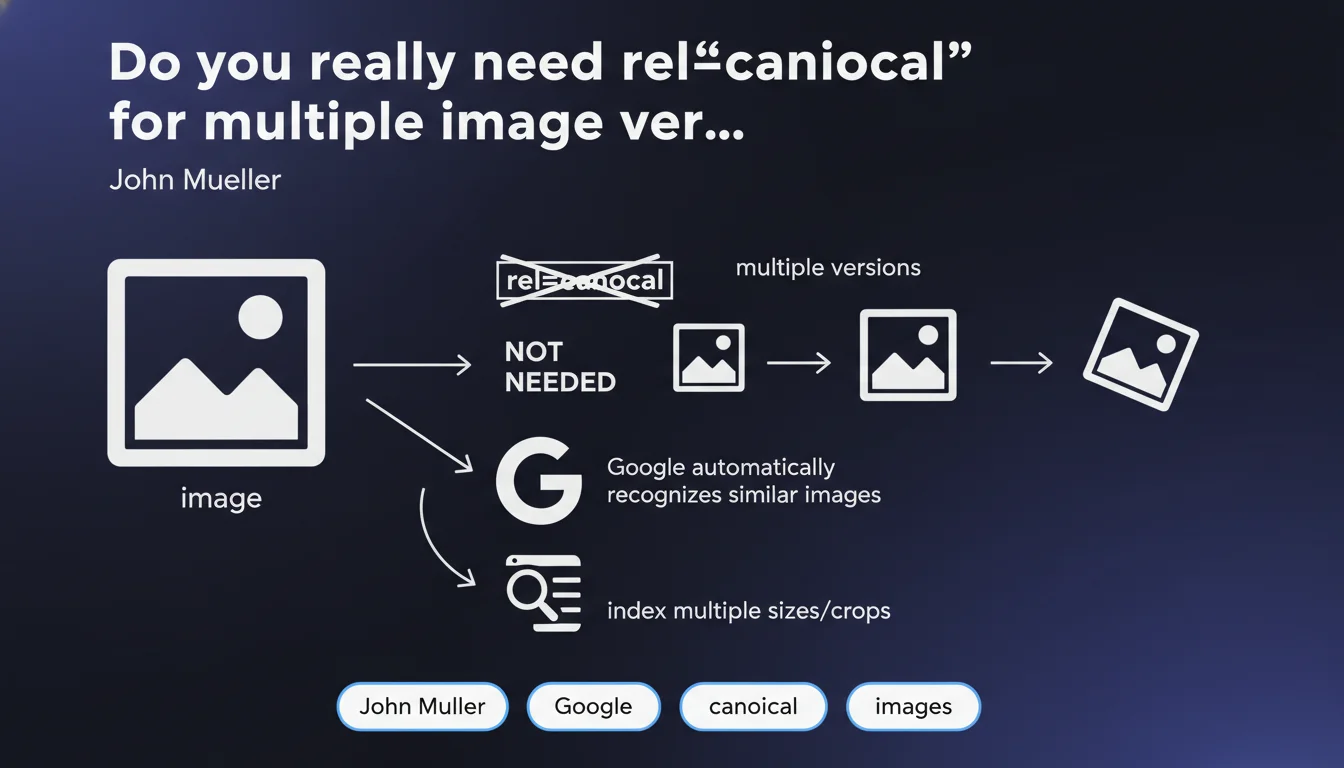
Google states that no canonical tag is necessary for images in different sizes or crops. The engine automatically detects image variants and can index all of them without creating duplicate content issues. This approach differs completely from what's applied to web pages.
What you need to understand
Why does Google treat images differently from pages?
The logic is straightforward: the same image in multiple resolutions or crops remains fundamentally the same visual resource. Unlike pages where duplicate content dilutes signals, Google has developed algorithms capable of recognizing that an 800x600 image and its 1920x1080 version are identical.
The engine can therefore index multiple variants without penalizing the site. This distinction is crucial — it means that technical image management relies on different principles than textual content management.
What actually happens with multiple versions of the same image?
Google may choose to index the version that seems most relevant based on search context. For a mobile query, it may potentially favor an optimized version. For Google Images desktop, a higher resolution.
This flexibility allows the engine to adapt its results without you having to intervene via technical tags. The system identifies variants and treats them as a cluster of related resources rather than as problematic duplicates.
How does Google recognize that it's the same image?
Computer vision algorithms analyze visual characteristics: composition, dominant colors, detected objects, proportions. Even with different cropping or compression, the visual signature remains close enough for Google to establish the link.
This recognition works independently of filename or metadata. You can have photo-product.jpg and hero-banner.webp — if visually it's the same photo, Google detects it.
- No canonical needed for image variants (sizes, formats, crops)
- Google can potentially index multiple versions without creating conflict
- Recognition happens through visual analysis, not metadata
- The engine adapts the version served based on search context
- This logic applies only to images, not to HTML pages
SEO Expert opinion
Does this statement really reflect what we observe in practice?
In fact, Google does effectively index multiple variants of the same image without apparent issues. You can verify this with a reverse image search — multiple resolutions of the same visual often appear in results.
Where it gets murkier: [To verify] Mueller doesn't specify whether Google systematically prioritizes a "main" version in its ranking algorithms. We sometimes observe that a specific resolution performs better, but it's impossible to say whether that's tied to contextual signals (hosting page, anchors, etc.) or to a technical preference of the engine.
In what cases might this rule not apply?
Watch out for substantial visual modifications. If you change the color grading, add text overlay or modify composition, Google may legitimately consider them distinct images. The boundary between "variant" and "new image" remains subjective.
Another gray area: next-gen formats like WebP or AVIF. Technically these are variants, but if you serve a JPG and a WebP with different compression levels, visual artifacts can be enough to create a distinction in the algorithm's eyes.
Should you completely ignore canonical for images?
Google says it's not necessary, but nothing forbids it either. If you manage a site with thousands of images available in 6 formats and 4 resolutions, implementing a canonical logic can simplify your log analysis and your crawl budget.
Let's be honest: Google claims its system handles this automatically, but we have no data on the resource cost for crawling. If Googlebot discovers 50,000 image variants on an average site, is this completely neutral? [To verify] — the statement doesn't address this.
Practical impact and recommendations
What should you concretely do with your multiple images?
First thing: don't waste time implementing canonical tags on your images. Focus instead on elements that actually impact image SEO: descriptive filenames, relevant alt attributes, editorial context around the image.
If you use CDNs or responsive image systems with srcset, continue. The fact that Google indexes multiple variants isn't a problem — it's actually desirable to cover different search contexts.
What errors should you avoid when managing your image variants?
Don't block certain variants in robots.txt thinking you're "rationalizing" indexation. You risk depriving Google of the version best suited to certain contexts. Let the engine do its sorting.
Also avoid unnecessarily duplicating your images with quirky URL parameters. If your CMS generates image.jpg?v=1, image.jpg?v=2 for the same visual resource, that's useless noise — even if Google recognizes them as identical.
How can you verify that your image strategy is optimal?
Use Google Search Console Performance section, filter on Google Images. Look at which variants of your visuals generate impressions and clicks. If a specific resolution performs better, analyze its integration context.
Also check your loading times. Indexing multiple variants solves nothing if you're systematically serving oversized files. Core Web Vitals carry significant weight — technical image optimization remains a priority.
- Remove any rel="canonical" implementation on your <img> tags or in HTTP image headers
- Keep your responsive image systems (srcset, picture) without modification
- Verify that all your image variants have descriptive and unique alt attributes
- Audit your filenames: even if Google visually recognizes variants, coherent names help crawling
- Control that your images aren't blocked by robots.txt or inappropriate noindex directives
- Analyze in GSC which image versions generate traffic to identify opportunities
- Optimize your file weights: compression, next-gen formats, lazy loading
❓ Frequently Asked Questions
Puis-je quand même utiliser rel="canonical" sur mes images si je le souhaite ?
Si j'ai une image en JPG et en WebP, Google les considère-t-il comme des variantes ?
Est-ce que servir 10 tailles différentes d'une image va gaspiller mon crawl budget ?
Dois-je avoir le même attribut alt pour toutes les variantes d'une image ?
Cette règle s'applique-t-elle aussi aux images SVG ou uniquement aux bitmaps ?
🎥 From the same video 13
Other SEO insights extracted from this same Google Search Central video · published on 06/10/2022
🎥 Watch the full video on YouTube →
💬 Comments (0)
Be the first to comment.