
Official statement
Other statements from this video 20 ▾
- □ Faut-il vraiment bloquer les traductions automatiques par IA de votre site en noindex ?
- □ Les recherches site: polluent-elles vos données Search Console ?
- □ Pourquoi Google vous demande d'ignorer les scores de PageSpeed Insights ?
- □ Faut-il vraiment arrêter d'optimiser les Core Web Vitals à tout prix ?
- □ Faut-il se méfier d'un domaine expiré racheté ?
- □ L'IA peut-elle vraiment produire du contenu SEO de qualité avec une simple relecture humaine ?
- □ La traduction automatique peut-elle vraiment pénaliser votre classement SEO ?
- □ Les liens d'affiliation pénalisent-ils vraiment le référencement de vos pages ?
- □ Faut-il vraiment réparer tous les backlinks cassés pointant vers votre site ?
- □ Peut-on canonicaliser des pages à 93% identiques sans risque pour son SEO ?
- □ Faut-il rediriger ou désactiver un sous-domaine SEO non utilisé ?
- □ Faut-il encore s'inquiéter des liens toxiques pointant vers votre site ?
- □ Faut-il vraiment faire correspondre le titre et le H1 d'une page ?
- □ Le contenu localisé échappe-t-il vraiment à la pénalité pour duplicate content ?
- □ Pourquoi Google déconseille-t-il d'utiliser les requêtes site: pour vérifier l'indexation ?
- □ Pourquoi un bon classement ne garantit-il pas un CTR élevé sur Google ?
- □ Les erreurs JavaScript dans la console impactent-elles vraiment le référencement de votre site ?
- □ Pourquoi afficher toutes les variantes produits à Googlebot peut-il détruire votre indexation ?
- □ Faut-il vraiment une page dédiée par vidéo pour ranker dans les résultats enrichis ?
- □ La syndication de contenu est-elle un pari risqué pour votre visibilité organique ?
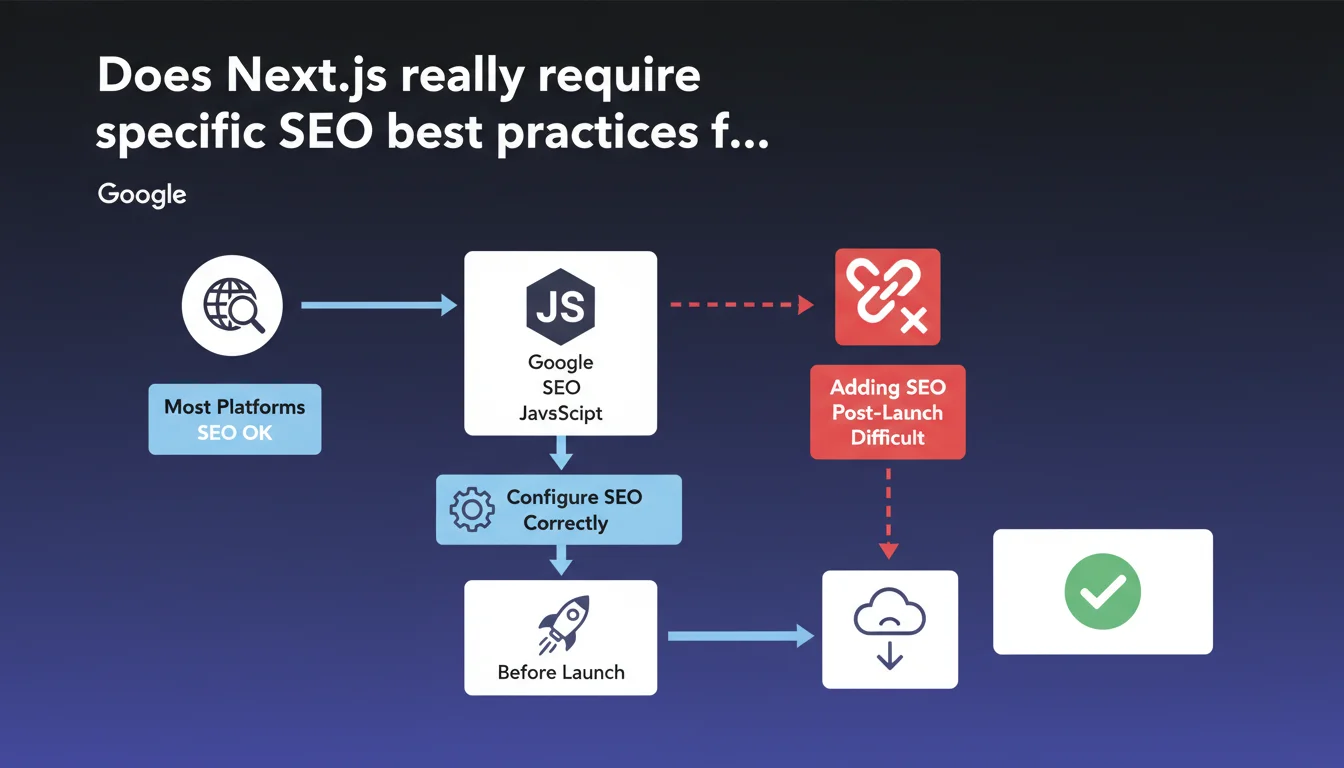
Google confirms that Next.js performs well for SEO as long as you follow JavaScript SEO best practices from the design phase. The key message: configure SEO before launch rather than trying to add it afterward, which proves far more complex. No inherent penalty with the framework, but heightened vigilance is necessary on JavaScript implementation.
What you need to understand
Why does Google insist on configuring SEO before launch?
The reason is simple: modifying a Next.js site's architecture after going live often means partially rebuilding the application. Initial choices (SSR, SSG, ISR) determine how Google crawls and indexes content.
Unlike a traditional CMS where you can add meta tags or optimize URLs without breaking everything, Next.js requires structural decisions from the start. Changing the rendering mode for an entire section may require refactoring code, with regression risks.
Is Next.js more complicated than other platforms for SEO?
Google states that "most platforms perform well" — a deliberately vague formulation. In practice, Next.js is neither better nor worse, but it requires technical understanding that WordPress or Shopify don't demand.
The framework offers granular control over rendering (SSR, SSG, CSR), which is an advantage... if the team knows how to exploit it. Misconfigured, Next.js can generate content invisible to Googlebot or create duplication problems via poorly planned dynamic routes.
What are the JavaScript SEO best practices Google mentions?
Google refers to its JavaScript SEO documentation, which covers several critical points. The first: ensure that essential content is rendered server-side or generated statically, not just client-side.
Other practices include managing lazy loading for images, optimizing initial load time, and correctly configuring meta tags via next/head. Google also emphasizes the importance of XML sitemaps and URL structure.
- Configure SEO from the design phase of the Next.js project, not afterward
- Choose the right rendering mode (SSR/SSG/ISR) based on content type
- Prioritize server-side rendering for critical content
- Correctly implement meta tags via next/head or the new Metadata API
- Verify that Googlebot accesses content without relying on client-side JavaScript
- Optimize Core Web Vitals from the development phase
SEO Expert opinion
Does this statement hide a real difficulty with Next.js?
Let's be honest: Google wouldn't need to specify "consult JavaScript SEO best practices" if everything worked perfectly by default. This recommendation implies that Next.js sites regularly cause indexing issues.
Real-world cases show that common errors include content generated only client-side, missing or duplicated metadata between pages, and catastrophic load times on mobile. Next.js lets you do everything — including break everything.
Is the distinction between frameworks really relevant?
Google says "most platforms perform well" — a statement that deserves nuance. [Needs verification] because this generalization masks enormous disparities between a well-configured static Gatsby site and a poorly designed React SPA.
The real question isn't "Is Next.js good for SEO?" but "Does the development team understand the SEO implications of each technical choice?". A misconfigured Next.js site will be worse than basic WordPress — conversely, an optimized Next.js outperforms most traditional CMS in performance.
Is the timing of SEO configuration really that critical?
Absolutely. On Next.js, fixing an architectural error after launch costs 10 times more than during development. Migrating from client-side rendering to SSR involves refactoring components, handling API calls differently, and comprehensive testing.
Unlike a CMS where installing an SEO plugin takes 5 minutes, Next.js requires code modifications that need specialized technical skills. This is why Google heavily emphasizes initial configuration — because they know post-launch corrections are rarely done correctly.
Practical impact and recommendations
What to verify before launching a Next.js site?
First reflex: test rendering with JavaScript disabled. If main content disappears, you have a problem. Googlebot executes JavaScript, but with timeout and resource limitations — best not to depend solely on that.
Next, verify metadata configuration in each template. Next.js offers several methods (next/head, Metadata API), but none are automatic. Each page must explicitly have its title, description, and Open Graph tags defined.
What errors should you avoid during initial configuration?
The most common mistake: putting everything in getServerSideProps by default thinking it's better for SEO. In reality, for static or rarely changing content, getStaticProps with revalidation (ISR) is more performant and resource-efficient.
Another classic pitfall: neglecting sitemap.xml and robots.txt. Next.js doesn't generate them automatically — you must either create them manually in the public folder or use a library like next-sitemap. Without a sitemap, Google discovers pages less efficiently.
How do you validate that SEO configuration is correct?
Use Search Console and inspect URLs as soon as possible. The "URL Inspection" tool shows exactly what Googlebot sees and indexes. If rendered HTML differs from source code, that's a red flag.
Also test Core Web Vitals with PageSpeed Insights and Lighthouse. Next.js offers automatic optimizations (Image component, font optimization), but they must be enabled and configured correctly. A Lighthouse score below 90 on mobile typically indicates a configuration issue.
- Verify that main content displays without active JavaScript
- Test each page type in the Search Console URL Inspection tool
- Configure metadata (title, description, OG tags) for all templates
- Implement a dynamic or static sitemap.xml based on site structure
- Choose the right rendering mode for each section (SSR/SSG/ISR)
- Optimize images with the next/image component and define width/height
- Test Core Web Vitals on real mobile connections
- Configure redirects and 404 error handling in next.config.js
❓ Frequently Asked Questions
NextJS est-il compatible avec le SEO par défaut ?
Faut-il toujours utiliser le rendu côté serveur avec NextJS ?
Comment Google crawle-t-il les pages NextJS ?
Peut-on ajouter le SEO sur un site NextJS déjà en production ?
Les Core Web Vitals sont-ils automatiquement optimisés avec NextJS ?
🎥 From the same video 20
Other SEO insights extracted from this same Google Search Central video · published on 13/06/2024
🎥 Watch the full video on YouTube →
💬 Comments (0)
Be the first to comment.