
Official statement
Other statements from this video 11 ▾
- □ Googlebot est-il vraiment un seul programme ou une infrastructure distribuée ?
- □ Le crawl Google fonctionne-t-il vraiment par API avec des paramètres configurables ?
- □ Pourquoi Google ne documente-t-il pas tous ses crawlers dans sa liste officielle ?
- □ Crawlers vs Fetchers : pourquoi Google utilise-t-il deux systèmes distincts pour accéder à vos pages ?
- □ Google réutilise-t-il vraiment le cache entre ses différents crawlers ?
- □ Pourquoi Googlebot crawle-t-il principalement depuis les États-Unis ?
- □ Pourquoi Google ne crawle-t-il pas massivement votre contenu géobloqué ?
- □ Pourquoi le géoblocage peut-il nuire au crawl de votre site par Google ?
- □ Le crawl budget est-il vraiment protégé automatiquement par Google ?
- □ Pourquoi Google impose-t-il une limite de 15 Mo par page crawlée ?
- □ Pourquoi Google limite-t-il le crawl des PDFs à 64 Mo alors que le HTML plafonne à 2 Mo ?
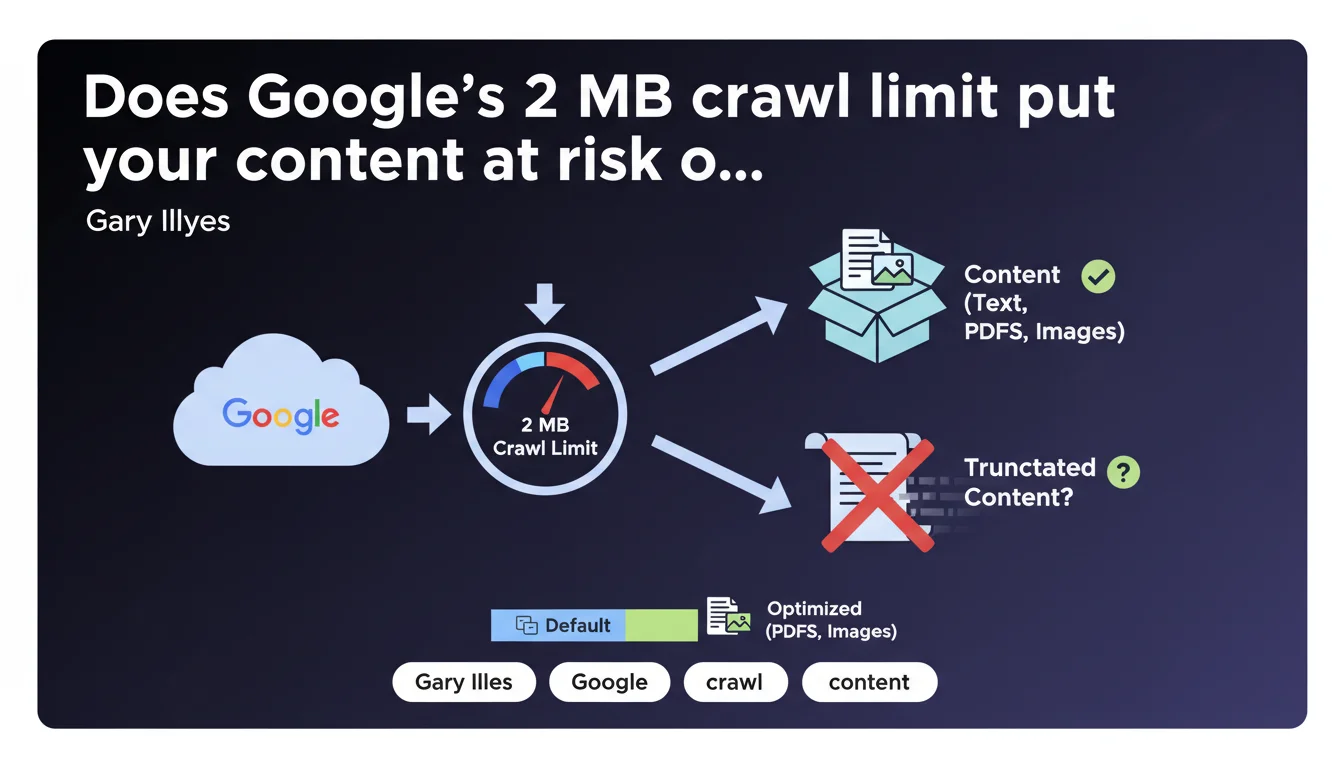
Google limits the crawl of most web content to a maximum of 2 megabytes. This technical constraint directly impacts the indexing of heavy pages, particularly those using excessive JavaScript or resource-hungry frameworks. In practical terms: if your HTML weighs more than 2 MB, Google truncates the content and indexes it partially — or not at all.
What you need to understand
Does this 2 MB limit really apply to all types of content?
No. Gary Illyes clarifies that this limit concerns "most content" for standard web search. PDFs and images benefit from specific adjustments based on their nature.
This distinction matters: a 5 MB PDF can be crawled and indexed, while a 2.5 MB HTML page will be truncated. Google adapts its rules based on format to optimize its processing resources.
What exactly counts toward these 2 MB?
The limit applies to the raw HTML returned by the server, before any JavaScript processing. This includes the initial source code, tags, inline scripts — in short, what Googlebot receives in the first HTTP request.
External resources (CSS, JS, separately loaded images) don't count toward this calculation. But be careful: if you inject massive amounts of content via JavaScript after the initial load, that content risks never being seen by Google if the rendering exceeds the limit.
Why is Google imposing this technical constraint now?
Because modern websites have become bloated. Between poorly optimized JavaScript frameworks, page builders generating redundant HTML, and misconfigured CMSs, some pages reach absurd sizes.
Google must process billions of pages. This limit protects its infrastructure against abuse and forces developers to optimize. It's also a signal: if your page is 3 MB, you have a design problem, not just an indexing problem.
- The limit applies to the initial raw HTML, not external resources
- PDFs and images have adjusted thresholds based on their nature
- Exceeding the limit results in content truncation, not necessarily a complete refusal to index
- This rule already existed unofficially — Google is formalizing it to clarify expectations
SEO Expert opinion
Was this limit really unknown before this announcement?
No. Experienced SEO professionals have known about this constraint for years, even if Google hadn't ever formalized it so clearly. Field tests already showed that voluminous pages caused problems.
What's changing is the public formalization. Gary Illyes puts a precise figure where there was previously ambiguity. But honestly? If your HTML is approaching 2 MB, the problem didn't start today.
Are all websites really affected by this ceiling?
The majority of standard websites never come close to this limit. A well-optimized blog article weighs 50-200 KB. A properly coded e-commerce product page runs around 100-300 KB.
However — and this is where it gets tricky — some sites built with page builders (Elementor in overkill mode, Divi misconfigured) or poorly architected SPAs (Single Page Applications) easily explode the counter. Platforms that load the entire product catalog as inline JSON for client-side filtering? Same issue.
Is Google being consistent between this limit and its JavaScript discourse?
This is where it gets interesting. Google has been pushing JavaScript rendering for years, encouraging modern frameworks. But these frameworks often generate bloated HTML — React, Vue, Angular produce verbose code.
[To verify]: how exactly does Google handle a SPA that loads 500 KB of initial HTML then injects 2 MB of content via JS? Officially, it should index the rendered content. In practice, if the final post-JavaScript rendering exceeds 2 MB, which part gets truncated? Google remains vague on this specific point.
My opinion? This limit mainly serves as a safeguard against architectural excesses. If you're reaching 2 MB, your problem isn't SEO — it's a fundamental web design problem.
Practical impact and recommendations
How do you check if your pages exceed this limit?
Use curl from the command line to retrieve the exact Content-Length of your critical pages. The command curl -I https://yoursite.com/page gives you the HTML size in bytes.
For large-scale analysis, configure a crawl with Screaming Frog or Oncrawl while enabling HTTP response size tracking. Then filter for URLs whose HTML exceeds 1.5 MB — they deserve an immediate audit.
- Systematically audit pages generating more than 500 KB of HTML
- Identify frameworks or plugins that inject redundant code
- Clean up unnecessary inline HTML: oversized JSON-LD, unexternalized CSS/JS, debug comments
- For SPAs, verify that critical content appears in the initial HTML, not just after JavaScript hydration
- Test your pages with the URL inspection tool in Search Console to see what Google actually indexes
What concrete actions should you apply right now?
Start with strategic pages: homepage, main categories, best-selling product pages. If any of them approach or exceed 1 MB, it's an emergency — not a comfort optimization.
Externalize everything that can be externalized. Large JSON-LD schemas? In a separate file or minified. Critical styles? Minimal inline, the rest in external CSS. Product data for filters? In lazy loading via API, not as an 800 KB JSON dump in the initial DOM.
Should you reconsider the technical architecture of certain sites?
If you manage an e-commerce site with thousands of references displayed on a catalog page, yes. Architectures that load 500 products at once to enable client-side filtering are dead — or at least incompatible with optimal indexing.
Favor server-side rendering with classic pagination or server-managed infinite scroll. Each URL should return standalone, lightweight HTML with only immediately visible content.
❓ Frequently Asked Questions
Que se passe-t-il exactement si ma page dépasse 2 Mo ?
Cette limite s'applique-t-elle aussi aux fichiers CSS et JavaScript externes ?
Les PDFs sont-ils concernés par la même limite de 2 Mo ?
Comment savoir si Google tronque mes pages en pratique ?
Cette limite concerne-t-elle uniquement Googlebot ou aussi l'indexation mobile-first ?
🎥 From the same video 11
Other SEO insights extracted from this same Google Search Central video · published on 12/03/2026
🎥 Watch the full video on YouTube →
💬 Comments (0)
Be the first to comment.