
Official statement
Other statements from this video 9 ▾
- □ Pourquoi le rendu côté client (CSR) met-il votre indexation Google en danger ?
- □ Pourquoi un échec de rendu JavaScript peut-il retarder votre indexation de plusieurs semaines ?
- □ Pourquoi le rendu côté client pose-t-il un problème structurel pour le crawl Google ?
- □ Le rendu côté serveur est-il vraiment plus fiable que le rendu client ?
- □ Faut-il abandonner le rendu côté client pour améliorer son référencement naturel ?
- □ Faut-il vraiment privilégier le code 410 au 404 pour signaler une page supprimée ?
- □ Est-ce que Google traite vraiment les codes 429, 503 et 500 de la même manière ?
- □ Les domaines Web3 (.eth) sont-ils crawlables par Google ?
- □ Pourquoi vos utilisateurs tapent-ils le nom de votre marque dans Google plutôt que votre URL ?
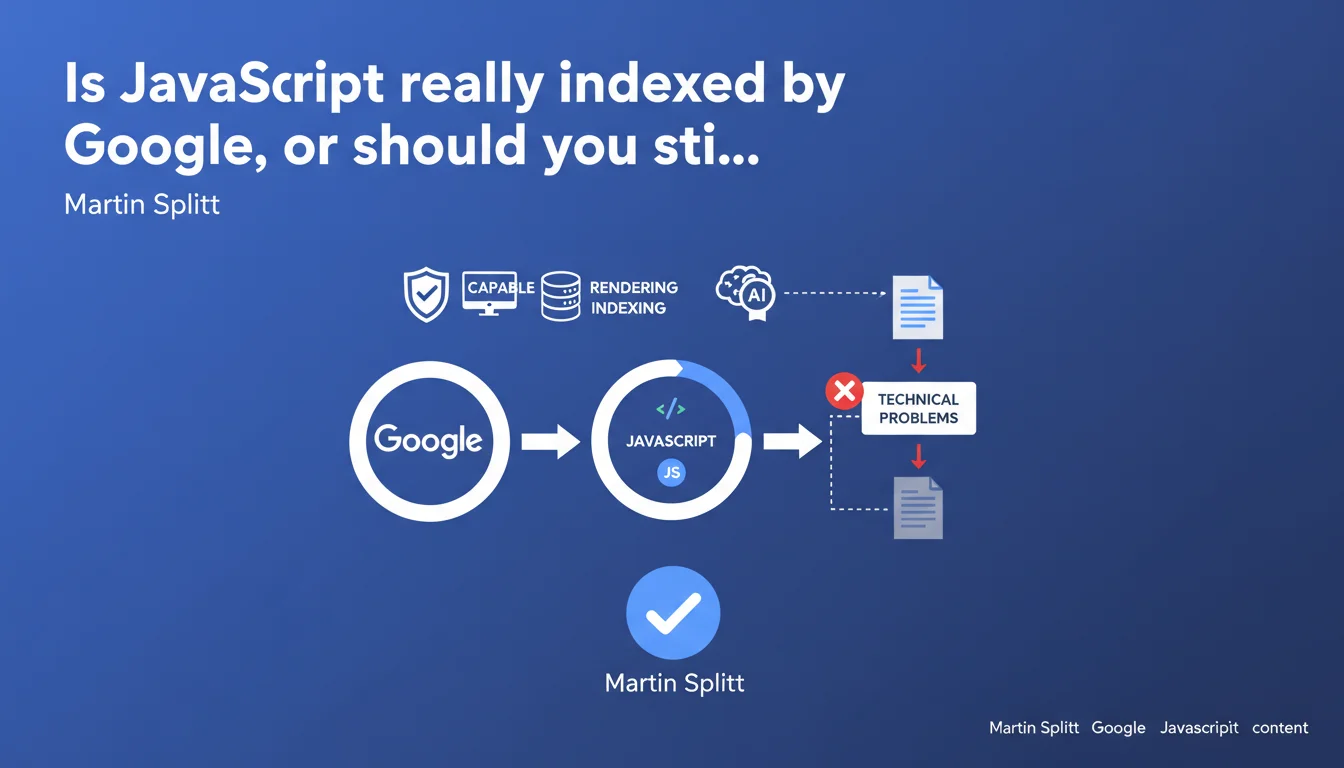
Google claims it perfectly indexes client-side JavaScript-generated content, provided there are no blocking technical issues. The myth that JavaScript is invisible to Googlebot is therefore officially debunked, but this capability remains conditional on proper implementation.
What you need to understand
Why was this statement from Google necessary?
For years, JavaScript was perceived as a barrier to indexation. Modern frameworks (React, Vue, Angular) generate content on the client side, which long raised doubts: was Googlebot capable of rendering these pages before indexing them?
Martin Splitt, Developer Advocate at Google, sets the record straight. Googlebot executes JavaScript and indexes the resulting content — provided nothing technically blocks this process.
What is JavaScript rendering and why is it critical?
Rendering is the step where Googlebot loads the page, executes JavaScript code, waits for the DOM to stabilize, then extracts the final content. This step occurs after initial crawling, in a separate queue.
Concretely: if your main content appears only after a script executes, Googlebot must render the page to see it. If rendering fails or takes too long, you lose indexation.
What are the key takeaways from this statement?
- Googlebot renders JavaScript — it's no longer a hypothesis, it's a documented fact from Google.
- Client-side generated content can be indexed, but the implementation must be clean.
- The claim "Google doesn't index JS" is false — but it often stems from undetected technical problems.
- JavaScript rendering introduces a delay between crawling and indexation — it's not instantaneous.
- JavaScript errors, excessive load times, or blocked resources can sabotage indexation.
SEO Expert opinion
Is this statement consistent with what we observe in practice?
Yes and no. Google can render JavaScript, that's undeniable — we see it in tests using the URL Inspection tool in Search Console. But the reality is that many JS-heavy sites suffer from silent indexation problems.
The devil is in the details: "provided there are no technical problems." This caveat hides enormous complexity. JS errors, timeouts, resources blocked by robots.txt, poorly configured frameworks — all of this can derail rendering without you knowing.
What nuances should be added to this claim?
First, the rendering delay. Googlebot crawls your page, then queues it for rendering. This delay can range from a few hours to several days depending on crawl budget and your site's priority. For time-sensitive content, this is problematic.
Next, rendering consumes resources. A site with thousands of JS-heavy pages can end up with a bottleneck: not all pages will be rendered with equal efficiency. [To verify]: Google has never published precise data on how rendering budget is distributed across sites.
In what cases does this rule not apply fully?
Sites with poorly configured Single Page Applications (SPAs), where content loads after user interaction (infinite scroll, aggressive lazy loading), may fall through the cracks. Googlebot doesn't interact with the page like a human — it doesn't scroll, doesn't click buttons.
If your main content appears only after a click or scroll, there's a strong chance it will never be indexed, even with perfect JS rendering. Let's be honest: this statement from Google doesn't cover these edge cases.
Practical impact and recommendations
What should you do concretely to guarantee your JavaScript content is indexed?
First step: test rendering. Use the URL Inspection tool in Search Console and compare raw HTML with rendered HTML. If you see content missing in the rendered version, you have a problem.
Second step: verify that all your critical resources (CSS, JS) are not blocked by robots.txt. This is a classic mistake that sabotages rendering with no visible warning.
What errors should you absolutely avoid?
Don't rely on rendering for time-critical content. If you publish news that needs to be indexed within minutes, client-side JavaScript isn't your friend — the rendering delay will penalize you.
Avoid frameworks that load content only after user interaction. Googlebot doesn't scroll, doesn't click. If your H1 appears after a click, it will never be seen.
Finally, don't overlook JavaScript errors. A single error in the console can block script execution and render the page empty for Googlebot. Set up error monitoring for JS and treat errors as critical bugs.
How can you verify that your site is compliant and optimized for JavaScript rendering?
- Test each page type with the URL Inspection tool in Search Console — compare raw HTML with rendered HTML.
- Verify that robots.txt doesn't prevent Googlebot from accessing critical CSS and JS files.
- Set up JavaScript error monitoring (Sentry, LogRocket) to catch bugs that block rendering.
- Implement server-side rendering (SSR) or static generation (SSG) for critical content — don't leave everything to the client.
- Implement an HTML fallback for essential content (meta descriptions, H1, main text) — don't rely solely on JS.
- Monitor Core Web Vitals — slow LCP can indicate a rendering or JS loading problem.
- Regularly test with third-party tools (Screaming Frog, OnCrawl) to detect unindexed pages despite crawling.
❓ Frequently Asked Questions
Googlebot exécute-t-il toutes les versions de JavaScript ?
Le rendu JavaScript consomme-t-il du crawl budget ?
Faut-il encore utiliser le rendu côté serveur (SSR) en 2025 ?
Comment détecter si Googlebot ne rend pas correctement mes pages JS ?
Les lazy loading et infinite scroll sont-ils compatibles avec l'indexation Google ?
🎥 From the same video 9
Other SEO insights extracted from this same Google Search Central video · published on 30/05/2023
🎥 Watch the full video on YouTube →
💬 Comments (0)
Be the first to comment.