
Official statement
Other statements from this video 14 ▾
- □ Comment Google comptabilise-t-il les impressions et clics dans les People Also Ask ?
- □ Les liens depuis un sous-domaine vers le domaine principal ont-ils moins de valeur en SEO ?
- □ Tous les liens dans Search Console sont-ils vraiment utiles pour votre SEO ?
- □ Une page AMP invalide peut-elle quand même être indexée par Google ?
- □ Les liens massifs en footer tuent-ils vraiment le contexte de votre site ?
- □ Faut-il désactiver les liens automatiques pour améliorer son SEO ?
- □ Le texte caché est-il encore un problème pour le SEO ?
- □ Quelques liens d'affiliation sans attribut peuvent-ils vraiment échapper à toute pénalité ?
- □ Pourquoi vos images n'apparaissent-elles jamais dans Google Images malgré un bon SEO ?
- □ Pourquoi Google insiste-t-il pour que les sitemaps ne soient jamais votre seul filet de sécurité ?
- □ Faut-il vraiment utiliser des canonicals sur vos pages de recherche interne filtrées ?
- □ Les Core Web Vitals peuvent-ils vraiment faire chuter votre positionnement de 48 places ?
- □ Pourquoi le validateur schema.org contredit-il les outils de Google ?
- □ Pourquoi Google ignore-t-il certains paramètres d'URL de langue ?
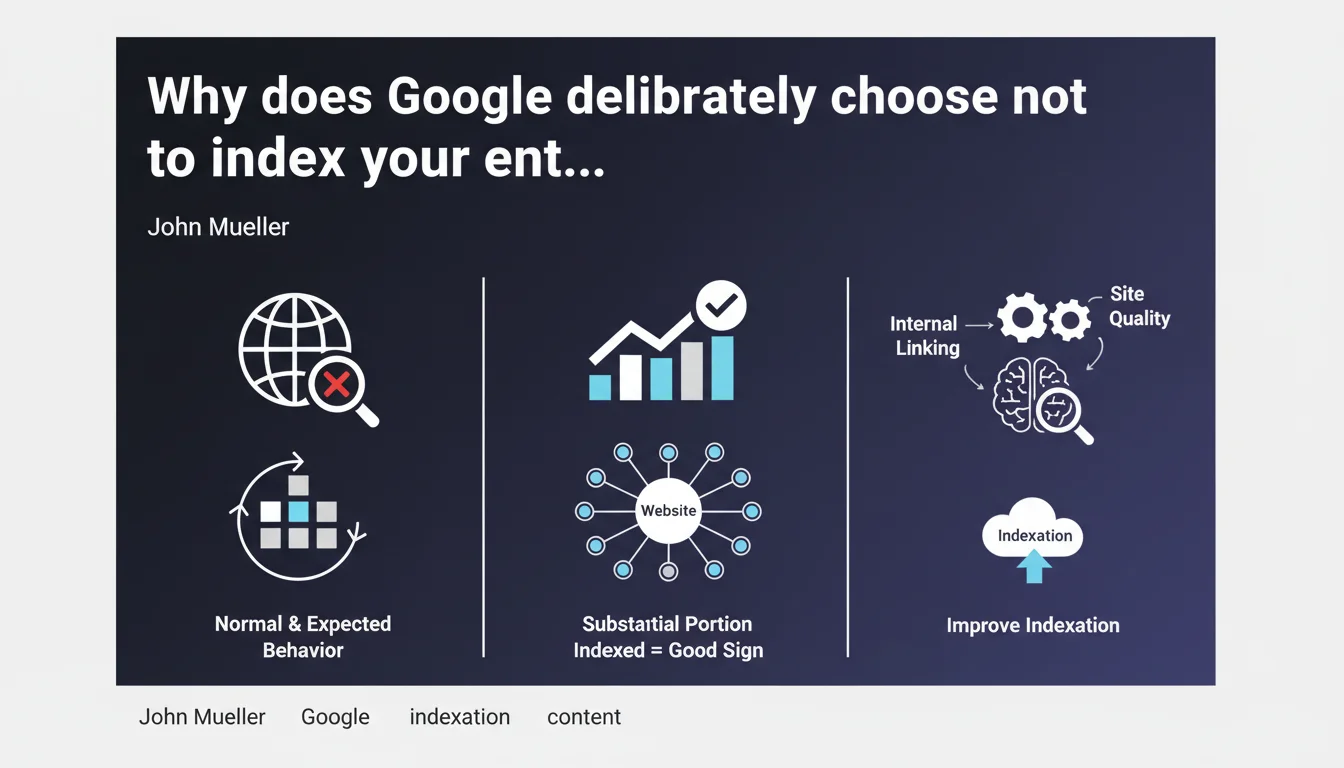
Google doesn't automatically crawl or index every page on a website. 'Discovered, not crawled' or 'Crawled, not indexed' statuses don't necessarily signal a technical bug — they often reflect a deliberate algorithmic choice. In other words: Google decides what deserves to be indexed or not, regardless of your preferences.
What you need to understand
Does Google selectively filter your content?
Yes, and it's actually the fundamental principle. Google has never promised to index the entire web. Every page goes through a filter: is it useful? Does it bring something unique? Crawling and indexing come at a cost — servers, energy, storage. Google optimizes its resources by prioritizing content it deems relevant for its users.
In Search Console, you see two statuses that reflect this filtering. "Discovered, not crawled": Google knows the URL but hasn't yet decided if it deserves a crawl. "Crawled, not indexed": the page was visited, analyzed, then removed from the index. In both cases, it's not necessarily a technical issue.
When should you worry about these statuses?
It depends on the type of page involved. If your strategic pages — those that generate traffic or conversions — remain stuck for weeks, there's a problem. But if Google ignores your redundant tag pages, your monthly archives or your product filters with two color variants, that's actually a good sign: the algorithm is doing its job of cleaning up.
The real challenge is to understand why Google makes this choice. Is it a signal of insufficient quality? A canonicalization issue? A poorly allocated crawl budget? Or simply undifferentiated content?
What does "several weeks" mean in this statement?
John Mueller remains vague — and it's probably intentional. "Several weeks" can mean 3 weeks or 12 weeks. No precise timeframe is given, which leaves Google free to adjust its criteria based on sites, industries, and current events.
What you need to remember: don't panic after 7 days. But if after 2-3 months your key pages still haven't appeared, it's time to investigate seriously.
- Google doesn't crawl or index everything — it's a strategic algorithmic choice, not a bug
- The "Discovered, not crawled" or "Crawled, not indexed" statuses are not automatic red flags
- Prioritize strategic pages: first verify that your high-value content is properly indexed
- No official timeframe is communicated — "several weeks" remains a vague formula
- Google's filtering relies on quality, uniqueness, and utility criteria for the end user
SEO Expert opinion
Is this statement consistent with what we observe in the field?
Absolutely. For years, we've observed that Google indexes fewer and fewer pages, even on technically clean sites. Large content sites — media outlets, e-commerce, directories — see entire sections of their pages removed from the index, without any error message in Search Console.
What Mueller confirms here is that this isn't a bug, but an assumed policy. Google prioritizes quality over quantity. The problem is that no precise criteria are given. We know that duplication, shallow content, lack of backlinks play a role — but in what proportion? [To verify]: the exact thresholds remain opaque.
What nuances should be added to this statement?
Mueller speaks of "indexation choices," but he omits a crucial detail: Google doesn't always distinguish between "not interesting" and "not yet prioritized". A page might stay in "Discovered, not crawled" simply because the crawl budget is saturated elsewhere, not because it's poor quality.
Another point: saying it's "not a technical problem" can discourage people from digging deeper. Yet in many cases, faulty internal linking, incorrectly placed canonical tags or an overly restrictive robots.txt genuinely block indexation. Don't take this statement as a free pass to ignore your technical fundamentals.
In what cases does this rule not apply?
If your strategic pages — homepage, main categories, pillar articles — remain non-indexed beyond 4 weeks, it's no longer a "normal indexation choice". It's a warning signal. Either Google can't find them (crawl problem) or it judges them non-relevant (quality problem or cannibalization).
Same situation for new or redesigned sites: if Google crawls nothing for weeks, it's not selective filtering, but a discovery defect. In this case, a well-built XML sitemap, quality backlinks and solid internal linking remain essential.
Practical impact and recommendations
What should you do concretely if your pages remain non-indexed?
First, identify which pages are affected. Not all URLs deserve the same treatment. If Google ignores your legal notice pages or your redundant product filters, let it go. If they're your bestselling product sheets or your flagship articles, you need to act.
Next, cross-reference your data: Search Console, server logs, crawl tools. Is Google discovering these pages properly? If they don't appear anywhere, it's an internal linking or sitemap issue. If they're crawled but not indexed, it's a quality signal: weak content, duplication, cannibalization.
What mistakes should you avoid to maximize your indexation chances?
Don't overwhelm Google with useless pages. Less is more — especially if your crawl budget is limited. Avoid infinite paginated pages, auto-generated tags, near-identical product variants. Every URL should have a real reason to exist.
Another classic trap: forcing indexation via the URL inspection tool for dozens of pages. Google tolerates this poorly at scale. Prioritize a clean XML sitemap, coherent internal linking and natural backlinks to signal your priorities.
How can you verify that your site is well optimized for Google's selective indexation?
Regularly audit your non-indexed pages in Search Console. Classify them by type: strategic, secondary, unnecessary. For non-indexed strategic pages, verify content quality, uniqueness, depth. A 150-word text duplicated across 3 similar pages has no chance.
Also analyze your internal linking. Important pages should be accessible in 2-3 clicks maximum from the homepage, with contextual anchors and links from already well-ranked pages.
- Identify strategic non-indexed pages via Search Console
- Cross-reference with your server logs to verify if Google actually crawls them
- Eliminate redundant, weak or duplicated pages that saturate your crawl budget
- Strengthen internal linking towards your priority content
- Improve quality and uniqueness of pages removed from the index
- Use a clean, up-to-date XML sitemap without unnecessary URLs
- Obtain quality backlinks to your key pages to signal their importance
- Monitor indexation evolution over several weeks without panicking after 7 days
❓ Frequently Asked Questions
Combien de temps faut-il attendre avant de s'inquiéter qu'une page ne soit pas indexée ?
Le statut « exploré, non indexé » signifie-t-il que ma page est de mauvaise qualité ?
Peut-on forcer Google à indexer une page via l'outil d'inspection d'URL ?
Est-ce grave si Google n'indexe pas mes pages de tags ou mes archives ?
Comment savoir si le problème vient d'un manque de crawl budget ou d'un contenu faible ?
🎥 From the same video 14
Other SEO insights extracted from this same Google Search Central video · published on 05/03/2022
🎥 Watch the full video on YouTube →
💬 Comments (0)
Be the first to comment.