
Official statement
Other statements from this video 16 ▾
- □ Les Google Search Essentials suffisent-ils vraiment pour bien se positionner dans Google ?
- □ Le contenu « centré sur l'utilisateur » est-il vraiment le critère de classement que Google prétend ?
- □ Le Trust est-il vraiment le pilier central de l'E-E-A-T selon Google ?
- □ L'expérience de première main est-elle devenue un critère de ranking incontournable ?
- □ L'expertise du créateur de contenu est-elle vraiment un critère de classement déterminant ?
- □ L'autorité thématique suffit-elle à se positionner comme source de référence aux yeux de Google ?
- □ Pourquoi Google insiste-t-il autant sur les fuseaux horaires dans les données structurées de dates ?
- □ Faut-il vraiment modifier la date de publication après chaque mise à jour d'article ?
- □ Faut-il vraiment supprimer toutes les dates secondaires d'une page pour optimiser son SEO ?
- □ Google se fiche-t-il vraiment de votre structure éditoriale pour les actualités récurrentes ?
- □ Faut-il bannir les logos et filigranes de vos images pour améliorer votre SEO ?
- □ Google News : est-ce vraiment automatique ou existe-t-il des critères cachés ?
- □ Pourquoi Google News impose-t-il une transparence totale sur l'identité des auteurs ?
- □ Pourquoi Google exige-t-il que le contenu éditorial prime sur la publicité ?
- □ Faut-il vraiment baliser TOUS vos liens sortants avec rel=sponsored ou rel=ugc ?
- □ Comment éviter que Google confonde votre paywall avec du cloaking ?
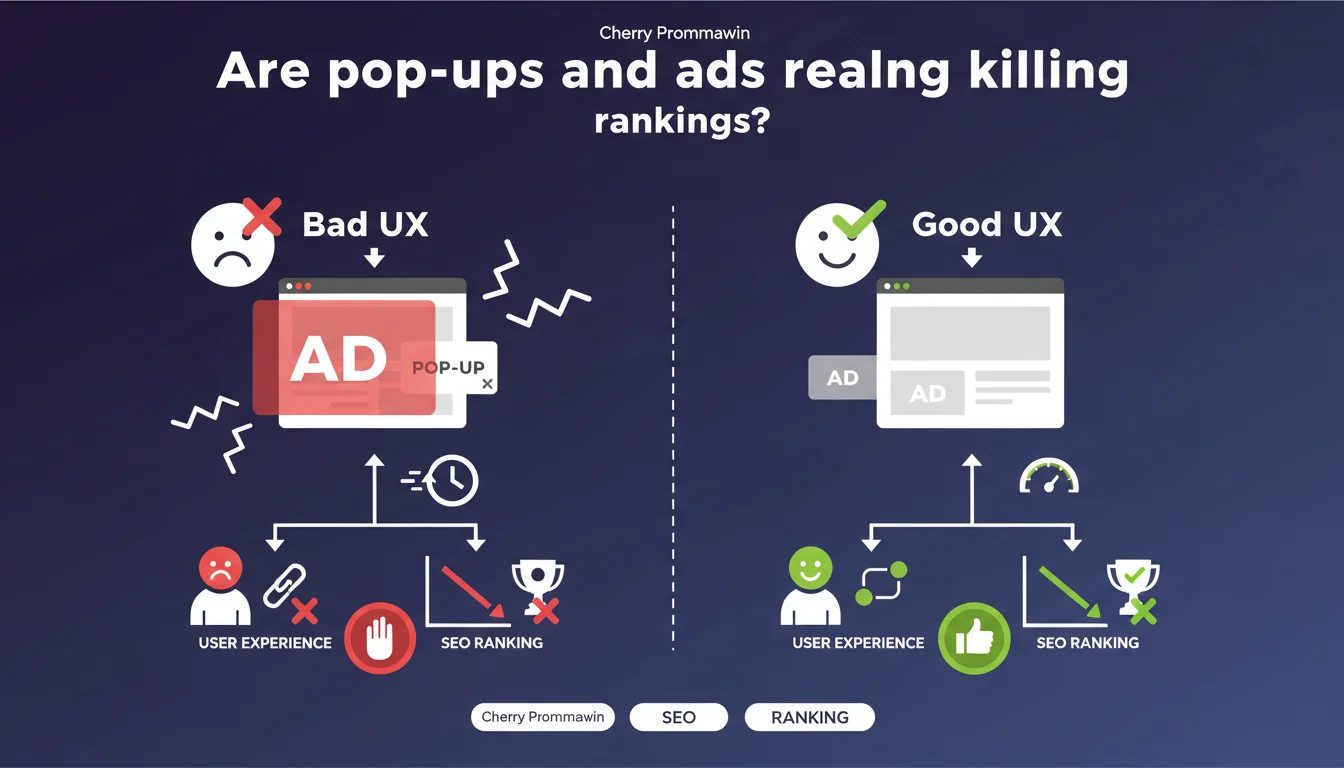
Google reminds us that excessive pop-ups and ads harm user experience and slow down pages. Monetization should never come at the expense of performance or usability, otherwise you risk penalizing your visibility.
What you need to understand
Why does Google insist so much on user experience related to advertising?
For years, Google has penalized sites that abuse intrusive interstitials, especially on mobile. This statement continues this longstanding guideline: monetization must respect the browsing experience.
Aggressive pop-ups — those that mask main content upon arrival or loop repeatedly — irritate visitors and generate catastrophic bounce rates. Google knows this and incorporates it into its ranking criteria, particularly through Core Web Vitals and engagement signals.
What exactly do we mean by "excessive ads"?
The term is intentionally vague, and that's where it gets tricky. Google doesn't provide a quantitative threshold: how many ads per page? What maximum size? What tolerable display delay?
In practice, we're talking about formats that degrade content readability: banners that push text down, interstitials that block access, unsolicited auto-play videos, or an avalanche of ads throughout the article. The problem is that this subjective definition leaves considerable room for interpretation.
What's the direct link to technical site performance?
Ads, especially those from poorly optimized third-party scripts, significantly increase loading time and impact CLS (Cumulative Layout Shift). A site loaded with ad networks can easily blow out its LCP and FID.
Google measures these indicators and uses them as ranking factors. So even if your ads don't "visually" bother the user, their technical weight alone is enough to handicap you in the SERPs.
- Intrusive interstitials have been penalized since 2017, especially on mobile
- Core Web Vitals incorporate the impact of ad scripts on performance
- Engagement signals (bounce rate, time on page) detect user frustration
- Google provides no precise threshold to define what is "excessive"
- Monetization must be balanced with UX, not sacrificed for it
SEO Expert opinion
Is this statement consistent with practices observed in the field?
Yes and no. In principle, Google has been consistent for years: UX comes first. But in real SERP reality, you still find sites loaded with ads that rank very well — especially in ultra-competitive niches where aggressive monetization is the norm.
Why? Google clearly tolerates ads better when content remains high quality and Core Web Vitals hold strong. A news site with 6 banners but flawless LCP can outrank a cleaner competitor that's slower or has thinner content.
What nuances should we add to this generic advice?
First, not all ad formats are equal. A discreet header banner doesn't have the same impact as a full-screen pop-up on load. Google seems to distinguish (without explicitly saying so) between "acceptable" formats and those that really break the experience.
Second, context matters. A media site that lives off advertising will have different tolerance than an e-commerce site that should maximize conversions. [To verify]: we lack public data on exact thresholds applied by vertical.
In what cases doesn't this rule fully apply?
Let's be honest: certain sectors (news, tutorials, free content) live almost exclusively on advertising. Google knows this and probably applies sectoral tolerances, even if nothing is officially documented.
If your business model relies on ads, the challenge isn't abandoning all monetization, but optimizing it: lazy loading scripts, less intrusive formats, CLS control, limiting the number of units displayed simultaneously.
Practical impact and recommendations
What should you concretely do to balance monetization and SEO?
First, audit your current ad formats and measure their impact on Core Web Vitals. Use PageSpeed Insights, Lighthouse, and Search Console tools to identify third-party scripts that are dragging down your performance.
Next, favor non-intrusive formats: fixed banners, native ads integrated into content flow, in-feed placements rather than aggressive pop-ups. Avoid anything that blocks access to content within the first 3 seconds.
What mistakes should you absolutely avoid?
Never display a full-screen interstitial on mobile arrival, except for legal obligations (cookies, age verification). Google has explicitly penalized this behavior since 2017.
Avoid ad scripts that block page rendering — use async or defer systematically. And most importantly, don't sacrifice your Core Web Vitals for a few extra dollars in ad revenue: the cost in organic visibility will be far higher.
How do I verify that my site complies with Google's guidelines?
Test your site with Mobile-Friendly Test and check for warnings about intrusive interstitials. Monitor your Core Web Vitals in Search Console: CLS, LCP, INP should stay green.
Analyze your engagement metrics: a bounce rate that skyrockets after adding new ads is a red flag. Use heatmaps (Hotjar, Crazy Egg) to identify areas where users are blocking or fleeing.
- Audit the impact of ads on Core Web Vitals (CLS, LCP, INP)
- Eliminate full-screen interstitials on mobile load
- Load all ad scripts asynchronously or deferred
- Limit the number of simultaneous ad networks
- Favor native and in-feed formats over pop-ups
- Monitor bounce rate and time on page after each change
- Regularly test with Mobile-Friendly Test and PageSpeed Insights
❓ Frequently Asked Questions
Les pop-ups de consentement RGPD sont-ils considérés comme intrusifs par Google ?
Combien de publicités maximum peut-on afficher par page sans risque SEO ?
Les publicités affectent-elles directement le classement dans les résultats ?
Les formats vidéo auto-play sont-ils pénalisés ?
Peut-on monétiser un site sans impacter son référencement ?
🎥 From the same video 16
Other SEO insights extracted from this same Google Search Central video · published on 15/05/2023
🎥 Watch the full video on YouTube →
💬 Comments (0)
Be the first to comment.