
Official statement
Other statements from this video 16 ▾
- □ Do you really need to notify Google when redesigning your website?
- □ Does Google really detect WEBP format through the HTTP header rather than the file extension?
- □ What does Google really consider a prominent video, and why does it matter for your search rankings?
- □ Does multilingual duplicate content really hurt your international SEO rankings?
- □ Should you choose a ccTLD over .com to target a local market?
- □ Why does Google insist on isolating site migrations from any other redesign work?
- □ Is AdsBot skewing your Search Console crawl data without you knowing?
- □ Should you consolidate all hreflang annotations in one sitemap or split them by language?
- □ Does Google offer a button to force massive reindexing of a website after a redesign?
- □ Strong vs Bold: Does Google really make a difference between these two tags?
- □ Is an XML sitemap really essential for Google to index your website?
- □ Should you use hreflang 'de' or 'de-de' to target German speakers?
- □ Does Google really retry indexing your pages after a 401 error or server downtime?
- □ Does nesting your structured data really help Google understand what your page is actually about?
- □ Should you really prioritize alt text over OCR for extracting text from images?
- □ Is infinite scroll killing your e-commerce indexation on Google?
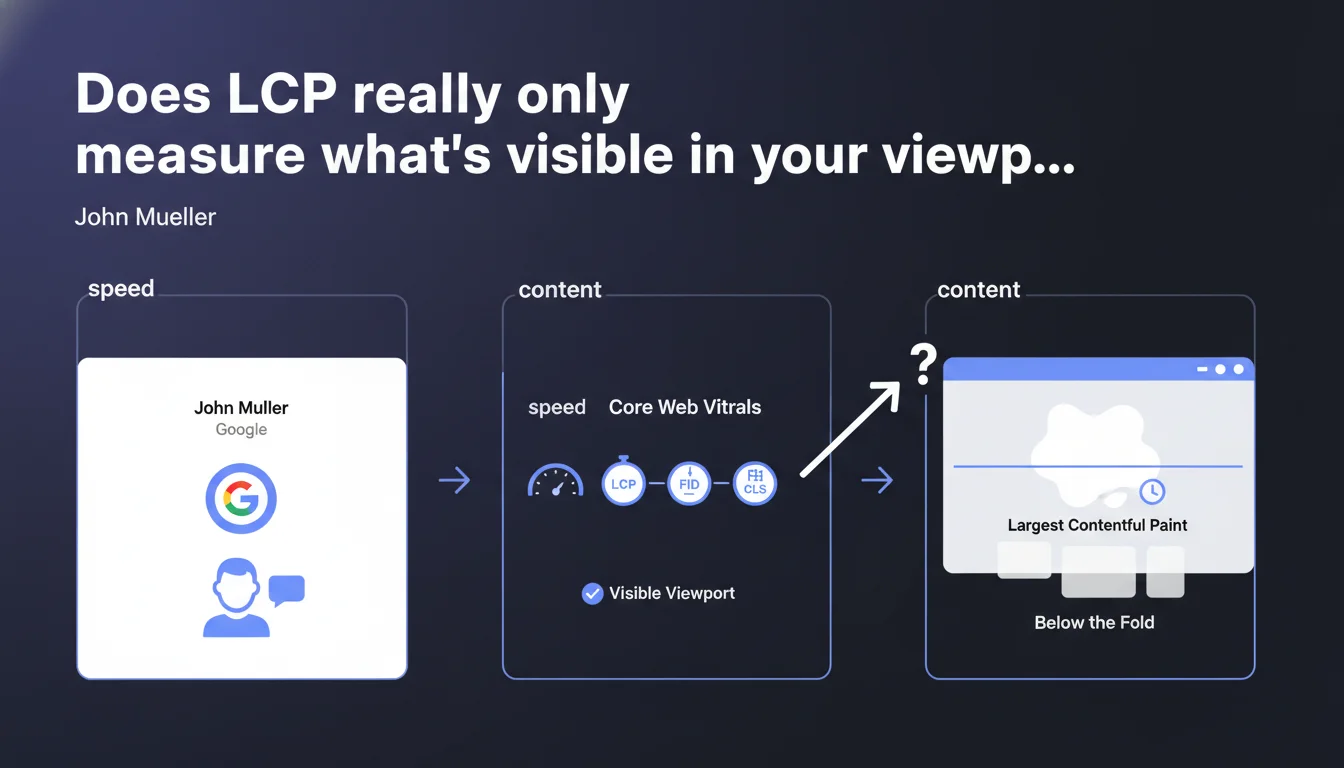
Google confirms that Largest Contentful Paint (LCP) measures exclusively the rendering time of the largest visible element in the initial viewport, not what lies below the fold. Priority optimization should therefore focus on above-the-fold content. Resources loaded outside the viewport don't directly impact this score — but watch out for hidden dependencies.
What you need to understand
What exactly does LCP measure?
The Largest Contentful Paint captures the moment when the largest visible element in the initial viewport completes its rendering. This element can be an image, a block of text, a video — regardless of its nature, only its displayed surface matters.
John Mueller insists: only the visible viewport at load time is taken into account. If your hero image weighs 3 MB but appears in the first 800 pixels of height on desktop, it will count. A photo gallery located 2000 pixels further down? It won't influence the LCP, even if it takes 10 seconds to load.
Why does Google focus so intensely on above-the-fold content?
Because that's what the user sees first. The rest can arrive later without degrading perceived performance. Google wants to measure perceived speed, not raw technical speed of the entire page.
This approach pushes developers to prioritize critical rendering: inline CSS for the top of the page, aggressive lazy loading for the rest, preloading of essential resources. It's a logic of sequential optimization, not global optimization.
What confusion does this statement clarify?
Some practitioners still thought Google analyzed the entire DOM to determine LCP. Wrong. Others optimized images located in the middle or at the bottom of the page hoping to improve the score. Pointless, unless those images move up into the viewport via responsive CSS.
- LCP measures only the largest visible element in the initial viewport
- Below-the-fold content doesn't directly impact this score
- Optimization of critical content (above the fold) becomes the priority
- Lazy loading of elements outside the viewport is encouraged without risk to LCP
- The actual viewport size depends on the device and resolution — test on mobile
SEO Expert opinion
Is this statement consistent with real-world observations?
Yes, and it confirms what we've observed since the Core Web Vitals rollout. Sites that optimized their hero section — image compression, critical fonts in preload, inline CSS — saw their LCP improve dramatically, even with technically heavy pages below.
However, [To be verified]: Mueller doesn't specify how Google handles edge cases. A carousel that changes images 500ms after load? A text block that displays progressively via CSS animation? The definition of "initial load" remains fuzzy — in practice, we see variations depending on browsers.
What nuances should be added?
LCP is just one metric among others. A site can have excellent LCP and catastrophic Cumulative Layout Shift if above-the-fold content moves all over the place. Or poor First Input Delay because JavaScript blocks the main thread.
Another point: optimizing above the fold can create negative side effects. If you load a 50 KB image with absolute priority using fetchpriority="high", you might delay loading your critical CSS. Bandwidth isn't infinite, especially on 3G.
In what cases is this rule insufficient?
When your largest visible element is a text block and the web font takes 2 seconds to load. LCP will wait for the text to render with the actual font — unless you use font-display: swap. Here again, Google doesn't provide all the details.
Another problematic case: sites with lots of dynamic content injected via JavaScript. If your React or Vue framework takes 1.5 seconds to hydrate the DOM, the largest visible element doesn't even exist during initial load. LCP will be poor even if the server responds in 50ms.
Practical impact and recommendations
What should you do concretely to improve LCP?
First identify which element constitutes your LCP on mobile and desktop. Chrome DevTools (Performance tab) shows you clearly. Next, optimize that specific element: WebP or AVIF compression for images, adaptive sizing via srcset, removal of unnecessary requests blocking rendering.
Use the fetchpriority="high" attribute on the LCP element and preload for critical resources (fonts, CSS). But don't preload 15 resources — you'll create a network bottleneck. Be surgical.
What mistakes must you absolutely avoid?
Don't lazy-load the LCP element. That seems obvious, but we still see sites putting loading="lazy" on their hero image. Result: the browser waits for the image to enter the viewport… when it's already visible. Absurd.
Also avoid serving oversized images. A 2000x1500 image for a 375x667 viewport on mobile is wasteful. Serve adapted variants via srcset or an intelligent CDN (Cloudflare Images, Imgix, etc.).
How do you verify your site is compliant?
Use PageSpeed Insights and Chrome User Experience Report for real-world data, not just lab tests. LCP can be excellent in lab (fast server, fiber connection) and catastrophic in real conditions (unstable 4G, saturated CPU).
Also test with WebPageTest using 3G throttling on mid-range mobile. That's where you'll see the real problems. And monitor your Core Web Vitals in Search Console — Google flags problematic pages grouped by pattern.
- Identify your LCP element on mobile and desktop via Chrome DevTools
- Compress and optimize that element as a priority (WebP, AVIF, srcset)
- Add fetchpriority="high" on the LCP image or block
- Preload only critical resources (fonts, above-the-fold CSS)
- NEVER lazy-load the LCP element
- Purge unused CSS and inline critical CSS
- Test in real conditions (3G, mid-range mobile) not just in lab
- Monitor Core Web Vitals in Search Console and CrUX
LCP optimization requires a surgical approach: identify the critical element, eliminate blocking issues, intelligently prioritize resources. But watch out for side effects — poorly calibrated optimization can degrade other metrics.
These technical tradeoffs require specialized expertise and iterative testing in real environments. If your team lacks resources or experience on these topics, support from a SEO agency specialized in web performance can significantly accelerate results while avoiding common pitfalls.
❓ Frequently Asked Questions
Le LCP prend-il en compte les éléments chargés après un scroll de l'utilisateur ?
Si mon hero image est en lazy loading, cela détruit-il mon LCP ?
Les images WebP améliorent-elles forcément le LCP ?
Le LCP varie-t-il entre mobile et desktop pour la même page ?
Google pénalise-t-il les sites avec un mauvais LCP dans les classements ?
🎥 From the same video 16
Other SEO insights extracted from this same Google Search Central video · published on 09/03/2023
🎥 Watch the full video on YouTube →
💬 Comments (0)
Be the first to comment.