
Official statement
Other statements from this video 12 ▾
- □ Is Google's AI Mode about to completely reshape your long-tail keyword strategy?
- □ Are query groups in Search Console really changing how you should analyze your SEO performance?
- □ Will custom Search Console annotations really transform how you track your SEO performance?
- □ Is Google really tightening the screws on low-quality content with this August spam update?
- □ Can Google Discover really boost your visibility without driving traffic to your website?
- □ How will creator profiles in Discover reshape the SEO traffic landscape?
- □ Should you declare shipping and return policies at the organization level in structured data?
- □ Should you still implement structured data if Google strips away their visual display?
- □ Why does Google insist on flexible configuration for your structured data?
- □ Is Chrome about to make HTTPS mandatory by default in 2026? Here's what you need to know
- □ Do you really need to create an llms.txt file to appear in Google's AI search results?
- □ Can Google's AI actually book a table on your restaurant site without human intervention?
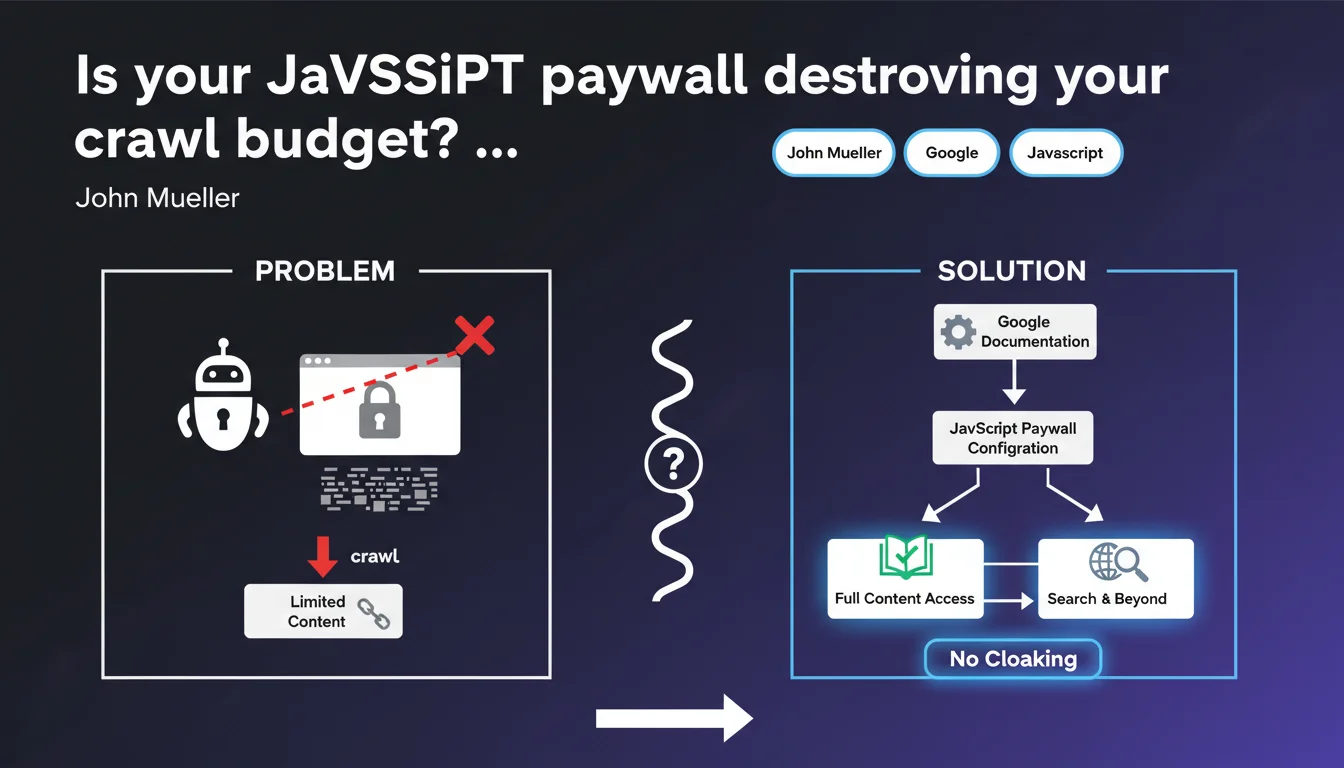
Google just released detailed documentation on configuring JavaScript paywalls to prevent them from blocking indexation. The challenge: allow Googlebot to access your content while preserving your business model, without triggering cloaking penalties. Misconfigured paywalls can either tank your visibility or land you a manual action.
What you need to understand
Why is Google publishing specific guidelines on JavaScript paywalls?
Because the vast majority of publishers implementing a client-side paywall are doing it wrong. Either they completely block Googlebot thinking they're protecting their content, or they unintentionally create cloaking by showing everything to Google and nothing to users.
Google needs to index premium content to rank it properly, but must also respect publishers' business models. Hence these precise technical recommendations: how to structure your JS so the bot understands what's paid without penalizing the site.
What sets a JavaScript paywall apart from a traditional server-side paywall?
A JavaScript paywall executes in the browser after the initial page load. The complete HTML is sent, then the script hides or blurs content if the user isn't subscribed.
Googlebot, meanwhile, now executes JavaScript — but not always exactly like Chrome does. If your paywall doesn't display correctly during rendering, Google either sees all the content (perceived cloaking risk) or none of it at all (loss of indexation).
What are the most common implementation pitfalls?
- Inconsistent structured data: declaring isAccessibleForFree: true while content is actually locked
- Poorly configured lazy loading: paid content never loads for Googlebot
- Too-generous first load: displaying 100% of content then hiding via JS creates a cloaking signal
- Missing clear signals: no schema.org markup, no visible message for non-subscribed users
- JS execution delays: paywall displays after Googlebot's snapshot
SEO Expert opinion
Does this documentation actually change anything for sites already live?
Let's be honest: if your paywall has been running for months without manual action, you're probably not in Google's crosshairs. But this update formalizes practices observed empirically and fills a documentation gap.
The real shift is that Google now provides precise code examples. Before, you were fumbling around hoping not to trigger a filter. Now there's an official reference — which also means spam teams have likely refined their detection algorithms.
Where's the line between legitimate optimization and cloaking?
Google tolerates Googlebot seeing more content than a non-logged-in visitor, provided this extra content is limited and consistent with the actual user experience. A preview of 2-3 paragraphs before the paywall: OK. The entire article in plain HTML then hidden via JS: dangerous gray area.
The determining factor remains intent. If your implementation aims to deceive the algorithm to rank content that's inaccessible, you'll eventually pay the price — even if technically you follow guidelines to the letter.
Does Google have a hidden agenda in these recommendations?
Absolutely. The more premium quality content Google indexes, the more its SERPs remain relevant against aggregators like ChatGPT. Publishers who completely block their articles out of fear of scraping deny Google of raw material.
These guidelines also serve to standardize implementations to reduce false positives in spam detection. Less ambiguity = fewer support tickets = spam teams more effective against real cheaters.
Practical impact and recommendations
How do I verify my JavaScript paywall is correctly configured?
First step: Google Search Console URL inspection tool. Compare the version rendered by Googlebot with what a non-logged-in user sees in private browsing. The visible content must match — neither radically more nor drastically less.
Next, validate your structured data using the rich results test. The isAccessibleForFree field must be false for paid articles, and you should implement hasPart with cssSelector to precisely identify the locked section.
Finally, test your JS execution time. If your paywall takes more than 3-4 seconds to display, Googlebot may snapshot the page before it activates. Use Lighthouse and WebPageTest with throttling to simulate real crawl conditions.
What critical mistakes must you absolutely avoid?
- Never use
user-agentdetection to show more content to Googlebot — that's outright cloaking - Don't hide the paywall via conditional
display:nonebased on referrer - Avoid scripts that load full content then remove it from the DOM after rendering
- Don't block paywall JS/CSS resources in robots.txt — Google needs to execute them
- Never declare content as free in structured data if a paywall actually exists
What strategy should you adopt for a site with thousands of premium pages?
For an extensive catalog, manual page-by-page audits aren't feasible. Implement automated monitoring: scripts comparing source HTML vs. rendered DOM, alerts on isAccessibleForFree discrepancies between structured data files and actual behavior.
For prioritization, focus first on high-traffic organic pages. A mistake on a landing page generating 10K visits/month has far more impact than a bug on an obscure deep article. Segment by template: homepage, category pages, articles — then fix in blocks.
Properly configured JavaScript paywalls enable you to balance monetization with SEO visibility, but the margin for error is thin. Between structured data, JS execution timing, UX/crawl consistency, and cloaking risk, there are many parameters to master.
For publishers managing thousands of premium content pieces or who've suffered penalties in the past, these optimizations require sharp technical expertise and rigorous monitoring. Bringing in an SEO agency specializing in complex JavaScript architectures can accelerate compliance and sustainably secure your rankings — especially if your internal teams lack bandwidth or technical depth on these issues.
🎥 From the same video 12
Other SEO insights extracted from this same Google Search Central video · published on 17/11/2025
🎥 Watch the full video on YouTube →
💬 Comments (0)
Be the first to comment.