
Official statement
Other statements from this video 10 ▾
- □ Les snippets mal optimisés peuvent-ils vraiment faire chuter votre trafic organique ?
- □ Pourquoi vos requêtes de crawl tombent-elles à zéro dans Search Console ?
- □ Robots.txt en disallow bloque-t-il vraiment la génération de snippets dans les SERP ?
- □ Search Console suffit-il vraiment à détecter tous vos problèmes de crawl ?
- □ Search Console suffit-elle vraiment pour diagnostiquer vos problèmes d'indexation ?
- □ Quels outils Google faut-il vraiment utiliser pour auditer correctement un site ?
- □ Lighthouse peut-il vraiment remplacer un audit SEO professionnel ?
- □ Un robots.txt mal configuré peut-il vraiment bloquer vos snippets et votre crawl ?
- □ Faut-il vraiment monitorer votre robots.txt en continu ?
- □ Faut-il bloquer certaines sections de votre site dans le robots.txt ?
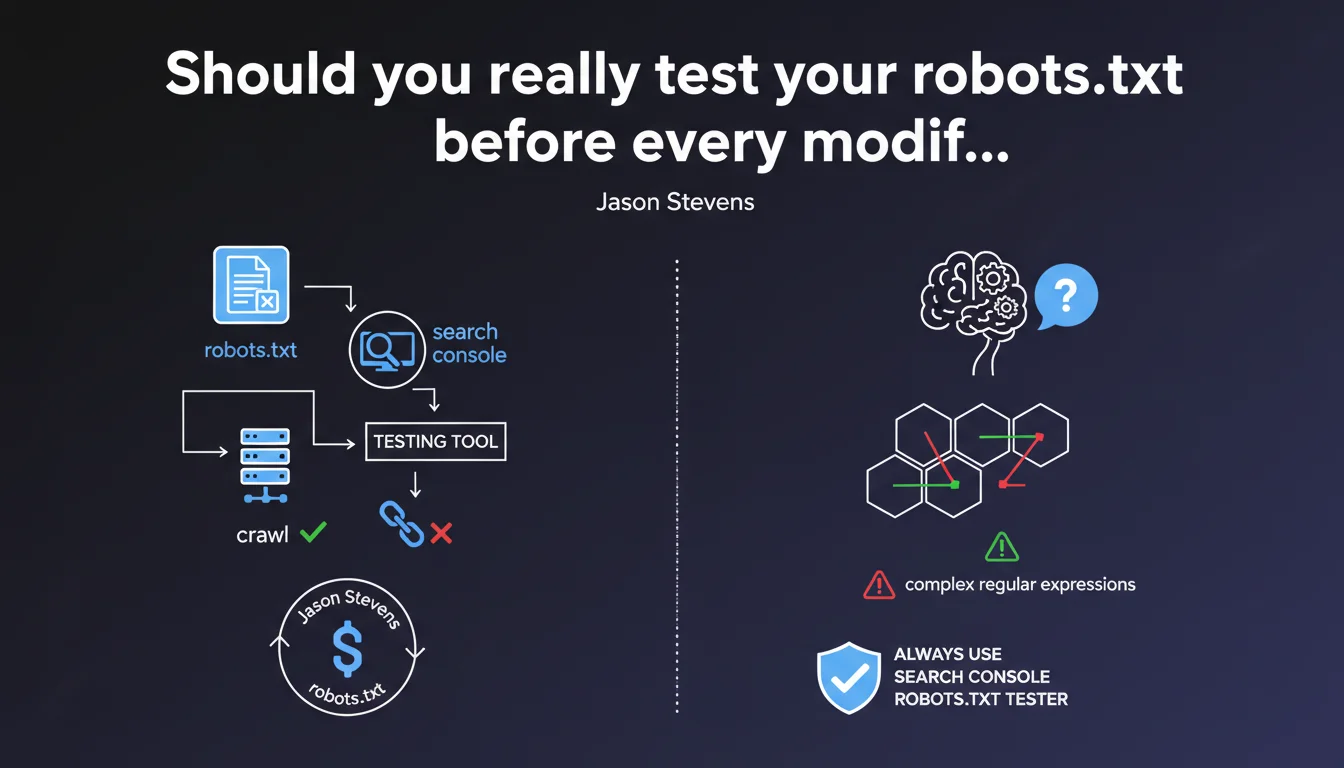
Google recommends systematically using the robots.txt testing tool in Search Console before making any changes to the file. The goal: anticipate the impact of changes on crawling, especially with complex regular expressions that could accidentally block entire sections of your site.
What you need to understand
Why does Google insist on this preliminary testing?
The robots.txt file controls crawler access to your content. A simple syntax error or poorly calibrated regex can prevent indexation of thousands of pages in seconds. Google has clearly observed that many websites shoot themselves in the foot with untested modifications.
The Search Console testing tool allows you to simulate Googlebot's behavior against a given URL before even deploying the modified file to production. It's an essential safety net, especially when manipulating wildcards or regular expressions.
What are the most common robots.txt errors?
Accidental blocking represents the majority of incidents. A poorly placed Disallow: /*? can block all URLs with parameters, including essential categories. Complex regex amplifies this risk: a forgotten parenthesis, and an entire directory becomes invisible.
Another classic pitfall: confusing the order of directives. Googlebot applies the most specific rule, not necessarily the one you think has priority. Without testing, it's impossible to verify the actual engine interpretation.
What does the Search Console testing tool actually allow you to do?
The tool displays in real time whether a URL will be allowed or blocked based on the robots.txt content being tested. You can modify the file directly in the interface, run the simulation, and immediately see the consequences on any URL on your site.
This is particularly valuable for validating complex patterns before deployment. Let's be honest: no one masters regex syntax perfectly on the first try.
- robots.txt controls crawling, not indexation (a blocked URL can still appear in search results)
- An error in robots.txt can make entire site sections invisible within minutes
- The Search Console testing tool simulates Googlebot's actual behavior before deployment
- Complex regular expressions are the leading cause of accidental blocking errors
- The most specific rule takes precedence, not necessarily the one positioned first
SEO Expert opinion
Is this recommendation actually followed in practice?
In reality, most robots.txt modifications are still made directly without prior validation. Technical teams treat this file as a simple .txt to edit via SSH—and discover the damage afterward, when organic traffic collapses.
The problem? The Search Console tool isn't integrated into deployment workflows. Developers don't naturally go to GSC to test a text file. What's missing is automated validation in CI/CD pipelines that would refuse a deployment without prior testing.
What limitations does Google's testing tool present?
The tool tests one URL at a time. If you modify a regex intended to impact 50,000 URLs, you'll need to manually test several representative samples. No global report like "these 12,000 pages will now be blocked".
Another limitation: the tool only simulates Googlebot. If you manage directives specific to Bingbot or other crawlers, you're flying blind. [To verify]: Google doesn't communicate about the frequency of updates to its robots.txt parser in the tool—we assume it follows standard specs, but no official guarantee.
In what cases can you afford to skip this step?
Let's be pragmatic: a simple addition like Disallow: /admin/ on a clearly identified directory doesn't necessarily require elaborate testing. The risk is almost zero if the syntax is elementary and the target explicit.
However, as soon as multiple wildcards, nested regex, or combined Allow/Disallow directives come into play, testing becomes non-negotiable. A single character off can completely invert the expected behavior.
Practical impact and recommendations
How do you integrate this test into a production workflow?
First step: never modify robots.txt directly in production. Create a working copy, test it in Search Console, validate on 10-15 representative URLs (homepage, categories, product pages, paginated pages, URLs with parameters).
If your technical stack allows, automate this check via the Search Console API. Some SEO monitoring tools already offer alerts when robots.txt is modified without testing—a significant time saver.
Which URLs absolutely must be tested before deployment?
Focus on high-impact SEO typologies: category pages, bestseller product sheets, strategic editorial content. Also test edge cases: URLs with multiple parameters, trailing slashes, HTTPS vs HTTP versions if your config inherits old patterns.
Don't forget critical resources: CSS, JS, images. Accidentally blocking /assets/ can degrade mobile rendering and impact Core Web Vitals—Googlebot needs access to these files to evaluate the complete page.
What if a robots.txt error has already caused damage?
Fix the file immediately, then use the URL inspection tool in Search Console to force a re-crawl of critical pages. Google doesn't instantly recrawl the entire site after correction—you need to manually restart the process on priority URLs.
Monitor server logs to confirm Googlebot is accessing previously blocked sections. Return to normal can take from several hours to several days depending on your site's crawl frequency.
- Never modify robots.txt directly in production without prior validation
- Test at least 10-15 representative URLs in the Search Console tool
- Check critical typologies: categories, products, strategic content, JS/CSS resources
- Document each modification with the list of tested URLs and their results
- Automate alerts via Search Console API if your infrastructure allows
- If an error is deployed, fix immediately and force re-crawl via URL inspection
- Monitor server logs to confirm crawl return on impacted sections
❓ Frequently Asked Questions
L'outil de test robots.txt fonctionne-t-il pour les autres moteurs de recherche ?
Peut-on tester un robots.txt avant même de le mettre en ligne ?
Une URL bloquée dans robots.txt peut-elle quand même apparaître dans Google ?
Combien de temps faut-il à Google pour prendre en compte une modification du robots.txt ?
Les expressions régulières sont-elles vraiment nécessaires dans robots.txt ?
🎥 From the same video 10
Other SEO insights extracted from this same Google Search Central video · published on 10/01/2023
🎥 Watch the full video on YouTube →
💬 Comments (0)
Be the first to comment.