
Official statement
Other statements from this video 10 ▾
- □ Les snippets mal optimisés peuvent-ils vraiment faire chuter votre trafic organique ?
- □ Pourquoi vos requêtes de crawl tombent-elles à zéro dans Search Console ?
- □ Robots.txt en disallow bloque-t-il vraiment la génération de snippets dans les SERP ?
- □ Search Console suffit-il vraiment à détecter tous vos problèmes de crawl ?
- □ Quels outils Google faut-il vraiment utiliser pour auditer correctement un site ?
- □ Lighthouse peut-il vraiment remplacer un audit SEO professionnel ?
- □ Un robots.txt mal configuré peut-il vraiment bloquer vos snippets et votre crawl ?
- □ Faut-il vraiment monitorer votre robots.txt en continu ?
- □ Faut-il vraiment tester son robots.txt avant chaque modification ?
- □ Faut-il bloquer certaines sections de votre site dans le robots.txt ?
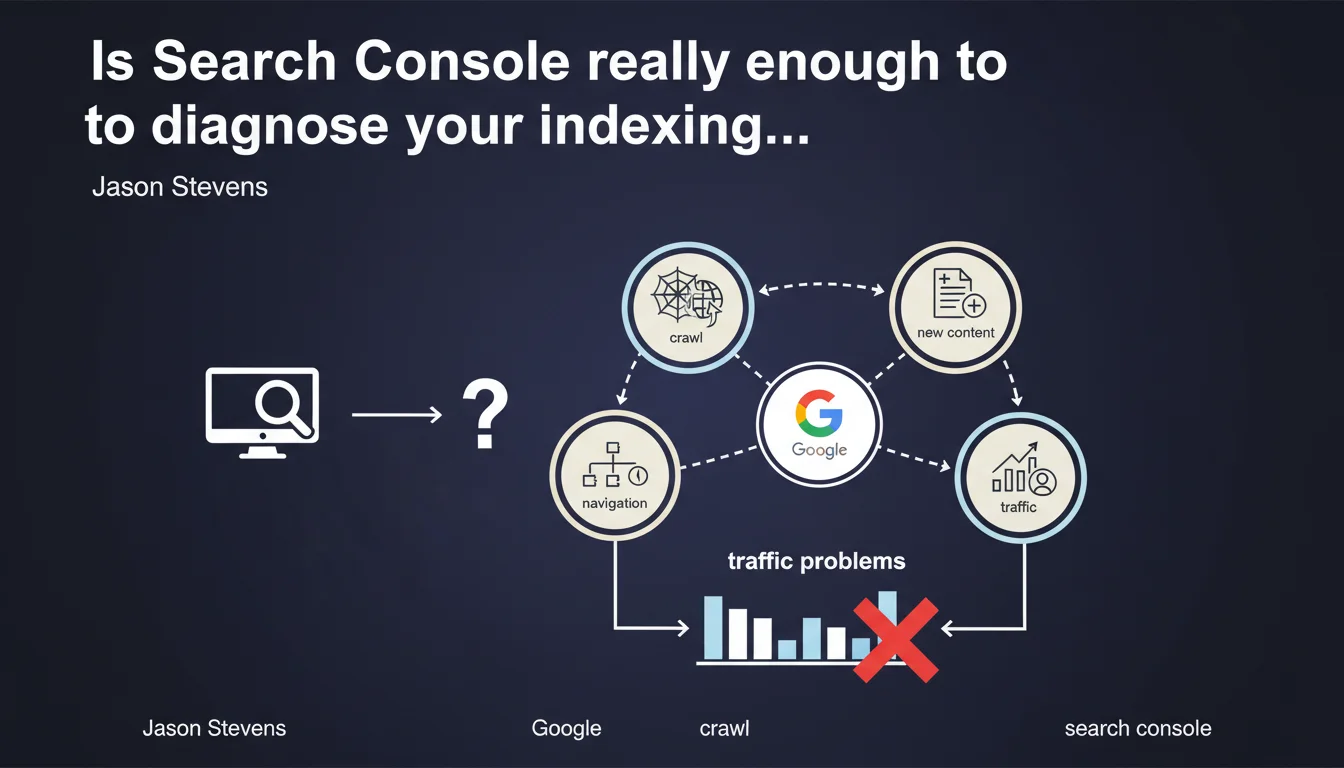
Google recommends using Search Console to verify indexation and crawl before diagnosing a traffic problem. The platform makes it possible to ensure that Google accesses the right pages, detects new content, and doesn't get lost in your site architecture. The question remains whether this data is always reliable and complete.
What you need to understand
Why does Google insist on Search Console to diagnose traffic drops?
When traffic drops, the instinct is often to blame an algorithm update or a penalty. Google reminds us here of the basics: verify indexation and crawl first. If your pages aren't indexed or if Googlebot isn't visiting where it should, there's no point looking further.
Search Console becomes the first-line tool. Coverage reports, crawl logs, exploration statistics — it's all there, in theory. The message is clear: start with the fundamentals.
What does "Google gets lost during crawl" actually mean in practice?
A poorly structured site, cascading redirects, loops, orphaned content — Googlebot can indeed waste its crawl budget on worthless areas. Stevens mentions this risk without giving a precise threshold.
The idea: if Google spends 80% of its time on useless pages (filters, URL parameters, infinite paginations), there's little left to crawl your strategic content. Hence the importance of controlling crawl via robots.txt, canonicals, and clean internal linking.
Does Search Console always give a true picture of your crawl?
This is where it gets tricky. Search Console aggregates data, but it doesn't show everything. Server logs remain the only exhaustive source: who crawls what, how often, with what exact user-agent.
- Search Console limitations: sampled data, reporting delays, lack of detail on third-party bots or non-indexing Googlebot passages
- Crawl vs indexation: a crawled page isn't necessarily indexed — this distinction is crucial
- Detection of new content: Google promises to spot what's new, but how long after publication? No SLA given
- Architecture and crawl budget: the bigger the site, the greater the risk of getting lost
SEO Expert opinion
Is this statement consistent with what we observe in the field?
Overall, yes. Search Console has become the official reference for diagnosing indexation and crawl. The data often aligns with what we find in the logs — as long as you cross-reference sources.
But here's the problem: Stevens presents Search Console as sufficient, when it often isn't. On a site with millions of pages, reports can be too aggregated to identify subtle issues. [To verify]: Google claims the tool detects everything that is "new," but without specifying the delay or exact method.
What nuances should be added about crawl budget?
Google keeps saying that crawl budget is only a problem for "very large sites." Yet in practice, we see medium-sized sites — 50k to 100k pages — where Googlebot misses strategic content because it gets bogged down in facets, filters, or archives.
The advice to check "whether Google gets lost" is good, but how do you actually verify this? Search Console doesn't explicitly say "you have a crawl budget problem." You need to analyze crawl patterns, compare with logs, and look at crawl frequency on priority URLs.
Should you rely only on Search Console or go further?
Let's be honest: Search Console is the bare minimum. For a serious diagnosis, you also need:
- Server logs: the only exhaustive source of truth
- Third-party crawl tools (Screaming Frog, OnCrawl, Botify) to simulate Googlebot behavior
- Continuous monitoring: detect anomalies before they impact traffic
Google will never say it, but Search Console alone isn't enough for complex sites. It's a starting point, not an end in itself.
Practical impact and recommendations
What should you check first in Search Console after this statement?
Start with the indexation coverage reports. Valid pages, excluded pages, errors — everything needs to be scrutinized. If strategic pages are marked "Discovered, currently not indexed," there's a crawl or perceived quality problem.
Next, head to the crawl statistics: requests per day, average download time, crawl errors. A sudden drop in crawl activity can signal a technical problem (slow server, timeout, misconfigured robots.txt).
What mistakes should you avoid to keep Google from getting lost in your site?
The classic pitfall: letting Google crawl useless areas. Filter facets, infinite URL parameters, poorly managed paginations, duplicate content — all resources wasted.
- Verify that priority URLs are crawled regularly (via server logs)
- Block non-strategic areas via robots.txt or noindex
- Optimize internal linking to push crawl toward priority content
- Reduce click depth: every strategic page should be accessible in 3 clicks max from the homepage
- Clean up cascading redirects and redirect chains
- Monitor 4xx/5xx errors that block Googlebot access
How do you ensure Google detects your new content?
Google promises to spot what's new, but how long does it take? It depends on your usual crawl frequency, your authority, and your architecture.
To speed things up, use the Indexing API (currently limited to job postings and livestream content), or at minimum the URL inspection report to request manual indexation. But on large volume, it's unmanageable.
Stevens's statement is a helpful reminder: indexation and crawl are the foundation of everything. Before looking for exotic explanations for a traffic drop, verify that Google can access your pages and isn't wasting time on useless areas.
Search Console is a good starting point, but on complex sites or with high volume, it isn't enough. Server logs, continuous monitoring, and detailed architectural analysis are essential. These technical diagnostics require specialized expertise — if you spot hard-to-interpret anomalies or if your architecture needs a deep overhaul, calling in a specialized SEO agency can save you precious time and avoid costly mistakes.
❓ Frequently Asked Questions
Search Console remplace-t-elle les logs serveur pour analyser le crawl ?
Comment savoir si Google « se perd » dans mon site ?
Le budget de crawl est-il vraiment un problème seulement pour les gros sites ?
Peut-on forcer Google à indexer une nouvelle page rapidement ?
Que faire si des pages stratégiques sont marquées 'Détectée, actuellement non indexée' ?
🎥 From the same video 10
Other SEO insights extracted from this same Google Search Central video · published on 10/01/2023
🎥 Watch the full video on YouTube →
💬 Comments (0)
Be the first to comment.